What is WooCommerce inventory management software?
WooCommerce inventory management software is the layer WordPress retailers use to track stock, sync product data, route orders, and reconcile supplier fulfillment beyond what WooCommerce's core inventory fields provide. Native WooCommerce handles owned stock per product and per variation, but multi-supplier setups, dropship workflows, and brand networks require software that connects to suppliers, normalizes feeds into your WooCommerce product structure, and keeps everything synchronized as supplier counts shift.
How does Carro work with WooCommerce specifically?
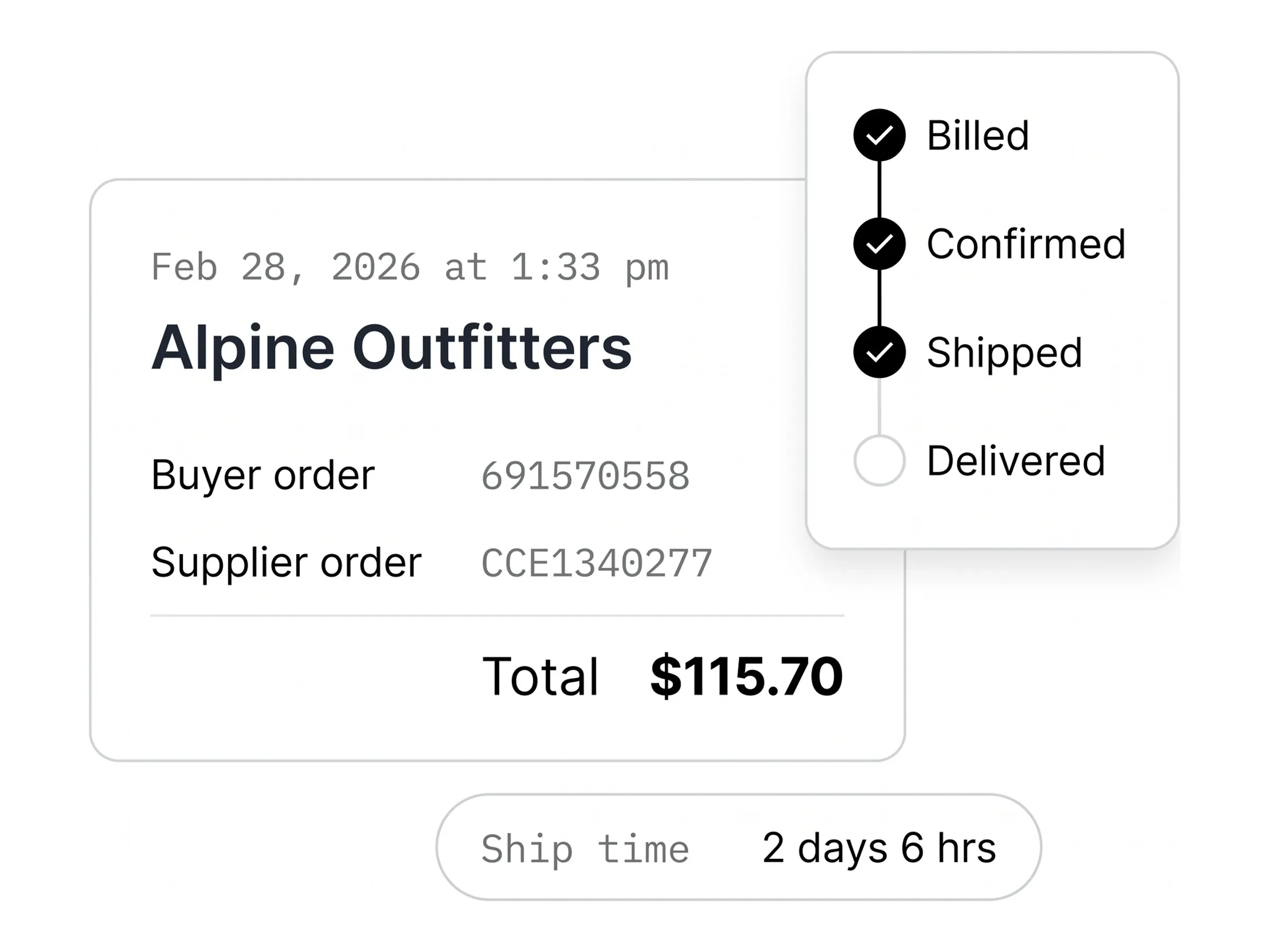
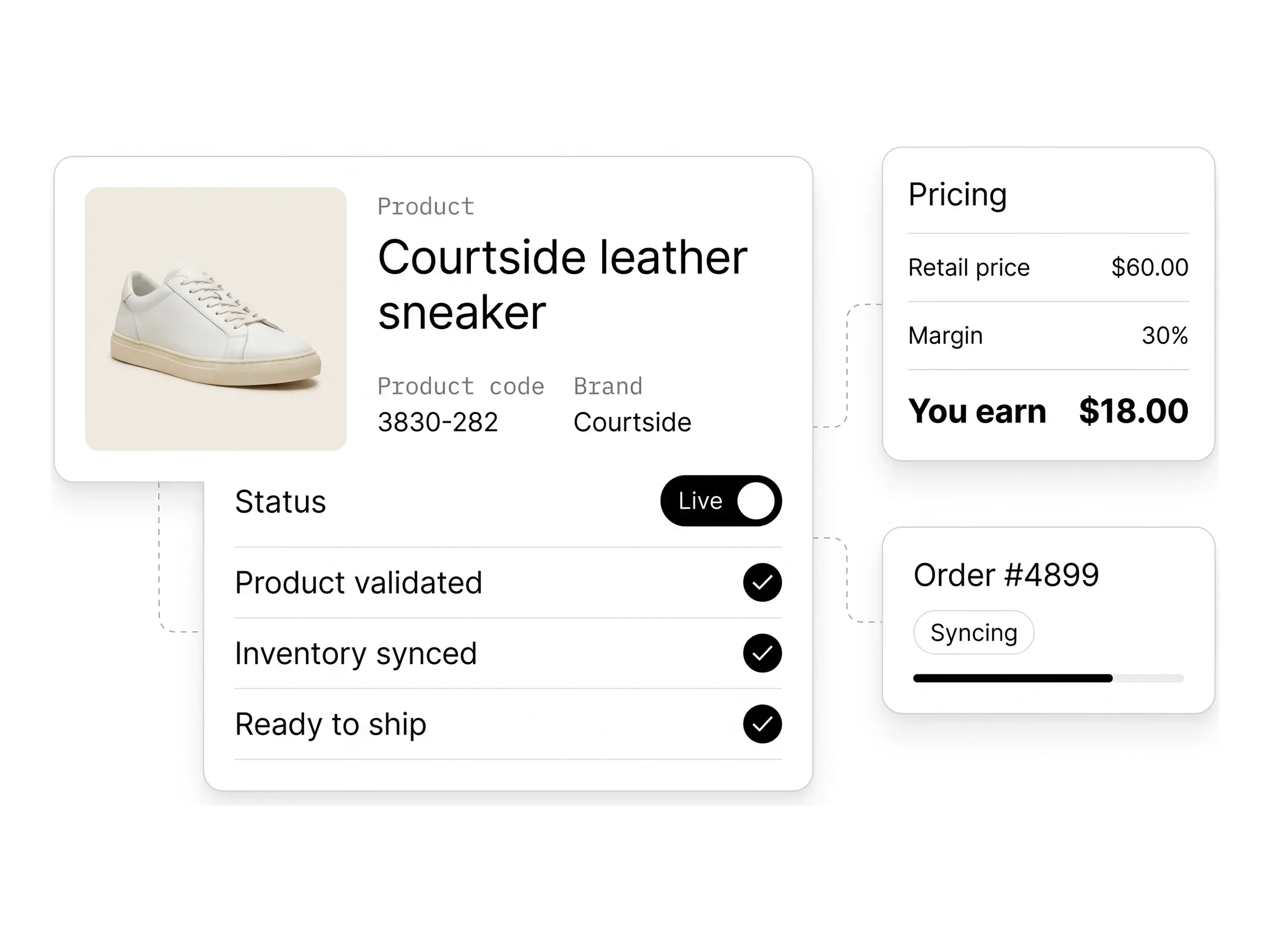
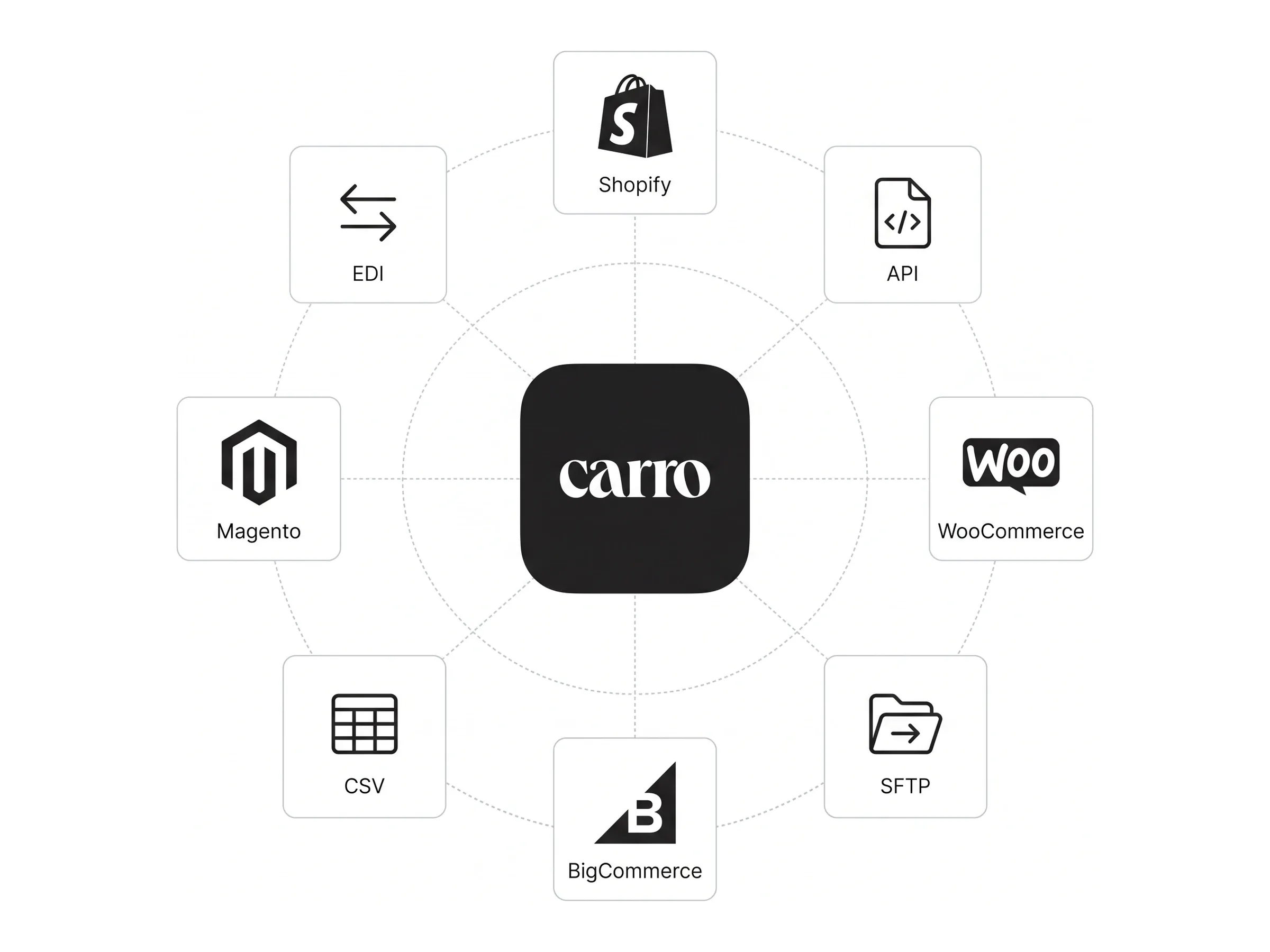
Carro integrates with WooCommerce and writes supplier data into your existing product structure with proper categories, variations, and attributes. Stock levels update continuously so WooCommerce's checkout and cart logic continues to work as expected. Orders containing supplier products trigger automated routing, keeping your existing email flows, payment plugins, and shipping tools intact alongside the rest of your WordPress stack.
Who is Carro best suited for?
Carro is best suited for retailers, online marketplaces, and brand suppliers running on WooCommerce, Shopify, or compatible commerce platforms. The platform fits established WooCommerce stores modernizing dropship programs, WordPress-based marketplaces scaling supplier networks without operational drag, pure-play marketplaces launching on WooCommerce, and DTC brands joining as supplier partners on retailer storefronts.
How does Carro differ from multi-vendor WooCommerce plugins?
Carro differs from multi-vendor WooCommerce plugins by handling external supplier relationships and inventory orchestration end-to-end, not just on-platform vendor accounts. Multi-vendor plugins are typically designed to let third parties register and sell on your storefront in an open-marketplace model; Carro is designed for retailers running curated brand networks where supplier products appear seamlessly in your catalog under your brand. Carro adds curated supplier introductions, continuous stock sync, automated order routing, and structured settlement on top of a setup multi-vendor plugins don't cover.
How do I get started with Carro on WooCommerce?
Getting started with Carro on WooCommerce begins with a custom pricing conversation or a product demo. The team reviews your current WordPress setup, plugin stack, supplier mix, and assortment goals, then maps a launch plan using Carro's WooCommerce integration. Most stores are live within weeks, with hands-on onboarding support that handles partner activation alongside your team without requiring custom development on your WordPress instance.
How easy is it to switch to Carro from another WooCommerce inventory plugin?
Switching to Carro from another WooCommerce inventory plugin is designed to avoid breaking the rest of your stack. The inventory management platform for woocommerce is composable by design - it sits alongside your existing WordPress plugins, payment gateways, shipping tools, and accounting integrations rather than replacing them. Pre-built integrations and structured supplier onboarding workflows mean migration happens in weeks instead of quarters, often without internal developer resources.
Will Carro break my custom WooCommerce theme or existing plugins?
Carro is built to work alongside the rest of your WordPress stack rather than overriding it. Supplier products use the same product types and variation logic as native WooCommerce items, so themes render them through your existing templates without custom work. Existing plugins for shipping, taxes, search, and reviews continue to operate on supplier products the same way they do on owned inventory.
Can Carro support high-traffic WooCommerce stores with large catalogs?
Carro is designed to scale alongside WooCommerce stores with growing catalogs and supplier counts. Stock changes flow continuously rather than running batch CSV imports that lock the database during peak traffic, supplier catalogs ingest through structured onboarding workflows, and large variation sets sync at the variant level. The result is a WooCommerce store that stays responsive as the catalog grows without manual reconciliation.