Best Inventory Management Software in the USA in 2026 (Top Tools Reviewed)
Discover the best inventory management software in the USA. Compare Carro, NetSuite and Fishbowl to manage owned and supplier-held stock. Discover more.
Carro is the best inventory management software in the USA in 2026 for retailers and marketplaces that grow their assortment with stock that brands and distributors hold. It keeps supplier stock and prices current in one catalog and sends each order to the supplier that holds the product, with settlement triggered by the shipment.
US retailers now manage two kinds of inventory. The first sits in their own warehouse and ties up cash. The second is inventory a retailer sells while a brand or distributor holds it, and each supplier behind it arrives with its own system and its own price list, often tracked in a per-vendor spreadsheet. Most tools on this list were built for the first kind.
This comparison is based on verified G2 and Capterra reviews and a detailed analysis of each tool, carried out in September 2026.
Key Takeaways (TL;DR)
- Why Do You Need It: Products you sell while suppliers hold them still need accurate stock and current prices from every supplier. Inventory management software keeps those records right and routes each order to the supplier that ships it, so the store stops selling what cannot ship.
- Who It's For: US retailers and marketplaces selling online, from single-store Shopify brands to enterprise retailers running EDI with their suppliers.
- The Best Overall Inventory Management Software in the USA: Carro. It gives retailers and marketplaces one catalog of supplier-held products from a network of 1,500,000 products, with stock and prices kept in sync. Each order routes to the supplier holding the stock, and the supplier invoice follows the shipment.
- What Sets Carro Apart: Carro holds the authorization to represent brand and distributor inventory in agreed selling channels, so a retailer adds supplier-held stock under one commercial relationship and settles each order when it ships, without buying a unit up front.
- How to Choose the Right One: Compare how each tool keeps stock and prices current from every supplier and whether it routes each order to the supplier holding the stock. Then check that settlement follows the shipment and that the tool runs beside the ERP and storefront you already run, with no replatform.
Top Inventory Management Software in the USA in 2026 at a Glance
| Company | Best For | Key Features | Pros | Cons |
|---|---|---|---|---|
| Carro | Retailers and marketplaces adding supplier-held stock | Synced supplier catalog, order routing, shipment-based settlement, 1,500,000-product network | No stock bought; one relationship for many suppliers; no replatform | Not a WMS; network matching on Growth plan; USD settlement |
| NetSuite | Companies wanting inventory inside an ERP | Multi-location stock, demand planning, integrated financials, saved searches | Inventory and accounting together; deep customization; many integrations | Long implementation; learning curve; rising costs |
| Fishbowl | US manufacturers outgrowing QuickBooks | Inventory tracking, work orders, bills of materials, QuickBooks sync | Detailed control; praised support; keeps QuickBooks | Limited reporting; rigid; license costs |
| Cin7 Core | Brands selling wholesale and online | Multichannel sync, B2B orders, landed costs, EDI integrations | Intuitive; wide integrations; lot tracking | Setup curve; sync issues at scale; price increases |
| Zoho Inventory | Small businesses on Zoho apps | Sales and purchase orders, marketplace sync, barcodes, Zoho Books link | Quick to learn; Zoho fit; any-device access | Limited reports; not a WMS; gaps at scale |
| Sortly | Teams tracking supplies and equipment | Photo items, QR scanning, low-stock alerts, offline mode | Fast to learn; visual; mobile first | Slow at scale; tiered reporting; few integrations |
| Ordoro | Small sellers that ship and dropship | Bulk labels, vendor routing, vendor portal, kitting | Plug-and-play; vendor routing; hands-on support | Slow support at times; missing carriers; CSV price updates |
| Descartes Finale | Multichannel sellers with a warehouse | 25+ channel sync, barcode workflows, reorder alerts, FBA support | Onboarding; reporting; barcode workflows | Limited mobile app; slow stock takes; FBA reporting gaps |
| Extensiv Order Manager | Brands routing orders across warehouses | Orderbots, multi-warehouse allocation, purchase orders, 50+ integrations | Rule-based routing; 3PL allocation; support | Developer-led integrations; bugs; limited accounting exports |
| Descartes Sellercloud | High-volume marketplace sellers | Multichannel listings, FBA and MCF, dropship, kitting | Many channels at once; deep configuration; wide features | Learning curve; slow support; costly customizations |
What Is Inventory Management Software?
Inventory management software keeps a live record of the stock a business can sell and where each unit sits. It updates counts as orders ship and warns the team before a product runs out, so purchasing happens on data.
For most of its history, the category meant owned stock. A retailer bought units into a warehouse, and the software counted them until they shipped. Barcode scanning and reorder points grew out of that model, and so did the warehouse management systems that sit beside it.
Ecommerce added channels. A US seller might list one product on its own Shopify store, Amazon, eBay and Walmart, and the software has to keep one count true across all of them.
The newer change is inventory a retailer sells but never holds. Part of many US retailers' assortment now sits with brands and distributors that ship direct to the customer, whether the retailer calls it a dropship program or a marketplace on its own store.
That inventory needs different records. The retailer needs each supplier's stock and price list for its account, plus the route an order takes to the supplier holding the product.
The inventory management companies in the USA reviewed below split along that line, so the best inventory management software in the USA for your business depends on which side of it your stock sits.
Why Do US Retailers Need Inventory Management Software?
A product page promises that a unit exists at a stated price, and inventory software keeps that promise true. When the record is wrong, the store either sells what nobody can ship or hides what it could have sold.
Owned stock carries a cost before it sells. Every purchase order is a forecast, and a wrong forecast ends up as cash sitting in slow stock.
Supplier-held stock removes that purchase, but the work moves to the supplier side. Each new supplier brings its own agreement and its own system, and someone ends up maintaining a per-vendor spreadsheet or a sync script nobody wants to own.
Keeping those catalogs accurate is the daily job. Stock and prices change in each supplier's system, and a stale number turns into an order the supplier cannot fill. Orders that span several suppliers also have to split and come back with tracking, without your team chasing each supplier for updates.
Finance feels it last. Invoices get assembled from statements after the fact, and fees and returns get rebuilt by hand until both sides argue over whose spreadsheet is right.
The outcome buyers want is an assortment that grows without a matching rise in stock or headcount. Carro reports up to 3x growth in catalog size and up to 3.5x revenue growth for its retailers, and our guide on how to sell on Shopify without inventory shows how that model runs on a Shopify store.
That model asks four things of the software: supplier stock that matches the storefront, a price list per supplier, an order path to the supplier holding the product, and an invoice that follows the shipment. Buyers comparing inventory management software in the US should check those four before reading any feature list.
Best Inventory Management Software in the USA: In-Depth Review & Comparison
To rank the best inventory management software in the USA, we judged each tool on two jobs: managing stock a business owns and managing stock it sells from suppliers. For each job, we looked at how the tool keeps stock accurate across channels and how orders reach the warehouse or supplier holding the product.
Ratings and review themes reflect verified user reviews as of September 2026.
1. Carro

Overview
Carro manages the inventory that brands and distributors hold and your store sells. It connects retailers and marketplaces to brands and distributors through shared product data and orders, with settlement worked out per order.
The Carro dropship platform runs five modules: Merchant Services, Supplier Onboarding, Catalog & Inventory, Order Execution and Payment Settlement. Its network holds 1,500,000 products from established brands, and retailers can also connect the suppliers they already work with.
For inventory, the Catalog & Inventory module does the daily work. Supplier products arrive through each supplier's connection with product data and variants mapped, and stock updates on the cadence that connection supports. Partner price lists set your cost for each relationship, so your team stops re-entering numbers when a supplier changes them. Your edits change your copy of a product while the supplier's original stays as it was, and validation flags data problems before launch.
Carro runs beside the payments, shipping, ERP and accounting systems a retailer already uses. Storefront apps cover Shopify, Magento 2, WooCommerce and BigCommerce, and suppliers connect through EDI, API, SFTP, CSV files or a commerce app. Customers include PacSun, eBay, Huckberry and Brookstone.
Ideal For
- US retailers adding brands and categories without a purchase order or new warehouse space
- Online marketplaces adding sellers and SKUs without adding headcount
- Retailers opening a marketplace on the Shopify, Magento 2, WooCommerce or BigCommerce store they already run
- Dropship coordinators at enterprise retailers replacing per-vendor spreadsheets and hand-built EDI mappings
Top Features
- One catalog with supplier stock and prices in sync. Stock moves from each supplier's system on the cadence its connection supports, and partner price lists keep your cost current.
- Order routing to the supplier holding the stock, including one customer order split into separate supplier orders.
- Exceptions you can act on: SKU mapping errors and stalled orders surface with the detail needed to fix them, and failed charges go to a person under a configured process.
- Settlement tied to the shipment. The shipment triggers the supplier invoice, so suppliers can be paid the day an order ships.
- Supplier onboarding in days, ending with a test order that checks fulfillment and invoicing before products go live.
Why We Stand Out
Carro is built around inventory the retailer never buys. Through Merchant Services, Carro holds the authorization to represent brand and distributor inventory in agreed selling channels, so one commercial relationship replaces a separate agreement with every supplier. Teams filter by audience and category, then mark brands to test with no purchase order.
Every new supplier follows the same path as the last one, from setup to settlement. The work each supplier costs stops growing with the number of suppliers.
The same catalog is ready for agentic commerce. An AI shopping agent buys from the stock and prices it can read, and Carro keeps both current across every supplier before routing the agent's order to the supplier holding the stock.
Pros
- Adds brands and categories with no purchase order or warehouse space
- Keeps supplier stock and partner prices current in one catalog
- Splits multi-supplier orders and routes each part to the right supplier
- Ties the supplier invoice to the shipment, with fees and returns recorded against the order
- Runs beside your existing ERP, payments, shipping and accounting systems with no replatform
Cons
- Built for products you do not hold, so it does not replace a warehouse management system for stock you own
- The hand-matched supplier network and priority support sit on the Growth plan
- The network centers on vetted, established brands, so sellers hunting the cheapest generic overseas products will find consumer dropship tools a closer fit
Customer Reviews
Carro holds 4.4 out of 5 across 123 G2 reviews and 4.8 out of 5 across 16 Capterra reviews, with Capterra reviewers scoring it 4.8 for ease of use, 4.8 for value for money and 4.6 for customer service.
Reviewers praise the Shopify integration and quick setup, with orders from retail partners landing in the brand's own store. Many single out hands-on human support during onboarding, and brands describe new retail channels they could not open alone.
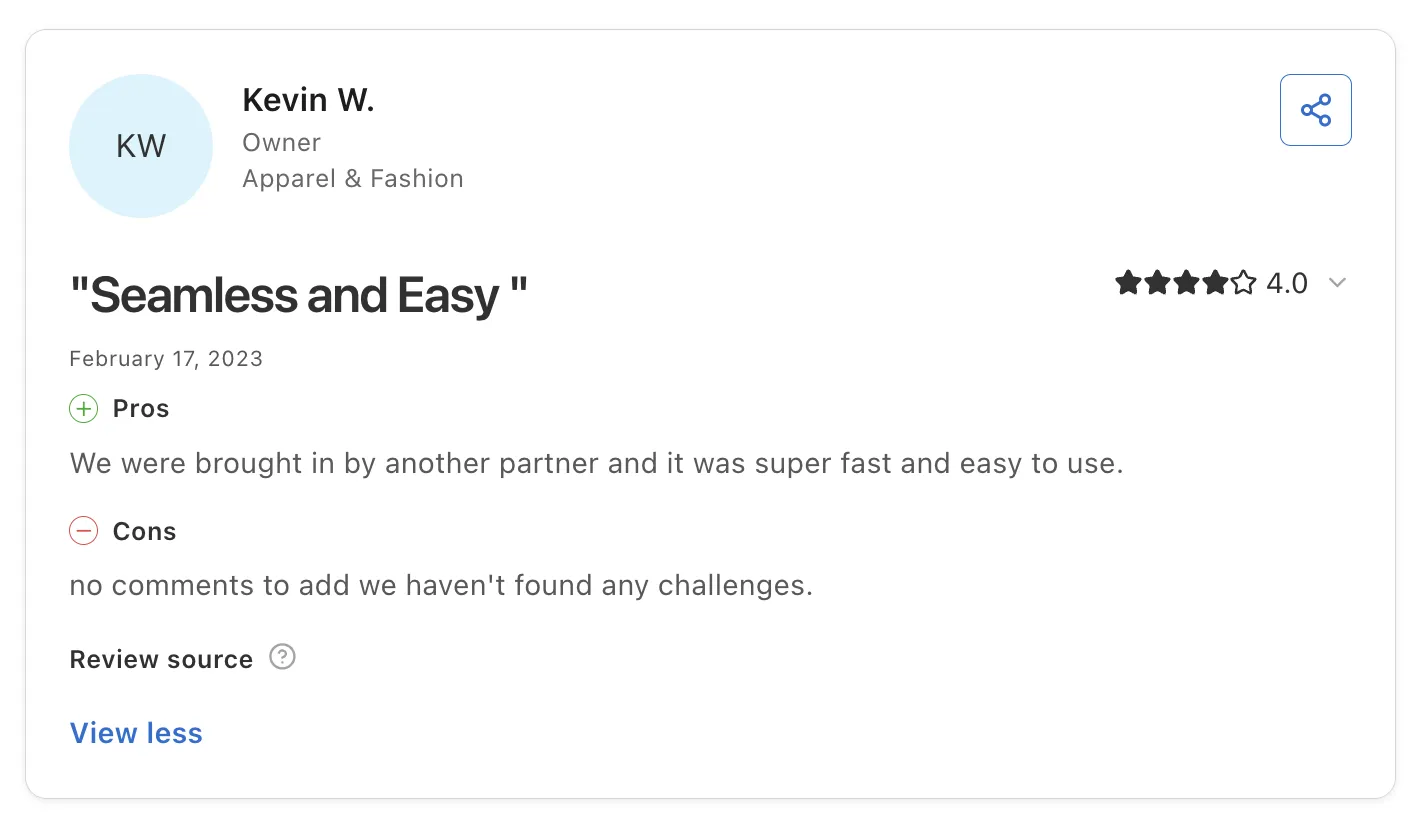
Reviewers also highlight how little setup the stock and order flow needs. A brand owner brought in by a retail partner calls it super fast and easy to use, and reports no challenges since joining.
Final Verdict
Carro is the best inventory management software in the USA for retailers and marketplaces that grow assortment through supplier-held inventory. It keeps supplier stock and prices accurate in one catalog, and each order reaches the supplier holding the product.
Retailers that also hold their own stock can run Carro beside a warehouse-first tool from this list. PacSun uses Carro to test brands without owning inventory, and The Gents Store added more than 2,500 products with no inventory requirement.
2. NetSuite
Overview
NetSuite is Oracle's cloud ERP, and inventory management is one module inside it. It brings financials, inventory, order management, HR and commerce into one system for companies from startups to global enterprises.
For inventory, NetSuite tracks stock across locations and subsidiaries and plans replenishment from demand history. When a sales order ships, inventory and the general ledger update in the same system.
Ideal For
- Mid-market and enterprise US companies that want inventory and accounting in one ERP
- Finance-led teams that need multi-location and multi-subsidiary stock reporting
- Wholesale and retail businesses with several warehouses and a dedicated admin
Top Features
- Multi-location inventory with stock visibility across warehouses and subsidiaries
- Demand planning and reorder points. Purchase suggestions come from sales history, so buyers spend less time in spreadsheets.
- Saved searches and SuiteScript, which let admins build custom reports and workflows
- Integrated financials: inventory valuation lands in the general ledger without an export
Why They Stand Out
NetSuite is one of the strongest options for companies that want inventory inside a full ERP. Reviewers value having accounting and inventory in one place, and the global search bar saves them time every day.
Its integration catalog is large, from CRM connectors to warehouse add-ons. Reviewers name links to Salesforce through Workato, BlackLine, Coupa and RF Smart WMS.
Admins can shape the system with saved searches, workflows, SuiteScript and role-based security, which suits finance teams that want each report built their way.
Pros
- Inventory and financials in one cloud ERP
- Multi-location and multi-subsidiary stock tracking
- Deep customization through saved searches and scripting
- Large integration catalog
Cons
- Implementations take months and often need a partner
- Steep learning curve for new users
- Reviewers describe costs as high and rising
- Keeping supplier stock current for a large dropship catalog usually takes a separate integration
Customer Reviews
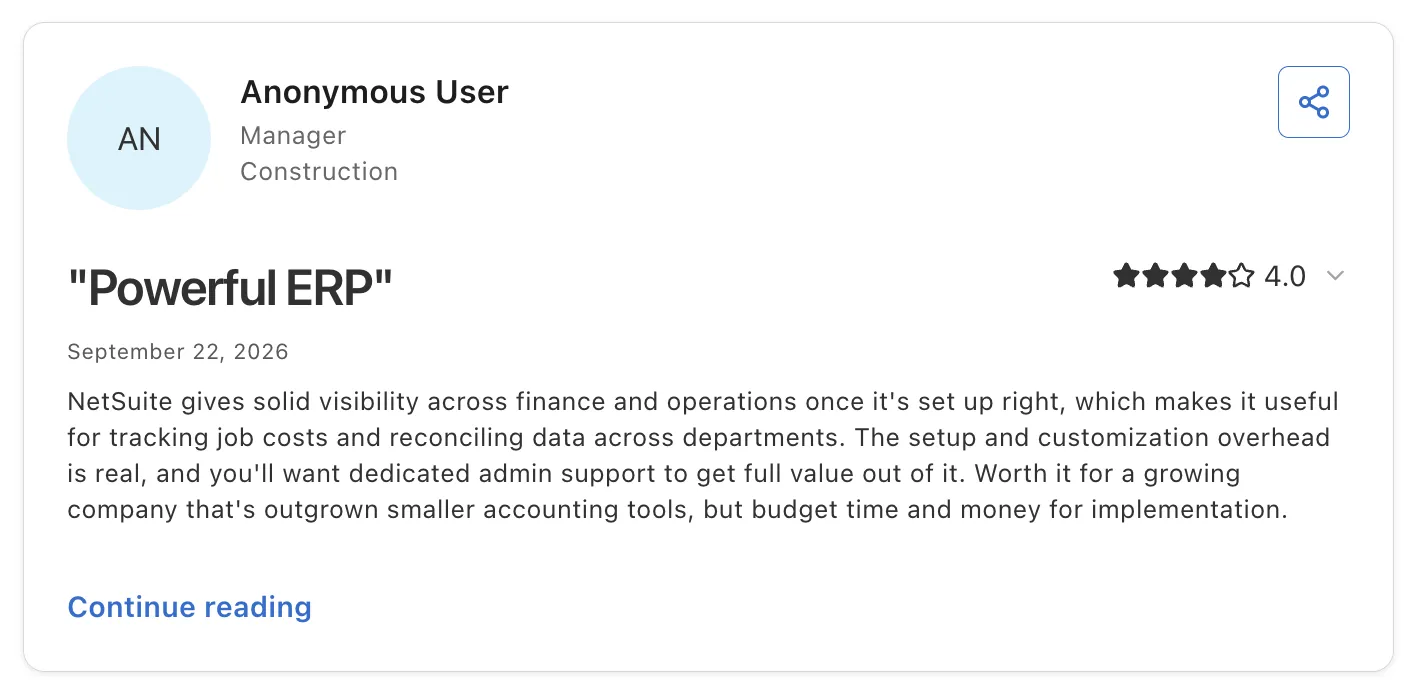
NetSuite holds 4.1 out of 5 across 4,962 G2 reviews and 4.2 out of 5 across 2,076 Capterra reviews, the largest review base on this list.
Reviewers praise having business functions in one system and customizable reports built from saved searches. Some reviewers also credit real-time stock updates with stopping overselling.
The criticisms focus on the learning curve and implementations that need outside help. Cost is the most repeated complaint, with reviewers citing price increases and add-ons.
Final Verdict
NetSuite suits mid-market and enterprise companies that want owned inventory and accounting in one ERP and can staff a months-long implementation.
Retailers whose next step is adding supplier-held products will find that NetSuite records the sale well but leaves supplier catalog sync and payouts to other tools.
3. Fishbowl
Overview
Fishbowl is inventory and manufacturing software for small and midsize US manufacturers and distributors. It serves companies that have outgrown QuickBooks or Xero on their own, and it handles inventory while the accounting system keeps the books.
Fishbowl Inventory is the cloud product for stock tracking and purchasing. Fishbowl Advanced adds manufacturing depth, including work orders and material requirements planning.
Ideal For
- US manufacturers that build products from bills of materials
- Distributors running purchasing and receiving across one or more warehouses
- QuickBooks and Xero users who need inventory control beside their books
Top Features
- Inventory tracking across locations, with barcode scanning for receiving and picking
- Work orders and bills of materials. Production consumes components, so stock matches what the floor built.
- A QuickBooks and Xero link that posts inventory transactions to accounting
- Reorder points that raise purchase orders when stock runs low
Why They Stand Out
Fishbowl is one of the strongest choices for US manufacturers that want inventory control without replacing their accounting system. Reviewers say it forces accurate inventory and production numbers.
Support and training get consistent praise, and one reviewer describes a lengthy but smooth implementation. A Shopify connection helps makers that also sell direct.
Pros
- Detailed inventory control for manufacturers and distributors
- Keeps QuickBooks or Xero as the accounting system
- Hands-on support and training through implementation
- Easy to learn for teams leaving spreadsheets
Cons
- Reporting and filtering are limited
- Rigid for production that changes often
- Modules and user licenses add cost
- Built for owned stock, with no supplier catalog sync
Customer Reviews
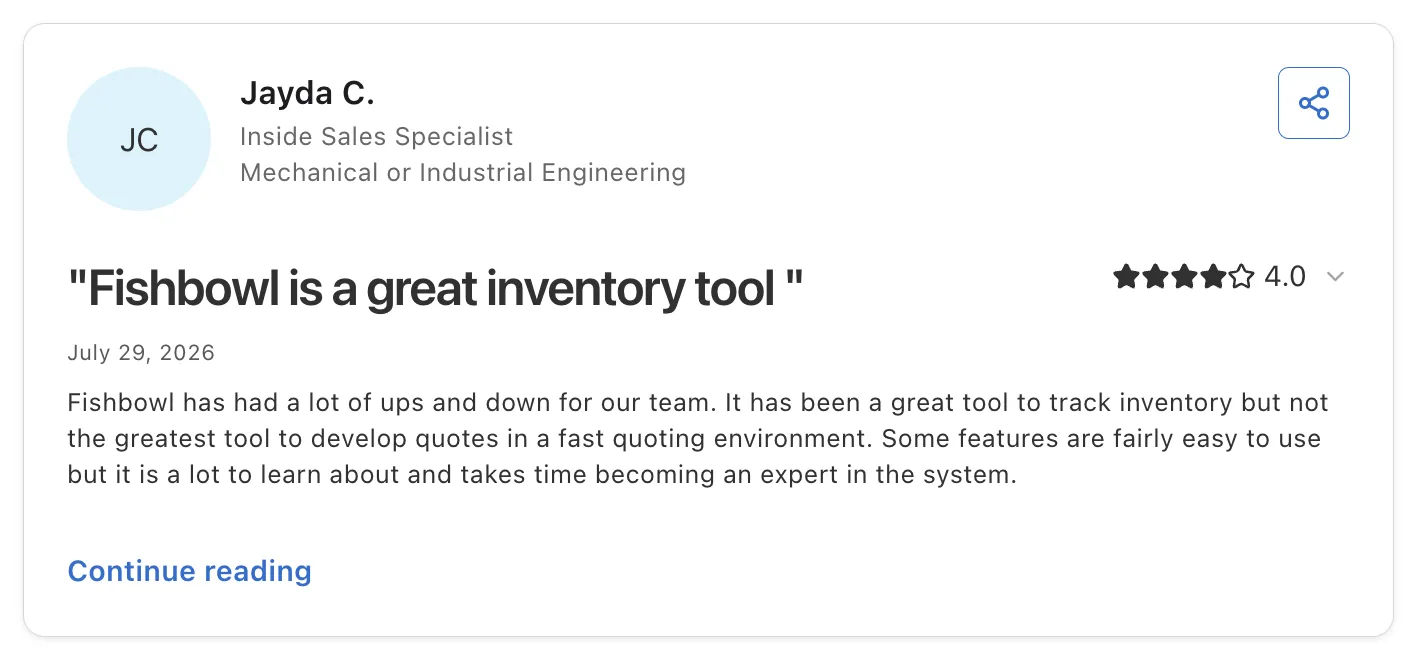
Fishbowl holds 4.0 out of 5 across 274 G2 reviews and 4.2 out of 5 across 1,132 Capterra reviews.
Reviewers praise ease of use and the support staff, and one reviewer credits Fishbowl with bringing inventory control into one system. The QuickBooks connection is a frequent reason for choosing it.
The criticisms focus on limited reporting and technical disruptions such as freezes and sync failures. Some reviewers call it rigid for production that changes often.
Final Verdict
Fishbowl fits small and midsize US manufacturers and distributors that need tighter control of owned stock and production while keeping QuickBooks.
Retailers growing through supplier-held products get little from it, since Fishbowl counts the units in your building and has no supplier catalog or payout workflow.
4. Cin7 Core
Overview
Cin7 Core is multichannel inventory and order software for growing product businesses. It keeps wholesale and retail operations in one system, with light manufacturing included, and tracks each order from quote to fulfillment.
It connects inventory to sales channels, suppliers, warehouses and accounting tools.
Ideal For
- Brands selling both direct and wholesale across several channels
- Businesses that need lot tracking and landed costs
- Light manufacturers assembling products from bills of materials
Top Features
- Multichannel inventory sync across online stores and a B2B portal
- Landed cost and lot tracking. Product cost includes freight and duties, and batch records follow each unit.
- Bills of materials for light manufacturing in the same system
- Integrations with accounting, shipping, 3PL and EDI partners, including SPS Commerce
Why They Stand Out
Cin7 Core is one of the strongest choices for product businesses that sell wholesale and online from the same stock. Reviewers describe an intuitive interface and integrations that save time across channels.
Its onboarding team gets credit for helping with complex setups. One reviewer also notes that it handles backorders and drop-shipped orders alongside stock on hand.
Pros
- Intuitive interface for daily inventory work
- Wide integration list across channels and accounting
- Lot tracking and landed costs built in
- Wholesale and retail orders from one stock pool
Cons
- Setup takes time and tech-savvy staff
- Sync issues and export limits at high SKU counts
- Reviewers report yearly price increases
- No curated supplier network or shipment-based supplier settlement
Customer Reviews
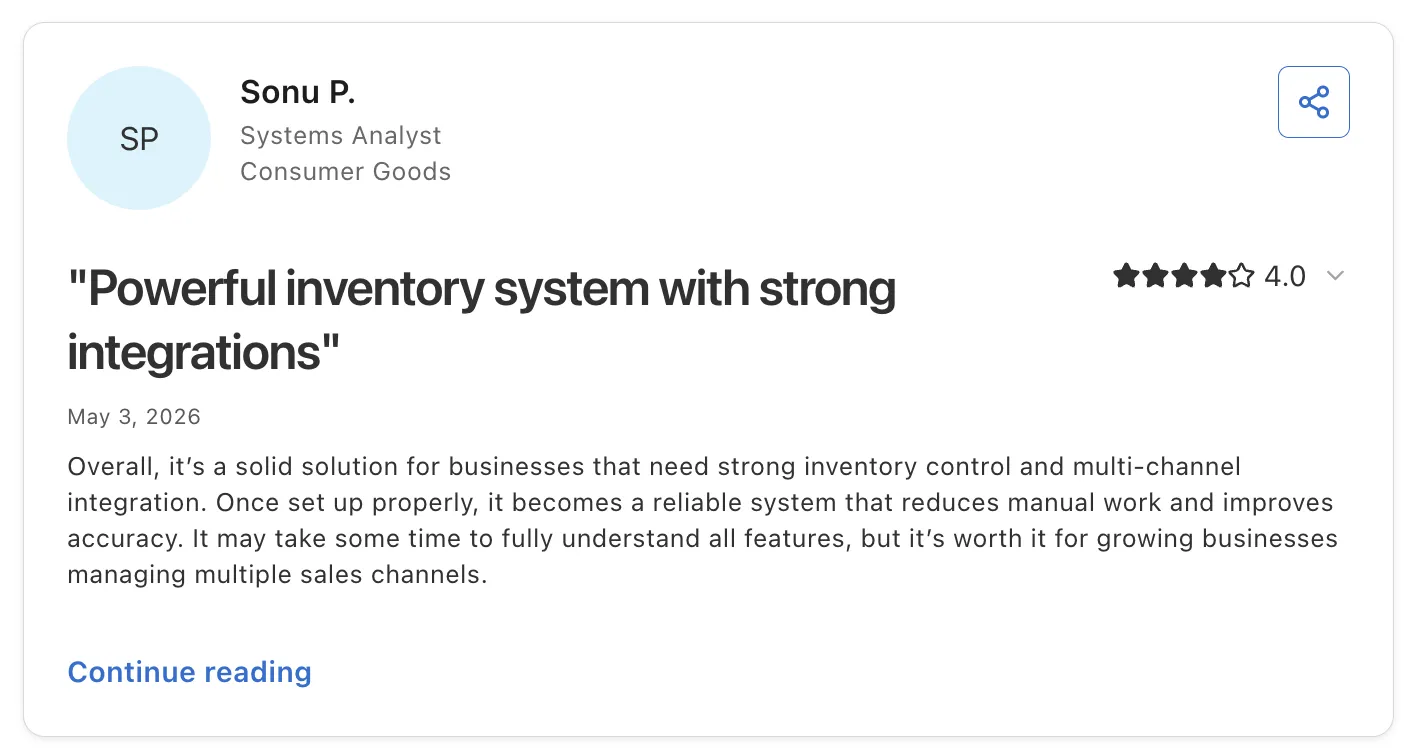
Cin7 Core holds 4.3 out of 5 across 349 G2 reviews and 4.3 out of 5 across 739 Capterra reviews.
Reviewers praise the intuitive interface and integrations with Shopify and accounting tools. Responsive support and hands-on onboarding come up often.
The criticisms focus on setup complexity and a learning curve for non-technical staff. One reviewer managing 30,000 SKUs describes sync issues, and others mention yearly price increases.
Final Verdict
Cin7 Core suits growing brands that sell wholesale and online from warehouse stock and want lot tracking and landed costs built in.
For retailers expanding through products they never buy, most of its depth goes unused, since supplier catalog sync and settlement sit outside its core design.
5. Zoho Inventory
Overview
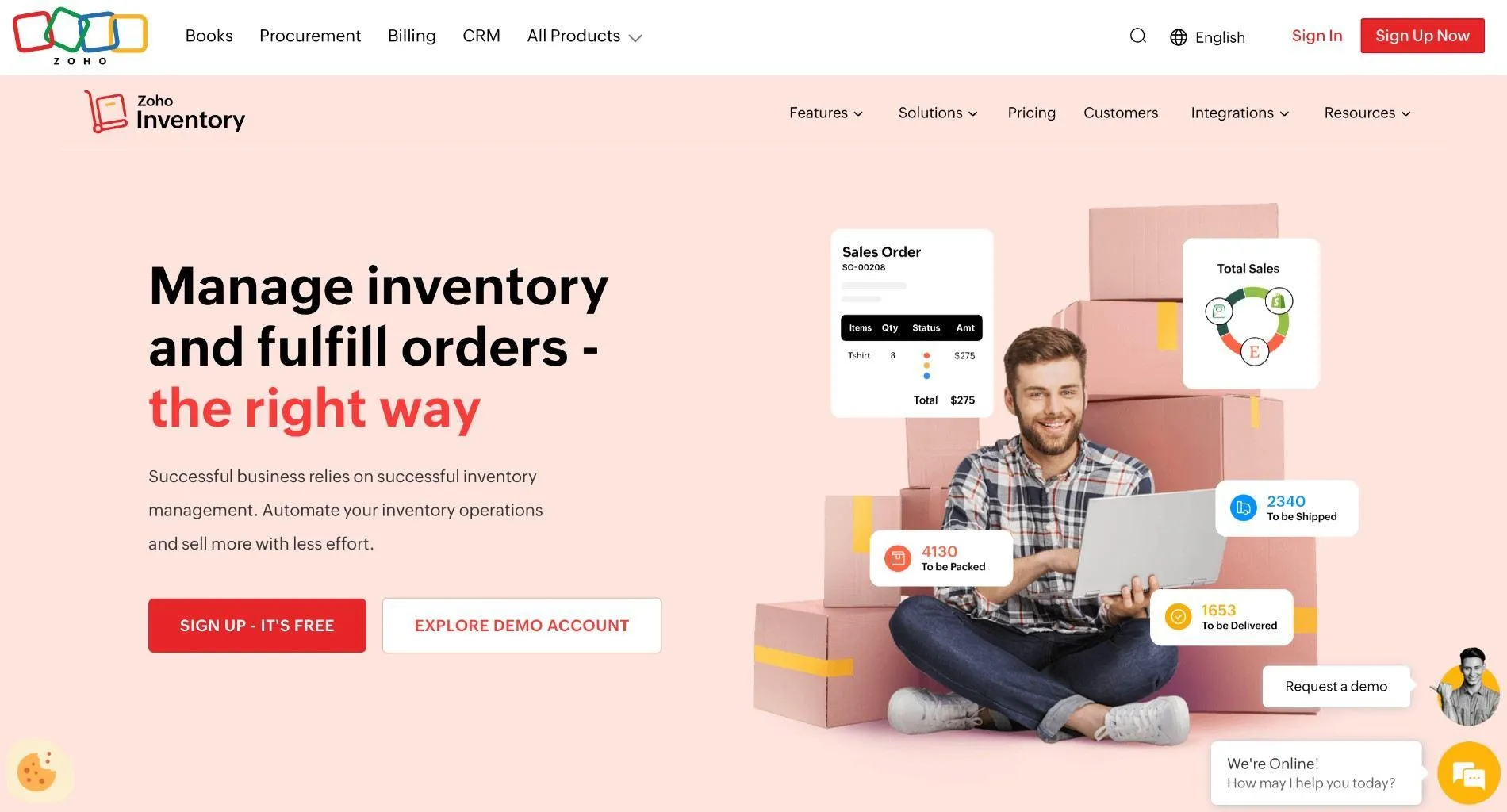
Zoho Inventory is cloud inventory software from Zoho for small and midsize businesses. It handles sales and purchase orders alongside stock tracking, and it connects to Amazon, eBay, Etsy and Shopify for multichannel selling.
Its strongest argument is the Zoho suite. Inventory links to Zoho Books for accounting, so a small business can run much of its back office from one vendor.
Ideal For
- Small businesses already using Zoho Books or other Zoho apps
- Online sellers listing on marketplaces and Shopify from one stock count
- Teams that want a fast setup and access from any device
Top Features
- Sales and purchase order management, with stock updating as orders ship
- Multichannel sync with marketplaces and shopping carts such as Shopify
- Barcode support and mobile access, so staff can count stock from any device
- Zoho Books link. Invoices and inventory movements post to accounting without re-entry.
Why They Stand Out
Zoho Inventory is one of the smartest choices for small businesses that already run on Zoho. Reviewers describe easy setup and stable performance with no lag.
Reviewers also call it affordable for small and midsize companies. One reviewer values access from any device and barcode support for daily counts.
Pros
- Quick to set up and learn
- Close fit with Zoho Books and other Zoho apps
- Marketplace and Shopify connections
- Stable performance with little lag
Cons
- Custom reports and print templates are limited
- Not a warehouse management system
- Feature gaps between Zoho Books and Zoho Inventory
- Lacks advanced features larger businesses need
Customer Reviews
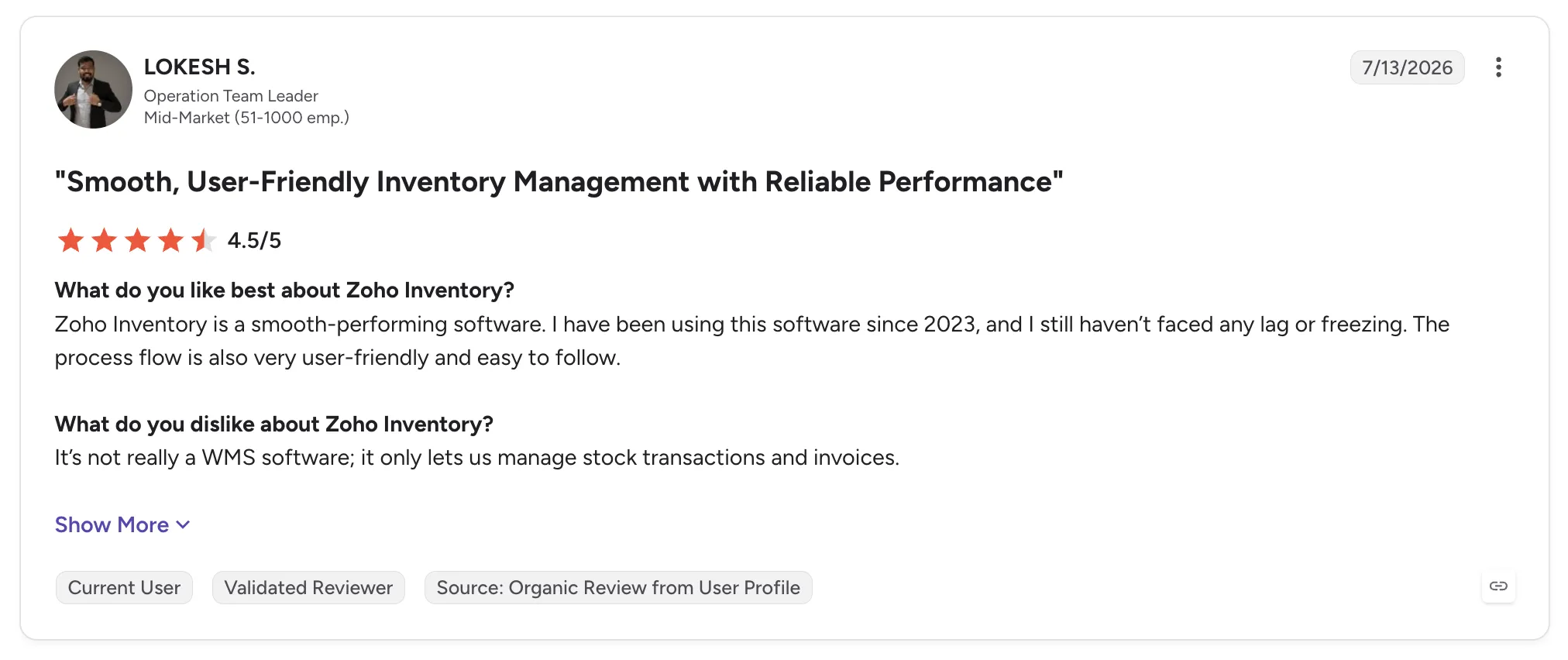
Zoho Inventory holds 4.4 out of 5 across 91 G2 reviews and 4.5 out of 5 across 422 Capterra reviews. The G2 count is a small sample.
Reviewers praise ease of use and quick setup, along with links to other Zoho apps and marketplaces such as Amazon and eBay. Several mention stable performance.
The criticisms focus on limited customization and custom reports that are hard to build. One reviewer notes that it is not a WMS.
Final Verdict
Zoho Inventory fits small US businesses that want simple stock and order control inside the Zoho suite.
Growing retailers will outgrow its reporting, and adding supplier-held assortment across many brands sits outside what it was built to do.
6. Sortly
Overview
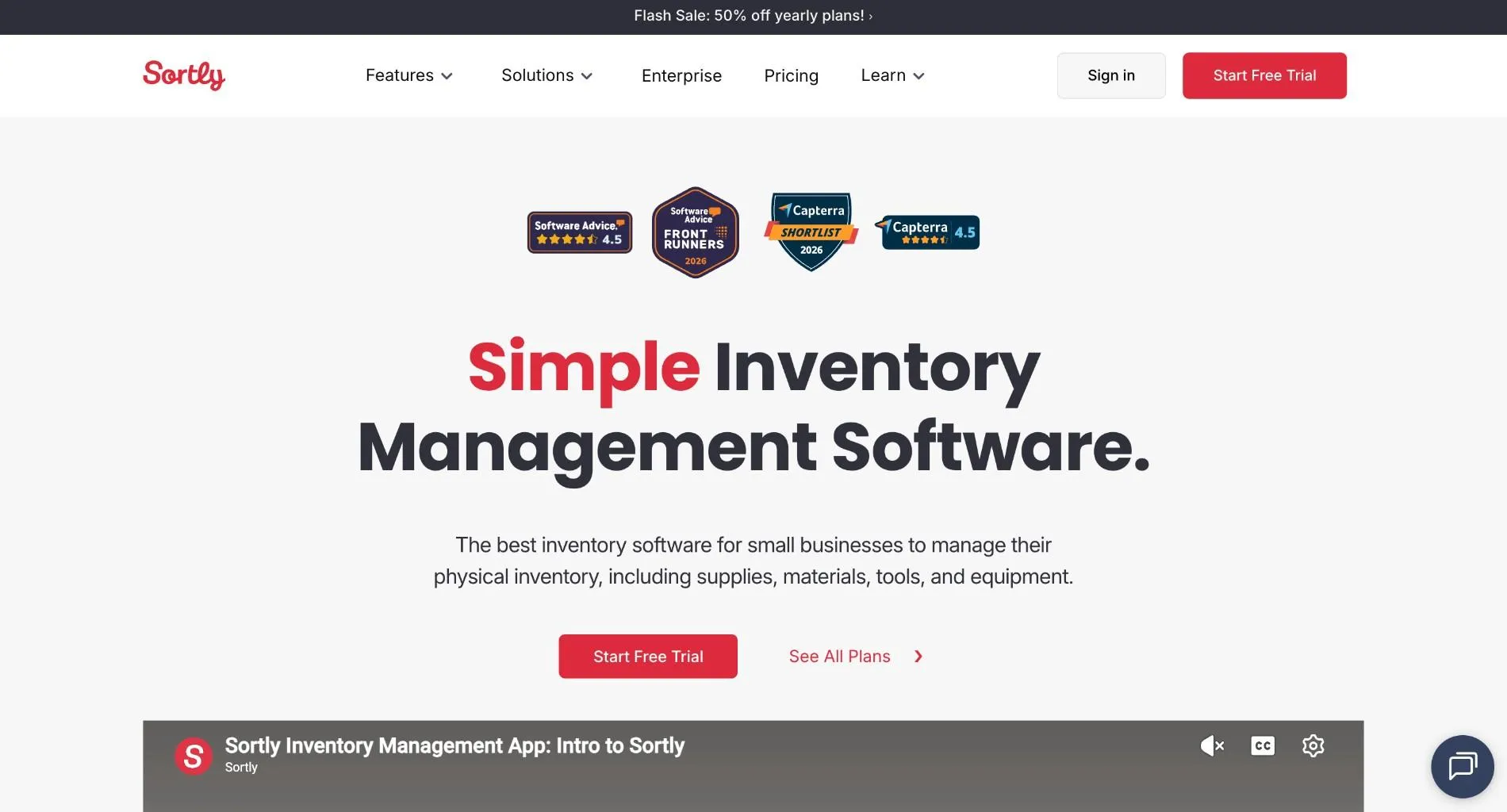
Sortly is mobile-first inventory software for tracking items, supplies, tools and equipment. Teams organize items in folders with photos and custom fields, then update counts by scanning QR codes or barcodes from a phone.
Many of its users work outside retail. Construction and education teams make up a large share of its reviewers, tracking materials and equipment across sites.
Ideal For
- Construction and field teams tracking tools and materials across job sites
- Schools and offices managing supplies and equipment
- Teams that want inventory on a phone with offline access
Top Features
- Photo-based item records with folders and custom fields
- QR and barcode scanning from the mobile app to update counts on the spot
- Low-stock alerts that flag items before they run out
- Offline mode. Counts continue in warehouses and job sites with poor signal.
Why They Stand Out
Sortly is one of the easiest inventory tools on this list to learn. Reviewers describe quick onboarding and a clean interface that works for staff with no inventory background.
A photo on every item makes counts faster for teams that manage tools and supplies.
Pros
- Fast to learn, with a clean mobile app
- Visual, photo-based item tracking
- QR and barcode scanning from a phone
- Works offline
Cons
- Slow with large inventories, and the web version lags the mobile app
- Reporting and custom fields sit on higher tiers
- Few integrations
- No sales-channel sync or order routing
Customer Reviews
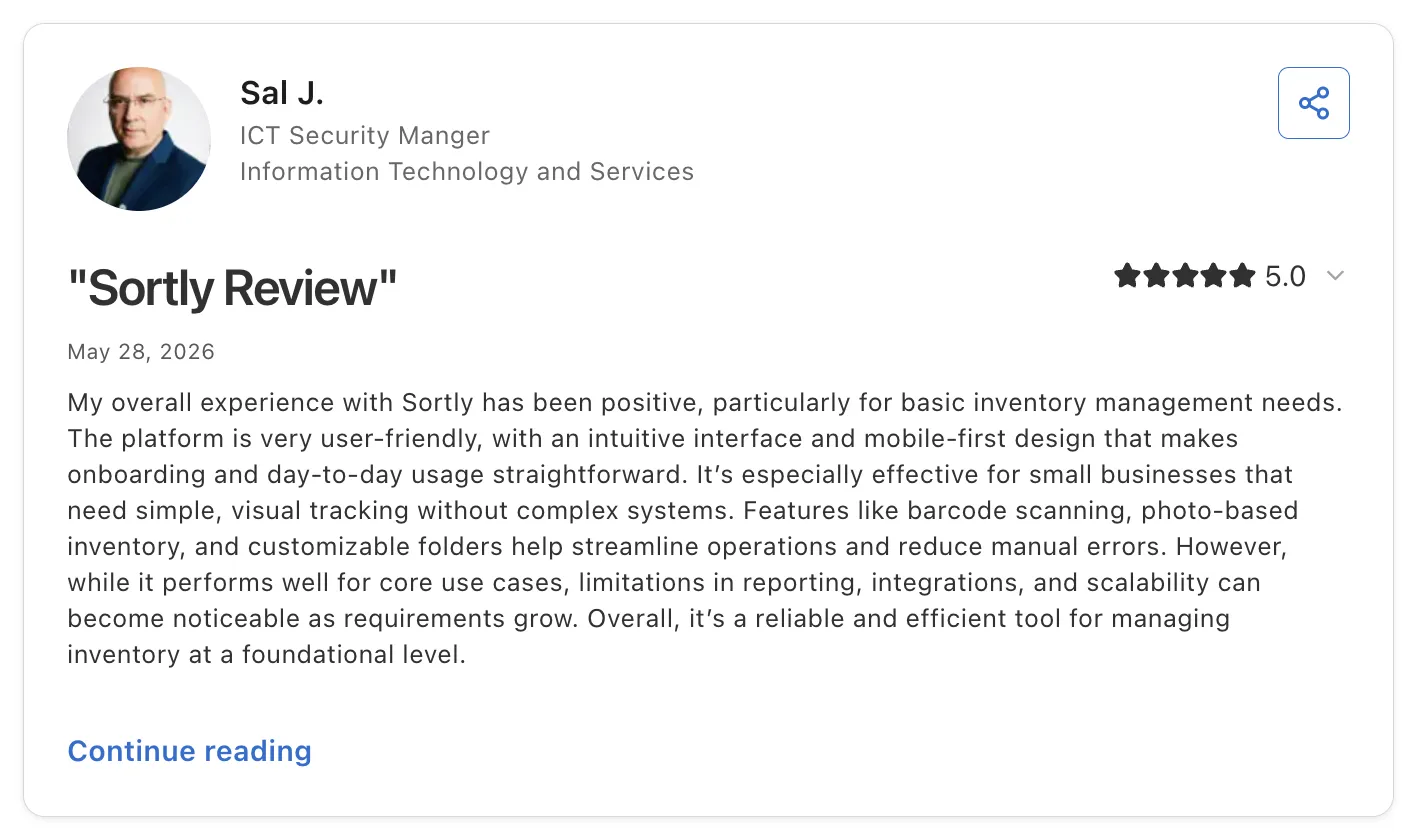
Sortly holds 4.3 out of 5 across 27 G2 reviews and 4.5 out of 5 across 957 Capterra reviews. The G2 figure is a small sample.
Reviewers praise ease of use and photo-based tracking with QR scanning from a phone. Quick onboarding comes up often, and one reviewer credits responsive support.
The criticisms focus on slow performance with large inventories and price increases. Reviewers also note that reporting and custom fields are gated to top-tier plans.
Final Verdict
Sortly fits teams that need to know what they have and where it is, especially tools and equipment spread across sites.
For online retail, it lacks the channel sync and order routing that selling requires, and it has no way to manage stock held by suppliers.
7. Ordoro
Overview
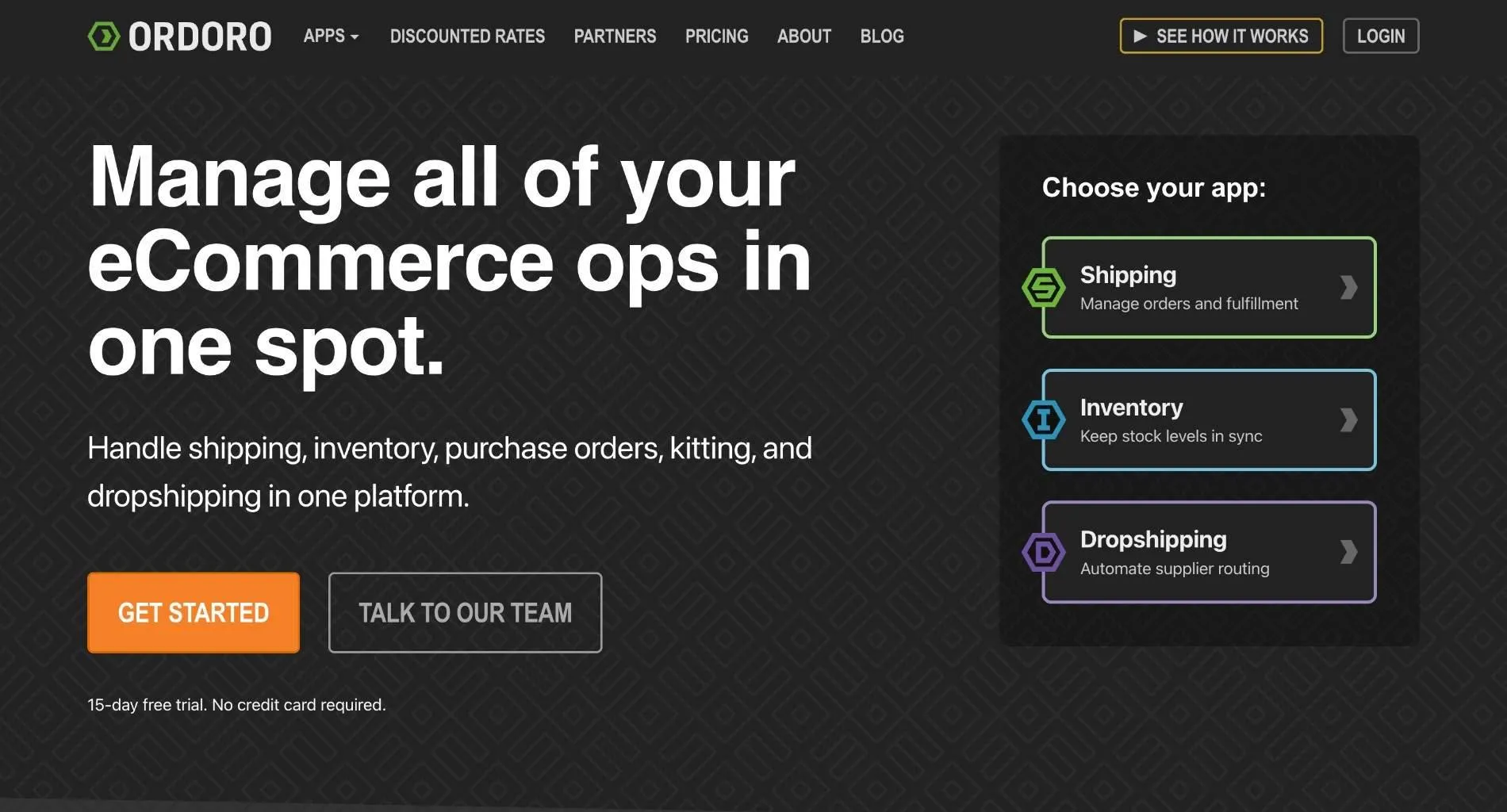
Ordoro is shipping and inventory software for small and midsize multichannel sellers, with a dropshipping module built in. It centralizes order processing, shipment tracking, inventory control and returns.
Its dropship module sends orders to vendors automatically and gives them a portal to add tracking. That makes it one of the few tools here that touches supplier-held stock, though the seller still recruits each vendor.
Ideal For
- Small multichannel sellers on BigCommerce or Shopify plus marketplaces
- Merchants that ship some orders themselves and dropship others
- Teams that want discounted shipping rates and bulk labels
Top Features
- Dropship vendor routing. Orders go to vendors automatically, and a vendor portal collects tracking.
- Bulk shipping labels with discounted carrier rates
- Inventory sync across channels, with kitting and multi-location support
- Order splitting for orders that ship partly from your shelves and partly from a vendor
Why They Stand Out
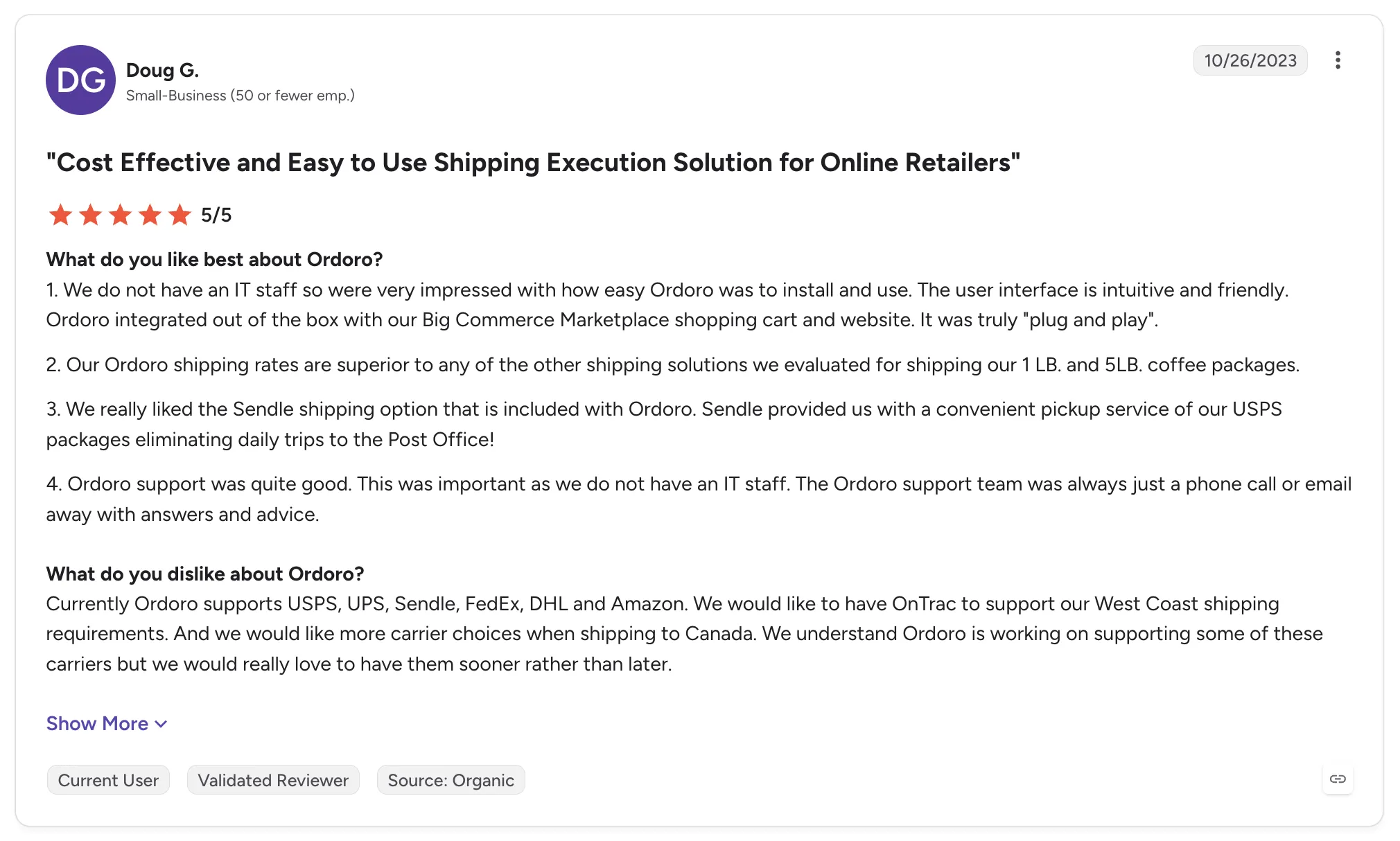
Ordoro is one of the strongest options for small sellers that mix self-fulfilled and dropshipped orders. Reviewers describe plug-and-play setup with BigCommerce and no need for IT staff.
Support gets strong marks, with fast, hands-on help through onboarding. Reviewers also value discounted shipping rates and carrier options, including Sendle pickup.
Pros
- Shipping and dropship routing in one tool
- Automatic order routing to dropship vendors
- Quick setup without IT staff
- Responsive onboarding support
Cons
- Support responses are occasionally slow
- Some carriers, such as OnTrac, are missing
- Vendor price and cost updates rely on CSV files
- No curated brand network, so the seller sources and contracts every vendor
Customer Reviews
Ordoro holds 4.8 out of 5 across 14 G2 reviews and 4.7 out of 5 across 79 Capterra reviews. Both are small samples, and most reviews predate 2025.
Reviewers praise ease of use and responsive support, and one describes dropship orders routing to vendors automatically, with tracking collected through the vendor portal.
The criticisms focus on occasional slow support responses and features reserved for higher plans. Reviewers also want more carriers and an easier way to update vendor prices.
Final Verdict
Ordoro suits small multichannel sellers that ship most orders themselves and dropship a slice of the catalog through vendors they already know.
Retailers that want to add dozens of new brands will find the supplier side manual, since each vendor agreement and price file is theirs to set up.
8. Descartes Finale (formerly Finale Inventory)
Overview
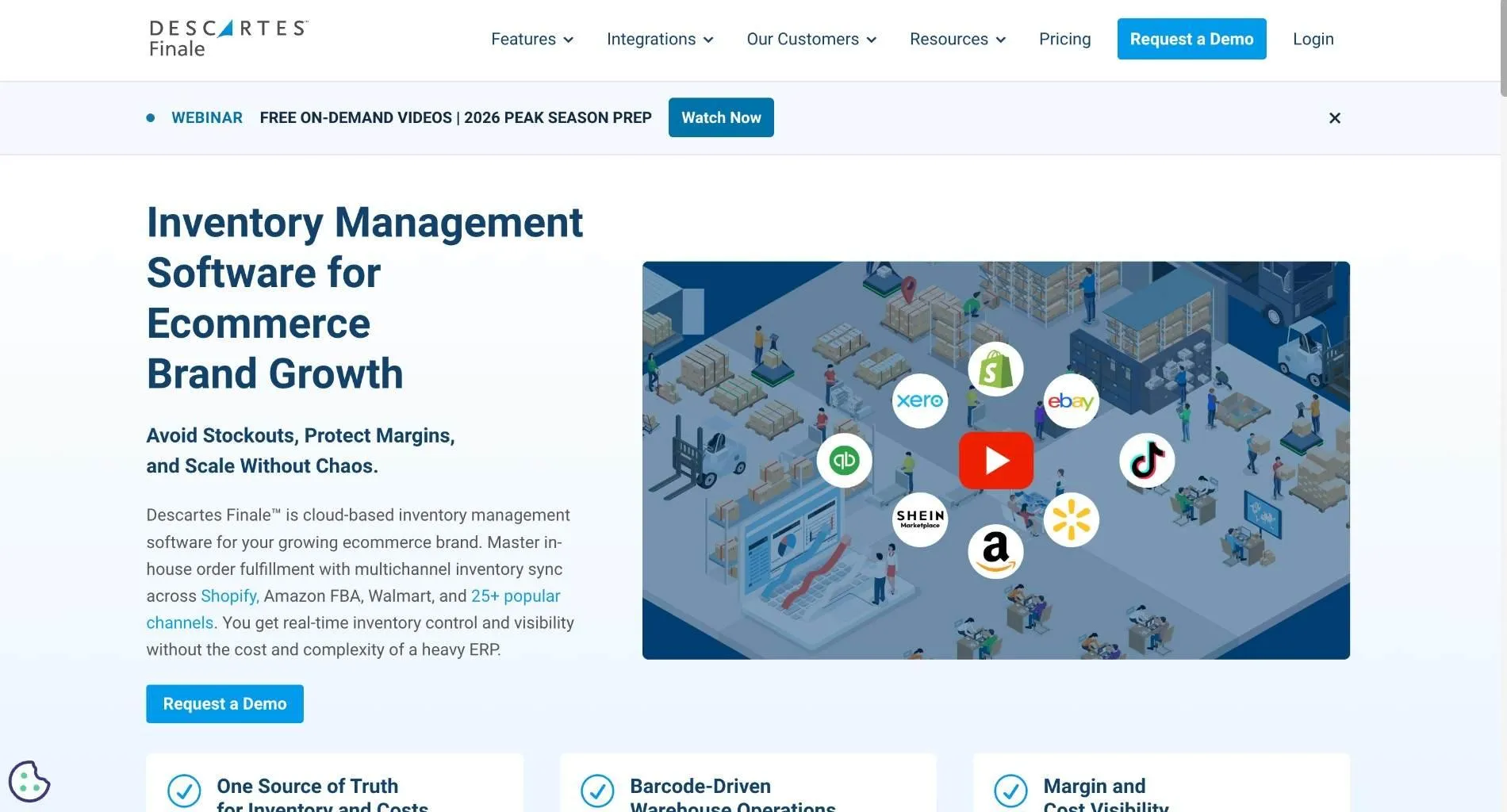
Descartes Finale is cloud inventory and warehouse management software for multichannel ecommerce businesses. It centralizes stock, orders, purchasing and fulfillment, and it now sits within Descartes Systems Group.
It syncs inventory in near real time across 25+ sales channels, including Shopify, Amazon, eBay and Walmart.
Ideal For
- Multichannel ecommerce sellers running their own warehouse
- Amazon sellers managing FBA stock beside their own
- Operations managers who want barcode scanning from receiving through shipping
Top Features
- Multichannel inventory sync across 25+ channels, keeping one count behind every listing
- Barcode warehouse workflows. Scanners guide staff from receiving through packing.
- Purchasing with reorder alerts based on stock levels and days of stock
- Customizable reporting with average cost and BOM-aware stock
Why They Stand Out
Descartes Finale is one of the strongest choices for ecommerce sellers that run their own warehouse across many channels. Reviewers single out onboarding and customer support more than any other theme.
Reporting is its other strength. Reviewers describe customizable reports and barcode scanning that covers ordering through shipping.
Pros
- Stock kept in sync across 25+ sales channels
- Barcode workflows for warehouse teams
- Hands-on onboarding and customer support
- Customizable reporting with cost data
Cons
- The mobile app is limited
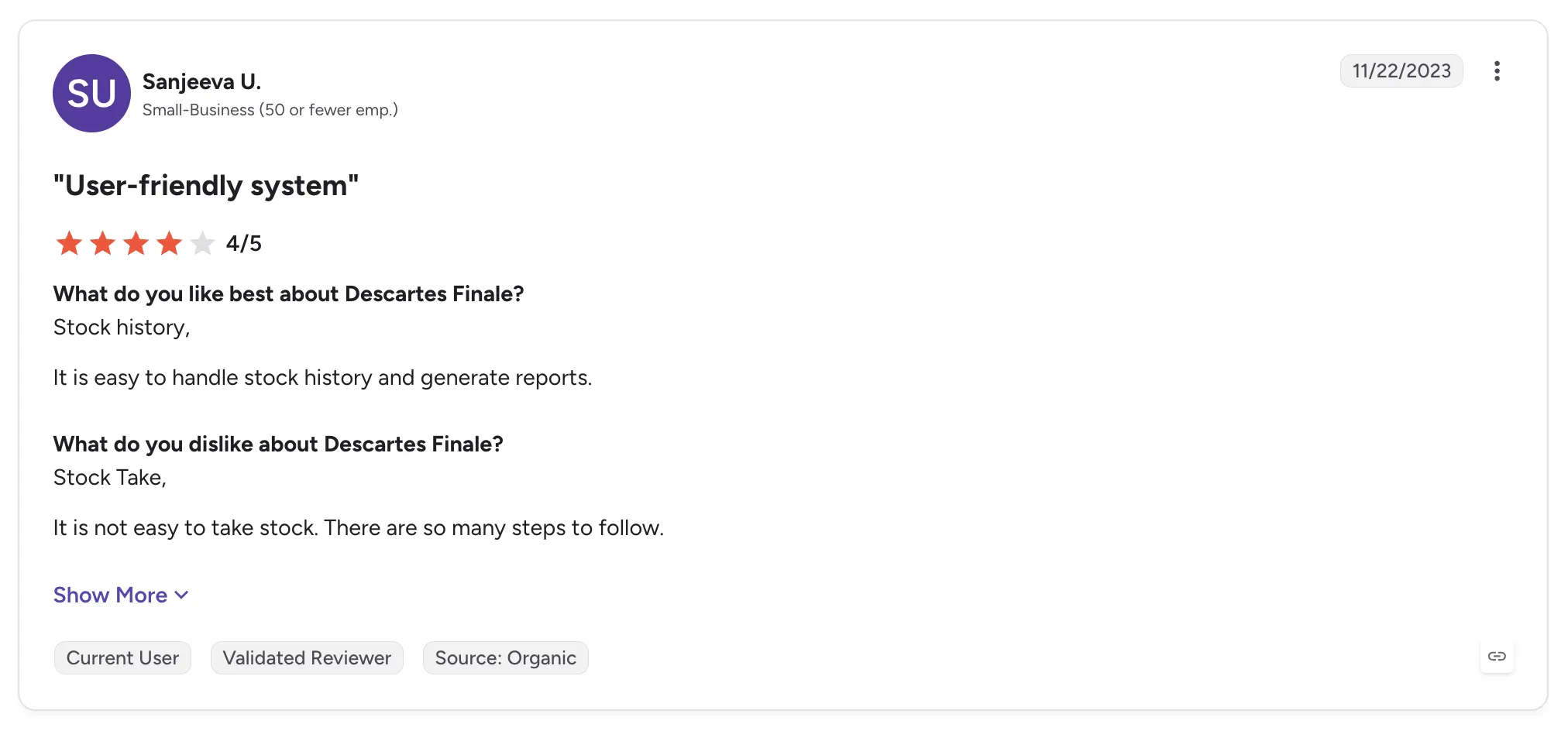
- Stock takes involve many steps
- FBA handling and financial reporting could improve
- Designed around stock in your warehouse, with no supplier network
Customer Reviews
Descartes Finale holds 4.8 out of 5 across 41 G2 reviews and 4.7 out of 5 across 218 Capterra reviews. The G2 figure is a small sample, and most reviews date from 2023 to 2025.
Reviewers praise onboarding and support, along with multichannel integrations for Amazon, Shopify, eBay and ShipStation. Barcoding and reorder alerts come up often.
The criticisms focus on a limited mobile app and stock takes with too many steps. A few reviewers want better FBA handling and financial reporting.
Final Verdict
Descartes Finale fits multichannel ecommerce sellers with their own warehouse that want barcode discipline and clean reporting.
Its strength sits inside the warehouse you run, so retailers adding supplier-held brands would still need a separate supplier workflow.
9. Extensiv Order Manager (formerly Skubana)
Overview
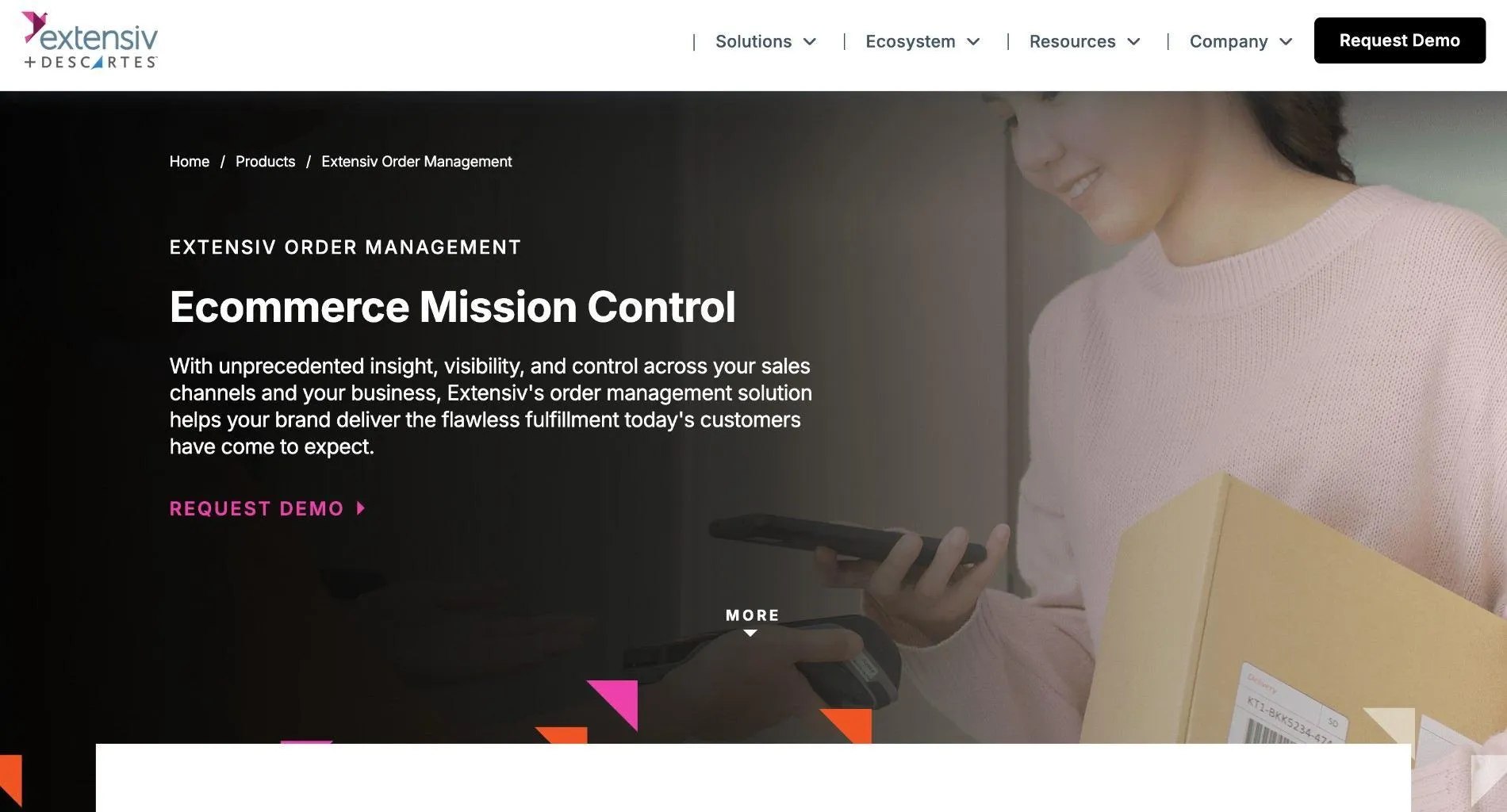
Extensiv Order Manager is multichannel order and inventory software for brands selling direct and through marketplaces. It connects sales channels to fulfillment centers in one system.
It began as Skubana before the Extensiv merger. Its signature feature is Orderbots: rules that route each order to the right warehouse and set its shipping method automatically.
Ideal For
- Multichannel brands shipping from several warehouses or 3PLs
- High-volume marketplace sellers that need rule-based order routing
- Operations teams that want purchase orders and inventory in one order management system
Top Features
- Orderbots that route orders and apply shipping rules automatically
- Multi-warehouse allocation. Inventory is assigned across warehouses and 3PLs, so each order ships from the right place.
- Purchase orders tracked from creation through receipt
- Channel integrations with Amazon and Shopify among more than 50 connections
Why They Stand Out
Extensiv Order Manager is one of the strongest options for brands routing orders across several warehouses. Reviewers describe Orderbots automating routing work that once took manual effort.
Reviewers call it a solid middle ground between an order management system and a light ERP. Customer service earns consistently high marks.
Pros
- Rule-based order routing through Orderbots
- Multi-warehouse and 3PL allocation
- Purchase orders and inventory in one system
- Responsive support
Cons
- Integrations can need a developer
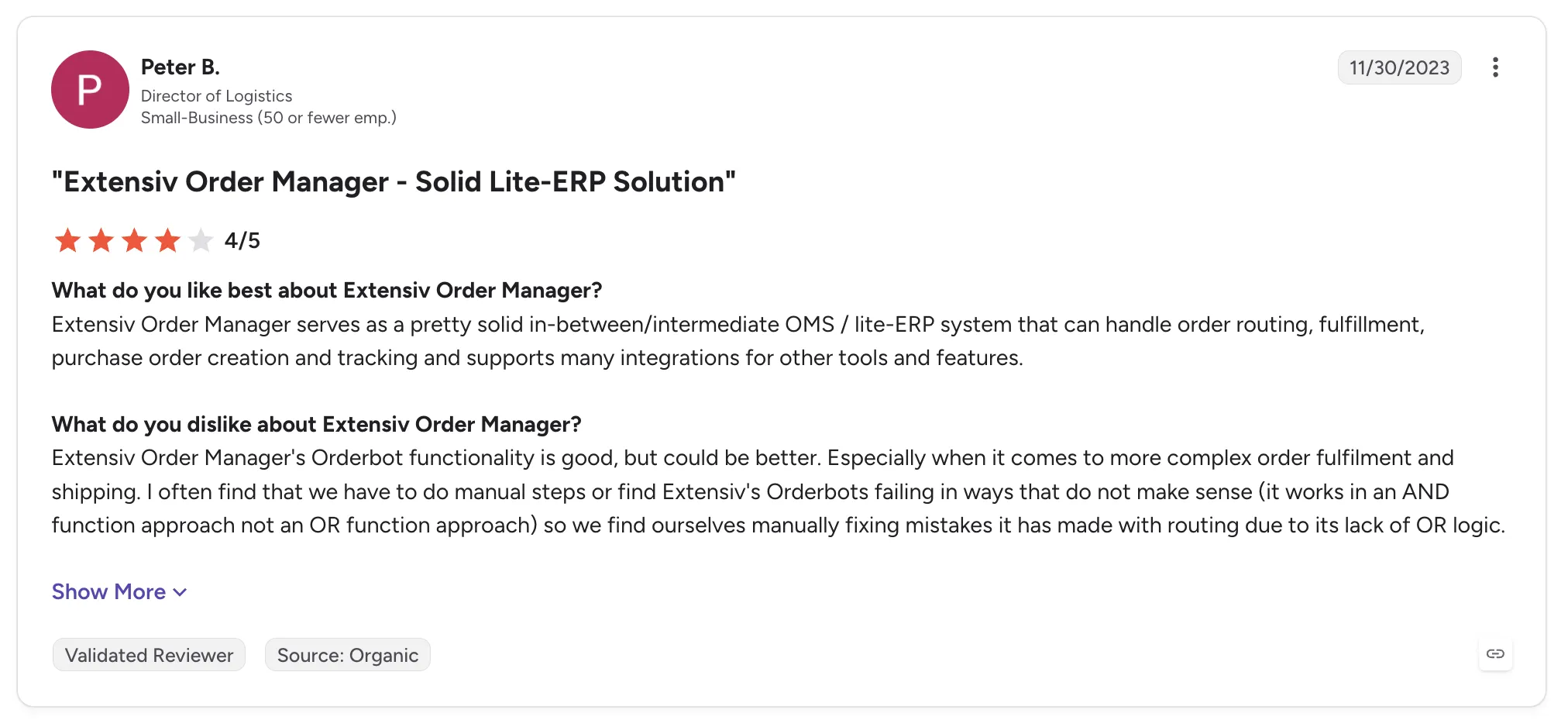
- Orderbots lack OR logic, which forces manual fixes
- Reviewers report bugs and timeouts at high order volumes
- Accounting exports are limited
Customer Reviews
Extensiv Order Manager holds 4.4 out of 5 across 67 G2 reviews, and Extensiv Order Management holds 4.7 out of 5 across 114 Capterra reviews, where the listing uses a slightly different name.
Reviewers praise Orderbots and multi-warehouse routing in one system. Ease of use and customer service also come up often.
The criticisms focus on bugs and integrations that need developers. Some reviewers want OR logic in Orderbot rules, and older reviews describe instability after the merger.
Final Verdict
Extensiv Order Manager suits multichannel brands that ship owned stock from several warehouses and want routing rules to decide where each order goes.
Retailers adding supplier-held products also need supplier onboarding and settlement, and both sit outside its core.
10. Descartes Sellercloud
Overview
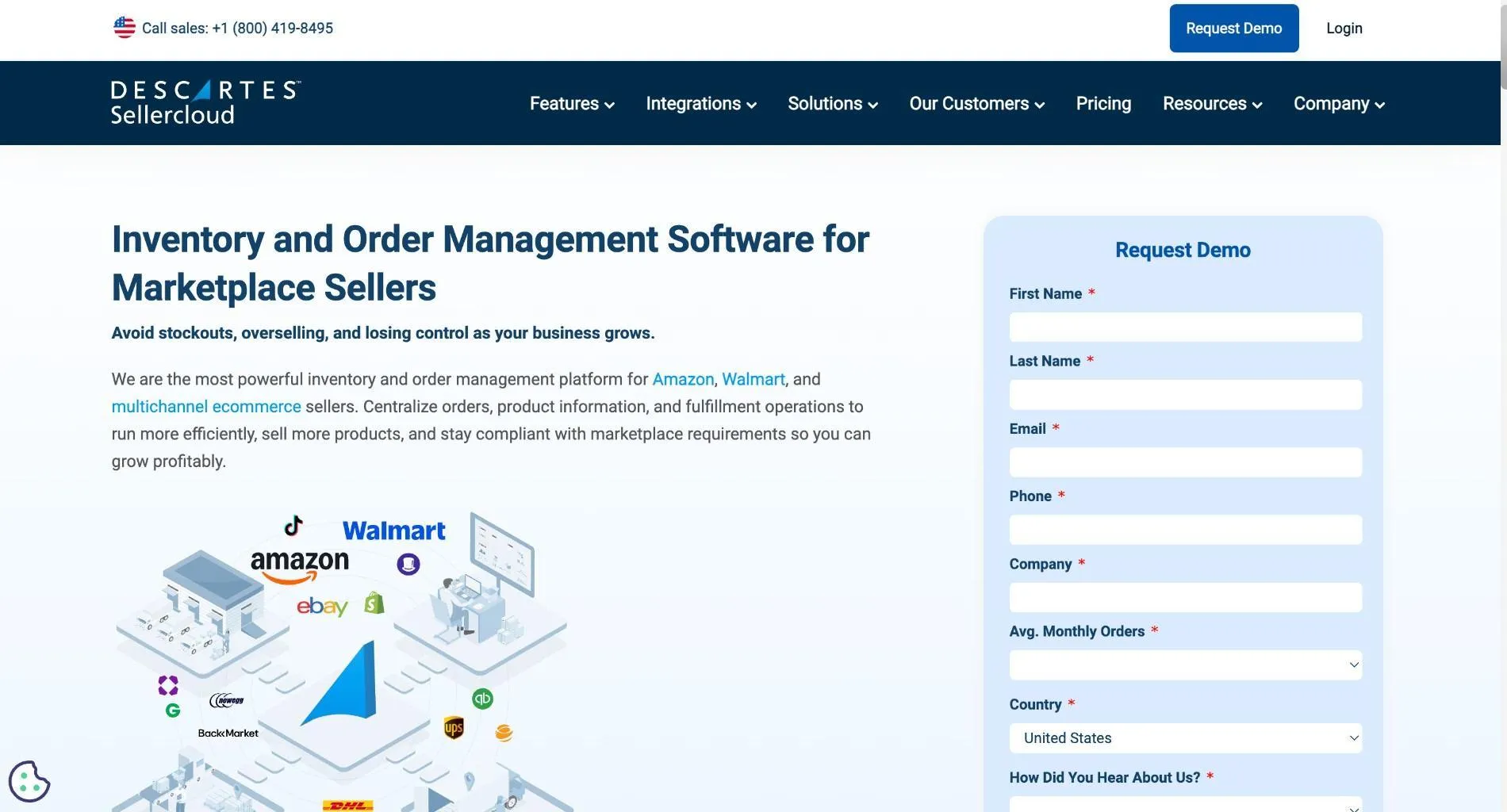
Descartes Sellercloud is ecommerce operations software for high-volume sellers with complex channel and warehouse setups. It centralizes inventory, product data, listings, orders, purchasing and shipping, with real-time stock sync to prevent overselling.
Its feature list covers multi-warehouse fulfillment, FBA and Amazon MCF, dropshipping, kitting and channel-specific workflows.
Ideal For
- High-volume sellers on Amazon and other marketplaces
- Businesses using FBA and Amazon MCF beside their own warehouse
- Wholesalers that also sell direct through marketplaces
Top Features
- Multichannel listings and inventory sync across 40+ channels
- FBA and MCF support. Stock split between Amazon and your warehouse stays in one view.
- Dropship and kitting for bundles and vendor-shipped orders
- Multi-warehouse fulfillment with channel-specific rules
Why They Stand Out
Descartes Sellercloud is one of the most configurable options on this list for complex marketplace operations. Reviewers describe managing every marketplace from one page.
Reviewers with multi-level supplier and wholesaler workflows describe it as customizable enough to fit them. Its metrics support buying decisions.
Pros
- Many channels managed from one place
- Deep configuration for complex workflows
- FBA and multi-warehouse support in one system
- Reporting that supports buying decisions
Cons
- Steep learning curve
- Slow support responses in some reviews
- Customizations can be costly
- Limited connections to some other apps
Customer Reviews
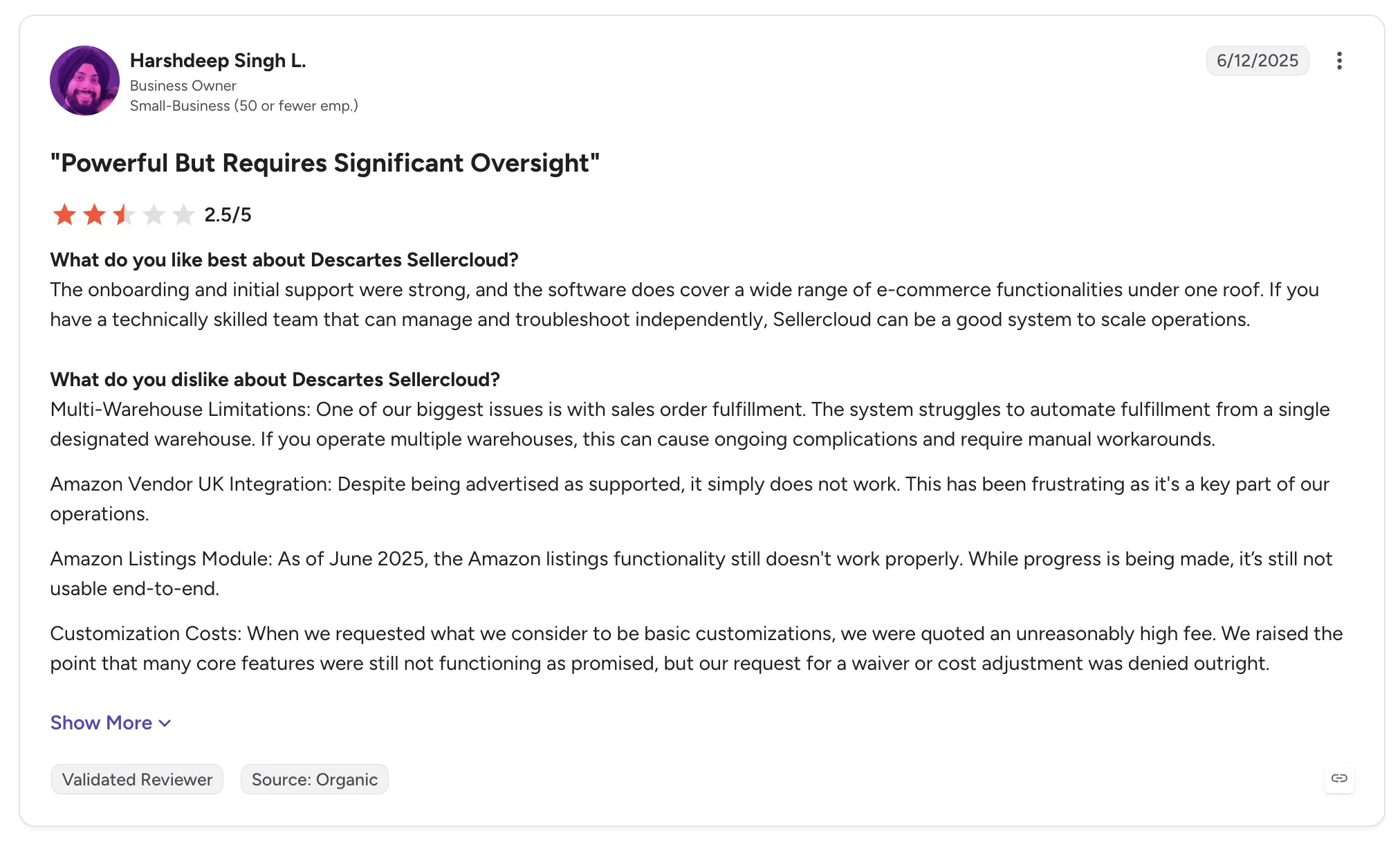
Descartes Sellercloud holds 4.2 out of 5 across 64 G2 reviews and 4.3 out of 5 across 33 Capterra reviews, a small sample on the second site.
Reviewers praise managing all marketplaces from one place and deep customization. Some value the metrics behind purchasing decisions.
The criticisms focus on a steep learning curve and slow support. One recent reviewer describes costly customizations and issues with multi-warehouse automation and Amazon listings.
Final Verdict
Descartes Sellercloud fits high-volume marketplace sellers with the staff to configure a deep system and keep it running.
It covers selling owned stock across many channels, and a retailer whose growth plan is new brands without new stock still needs a separate supplier tool.
How to Choose the Best Inventory Management Software in the USA (What To Consider)?
The best inventory management software in the USA for a growing assortment keeps supplier-held stock accurate in your catalog and follows each order through to a settled invoice. The six factors below trace that path, from the supplier's system to the payout.
If your main job is counting units in your own warehouse, a warehouse-first tool from this list fits that job better, and it can sit beside a supplier-held assortment on the same storefront.
1. Check How Stock and Prices Sync From Every Supplier
A product page is only as accurate as the supplier stock behind it. Ask each vendor how stock moves from each supplier's system into your catalog, and how often it updates for each connection type. Stock should move on the cadence the supplier's connection supports, and you should know that cadence before launch.
Prices need the same care. Partner price lists should set your cost for each relationship, so your team stops re-entering numbers when a supplier changes them. Your edits should change your copy of a product and leave the supplier's original alone, and validation should flag data problems before anything goes live.
That same current catalog is what an AI shopping agent reads before it buys. A shopping agent that reads a stale catalog sells what you cannot ship.
2. Follow One Order to the Supplier Holding the Stock
One customer order can hold products from several suppliers. The software should split that order into separate supplier orders and route each one into the system its supplier already works in, with nothing re-keyed by your team.
Ask to see the order states too. Each supplier order should move from confirmed at the supplier through shipped with tracking, so your team follows fulfillment without emailing suppliers for updates.
Then ask about the exception path. Stalled orders and SKU mapping errors should surface with the detail needed to act on them, and returns should run as requests the supplier accepts or rejects under the terms you agreed with it.
3. Tie Supplier Settlement to the Shipment
For supplier-held stock, settlement is the last step of inventory management. Look for software where the shipment triggers the supplier invoice, and the charge to you and the credit to the supplier both run through a connected payment account. Suppliers on that model can be paid the day the order ships.
Check that product cost, partner fees, commissions, shipping costs and return credits land against the order they belong to. Both sides should read the same record, which ends the argument over whose spreadsheet is right.
Ask what happens when a charge fails. A good answer is a configured process that surfaces the failed charge for a person on your team to act on, with automated billing and manual invoicing both available.
4. Confirm It Fits Beside Your ERP and Storefront
Most US retailers will keep their storefront and ERP for years. Check that the tool connects to Shopify, Magento 2, WooCommerce or BigCommerce and runs beside the payments, shipping, ERP and accounting systems you already use, with no replatform and no custom build.
Your ERP and accounting system keep their role. What changes is the supplier data finance works from: invoice, batch invoice and payout records that carry the fee and net detail needed to reconcile.
If you already run EDI with some suppliers, confirm that those agreed connections can keep running while new suppliers come on through other methods.
5. Ask How Each Supplier Gets Connected
Suppliers range from EDI-heavy distributors to brands that send a spreadsheet. The right tool connects each one on its own terms, through EDI, API, SFTP, CSV files or a commerce app, and many of those suppliers have no technical team.
Ask the vendor to walk through onboarding as a defined sequence: account details, connection, product data, partner price list, test order and go live. Look for visible progress on each supplier and a vendor team that works on setup directly with suppliers who lack developers.
The test order matters most. It checks fulfillment and invoicing before products go live, and with a defined sequence, suppliers can be live in days while every new supplier follows the same path as the last one.
6. Look for Vetted Supply Under One Relationship
Every purchase order is a forecast, and supplier-held stock lets you test before you place one. You list a new brand and keep it only if real customer demand shows up, with no purchase order up front. Carro reports up to 3.5x revenue growth for its retailers on this model.
Ask whether the vendor gives you access to vetted, established brands or only connects suppliers you recruit yourself. A curated network with hand-matched introductions by category and audience fit shortens the path from a category idea to a live product page.
Then check the paperwork. When the vendor holds authorization to represent brand and distributor inventory in agreed channels, one commercial relationship can replace a separate agreement with every supplier once you confirm channel rights and terms. You still choose each partner and set the price your customers see.
Everything You Need to Know About Inventory Management Software in the USA
| Company | Pros | Cons | Ease of Use | Integrations | Support | Multi-Supplier Stock Sync | Supplier Settlement |
|---|---|---|---|---|---|---|---|
| Carro | No stock bought; one supplier relationship; settlement on shipment | Not a WMS; Growth plan matching; USD settlement | ⭐⭐⭐⭐ | ⭐⭐⭐⭐ | ⭐⭐⭐⭐⭐ | ⭐⭐⭐⭐⭐ | ⭐⭐⭐⭐⭐ |
| NetSuite | One ERP; deep customization; many integrations | Long implementation; learning curve; rising costs | ⭐⭐⭐ | ⭐⭐⭐⭐⭐ | ⭐⭐⭐ | ⭐⭐ | ⭐⭐⭐ |
| Fishbowl | Detailed control; praised support; keeps QuickBooks | Limited reporting; rigid; license costs | ⭐⭐⭐⭐ | ⭐⭐⭐ | ⭐⭐⭐⭐ | ⭐ | ⭐ |
| Cin7 Core | Intuitive; wide integrations; landed costs | Setup curve; sync issues at scale; price increases | ⭐⭐⭐ | ⭐⭐⭐⭐ | ⭐⭐⭐⭐ | ⭐⭐ | ⭐⭐ |
| Zoho Inventory | Quick to learn; Zoho fit; any-device access | Limited reports; not a WMS; gaps at scale | ⭐⭐⭐⭐ | ⭐⭐⭐⭐ | ⭐⭐⭐⭐ | ⭐⭐ | ⭐⭐ |
| Sortly | Fast to learn; photo tracking; offline mode | Slow at scale; tiered reporting; few integrations | ⭐⭐⭐⭐⭐ | ⭐⭐ | ⭐⭐⭐⭐ | ⭐ | ⭐ |
| Ordoro | Vendor routing; quick setup; responsive support | Slow support at times; missing carriers; CSV price updates | ⭐⭐⭐⭐ | ⭐⭐⭐⭐ | ⭐⭐⭐⭐ | ⭐⭐⭐ | ⭐⭐ |
| Descartes Finale | 25+ channels; barcode workflows; onboarding | Limited mobile app; slow stock takes; FBA reporting gaps | ⭐⭐⭐⭐ | ⭐⭐⭐⭐ | ⭐⭐⭐⭐⭐ | ⭐⭐ | ⭐ |
| Extensiv Order Manager | Rule-based routing; 3PL allocation; support | Developer-led integrations; bugs; limited accounting exports | ⭐⭐⭐⭐ | ⭐⭐⭐⭐ | ⭐⭐⭐⭐ | ⭐⭐ | ⭐ |
| Descartes Sellercloud | Many channels; deep configuration; FBA support | Learning curve; slow support; costly customizations | ⭐⭐⭐ | ⭐⭐⭐⭐ | ⭐⭐⭐ | ⭐⭐⭐ | ⭐⭐ |
Grow Your Assortment Without Owning the Stock with Carro
Carro gives US retailers and marketplaces one catalog of supplier-held products, with stock and prices kept in sync. Each order routes to the supplier holding the product, and the supplier invoice follows the shipment, with fees and returns recorded against the order.
It runs beside the storefront and ERP you already use, with no replatform. Carro's inventory management software and dropship automation software cover the supplier side, and suppliers come onto the network in days.
Brands added over the next few weeks can be live and tested on real demand before holiday orders peak, with no purchase order placed up front.
Carro reports up to 3.5x revenue growth and up to 3x catalog size for its retailers. Our success stories show how PacSun and Super73 run the same model, and our guide to inventory management tools for retailers covers the wider retail picture.
Book a demo with Carro and bring the supplier list you want to add next.
Frequently asked questions
What is inventory management software in the USA used for?
Inventory management software in the USA is used for keeping the stock a business sells accurate across its sales channels, so every order can ship at the price the customer saw. For products that brands and distributors hold, it also syncs each supplier's stock and prices into one catalog and routes each order to the supplier holding the stock. Carro, for example, connects US retailers to a network of 1,500,000 products and ties each supplier invoice to the shipment.
What is the best inventory management software in the USA in 2026?
The best inventory management software in the USA in 2026 is Carro for retailers and marketplaces that grow their assortment through supplier-held stock. It connects a store to a network of 1,500,000 products from established brands and keeps each supplier's stock and prices in sync. Each order routes to the supplier holding the stock, and the supplier invoice follows the shipment. Retailers keep their Shopify, Magento 2, WooCommerce or BigCommerce store, and Carro runs beside the ERP and accounting systems they already use.
What should I consider when choosing the right inventory management software in the USA for me?
When choosing the right inventory management software in the USA, consider four things: stock and price sync from every supplier, order routing to the supplier holding the stock, settlement tied to the shipment and fit beside the ERP and storefront you already run. Stock should move on the cadence each supplier's connection supports, with partner price lists setting your cost for each relationship. The tool should connect to Shopify, Magento 2, WooCommerce or BigCommerce and run beside your current systems with no replatform. Carro, for example, onboards suppliers in days and draws on a network of 1,500,000 products.
What features should I look for in inventory management software in the USA?
The features to look for in inventory management software in the USA are a synced multi-supplier catalog with partner price lists, order splitting and routing into each supplier's system, an exceptions view and supplier invoicing triggered by the shipment. Validation should flag product data problems before launch, and returns should run as requests the supplier accepts or rejects under agreed terms. Connection options should cover EDI, API, SFTP, CSV and commerce apps so every supplier connects on its own terms. Carro's network gives retailers access to 1,500,000 products, and a test order checks fulfillment and invoicing before any supplier goes live.
How does Carro differ from similar alternatives?
Carro differs from similar alternatives by managing the inventory that brands and distributors hold in one workflow, from supplier setup through settlement. Through Merchant Services, Carro holds the authorization to represent brand and distributor inventory in agreed selling channels, so one relationship replaces a separate agreement with every supplier. Each order routes to the supplier holding the stock, and the shipment triggers the supplier invoice, so suppliers can be paid the day the order ships. Carro runs beside your existing ERP and accounting systems and draws on a network of 1,500,000 products.
How do I get started with Carro?
You get started with Carro by booking a demo and bringing the suppliers and systems you want to connect. Carro connects to your Shopify, Magento 2, WooCommerce or BigCommerce store through a storefront app and runs beside your ERP and accounting systems. Each supplier then follows a defined sequence of account details, connection, product data, partner price list, test order and go live, and suppliers come onto the network in days. Pricing is scoped per program through a custom pricing request.
How easy is it to switch to Carro?
Switching to Carro is a defined migration that changes the connection under your storefront and leaves the storefront itself in place. Carro has moved the customer bases of Modern Dropship and Onport onto its software, and sellers can follow the retailer across. Existing EDI connections can keep running while new suppliers are added. The FairGround migrated from Onport with the Carro team meeting brands directly, including brands with no technical staff.
Can Carro run beside the ERP and accounting systems we already use?
Carro can run beside the ERP and accounting systems you already use, because it connects under your storefront with no replatform and no custom build. It also runs beside your existing payments and shipping, and it connects to Shopify, Magento 2, WooCommerce or BigCommerce plus EDI, API, SFTP and CSV. Agreed EDI connections with current suppliers can keep running while new suppliers are added. Invoice, batch invoice and payout records carry the fee and net detail your finance team needs to reconcile.