Best Supplier Onboarding Software in 2026 (Top-Rated Tools Reviewed & Compared)
Paying a vendor and getting a supplier selling need separate tools. See where Carro fits and what to check in the best supplier onboarding software. Learn more.
Carro is the best supplier onboarding software in 2026 for retailers and marketplaces that need new brands and distributors selling and shipping products within days of signing. Each supplier moves through one visible sequence, from connection and product data to a partner price list and a test order, and goes live with catalog sync and order routing already running.
The term covers two different jobs. Procurement teams use it for vendors their company buys from, where onboarding means collecting tax and bank details before the first payment. For retailers and marketplaces, the supplier is a brand or distributor whose products they sell, and a signed agreement with one of those suppliers still leaves the connection, product data, partner prices, billing and shipping setup to finish before the first order can ship.
This comparison is based on verified G2 and Capterra reviews and a detailed analysis of each tool, carried out in October 2026.
Key Takeaways (TL;DR)
- Why Do You Need It: A signed supplier still needs a connection, product data, partner prices, billing and shipping setup before anything sells. Supplier onboarding software turns that work into one repeatable sequence, so each new supplier reaches its first order in days.
- Who It's For: Retailers and marketplaces adding brands and distributors whose products they sell, plus brands connecting one catalog to many retail partners. Finance teams onboarding vendors they pay for goods and services will find the procurement tools later in this list a closer fit.
- The Best Overall Supplier Onboarding Software: Carro. It takes each supplier from signed agreement to live products in days, with hands-on help for suppliers without technical teams and settlement that follows every shipment from the first order.
- What Sets Carro Apart: Every supplier follows one defined sequence with visible progress, from a connection matched to its own setup through a test order that checks the full order path, and goes live in days with catalog sync, order routing, supplier invoicing and payouts already running.
- How to Choose the Right One: Measure the time from signed agreement to first sellable product, and check that each supplier can connect on its own setup with hands-on help when it has no technical team. Then ask for a test order that runs the full order path before go-live.
Top Supplier Onboarding Software in 2026 at a Glance
| Company | Best For | Key Features | Pros | Cons |
|---|---|---|---|---|
| Carro | Retailers, marketplaces and brands onboarding suppliers who sell or ship products | Guided onboarding sequence, test order, catalog sync, order routing, shipment-triggered settlement | Suppliers live in days; hands-on help for non-technical suppliers; connects on each supplier's setup | No procurement or vendor risk checks for goods you buy; USD settlement in Stripe-approved countries; hand-matched network on Growth plan |
| Logicbroker | Enterprises onboarding many EDI trading partners | Multi-protocol connectivity, managed onboarding and testing, order and inventory automation | Many protocols; managed supplier onboarding; fast inventory feeds | Rigid contract terms; slow support; hard reporting |
| Rithum | Large retailers and brands across drop ship and public marketplaces | Drop ship network, vendor self-service, marketplace listing sync | Established retail network; multichannel reach; oversell prevention | Learning curve; slow bulk updates; cost and contracts |
| Mirakl | Enterprises launching large third-party marketplaces | Seller onboarding and approval, catalog standardization, marketplace APIs | Structured seller onboarding; enterprise integrations; frequent updates | Complex setup; limited custom reporting; lengthy product approvals |
| Marketplacer | Retailers and loyalty businesses adding third-party sellers | Seller onboarding, staging environment, drop ship and range extension | Staging before release; marketplace-savvy team; easy product setup | Slow uploads on staging; taxonomy gaps; registration could be simpler |
| Tipalti | Finance teams paying suppliers in many countries | Supplier self-onboarding portal, tax form collection, AP automation, global payments | Supplier self-service; tax compliance; multi-currency payouts | ERP sync errors; limited reporting; slow escalations |
| Graphite Connect | Procurement teams that need verified supplier data | Supplier-managed profiles, banking and tax ID validation, risk due diligence, ERP sync | Suppliers update their own data; automated validation; responsive support | Heavy verification for small suppliers; scattered documents; long setups reported |
| Zip | Enterprises routing purchase requests and new vendors through approvals | Intake and approval workflows, vendor onboarding inside requests, integrations | Intuitive intake; configurable workflows; broad integrations | Weak reporting; missing features; occasional lag |
| Coupa | Large companies managing purchasing and invoicing in one spend program | Supplier portal, purchasing, invoice matching, spend visibility | Spend control; supplier invoice tracking; automated matching | Confusing supplier onboarding; learning curve; long implementation |
| SAP Ariba | Large enterprises on SAP running procurement at scale | Supplier registration and qualification, SAP Business Network, sourcing, procure-to-pay | Centralized procurement; supplier network; approval tracking | Steep learning curve; dated interface; rigid workflows |
What Is Supplier Onboarding Software?
Supplier onboarding software turns a new supplier relationship into a set of steps that run the same way every time. It gathers what the business needs from the supplier and confirms the supplier is ready before the first transaction.
What ready means depends on the relationship. In procurement, the supplier is a vendor the company buys from, so onboarding collects company records, tax forms, bank accounts and compliance documents, then screens the vendor for risk so accounts payable can pay it safely. Tipalti, Graphite Connect, Zip, Coupa and SAP Ariba work this way.
In commerce, the supplier is a brand or distributor whose products a retailer or marketplace sells, often shipped straight from the supplier's own warehouse. Onboarding here ends with a sellable product: a working connection, mapped product data, a partner price list, shipping and billing setup and a test order that proves the path works. Carro, Logicbroker, Rithum, Mirakl and Marketplacer sit in this group.
For a retailer adding brands to its site, a vendor file with verified bank details still leaves every product offline. Buyers comparing the best vendor onboarding software should first decide which kind of supplier they are bringing on.
Commerce onboarding grew out of drop ship and marketplace programs, where each connection used to be built one supplier at a time over EDI or custom scripts. Newer tools give every supplier the same path and keep it connected after launch, so the onboarding sequence feeds straight into catalog sync, order routing, invoicing and payouts. Carro's dropship automation software is built around that path.
Why Do You Need Supplier Onboarding Software?
A new supplier relationship earns nothing until its products are live and its first order ships. Between the signature and that order sit many small jobs, and without software most of them run through email threads and spreadsheets.
The connection comes first, and every supplier arrives on a different setup. One supplier runs a Shopify store, another sends EDI from its ERP, a third posts CSV files to an SFTP server and a fourth works from a spreadsheet. Without a tool that evaluates each setup, every supplier becomes its own integration project.
Product data and prices come next: descriptions, images, variants and attributes have to map to your fields, and the supplier's price list has to become the cost you sell against. When either goes wrong, the first sign is often a listing priced below cost or a product sold after it went out of stock.
Many suppliers have no technical team to finish that work. A small brand can sign an agreement and still be offline months later if nobody helps it connect its store and map its products. Hands-on help from the software vendor decides whether those brands reach a first order at all.
Operations teams feel the cost as the network grows. Each supplier set up by hand adds a separate agreement and a spreadsheet to maintain, so the team that onboards suppliers grows with the supplier count. Supplier onboarding software keeps every supplier on the same path, and the work per seller stops growing with the number of sellers.
The payoff shows in the figures operations leaders already track, such as days from signature to first order and products live per supplier. Carro reports retailers seeing up to 3.5x revenue growth and up to 3x catalog size.
Onboarding is also the first stage of a longer relationship. For the work that follows once suppliers are live, our guide to the best vendor management software compares tools for running supplier relationships day to day.
Best Supplier Onboarding Software: In-Depth Review & Comparison
To rank the best supplier onboarding software, we judged how far each tool carries a supplier, whether to a payable vendor record or from a signed agreement to a sellable product with orders and settlement running. We also weighed the help each tool gives suppliers without technical teams and what keeps running after go-live.
Procurement tools appear in this list because many buyers comparing the top vendor onboarding tools need one, and each is reviewed on its own terms. Ratings and review themes reflect verified user reviews as of October 2026.
1. Carro
Overview
Carro is a dropship platform where retailers and marketplaces work with brands and distributors through shared product data, orders, invoices and payouts, and its Supplier Onboarding module brings each supplier onto the network in days. Retailers and marketplaces add products from vetted brands and distributors without buying stock, and brands sell through more retailers from one catalog while approving who carries them.
Five modules cover the supplier relationship from first contact to payout: Merchant Services, Supplier Onboarding, Catalog & Inventory, Order Execution and Payment Settlement. Everything onboarding sets up, from the connection to the partner price list, feeds the modules that run after launch.
Carro runs beside the systems you already use. It connects to Shopify, Magento 2, WooCommerce and BigCommerce, plus EDI, API, SFTP, CSV, storefront apps and webhooks, and retailers and brands on Carro include PacSun, eBay, NBCUniversal and Huckberry.
Ideal For
- Retailers adding brands and distributors whose products ship from the supplier's warehouse
- Marketplace operators onboarding sellers in bulk without adding headcount
- Dropship coordinators who want every supplier's setup status visible in one place
- Commerce services that host merchant stores and want a ready supplier network for each one
- Brands and distributors connecting one catalog to many retail partners
Top Features
- A defined onboarding sequence. Account details, connection, product data, partner price list, test order and go-live, with progress visible at each stage.
- Connections matched to each supplier's setup, whether a commerce app, EDI, an API or files on a schedule, with the Carro team working on the setup with suppliers who have no developers.
- Test order before launch, checking fulfillment and tracking and confirming the supplier invoice comes out under the agreed settings.
- Product selection, partner prices, billing details and shipping setup coordinated before any product goes live.
- Day-one operations: from the first order, stock and prices sync on the cadence each connection supports, and each shipment triggers the supplier invoice.
Why We Stand Out
Carro treats onboarding as the first stage of running a supplier, so a supplier that finishes setup is already live for orders and settlement. Your team sees where each supplier stands, for example a Shopify app installed with 128 of 212 products mapped and the price list and test order still to come.
Connections start from the supplier's own setup. A brand on Shopify can install an app, and a distributor with an ERP can connect over EDI or an API. Suppliers without technical teams get hands-on help from the Carro team, which works on the setup with them directly.
The FairGround, a vetted-brand marketplace run by a small part-time team, moved from Onport to Carro, and the Carro support team met brands directly to get them connected, including brands with no technical resources. VYSN replaced manual brand sourcing with one system for onboarding and distributing partners, and now onboards partners in bulk across several sales channels from one place.
Merchant Services adds the commercial side. Carro holds the authorization to represent brand and distributor inventory in agreed selling channels, so retailers add network brands under one relationship with Carro and can test them on real demand with no purchase order.
Pros
- Brings suppliers live in days through one defined sequence
- Connects each supplier through a storefront app, EDI, API, SFTP or CSV
- Hands-on setup help for suppliers without technical teams
- A test order checks the full order path before go-live
- Catalog sync and order routing run from the first order, with settlement on each shipment
Cons
- Carro manages suppliers whose products you sell, so procurement and vendor risk checks for goods and services you buy belong in a separate tool
- Settlement runs in USD through a connected payment account in Stripe-approved countries
- The hand-matched supplier network and priority support sit on the Growth plan
Customer Reviews
Carro holds 4.4 out of 5 across 123 G2 reviews and 4.8 out of 5 across 16 Capterra reviews, with Capterra reviewers rating it 4.8 for ease of use, 4.8 for value for money, 4.6 for customer service and 4.5 for features.
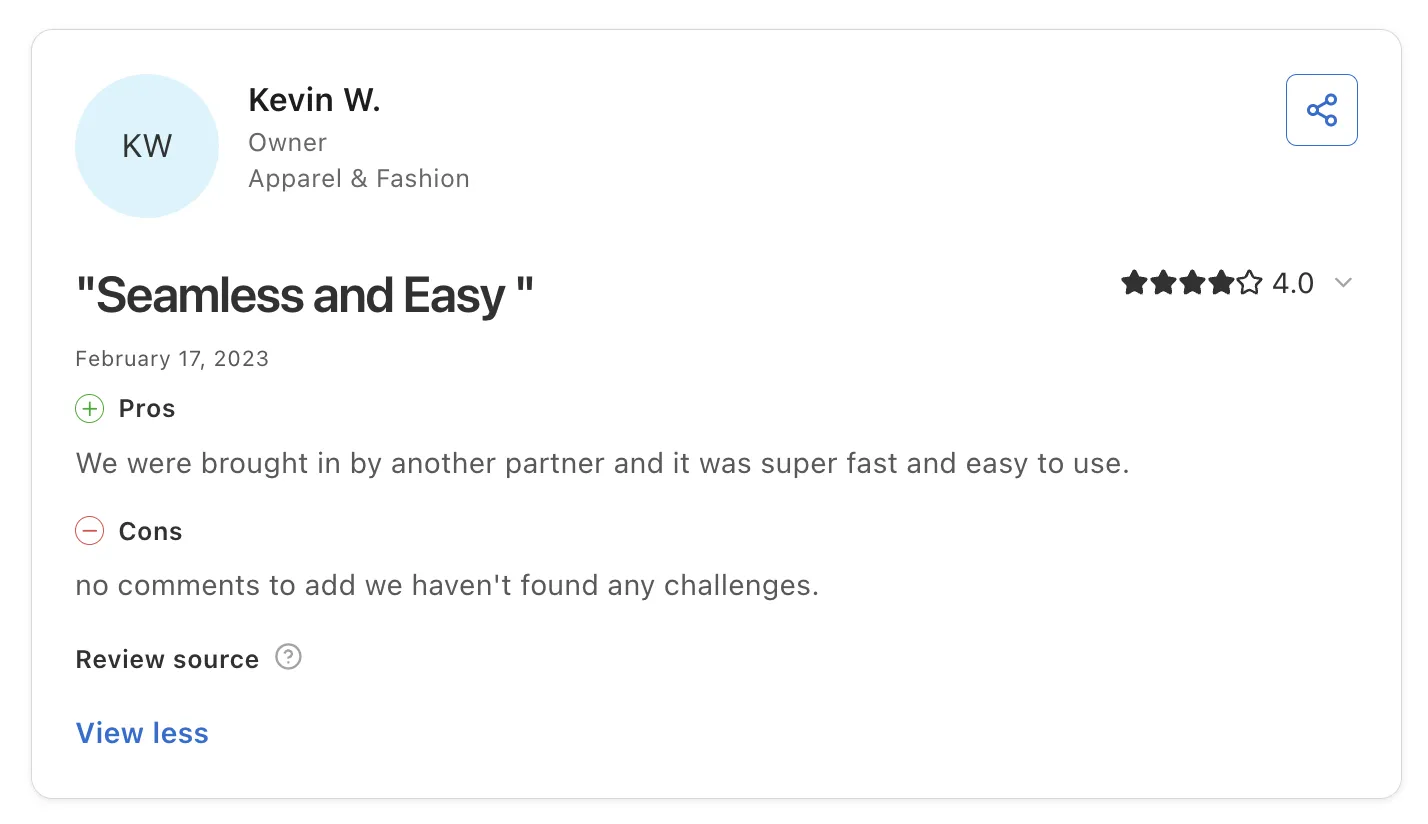
Reviewers highlight how fast they got started. One reviewer, brought in by a partner, describes the setup as super fast and easy to use, and others describe a Shopify integration where retailer orders land in their own store and ship like any other order.
Reviewers also point to a support team that answers quickly and knows the product. Brands describe opening new retail and marketplace channels without holding inventory, and buyers mention automations that keep each order's status visible.
Final Verdict
Carro is the best supplier onboarding software on this list for retailers and marketplaces whose suppliers sell or ship products, and for brands connecting their catalog to them. It takes each supplier from signed agreement to live products in days, and the setup it completes keeps running after launch through catalog sync, order routing, invoicing and payouts.
Teams onboarding vendors for purchasing and accounts payable will want a procurement tool for that job. For commerce teams, Carro reports retailers seeing up to 3.5x revenue growth, and The Gents Store added 2,500+ products with no inventory requirement.
2. Logicbroker
Overview
Logicbroker is drop ship and marketplace software for enterprise retailers, brands, suppliers and distributors. Trading partners connect over EDI, API, FTP, VAN or a web portal and exchange orders, inventory feeds, shipment notices and invoices in the formats they already use.
The company now describes itself as an agentic commerce orchestration engine that keeps catalog and availability data in sync for AI-driven shopping through its Intelligent Commerce Network. Its managed services team sets up and tests supplier connections for retailers that want onboarding handled for them.
Ideal For
- Enterprise retailers with EDI-heavy drop ship programs
- Brands and distributors trading with several large retail partners
- Teams that want supplier setup and testing handled as a service
- Companies without in-house EDI staff
Top Features
- Multi-protocol connectivity. Partners trade in EDI, cXML, JSON or CSV over API, FTP, VAN or a portal.
- Managed supplier onboarding, where specialists build and test each connection before live orders flow
- Order and inventory automation: inventory feeds and tracking numbers move without manual file handling.
- Order visibility at each step, from purchase order through vendor acknowledgment and shipment notice to invoice
Why They Stand Out
Logicbroker is one of the strongest options for enterprises onboarding many EDI trading partners. Its range of protocols lets a retailer meet each supplier on the format that supplier already sends, which shortens the technical part of onboarding.
The managed service is the other draw. Teams without an EDI department hand connection and testing work to Logicbroker specialists and receive partners ready to trade.
Pros
- Wide protocol and connection support
- Managed onboarding and testing for suppliers
- Fast inventory feed updates
- Order visibility across the document flow
Cons
- Reviewers criticize rigid contract and cancellation terms
- Extra help can be scoped as paid statements of work
- Weak reporting, with no simple monthly KPIs
- Some reviewers find vendor onboarding tedious
Customer Reviews
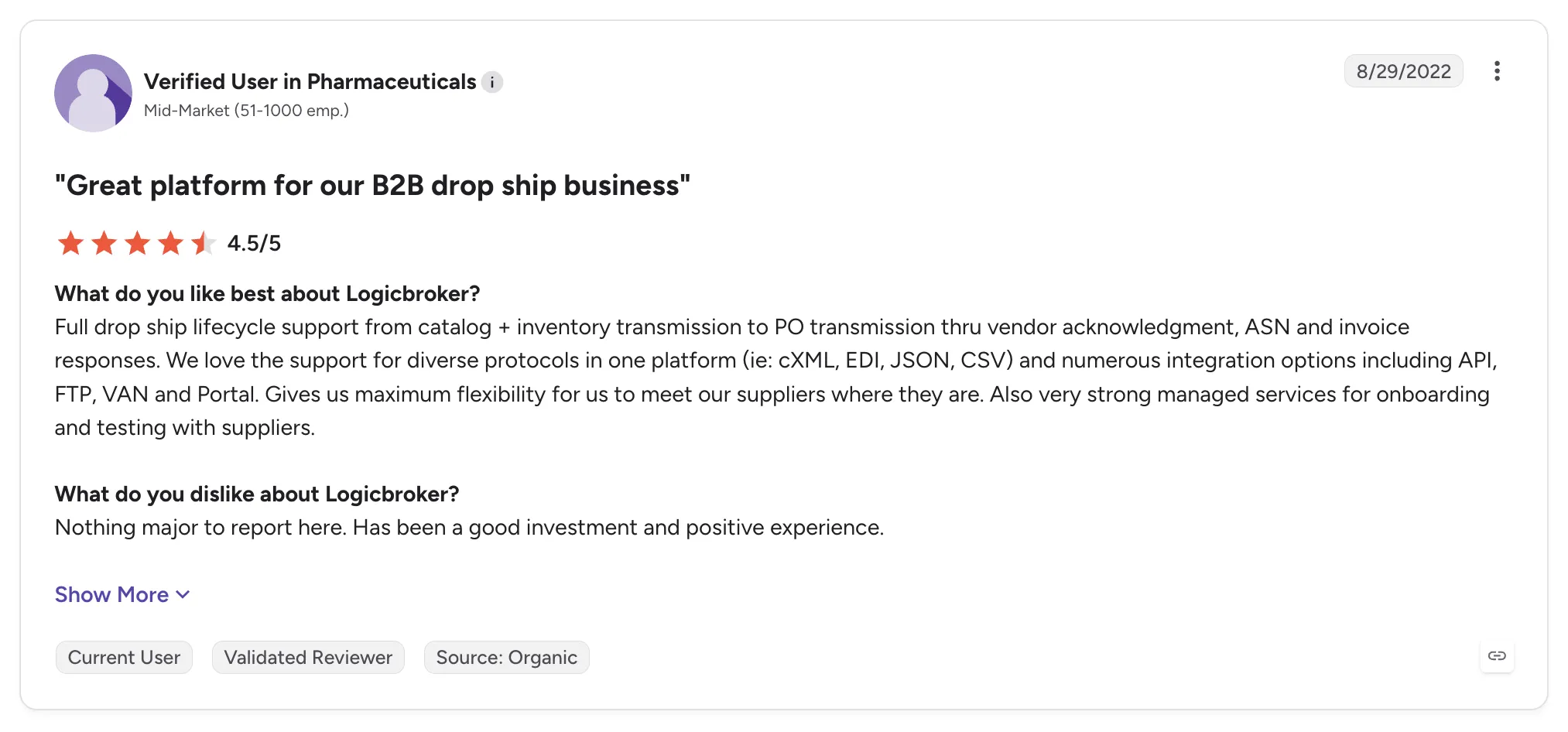
Logicbroker holds 4.0 out of 5 across 30 G2 reviews and 5.0 out of 5 across 1 Capterra review.
Reviewers praise the managed onboarding and testing with suppliers, along with support for many protocols that lets them meet suppliers where they are. Others mention inventory updates that reach the site almost at once and an interface that is easy to teach.
The criticisms center on the commercial relationship. One recent reviewer describes rigid cancellation terms, and older reviews mention overpromised capabilities with slow support. Some also find vendor onboarding tedious, which slows initial setup.
Final Verdict
Logicbroker suits enterprise retailers and brands with many EDI trading partners that want onboarding and testing handled as a managed service.
Mid-market retailers and marketplaces may find the enterprise contract terms heavy for their size. Teams that want onboarding through settlement in one workflow, with hands-on help for small brands and partner price lists set per relationship, should compare how much of that each vendor covers.
3. Rithum

Overview
Rithum is the commerce network formed from CommerceHub and ChannelAdvisor. It serves brands and retailers with drop ship programs, private marketplace vendor self-service, e-commission programs and public marketplace management.
CommerceHub built a drop ship network linking large retailers with their suppliers, and ChannelAdvisor built listing and inventory tools for sellers on marketplaces such as Amazon and eBay. For supplier onboarding, that shared network shortens the path for a supplier selling to a retailer that already runs on Rithum.
Ideal For
- Large retailers running drop ship with established vendors
- Vendors joining a retailer program that already runs on Rithum
- Brands managing listings across Amazon, Walmart, eBay and other marketplaces
- Enterprise teams with resources for a multi-month rollout
Top Features
- Drop ship network where retailers and suppliers exchange orders, inventory updates, shipment confirmations and invoices
- Vendor self-service, letting suppliers manage their own listings in a retailer's private marketplace
- Marketplace listing sync: one catalog pushes price and stock to many channels, which prevents overselling.
Why They Stand Out
Rithum is one of the strongest options for enterprise retailers and brands that need drop ship and public marketplace reach from one vendor. Many large retailers already run drop ship through its network, so a supplier selling to one of them joins a program that is already connected.
Reviewers describe one place to manage listings and orders across many marketplaces. They also credit its inventory sync with preventing overselling.
Pros
- Established retailer drop ship network
- Listing and stock sync across many marketplaces
- Handles large catalogs without load issues
- Vendor self-service for private marketplaces
Cons
- Learning curve and a complex interface for new users
- Slow performance on bulk updates
- High cost and long contract terms reported by reviewers
- Onboarding can feel overwhelming, according to some reviewers
Customer Reviews
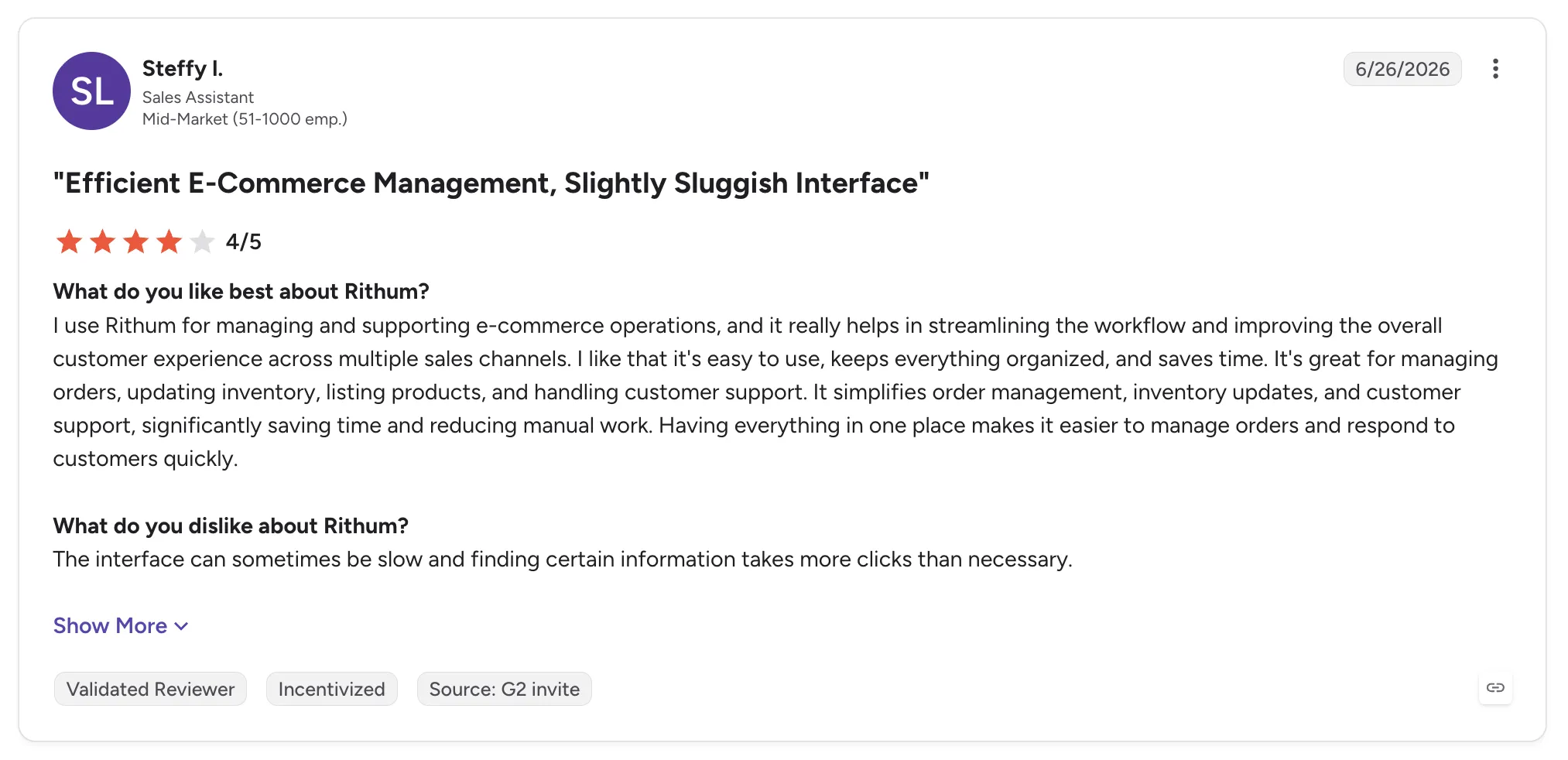
Rithum holds 4.0 out of 5 across 123 G2 reviews and 3.8 out of 5 across 61 Capterra reviews.
Reviewers praise centralized management of listings and orders across many marketplaces, with inventory sync that prevents overselling. One describes smooth product uploads and daily reports, and others credit the automation with cutting manual work.
The criticisms focus on a learning curve and a slow interface during bulk updates. Several reviewers also mention high cost and slow support, and some found onboarding overwhelming.
Final Verdict
Rithum suits large retailers and brands that want drop ship and marketplace reach from one vendor and have the budget and staff for an enterprise rollout.
Mid-market retailers and marketplaces that want new suppliers live in days, with hands-on help for brands that have no technical team, may find the implementation and cost heavy. The network helps most when your suppliers are already on it.
4. Mirakl
Overview
Mirakl is enterprise marketplace software that lets B2B and B2C organizations launch and grow third-party marketplaces. It connects to an existing ecommerce stack through APIs, so the operator's team can focus on recruiting and onboarding sellers.
Seller onboarding runs through structured approval, with catalog tools that standardize the product data each seller sends. The company pairs the software with marketplace experts who advise operators on strategy and practice.
Ideal For
- Enterprise retailers launching a large third-party marketplace
- B2B distributors opening a marketplace for partner sellers
- Operators with development resources for API integration
- Teams that want strategic marketplace guidance alongside the software
Top Features
- Seller onboarding and approval with defined steps before a seller's offers go live
- Catalog standardization that maps each seller's product data to the operator's structure
- Marketplace APIs that connect with SAP, Adobe Commerce, Salesforce Commerce Cloud and Shopify
- Automated order and product flows across sellers
Why They Stand Out
Mirakl is one of the strongest options for enterprises building a large marketplace with many independent sellers. Reviewers describe fast, structured seller onboarding that supports marketplace growth, backed by strong APIs into enterprise commerce systems.
Product updates arrive often, and several reviewers describe support that acts like a partner. Catalog standardization also earns credit for keeping data consistent across sellers.
Pros
- Structured seller onboarding and approval
- Integrations with major enterprise commerce systems
- Catalog standardization across sellers
- Frequent product updates
Cons
- Complex setup and a learning curve
- Custom reporting limited without external tools
- Lengthy product approval process
- Strict workflows that can need developer workarounds
Customer Reviews
Mirakl holds 4.1 out of 5 across 14 G2 reviews and 4.5 out of 5 across 20 Capterra reviews.
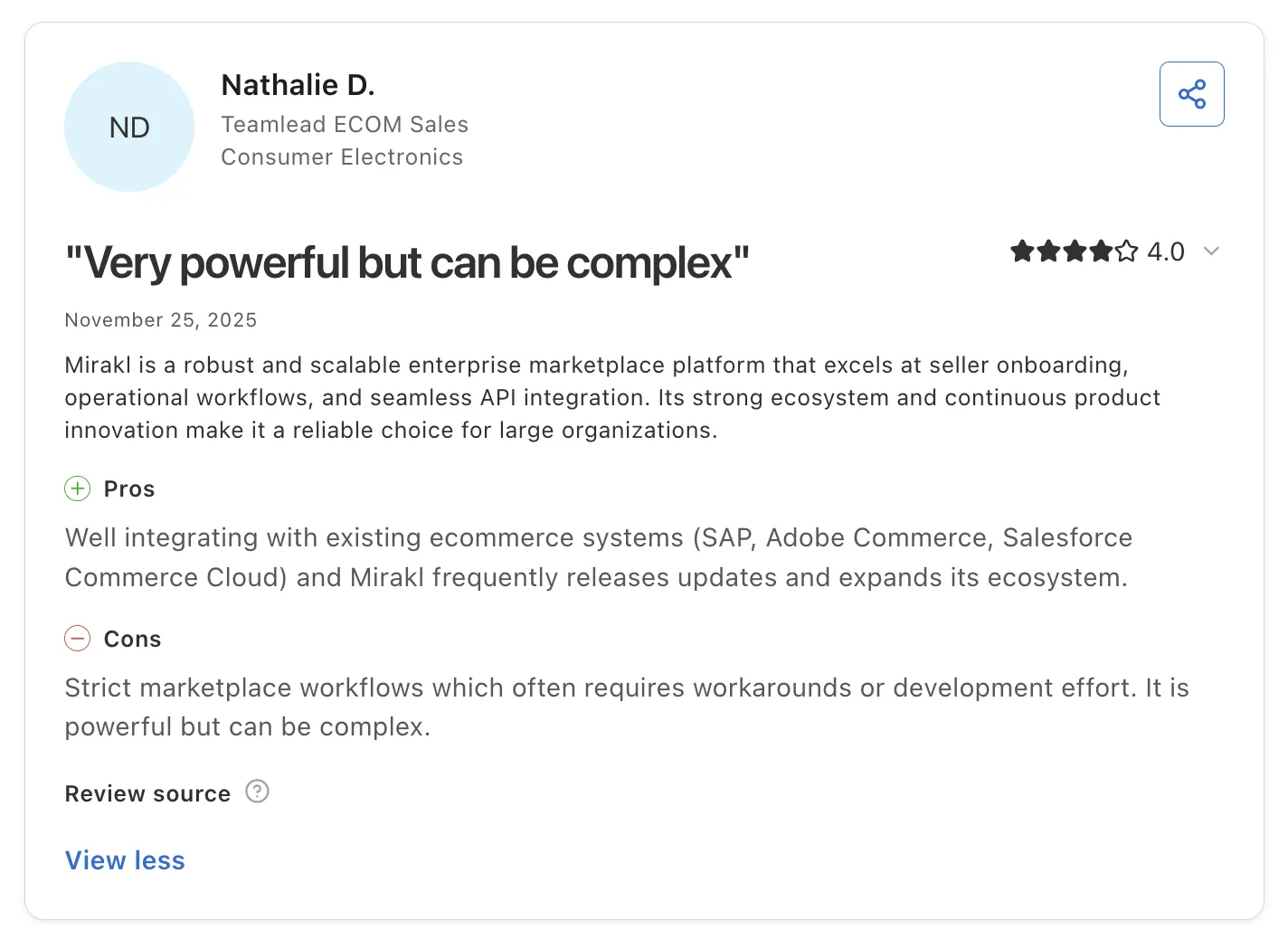
Reviewers praise ease of integration and fast seller onboarding. Several value managing many vendors in one place and seeing sales trends in their reports.
The criticisms center on complexity, with a learning curve during setup and features spread across sections. Others mention limited custom reporting and a lengthy product approval process.
Final Verdict
Mirakl suits enterprises launching large B2B or B2C marketplaces that have the development resources for an API-led build.
Retailers that want to open a marketplace on the store they already run, with suppliers onboarded in days and hands-on help for smaller brands, may find the setup heavier than they need. Our comparison of multi-vendor marketplace software covers those options in more depth.
5. Marketplacer

Overview
Marketplacer is marketplace software that helps retailers and loyalty businesses add third-party sellers to their online store. Built-in tools for seller onboarding and drop ship range extension let operators grow their range without owning or warehousing stock.
The software connects to existing ecommerce stacks, including Adobe Commerce, BigCommerce, Shopify Plus and Salesforce Commerce Cloud. A staging environment lets operators check products before they are released to the live site.
Ideal For
- Retailers adding third-party sellers to an existing store
- Loyalty and rewards businesses building a product marketplace
- Brands extending their range with partner products
- Operators who want marketplace business-model advice from the vendor
Top Features
- Seller onboarding tools that bring suppliers into the marketplace as sellers
- Staging environment to review products before release
- Drop ship and range extension, with endless-aisle products shipped by third parties
- Category filtering and product setup for operators
Why They Stand Out
Marketplacer is one of the strongest options for operators who want a team that knows marketplace business models along with the software. Reviewers describe a responsive team that advises on the model and resolves issues fast.
The staging environment also gets specific praise. Products can be checked before release, which keeps errors off the live site.
Pros
- Turns suppliers into marketplace sellers
- Staging environment before release
- Responsive, marketplace-savvy team
- Connects front-end and back-end systems for data and insights
Cons
- Slow uploads with many products on staging
- Reviewers want a unified taxonomy to speed seller onboarding
- Registration process could be simpler
Customer Reviews
Marketplacer holds 4.8 out of 5 across 4 G2 reviews and 4.9 out of 5 across 7 Capterra reviews.
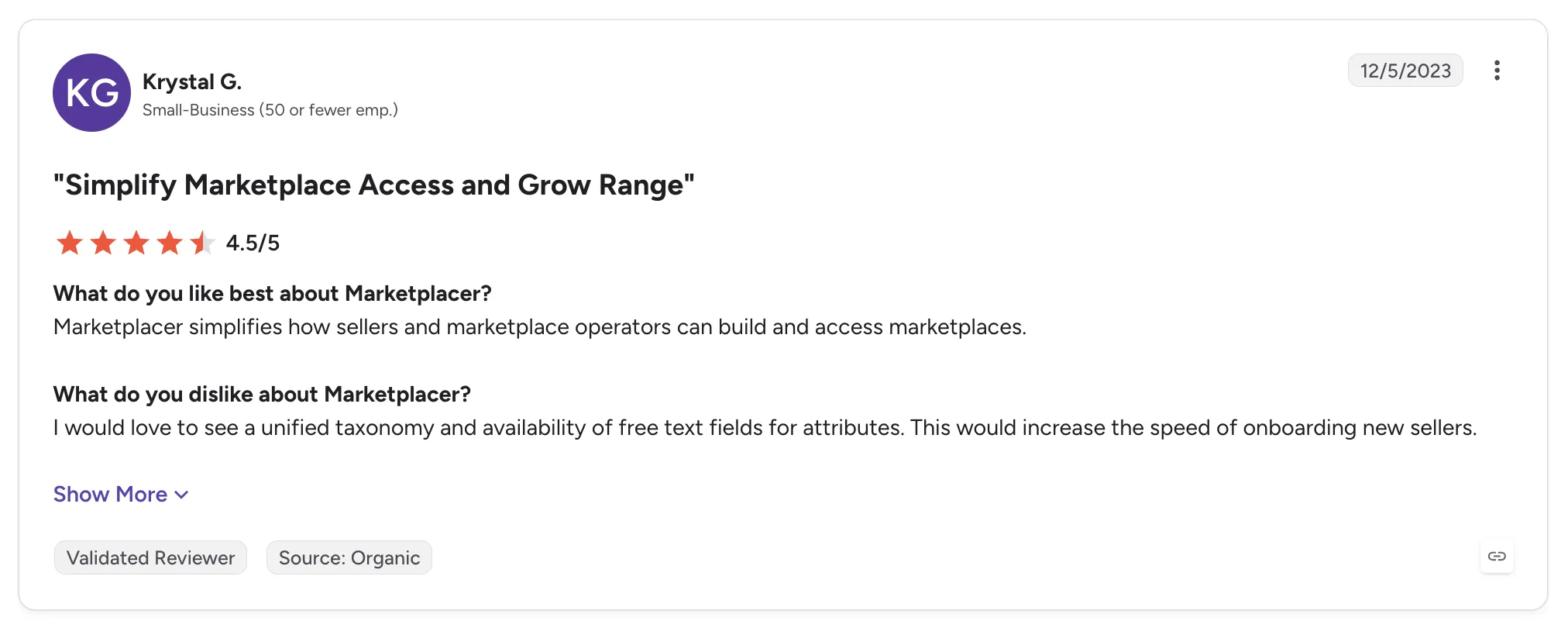
Reviewers praise how the software simplifies building and accessing a marketplace, turning suppliers into sellers. Others highlight the staging environment and a team that advises on the business model as well as the software.
The criticisms focus on onboarding speed. One reviewer wants a unified taxonomy and free-text attribute fields to bring sellers on faster, and another reports slow uploads on staging when many products are involved.
Final Verdict
Marketplacer suits retailers and loyalty businesses adding third-party sellers to an existing store, especially those that want business-model guidance from the vendor.
Teams onboarding suppliers that run on EDI, an API, a storefront app or scheduled files, with settlement worked out per order, should check how each connection type is handled. Reviewers' requests for faster seller onboarding also point to setup work that stays with the operator.
6. Tipalti
Overview
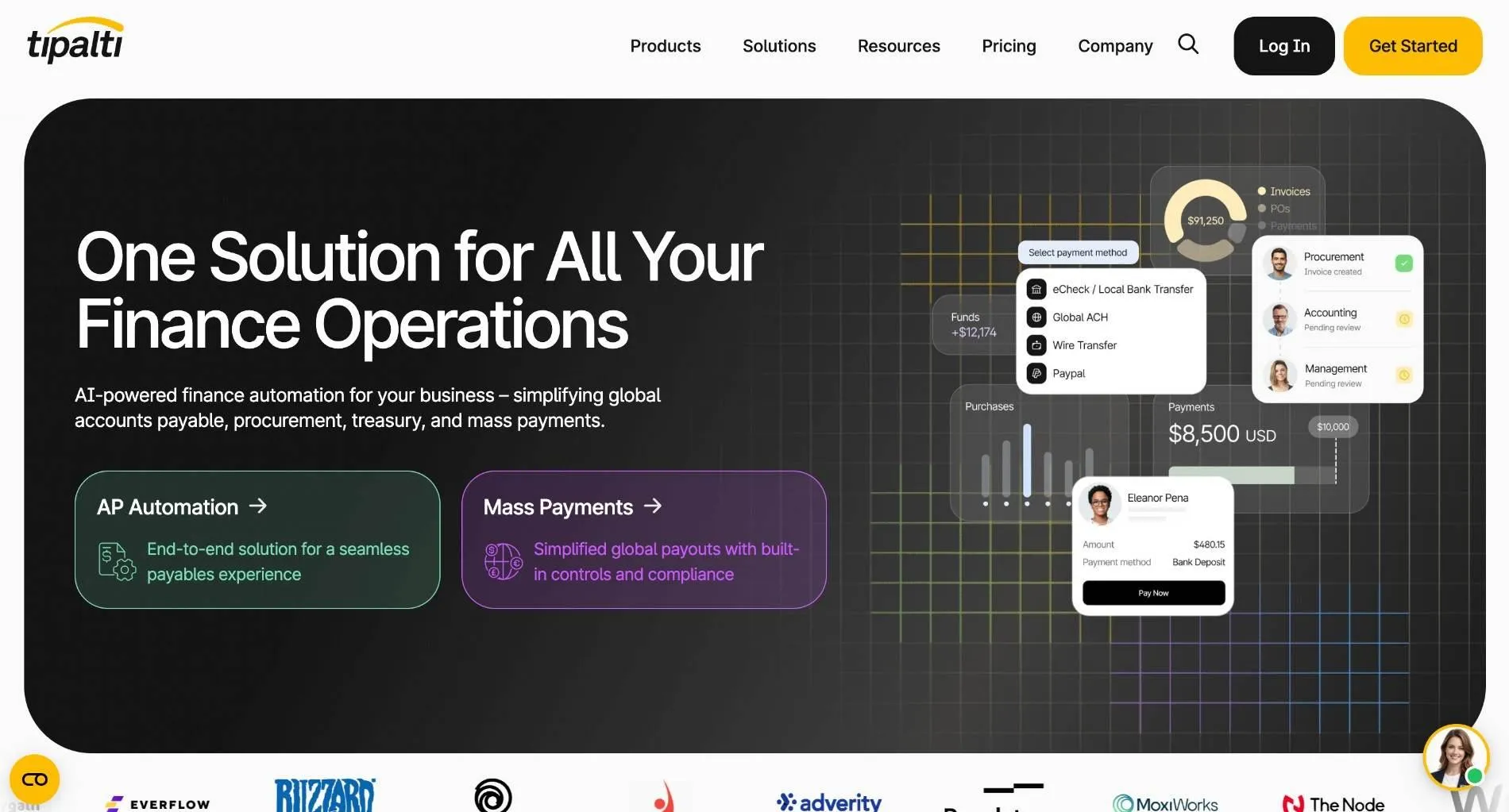
Tipalti is finance automation software that covers accounts payable from supplier onboarding to payment. Alongside AP automation, it offers modules for mass payments, procurement, expenses and cards.
Supplier onboarding happens through a self-service portal where vendors enter their own tax and bank details. Tipalti collects tax forms during onboarding and then pays suppliers worldwide in many currencies.
Ideal For
- Mid-market finance teams paying suppliers in many countries
- AP teams replacing manual invoice entry and approvals
- Companies paying large numbers of freelancers and contractors
- Controllers who need tax form collection built into vendor setup
Top Features
- Supplier self-onboarding portal where vendors maintain their own payment and tax details
- Tax form collection during onboarding
- AP automation: invoice capture, purchase order matching, approvals and duplicate detection
- Global mass payments in many currencies from one place
Why They Stand Out
Tipalti is one of the strongest options for finance teams that want vendor onboarding and global payments in the same system. Vendors enter and maintain their own details, which reviewers say improves the accuracy of vendor master data and tax compliance.
Reviewers describe large time savings in AP, from invoice capture through payment. They also value paying suppliers across countries and currencies from one place.
Pros
- Supplier self-service for payment and tax details
- Tax compliance support during onboarding
- Global, multi-currency payments
- Straightforward AP workflow, even for non-finance users
Cons
- ERP sync errors, and payments made outside Tipalti don't sync back
- Reporting and visibility into payment stages could improve
- Slow escalation on complex support issues
- No partial bill payment within a batch
- Built for vendors you pay, so product data and order routing sit outside its scope
Customer Reviews
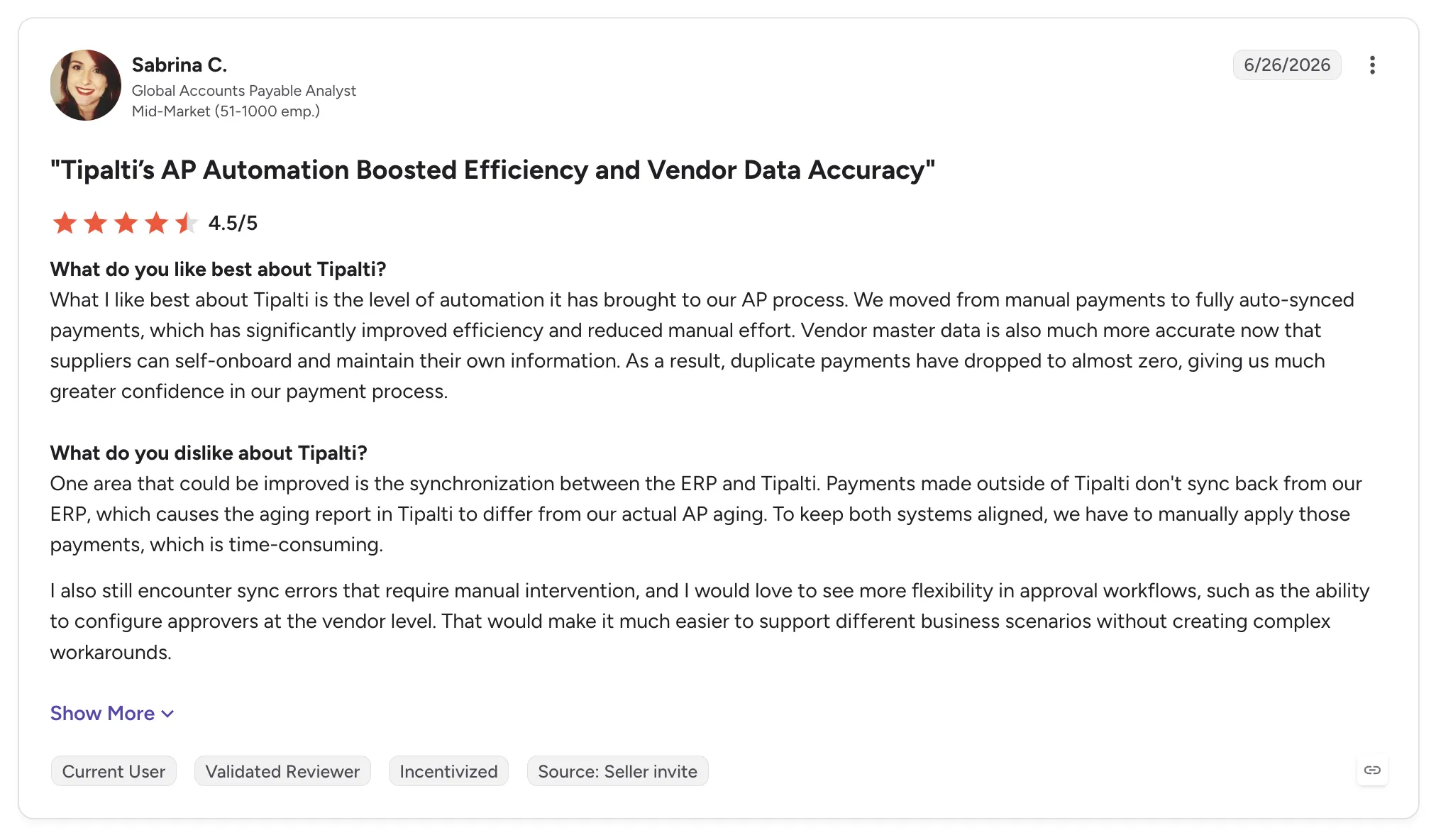
Tipalti holds 4.5 out of 5 across 426 G2 reviews and 4.5 out of 5 across 179 Capterra reviews.
Reviewers praise ease of use and payment processing that cuts manual AP work. Automated vendor onboarding and global payments are singled out often, and many reviewers describe responsive support.
The criticisms center on ERP sync errors and reporting that leaves gaps in payment-stage visibility. Some reviewers also describe a learning curve and onboarding difficulties during implementation.
Final Verdict
Tipalti suits finance teams that onboard many vendors they pay and want tax compliance and global payments in one AP workflow.
Retailers and marketplaces onboarding suppliers whose products they sell will find that a paid vendor record leaves the connection and the test order still to do. Tipalti fits beside commerce software as the system for paying vendors the company buys from.
7. Graphite Connect
Overview
Graphite Connect is supplier onboarding software built on supplier-managed, verified profiles. Suppliers maintain their own information in a network, so onboarding data stays current and flows straight into the buyer's ERP.
It validates banking and tax identity details and screens suppliers against OFAC lists to guard against fraudulent changes. Automated risk and due diligence checks run alongside a single intake point for requesters.
Ideal For
- Procurement teams in midsize and enterprise companies
- Organizations guarding against payment fraud through changed bank details
- Teams running supplier risk and due diligence reviews
- Companies on NetSuite, SAP, Oracle or Sage Intacct that want verified data in the ERP
Top Features
- Supplier-managed profiles that vendors update themselves
- Bank account and tax ID validation, plus sanctions screening, built into onboarding
- Risk and due diligence automation, with one intake point for requesters
- ERP integrations that carry approved supplier data downstream
Why They Stand Out
Graphite Connect is one of the strongest options for procurement teams that want verified supplier data and fraud protection at onboarding. Because suppliers manage their own profiles, updates arrive from the source with fewer back-and-forth emails.
Reviewers describe a clean workflow with visibility into each step. Several departments can work on the same supplier record, which shortens the time to an approved vendor.
Pros
- Suppliers maintain their own verified profiles
- Automated banking and identity validation
- Visibility into each onboarding step
- Responsive support team
Cons
- Verification steps feel heavy for small suppliers
- Documents scattered across profile sections
- Integration errors take time to resolve
- Some implementations run long
Customer Reviews
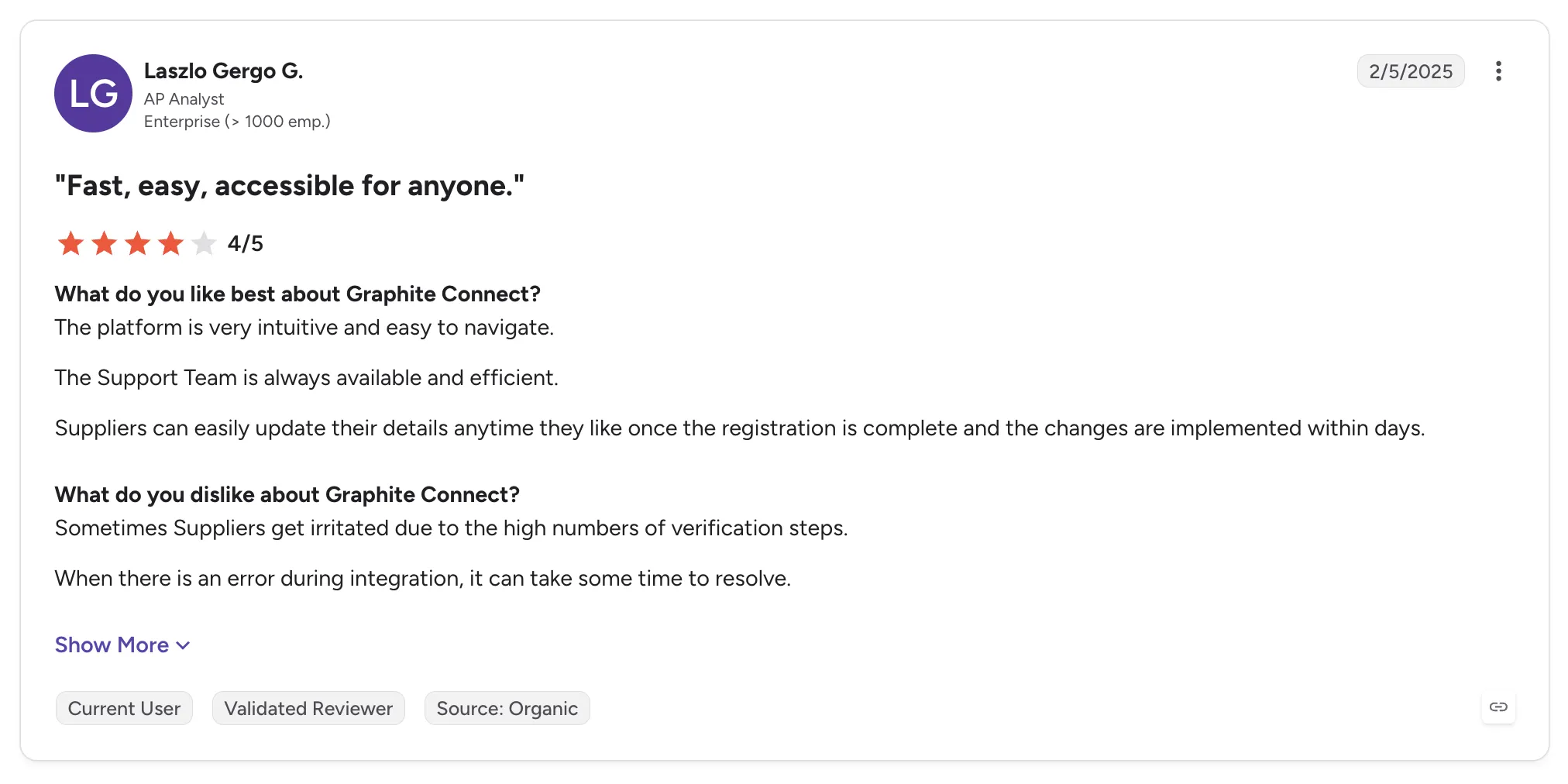
Graphite Connect holds 4.4 out of 5 across 31 G2 reviews and 4.3 out of 5 across 26 Capterra reviews.
Reviewers praise ease of use and an onboarding process that cuts back-and-forth with vendors. Suppliers updating their own details and a responsive support team come up in many reviews.
The criticisms focus on the supplier side and on document handling. Some suppliers find the number of verification steps heavy, especially small vendors, and reviewers want documents kept in one place in the vendor profile.
Final Verdict
Graphite Connect suits procurement and AP teams that need verified, fraud-checked supplier data flowing into the ERP.
Commerce teams onboarding brands and distributors whose products they sell will still need the connection and product data set up after the vendor record is approved. Its verification depth also adds steps that small brands may find heavy.
8. Zip
Overview
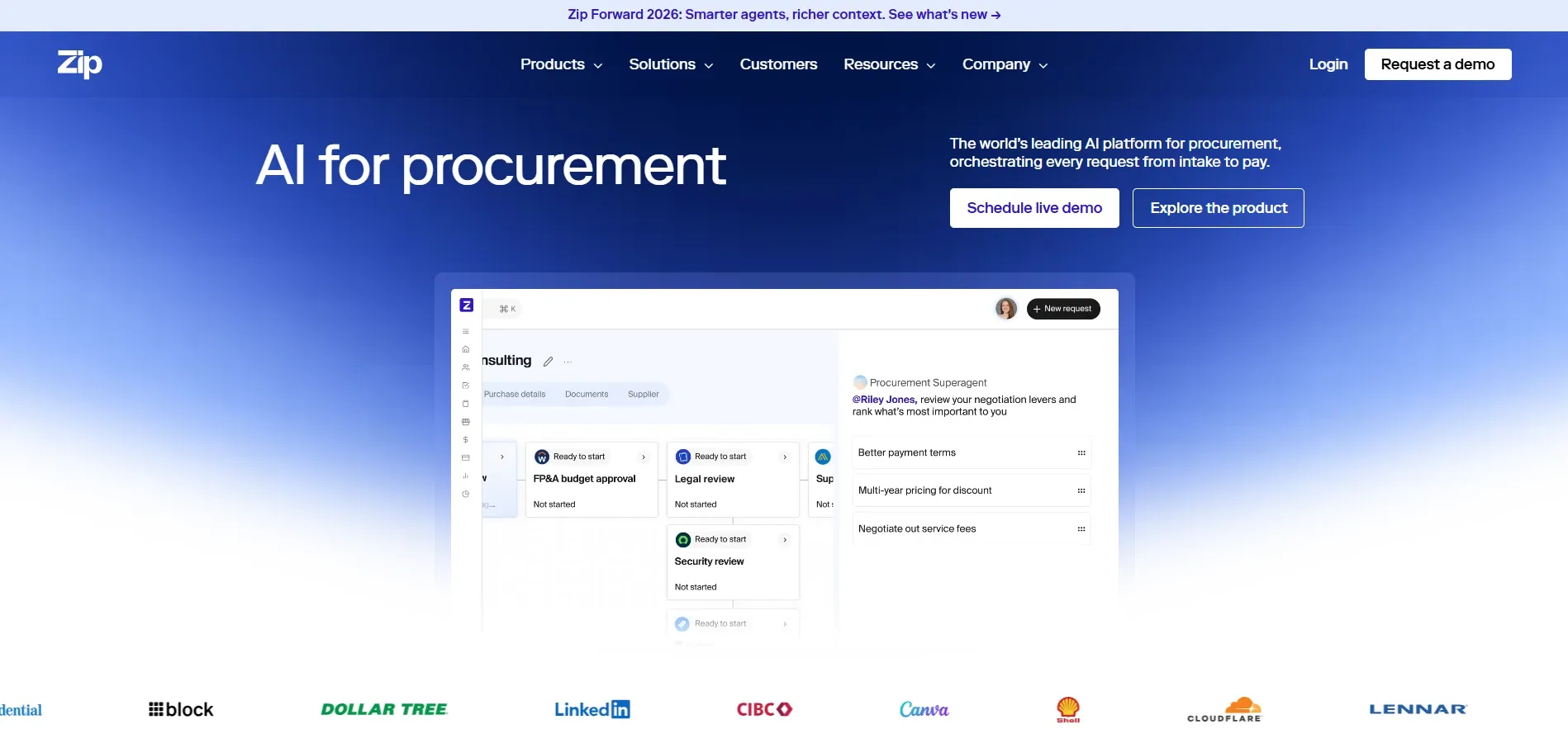
Zip is procurement orchestration software for enterprises, built around a single intake point for purchase requests. Any employee can request a purchase, and Zip routes it through cross-functional approvals across procurement, legal, security and finance.
Vendor onboarding sits inside that flow, so a new supplier's details and reviews are collected as part of the request. Zip also adds AI agents that handle parts of the review work, and it integrates with tools such as NetSuite, Slack, Docusign and Ironclad.
Ideal For
- Enterprises with complex, cross-functional purchase approvals
- Procurement teams that want one intake point for every request
- Companies onboarding software and service vendors through legal and security review
- Finance teams on NetSuite or similar ERPs
Top Features
- Intake and approval workflows that teams can configure without vendor help
- Vendor onboarding collected inside the purchase request
- Integrations with ERPs, contract tools, e-signature tools and messaging apps
- AI agents that take on parts of procurement review
Why They Stand Out
Zip is one of the strongest options for enterprises that want every purchase request and new vendor to follow one visible approval path. Reviewers describe clear visibility for requesters and approvers alike.
Ease of configuration is the other recurring theme. Teams adjust workflows themselves, and integrations push vendor and invoice data into the ERP.
Pros
- Intuitive intake for requesters
- Configurable approval workflows
- Wide integration set
- Responsive customer success team
Cons
- Reporting and filtering can be inconsistent
- Missing features such as split billing and change-order edits mid-approval
- Occasional glitches and lag
- Customization can be hard to govern
Customer Reviews
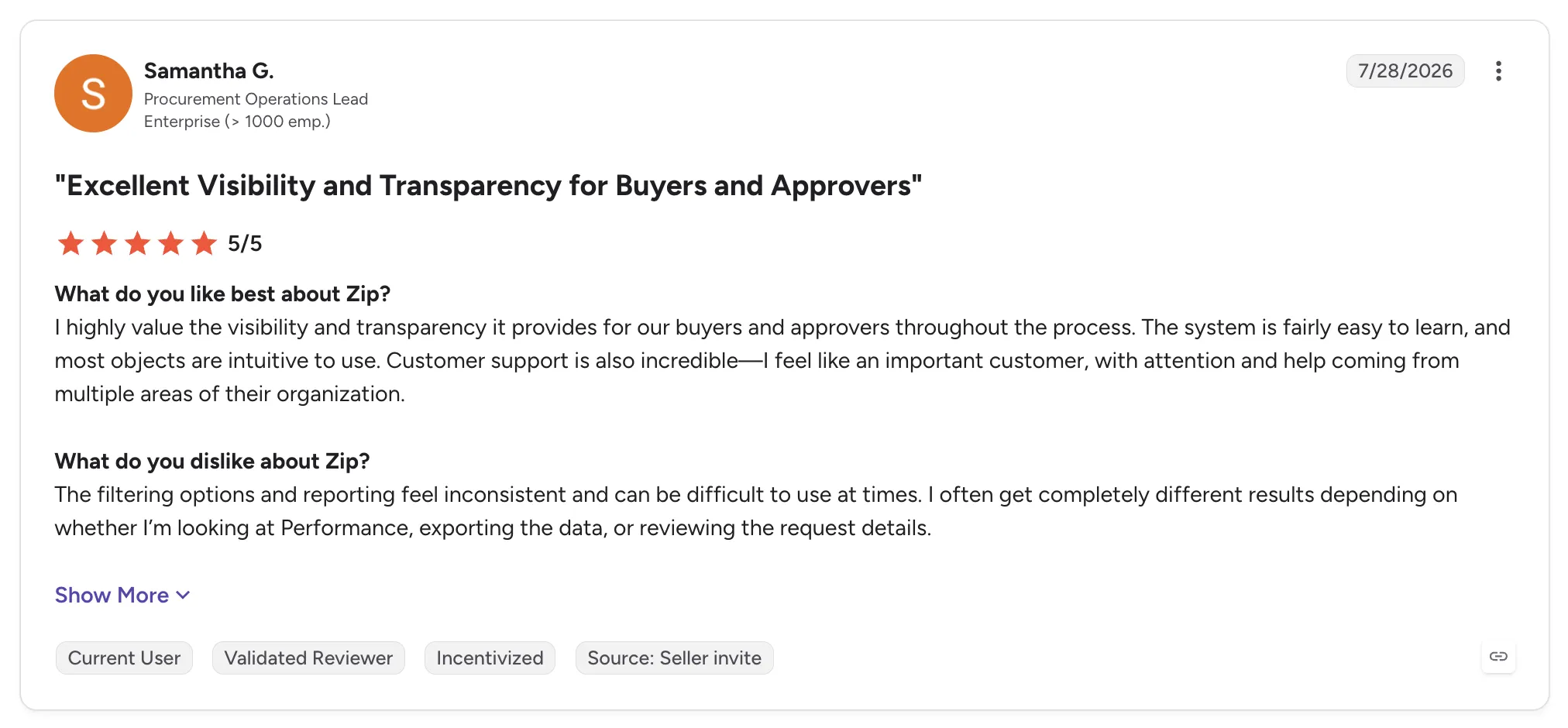
Zip holds 4.6 out of 5 across 139 G2 reviews and 4.7 out of 5 across 32 Capterra reviews.
Reviewers praise a user-friendly interface and customizable workflows that make approvals visible. Several credit the support team and the pace of product updates.
The criticisms center on reporting, with inconsistent filtering and dashboards that cannot be shared or scheduled. Others mention missing features and occasional lag.
Final Verdict
Zip suits enterprises that want purchase requests and vendor onboarding run through one approval path with strong integrations.
Its onboarding ends at an approved vendor, so retailers and marketplaces adding suppliers whose products they sell would still need connection and catalog work elsewhere. Zip fits best where the supplier sells to you.
9. Coupa

Overview
Coupa is spend management software for purchasing, invoicing, expenses and supplier management. It helps companies control direct and indirect spend with visibility into cash flow and risk.
Suppliers onboard and transact through a supplier portal, where they manage their profile, receive purchase orders, submit invoices and track payment status. Companies add modules over time as their spend programs grow.
Ideal For
- Large companies consolidating procurement and AP
- Finance teams that want purchase orders and invoices matched automatically
- Organizations with many suppliers transacting through a portal
- Teams adding spend modules over time
Top Features
- Supplier portal for invoice submission and payment tracking
- Purchasing with punchout catalogs and approval workflows
- Invoice automation with matching against purchase orders and receipts
- Spend visibility across categories and business units
Why They Stand Out
Coupa is one of the strongest options for large companies that want purchasing and invoicing tied to one supplier record. Reviewers describe spend that used to live in email and spreadsheets brought into one place.
Suppliers can see invoice approval status and expected payment dates through the portal. Automated invoice matching also saves AP teams time.
Pros
- Spend visibility and control in one place
- Easy purchase order creation and approvals
- Supplier visibility into invoice and payment status
- Automated invoice matching
Cons
- Supplier onboarding can feel confusing for vendors
- Dated, inconsistent interface with a learning curve
- Rigid workflows and clunky change orders
- Long implementation and slow adoption
Customer Reviews
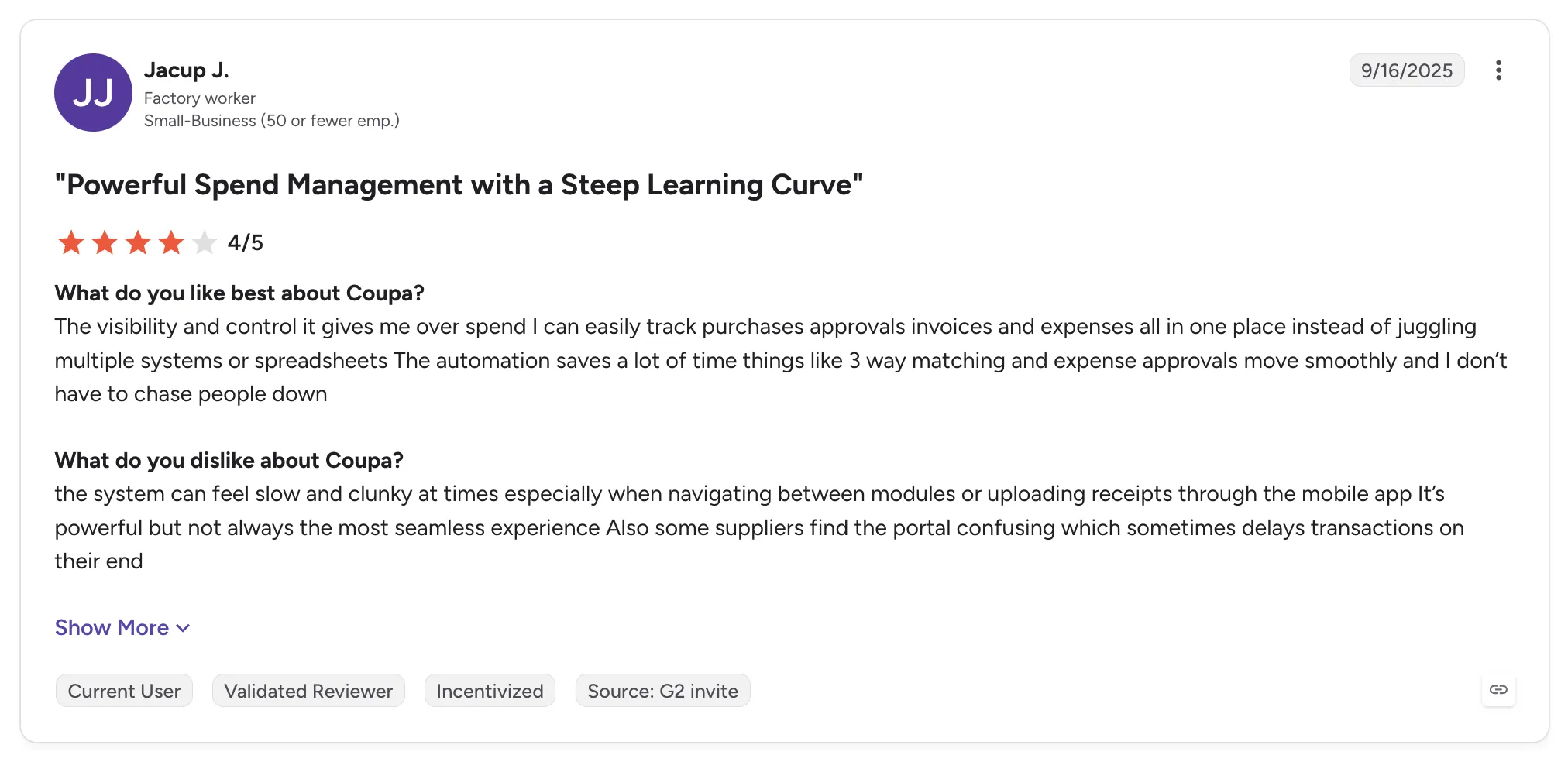
Coupa holds 4.2 out of 5 across 570 G2 reviews and 4.0 out of 5 across 134 Capterra reviews.
Reviewers praise a user-friendly interface for buyers and centralized spend control. Many value easier approvals and spend tracking, and supplier-side users like seeing invoice status in the portal.
The criticisms concentrate on the supplier side and on complexity. Some vendors describe onboarding as painful and confusing, and buyers mention a learning curve along with long implementations.
Final Verdict
Coupa suits large companies that want procurement and invoicing under one spend program.
Retailers and brands onboarding suppliers whose products they sell will find its supplier portal built for purchase orders and invoices on goods the company buys. Stock sync and drop ship order routing sit outside that model.
10. SAP Ariba
Overview
SAP Ariba is SAP's procurement suite for automating the purchasing lifecycle, aimed at organizations from smaller companies on manual processes to large multi-ERP enterprises. It covers sourcing, contracts, purchasing and invoicing with spend visibility and compliance controls.
Suppliers transact with buyers through SAP Business Network, where buyers can also discover new suppliers. Supplier lifecycle tools handle registration and qualification before a vendor can transact.
Ideal For
- Large enterprises running SAP ERP
- Procurement teams managing sourcing events and contracts
- Organizations with strict approval and audit requirements
- Companies buying from suppliers already on SAP Business Network
Top Features
- SAP Business Network for supplier discovery and collaboration
- Supplier registration and qualification during onboarding
- Procure-to-pay automation, from requisition and approval to purchase order and invoice
- Integration with SAP ERP modules
Why They Stand Out
SAP Ariba is one of the strongest options for large enterprises that run SAP and want procurement and supplier management in the same suite. Reviewers value real-time tracking of where a request or invoice sits in the approval chain.
The supplier network is the other draw. Many suppliers already transact on SAP Business Network, which makes discovery and collaboration easier for buyers.
Pros
- Centralized procurement from requisition to invoice
- Large supplier network for discovery and collaboration
- Approval tracking with an audit trail
- Integration across SAP modules
Cons
- Steep learning curve and a dated interface
- Too many clicks and rigid workflows
- Clunky report customization
- No parallel browser sessions under one login
Customer Reviews
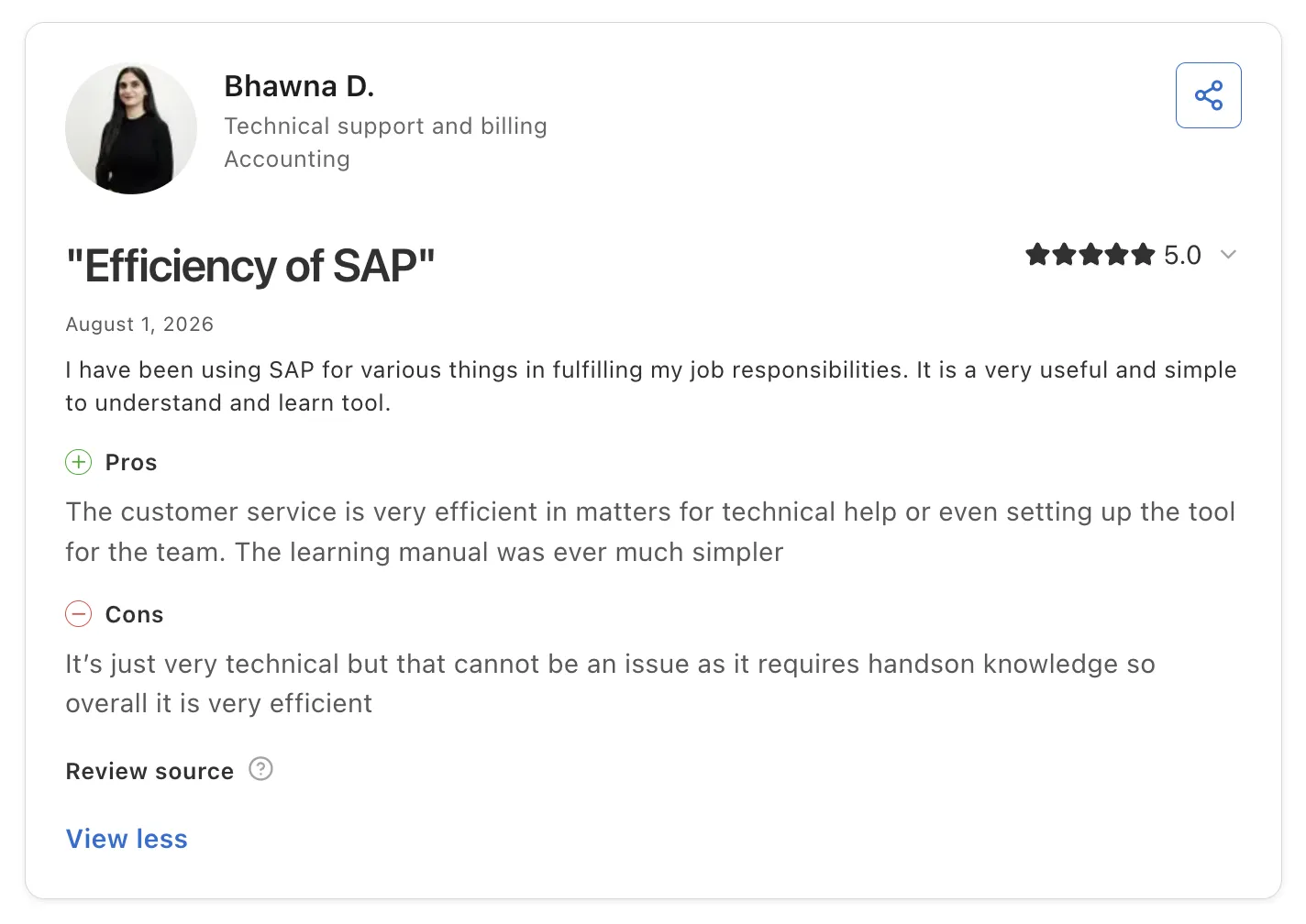
SAP Ariba holds 4.1 out of 5 across 799 G2 reviews and 3.8 out of 5 across 89 Capterra reviews.
Reviewers praise centralized procurement and strong supplier management. Workflow approvals and automated purchase orders help with compliance, and the supplier network makes collaboration easier.
Many reviewers describe the interface as complex and unintuitive, which slows adoption for new users. Others mention rigid workflows and slowness under load.
Final Verdict
SAP Ariba suits large enterprises on SAP that need procure-to-pay with supplier registration built in.
Its supplier onboarding qualifies vendors for purchasing, so retailers and marketplaces adding suppliers who ship products to their customers will need a separate path to a live catalog. The learning curve also weighs on teams without dedicated procurement staff.
How to Choose the Best Supplier Onboarding Software (What To Consider)?
Start with the kind of supplier you are bringing on, since the procurement tools above cover vendors your company buys from.
For retailers and marketplaces bringing on suppliers whose products they sell, the seven factors below show how far a tool carries each supplier toward its first sale. Teams shortlisting the best vendor onboarding platform for a dropship or marketplace program can test each one in a demo with a supplier of their own.
1. Measure the Time From Signed Agreement to First Sellable Product
Ask every vendor how long a typical supplier takes to go from signature to a product a customer can buy. The answer should come with the steps in between: account details, connection, product data, partner price list, test order and go-live.
A defined sequence with visible progress shows where each supplier stands, such as a connected Shopify store with most products mapped and the price list still open. Suppliers on Carro go live in days, and every new supplier follows the same path as the last one.
2. Check That Each Supplier Can Connect on Its Own Setup
Your suppliers already run on something: a Shopify, Magento 2, WooCommerce or BigCommerce store, an ERP sending EDI, an API or files on an SFTP server. The software should evaluate each supplier's setup and connect to it as it stands.
Ask the same of your own side. Your storefront, payments, shipping, ERP and accounting should stay where they are, with no replatform and no custom build, and any EDI connections you have already agreed with suppliers should keep running.
3. Ask Who Does the Work for Suppliers Without Technical Teams
Many brands and distributors have no developer, and a self-serve connector leaves the setup with them. Ask whether the vendor's own team works on the connection and product mapping directly with those suppliers.
Ask for a reference customer whose suppliers look like yours. The FairGround onboarded brands of all sizes after moving to Carro, including brands with no technical resources, because the Carro team met those brands directly.
4. Require a Test Order Before Go-Live
A test order runs the whole path before a customer does. It should confirm that the supplier ships the order with tracking and that the invoice matches the agreed settings.
Before that test, product selection, partner prices, billing details and shipping setup should be agreed and entered. Software that coordinates those items inside onboarding keeps them from surfacing after launch as pricing errors or unbilled shipments.
5. Confirm Catalog Sync and Order Routing Run From the First Order
Onboarding sets up a supplier once, and catalog sync keeps it accurate every day after. Look for stock and prices that move from each supplier's system on the cadence its connection supports, with partner price lists setting your cost for each relationship. Carro's inventory management software for partner stock works this way, and your edits change your copy of a product while the supplier's original stays intact.
Then follow an order. A single customer order should split into separate supplier orders, each routed into that supplier's own system with nothing re-keyed, and problems such as failed charges or stalled orders should land in an exceptions view with the detail needed to act.
6. Follow the First Sale Through to Settlement
Ask the vendor to show the money side of a newly onboarded supplier's first sale. The shipment should trigger the supplier invoice under the agreed settings, with the retailer charged and the supplier credited through a connected payment account.
Product cost, partner fees, processing, commissions, shipping costs and return credits should each land against the order they belong to, and both sides should read the same record. Check whether billing can run automatically or by manual invoice, and whether suppliers can be paid the day an order ships.
7. Weigh Where Your Next Suppliers Come From
Onboarding software pays off when the suppliers you put through it are worth selling. A network of vetted, established brands and distributors gives you suppliers to add, and hand-matched introductions by category and audience fit narrow the list to brands your customers want.
Check whether one commercial relationship covers that network's inventory, so each new brand skips its own supply agreement, and whether you can test brands on real demand with no purchase order. You should also be able to connect the partners you already work with and run them through the same sequence.
Everything You Need to Know About Supplier Onboarding Software
| Company | Pros | Cons | Ease of Use | Integrations | Support | Time to First Sellable Product | Help for Non-Technical Suppliers |
|---|---|---|---|---|---|---|---|
| Carro | Suppliers live in days; test order before go-live; settlement from the first order | No procurement or vendor risk checks; USD settlement in Stripe-approved countries; network and priority support on Growth plan | ⭐⭐⭐⭐ | ⭐⭐⭐⭐ | ⭐⭐⭐⭐⭐ | ⭐⭐⭐⭐⭐ | ⭐⭐⭐⭐⭐ |
| Logicbroker | Many protocols; managed onboarding; fast inventory feeds | Contract terms; slow support; hard reporting | ⭐⭐⭐⭐ | ⭐⭐⭐⭐⭐ | ⭐⭐⭐ | ⭐⭐⭐ | ⭐⭐⭐⭐ |
| Rithum | Established network; multichannel reach; oversell prevention | Learning curve; slow bulk updates; cost and contracts | ⭐⭐⭐ | ⭐⭐⭐⭐⭐ | ⭐⭐⭐ | ⭐⭐⭐ | ⭐⭐⭐ |
| Mirakl | Structured seller onboarding; enterprise integrations; frequent updates | Complex setup; limited custom reporting; lengthy approvals | ⭐⭐⭐ | ⭐⭐⭐⭐ | ⭐⭐⭐⭐ | ⭐⭐⭐ | ⭐⭐⭐ |
| Marketplacer | Staging before release; marketplace-savvy team; easy product setup | Slow staging uploads; taxonomy gaps; registration friction | ⭐⭐⭐⭐ | ⭐⭐⭐⭐ | ⭐⭐⭐⭐⭐ | ⭐⭐⭐ | ⭐⭐⭐⭐ |
| Tipalti | Supplier self-service; tax compliance; global payments | ERP sync errors; limited reporting; slow escalations | ⭐⭐⭐⭐ | ⭐⭐⭐⭐⭐ | ⭐⭐⭐⭐ | ⭐ | ⭐⭐⭐ |
| Graphite Connect | Supplier-managed profiles; automated validation; responsive support | Heavy verification; scattered documents; integration errors | ⭐⭐⭐⭐ | ⭐⭐⭐⭐ | ⭐⭐⭐⭐⭐ | ⭐ | ⭐⭐⭐ |
| Zip | Intuitive intake; configurable workflows; broad integrations | Weak reporting; missing features; occasional lag | ⭐⭐⭐⭐⭐ | ⭐⭐⭐⭐⭐ | ⭐⭐⭐⭐ | ⭐ | ⭐⭐ |
| Coupa | Spend control; supplier invoice tracking; automated matching | Confusing supplier onboarding; learning curve; long implementation | ⭐⭐⭐ | ⭐⭐⭐⭐ | ⭐⭐⭐ | ⭐ | ⭐⭐ |
| SAP Ariba | Centralized procurement; supplier network; approval tracking | Steep learning curve; dated interface; rigid workflows | ⭐⭐ | ⭐⭐⭐⭐ | ⭐⭐⭐ | ⭐ | ⭐⭐ |
Get New Suppliers Selling in Days with Carro
Carro takes each supplier from signed agreement to live products in days, through one sequence your team can follow from start to finish. Product selection, partner prices, billing details and shipping setup are agreed before launch, and a test order checks the path before customers see a product.
Suppliers connect on their own setup, and those without technical teams get hands-on help. The FairGround describes it this way: "Their proactive approach made it much easier for our small brands to onboard, especially because many of them don't have dedicated IT resources."
Once a supplier is live, stock and prices stay in sync and the first shipment triggers the supplier invoice, while your storefront, payments, shipping, ERP and accounting stay where they are. Carro reports retailers seeing up to 180% AOV growth, and more examples are in Carro's customer success stories.
Book a demo with Carro and bring the next supplier you want to onboard.
FAQs About Supplier Onboarding Software
What is supplier onboarding software used for?
Supplier onboarding software is used for bringing a new supplier from a signed agreement to a working relationship through a defined set of steps. In commerce, those steps are a connection, mapped product data, a partner price list, shipping and billing setup and a test order, and Carro brings suppliers through them in days. In procurement, tools such as Tipalti and Graphite Connect collect tax and bank details so finance can pay a vendor the company buys from.
What is the best supplier onboarding software in 2026?
The best supplier onboarding software in 2026 is Carro for retailers and marketplaces onboarding suppliers who sell or ship products. It brings each supplier live in days through a visible sequence that ends in a test order, with hands-on help for suppliers without technical teams.
What should I consider when choosing the right supplier onboarding software for me?
When choosing the right supplier onboarding software for you, consider how long a supplier takes to go from signed agreement to a first sellable product and whether each supplier can connect on its own setup. Check who does the setup work for suppliers without technical teams, and ask for a test order that runs the full order path before go-live. Then confirm that catalog sync and order routing run from the first order and that settlement follows each shipment, as it does in Carro, where suppliers go live in days.
What features should I look for in supplier onboarding software?
The features to look for in supplier onboarding software are a defined onboarding sequence with visible progress, connections for storefront apps, EDI, API, SFTP and CSV, hands-on setup help for suppliers without developers and a test order before go-live. Look for partner price lists and validation that flags product data problems before launch. After launch, the same software should split and route orders and trigger the supplier invoice on shipment, as Carro does for every supplier it brings live.
How does Carro differ from similar alternatives?
Carro differs from similar alternatives by carrying each supplier from signed agreement to a live, selling relationship in days, with catalog sync and order routing running from the first order and settlement tied to each shipment. Tipalti, Graphite Connect, Zip, Coupa and SAP Ariba onboard vendors a company pays, and Logicbroker and Rithum connect established EDI trading partners. Carro connects each supplier on its own setup with hands-on help for suppliers without technical teams, and a test order checks the full path before launch. Through Merchant Services, retailers can also add network brands under one commercial relationship and test them with no purchase order.
How do I get started with Carro?
You get started with Carro by booking a demo and bringing the suppliers you want to onboard along with the commerce systems on both sides. Carro walks through the setup each relationship needs to reach its first order, from account details and connection to the partner price list and a test order. Suppliers go live in days, and pricing is scoped per program through a custom pricing request.
How easy is it to switch to Carro?
Switching to Carro is easy because the move changes the connection under your storefront and leaves the storefront in place, along with your payments, shipping, ERP and accounting. Carro connects through a storefront app, API, EDI or SFTP, and sellers can follow the retailer across. Carro has completed migrations for the customer bases of Modern Dropship and Onport, and The FairGround moved from Onport with the Carro team onboarding brands that had no technical staff.
How long does it take to onboard a new supplier?
It takes days to onboard a new supplier on Carro, from account details and connection through product data, the partner price list and a test order to go-live. The connection is matched to the supplier's existing setup, and the Carro team works directly with suppliers that have no technical team, so the timeline holds without the supplier hiring a developer. VYSN onboards partners in bulk through the same workflow, and a marketplace launching on the store it already runs can open in weeks.