Best Vendor Management Software in 2026 (Top-Rated Tools Reviewed & Compared)
Procurement suites track vendors you buy from. Compare the best vendor management software for brands you sell through and see where Carro differs. Learn more.
Carro is the best vendor management software in 2026 for retailers, marketplaces, brands and distributors that manage the vendors whose products they sell. It carries each vendor from onboarding to payout in one workflow, with stock, partner prices, orders and invoices tied to the same record.
Vendor management covers two different jobs. A procurement team manages the companies it buys from, which means sourcing, contracts, risk checks and supplier invoices. A retailer or marketplace also manages vendors who list products on its site, hold the stock, ship each order and get paid per sale, and that second job lives in product files, price lists, order routing and payouts.
This comparison is based on verified G2 and Capterra reviews and a detailed analysis of each tool, carried out in October 2026.
Key Takeaways (TL;DR)
- Why Do You Need It: Every vendor you add brings its own system, product file, price list and invoice format. Vendor management software puts every vendor on one path, so the work per vendor stops growing with the vendor count.
- Who It's For: Procurement and finance teams use it for the companies they buy from. Retailers and marketplaces use it for the brands and distributors whose products they sell, and this guide ranks Carro first for that second group.
- The Best Overall Vendor Management Software: Carro. It runs vendor onboarding, catalog and price sync, order routing and settlement in one workflow beside your existing store, with a network of 1,500,000 products from established brands you can test with no purchase order.
- What Sets Carro Apart: Through Merchant Services, one commercial relationship with Carro covers inventory from a vetted network of brands and distributors, so you can add and test new vendors without signing a separate supply agreement with each one.
- How to Choose the Right One: Check how a new vendor gets from signed to selling, through a defined onboarding sequence and a test order, and how its stock and partner prices stay current. Then follow one order from routing to settlement and confirm that you and the vendor read the same record.
Top Vendor Management Software in 2026 at a Glance
| Company | Best For | Key Features | Pros | Cons |
|---|---|---|---|---|
| Carro | Retailers and marketplaces managing vendors whose products they sell | Vendor onboarding, catalog and price sync, order routing, exceptions view, shipment-triggered settlement | One workflow from onboarding to payout; 1,500,000-product brand network; runs beside your stack | No procurement or contract management; USD settlement in Stripe-approved countries; hand-matched network on Growth plan |
| Rithum | Large retailers and brands across drop ship and public marketplaces | Drop ship network, marketplace listing sync, vendor self-service | Enterprise reach; stock pushed to many channels; handles large catalogs | Learning curve; slow bulk updates; cost and contract terms |
| Logicbroker | Enterprises with many EDI trading partners | Multi-protocol connectivity, managed supplier onboarding, order and inventory automation | Many protocols; managed onboarding; order visibility | Rigid contract terms; slow support; weak reporting |
| Mirakl | Enterprises launching large third-party marketplaces | Seller onboarding, catalog standardization, order management, APIs | Structured seller onboarding; strong APIs; frequent updates | Complex setup; limited custom reporting; long product approvals |
| Flxpoint | Multichannel sellers with many vendor feeds | Feed ingestion, inventory sync, rule-based routing, PO management | Flexible routing rules; near real-time stock; hands-on onboarding | Steep learning curve; lengthy setup; thin documentation |
| SAP Ariba | Large enterprises buying indirect goods and services | Sourcing, contracts, supplier management, procure-to-pay | End-to-end procurement; supplier network; deep SAP fit | Steep learning curve; dated interface; rigid workflows |
| Coupa | Finance teams consolidating spend management | Procurement, invoicing, expenses, supplier portal | Spend visibility; easy approvals; supplier invoice tracking | Supplier onboarding friction; inconsistent interface; long implementation |
| Gatekeeper | Lean finance and procurement teams with heavy contract loads | Vendor and contract records, renewal alerts, onboarding workflows | Easy to use; renewal alerts; vendor and contract on one record | Integration gaps; basic reporting; cost concerns |
| Tipalti | Mid-market finance teams paying vendors across countries | Supplier self-onboarding, invoice capture, PO matching, global payments | AP time savings; supplier self-service; multi-currency payments | ERP sync errors; limited payment-stage reporting; slow escalations |
| Kodiak Hub | Procurement teams managing supplier risk and compliance | Supplier onboarding, assessments, compliance tracking, scoring | Central supplier data; compliance reminders; responsive team | Complex scoring at first; confusing module names; spend analytics need work |
What Is Vendor Management Software?
Vendor management software keeps the work with outside companies in one system: who each vendor is, what you agreed with them, what they deliver and how they get paid. It replaces the spreadsheets and email threads that pile up once a business works with more than a handful of vendors.
The category covers two jobs that rarely share a tool. The first is procurement. Finance and procurement teams manage the companies they buy from, which means sourcing events, contracts, risk checks, invoices and payments.
The second job belongs to retailers and marketplaces. Their vendors are brands and distributors who list products on the retailer's site, keep the stock in their own warehouses, ship each order and get paid per sale. Running those vendors means onboarding them, keeping their catalog and prices in sync, routing orders, watching how each one performs and settling every sale.
Vendor management software companies build for one of these jobs. SAP Ariba and Coupa focus on purchasing, Gatekeeper on contract and vendor records, Tipalti on accounts payable and Kodiak Hub on supplier relationship management. On the selling side, Rithum and Logicbroker focus on drop ship networks and EDI, Mirakl on enterprise marketplaces, Flxpoint on feeds and order routing and Carro on the brands and distributors whose products retailers and marketplaces sell.
The best vendor management tools for each job look different in a demo. A procurement suite shows purchase requisitions and approval chains. A retail vendor tool shows product files, partner price lists, order states and supplier invoices tied to shipments.
Carro's dropship automation software sits on the selling side, built for retailers and marketplaces that sell products their vendors hold and ship. For those teams, the best vendor management system is the one that carries a vendor from first connection to paid invoice.
Why Do You Need Vendor Management Software?
Every vendor you add to a retail program brings a separate supply agreement and a separate system for product data and invoices. Without software, each one adds a per-vendor spreadsheet or a hand-built EDI mapping that someone on your team has to maintain.
A signed vendor still needs work before it can sell. Connections, product data, partner prices, billing details and shipping setup all have to be in place before the first order, and many brands have no technical team to finish that work. Our guide to the best supplier onboarding software covers that stage in detail.
Stale vendor data costs sales. When stock and prices drift from the vendor's own system, customers buy products that are out of stock or priced below your cost. Syncing stock from each vendor's system and setting your cost through partner price lists closes that gap, and validation flags data problems before launch.
Orders get harder as the vendor list grows. One customer order can hold products from two vendors, and someone has to split it, send each part to the right vendor, chase tracking and handle the return that arrives weeks later.
Settlement adds its own manual work. Supplier invoices get assembled from statements after the fact, and month-end turns into a debate over whose spreadsheet holds the right fees and return credits.
The best vendor relationship management software for a retailer puts each of these steps on one path that every vendor follows. Carro reports up to 3.5x revenue growth and up to 3x catalog size for its retailers, and the work each new vendor adds stops growing with the size of the network.
Brands face the mirror image. Selling through more retailers usually means long wholesale negotiations and slow payment cycles, with little say over who carries the products.
Best Vendor Management Software: In-Depth Review & Comparison
To compare the best vendor management software solutions, we judged each tool on how well it handles the vendor work it was built for. On the selling side, that meant onboarding, catalog and price sync, order routing, performance visibility and settlement; for procurement tools, it meant sourcing, contracts, risk and supplier payments.
We also weighed who each tool serves, since a procurement team buying software licenses and a retailer adding new brands need different software. Ratings and review themes reflect verified user reviews as of October 2026.
1. Carro
Overview
Carro is a dropship platform and vendor management system for retailers and marketplaces that sell products their vendors hold and ship. Retailers add products from vetted brands and distributors without buying stock. On the other side, a brand connects one catalog to the retailers it approves.
Five modules cover the vendor relationship from first connection to reconciled invoice: Merchant Services, Supplier Onboarding, Catalog & Inventory, Order Execution and Payment Settlement. They run beside your existing storefront, payments, shipping, ERP and accounting, so nothing gets replatformed.
Retailers and brands on Carro include PacSun, eBay, NBCUniversal and Huckberry. Carro has also moved the customer bases of Modern Dropship and Onport onto its software with orders intact.
Ideal For
- Retailers adding brands and categories without buying stock
- Marketplace operators adding sellers without adding headcount
- Dropship coordinators replacing a spreadsheet per vendor with one onboarding path
- Finance teams that need each supplier invoice and return credit tied to the order it belongs to
- Brands and distributors that want to approve each retailer before it lists their products
Top Features
- Vendor onboarding in days. Each vendor moves through account details, connection, product data, a partner price list and a test order before go-live, with progress visible at every step.
- Catalog and inventory sync that pulls stock from each vendor's system on the cadence its connection supports, while partner price lists set your cost per relationship.
- Order routing: one customer order splits into separate vendor orders, each sent into that vendor's own system with nothing re-keyed.
- An exceptions view that lists stalled orders and failed charges with the detail needed to act on each one.
- Shipment-triggered settlement. The shipment triggers the supplier invoice under the settings you agreed, and vendors can be paid the day an order ships.
Why We Stand Out
Carro gives retailers the vendors and the workflow to run them in one place. Through Merchant Services, Carro holds the authorization to represent brand and distributor inventory in agreed selling channels, so one relationship with Carro replaces a supply agreement with every vendor. You can test a brand on real demand with no purchase order and drop it if it does not sell.
Every vendor then follows the same path as the last one, whether it connects through a Shopify app, an API, EDI or files on a schedule. Vendors without technical teams get hands-on help from the Carro team, and a test order checks fulfillment and invoicing before products go live.
Vendor performance stays visible on the order itself. Each order carries a documented state from confirmed at the vendor through shipped with tracking. Returns run as requests the vendor accepts or rejects under agreed terms, and you can remove partners that underperform.
For brands, the same records show which partners move which products. In settlement, fees, commissions, shipping costs and return credits land against their order, and both sides read the same figures.
Pros
- Runs vendor onboarding, catalog sync, order routing and settlement in one workflow
- Adds products from a 1,500,000-product network of established brands without buying stock
- Connects each vendor through EDI, API, SFTP, CSV or a storefront app, with no replatform
- Surfaces stalled orders and failed charges in one exceptions view
- Supports paying vendors the day an order ships, with fees and return credits recorded against each order
Cons
- Carro manages vendors whose products you sell, so it does not run purchasing, contracts, vendor risk or AP for the goods and services your company buys
- Settlement runs in USD through a connected payment account in Stripe-approved countries
- The hand-matched vendor network and priority support sit on the Growth plan
Customer Reviews
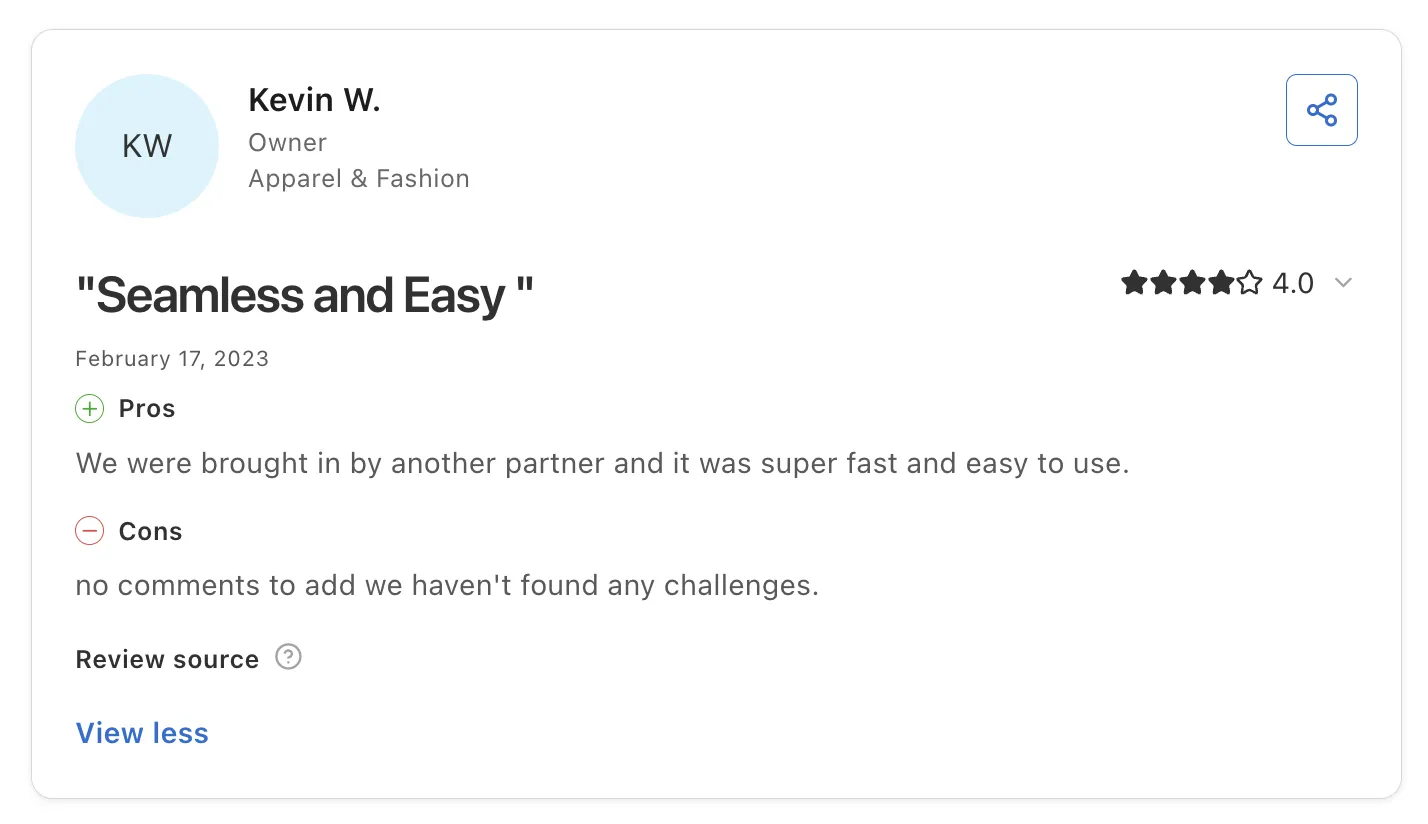
Carro holds 4.4 out of 5 across 123 G2 reviews and 4.8 out of 5 across 16 Capterra reviews, where reviewers score it 4.8 for ease of use, 4.8 for value for money, 4.6 for customer service and 4.5 for features.
Reviewers highlight the Shopify integration, with products syncing to retailer stores and orders landing in the merchant's own Shopify to ship like any other order. Several describe setup as fast and easy, with the connection running as a Shopify app.
Users also highlight the support team, describing quick answers from people who know the product well. Brands credit Carro with opening retail and marketplace channels without holding extra inventory, and buyers mention automations that keep track of order status.
Final Verdict
Carro is the best vendor management software on this list for retailers and marketplaces that manage the vendors whose products they sell. It fits programs where vendors run on different systems and finance needs one record per order.
PacSun uses Carro to launch products faster and test brands without owning inventory. The FairGround onboarded brands with no technical staff after moving from Onport.
2. Rithum

Overview
Rithum is the company formed from CommerceHub and ChannelAdvisor, serving brands and retailers that sell through third-party channels. Its products cover drop ship programs, private marketplaces with vendor self-service, e-commission programs and public marketplace management.
CommerceHub built the drop ship network that links many large US retailers with their suppliers. ChannelAdvisor built listing and inventory tools for sellers on marketplaces such as Amazon and Walmart.
Ideal For
- Large retailers running drop ship programs with established vendors
- Brands selling on Amazon and other public marketplaces
- Vendors that need to connect to retailers already on the Rithum network
- Enterprise teams with budget for a multi-month rollout
Top Features
- Drop ship network. Retailers and vendors exchange orders, inventory updates, shipment confirmations and invoices through one hub.
- Marketplace management that pushes listings and stock levels to many channels from one catalog
- Vendor self-service, where suppliers manage their own listings inside a retailer's private marketplace
Why They Stand Out
Rithum is one of the strongest options for enterprise retailers and brands that need drop ship and public marketplace reach from one vendor. Many large retailers already run drop ship through its network, which shortens connection time for vendors selling to them.
Reviewers describe one place to manage listings and orders across many marketplaces. They also credit its inventory sync with preventing overselling.
Pros
- Reach across retailer drop ship programs and public marketplaces
- Prices and stock pushed to many channels at once
- Inventory sync that prevents overselling
- Handles large catalogs with daily reporting
Cons
- Learning curve and a complex interface for new users
- Slow performance on bulk updates
- Reviewers report high cost and long contract terms
- A multi-month implementation
- Support and project help described as slow by some reviewers
Customer Reviews
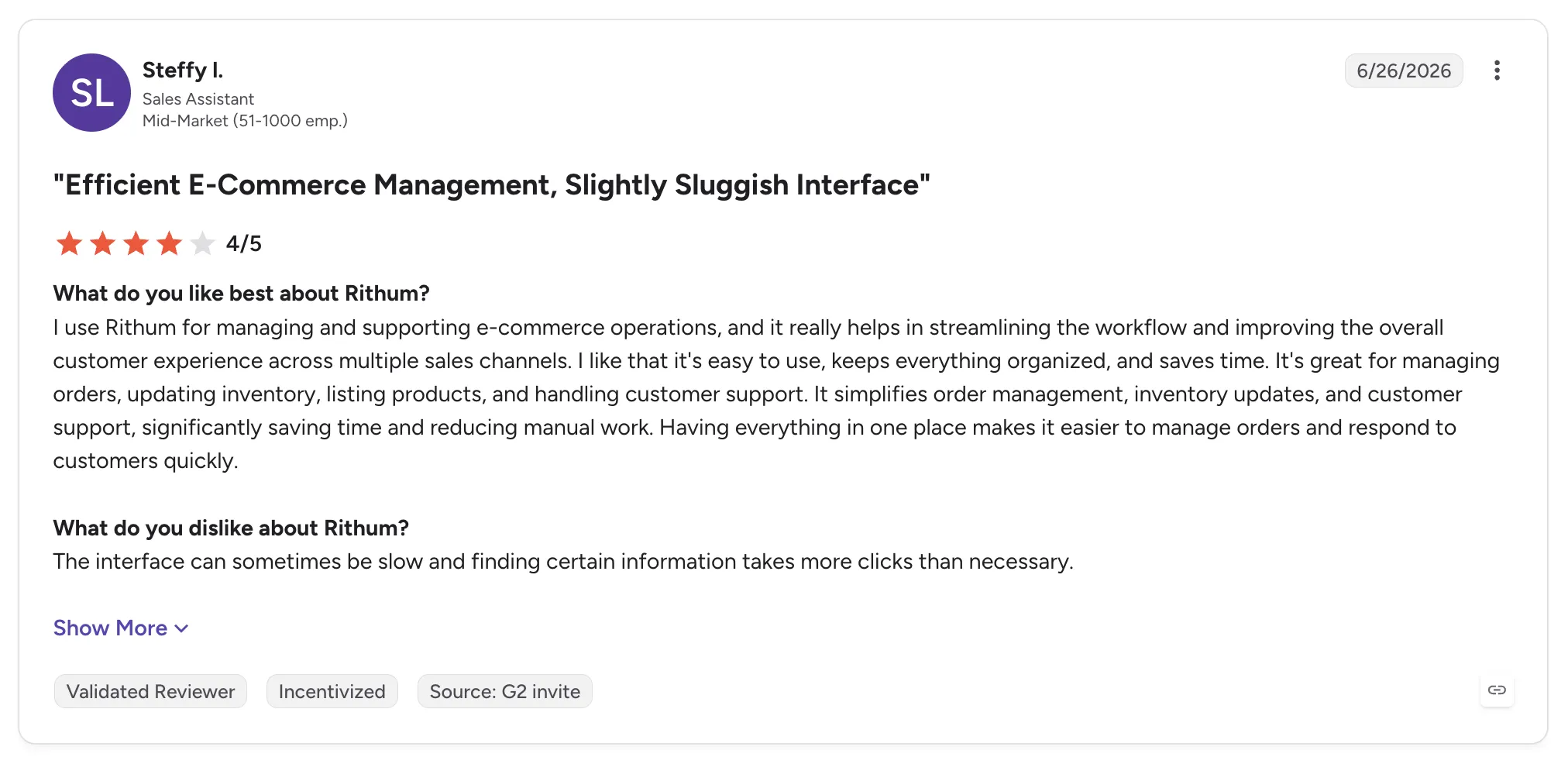
Rithum holds 4.0 out of 5 across 123 G2 reviews and 3.8 out of 5 across 61 Capterra reviews.
Reviewers praise centralized listing and order management across many marketplaces, with price and stock pushed to every channel at once. Several credit the automation with cutting manual work and preventing overselling.
The criticisms center on a learning curve and a slow interface, especially on bulk updates. Reviewers also flag cost and contract terms, and some describe slow support during implementation.
Final Verdict
Rithum suits large retailers and brands that want drop ship and public marketplace reach from one vendor, with budget for an enterprise rollout.
Mid-market retailers and marketplaces that want vendors live in days, with settlement worked out per order, may find the cost and implementation heavy. Each vendor relationship on its network also starts with its own agreement.
3. Logicbroker
Overview
Logicbroker is drop ship and marketplace software for enterprise retailers, brands, suppliers and distributors. Its network connects trading partners over EDI, API, FTP, VAN and a web portal, and it automates the documents that pass between them: orders, inventory feeds, shipment notices and invoices.
The company now calls itself an agentic commerce orchestration engine, aimed at keeping catalog and availability data accurate as shopping moves into AI assistants. Its managed services team can set up and test supplier connections before orders flow.
Ideal For
- Enterprise retailers running EDI-heavy drop ship programs
- Brands and distributors trading with several large retail partners
- Teams that want supplier onboarding handled as a managed service
- Organizations without an in-house EDI team
Top Features
- Multi-protocol connectivity. Suppliers connect with EDI, cXML, JSON or CSV over API, FTP, VAN or a portal.
- Managed supplier onboarding, with specialists testing each trading partner before go-live
- Inventory feed and tracking number automation, with order status visible at each step
Why They Stand Out
Logicbroker is one of the strongest choices for enterprises with many EDI trading partners. Reviewers describe the full drop ship document cycle in one system, from catalog and inventory feeds to purchase orders, acknowledgments, ship notices and invoices.
Its onboarding service is the other recurring theme. Teams without EDI staff hand the setup and testing of each vendor to Logicbroker's specialists.
Pros
- Supports EDI, cXML, JSON and CSV over API, FTP, VAN or a portal
- Managed onboarding and testing for suppliers
- Fast inventory feeds with order visibility at each step
- Quick for new team members to learn
Cons
- Reviewers criticize rigid contract and cancellation terms
- Support can be slow, with extra help scoped as paid work
- Basic reporting, with no simple monthly KPIs
- Failed documents can be hard to fix
- Vendor onboarding described as tedious by some reviewers
Customer Reviews
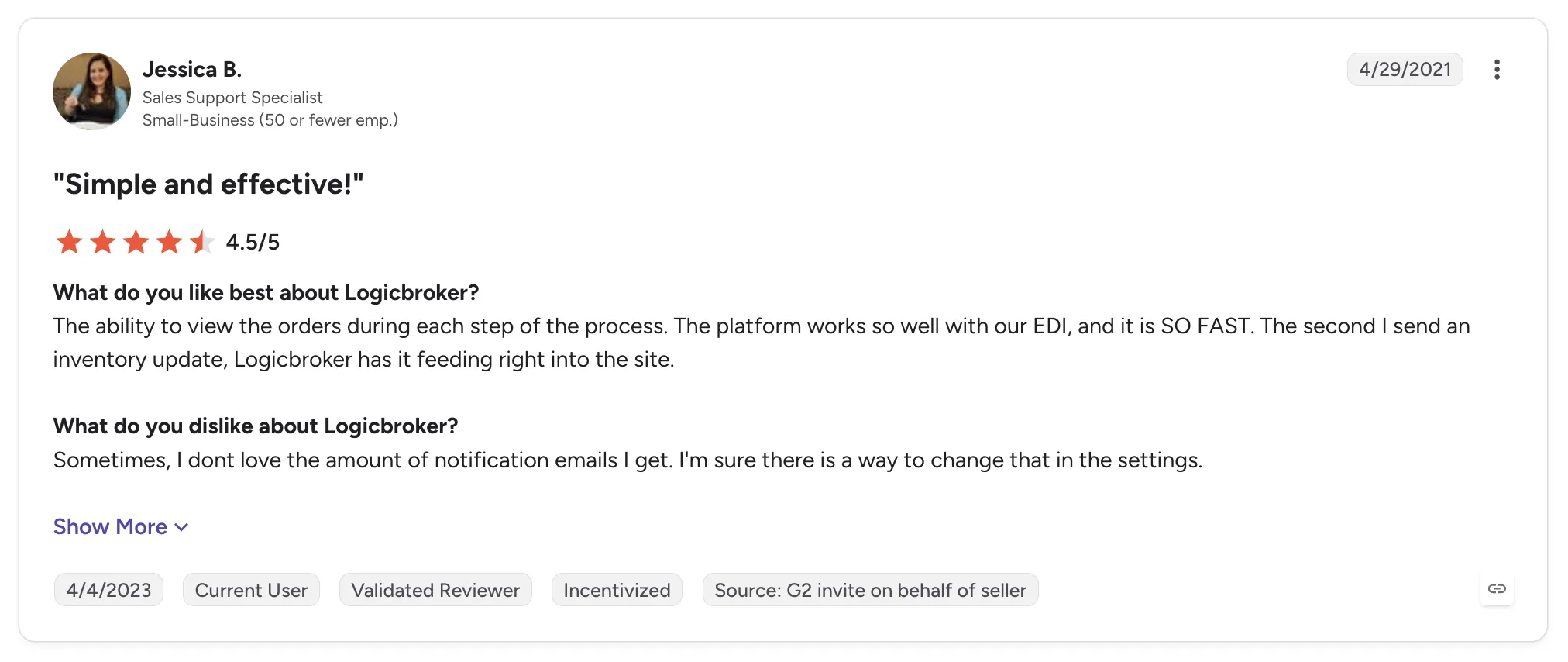
Logicbroker holds 4.0 out of 5 across 30 G2 reviews and 5.0 out of 5 across 1 Capterra review.
Reviewers praise the range of protocols and the managed onboarding for suppliers. Teams without in-house EDI say it makes partner integrations easy, and others mention fast inventory feeds and an interface that is quick to teach.
The criticisms focus on the commercial relationship. One recent reviewer describes rigid cancellation terms with no warning before renewal, and older reviews mention overpromised features and too many notification emails.
Final Verdict
Logicbroker suits enterprise retailers and brands with many EDI trading partners that want onboarding and testing run as a managed service.
Its focus is connecting partners you have already signed, so each vendor still starts with its own supply agreement. Retailers that want a vetted brand network under one commercial relationship, with brands tested before any purchase order, will need to source those brands elsewhere.
4. Mirakl

Overview
Mirakl is marketplace software for B2B and B2C enterprises that launch and run third-party marketplaces at scale. Its API-based system plugs into an existing ecommerce stack, so teams can focus on onboarding sellers and standardizing their catalogs.
It also supports dropship programs, where the operator sells vendor products inside its own catalog. Reviewers mention integrations with SAP, Adobe Commerce, Salesforce Commerce Cloud and Shopify.
Ideal For
- Enterprise retailers launching a large third-party marketplace
- B2B distributors opening a marketplace for partner sellers
- Teams with developers to work through APIs and custom workflows
- Operators that need structured seller approval and catalog standards
Top Features
- Seller onboarding and approval, with structured steps that bring sellers live quickly
- Catalog standardization that maps seller product data to the operator's own catalog rules
- Order management across sellers, with automated product and order flows
- APIs that connect the marketplace to the operator's commerce and ERP systems
Why They Stand Out
Mirakl is one of the strongest options for large enterprises building a third-party marketplace with many sellers. Reviewers credit fast, structured seller onboarding with growing their marketplaces.
They also describe frequent product updates and a support team that works like a partner. Catalog standardization and automated flows get repeated praise from operators managing many vendors.
Pros
- Structured seller onboarding and approval
- Strong APIs for connecting existing systems
- Catalog standardization across sellers
- Frequent product updates
Cons
- Complex setup and a learning curve
- Strict workflows that sometimes need workarounds or developer time
- Custom reporting limited without external tools
- Lengthy product approval process
- Shopify content sync weaker on lower plans
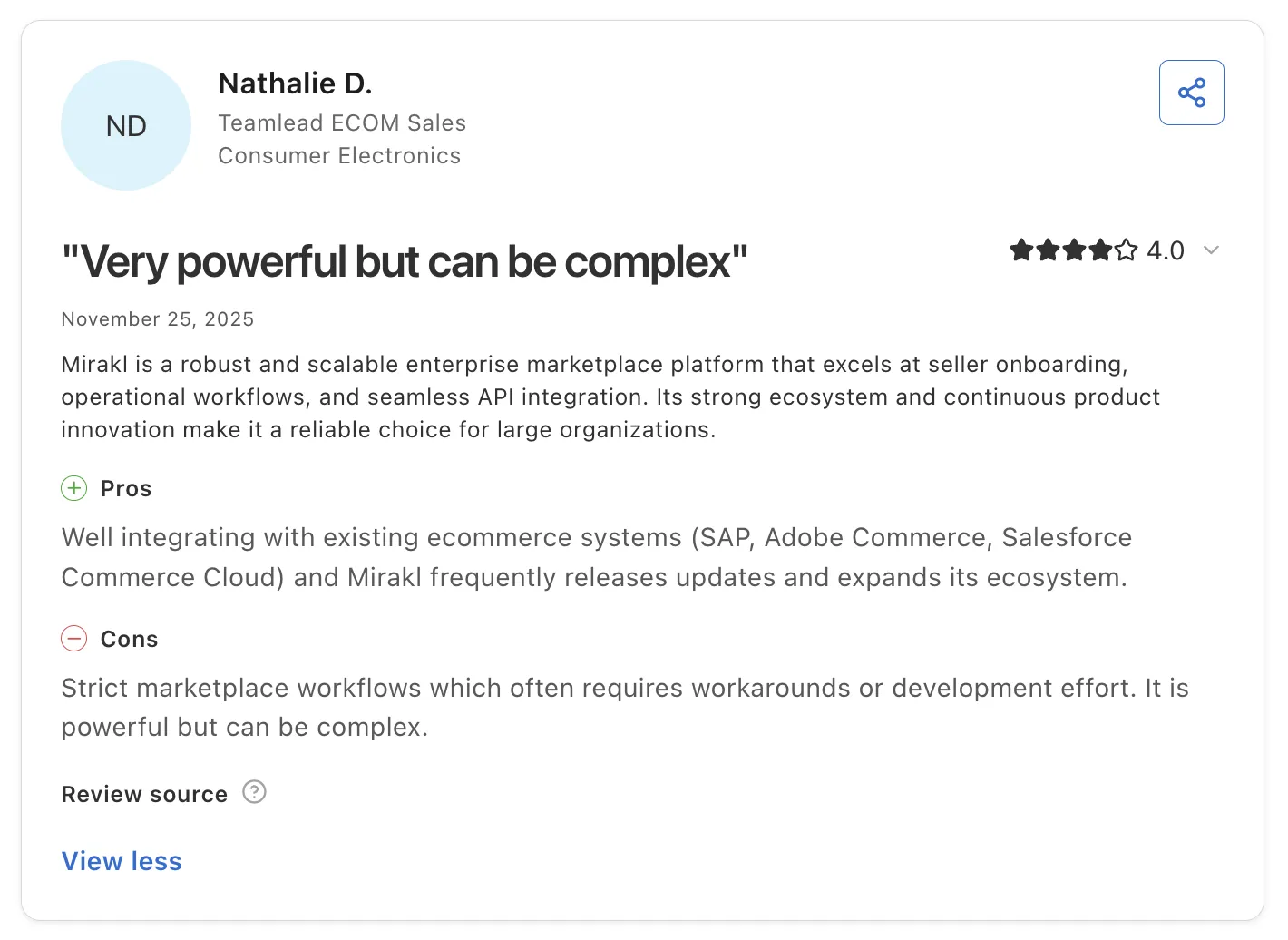
Customer Reviews
Mirakl holds 4.1 out of 5 across 14 G2 reviews and 4.5 out of 5 across 20 Capterra reviews.
Reviewers praise fast seller onboarding and the ability to manage many vendors from one place. Several describe strong APIs and frequent product updates.
The criticisms concentrate on complexity. Reviewers describe a learning curve and strict workflows, and some want better custom reporting and clearer API documentation.
Final Verdict
Mirakl suits large enterprises launching a third-party marketplace with many sellers and the developer resources to configure it.
Retailers that want to add vetted brands quickly, without a long integration project, may find the setup heavy. Mirakl supplies the marketplace software, and each seller joins under its own agreement with the operator.
5. Flxpoint
Overview
Flxpoint is retail operations software that connects a merchant's suppliers and warehouses to its sales channels. It pulls vendor feeds into one catalog, syncs stock and costs, publishes listings and routes each order to a source by rules the merchant sets.
Its modules cover dropship and marketplace vendors, inventory, order management, listings and product information. Integrations include NetSuite, BigCommerce, ShipStation and Mirakl.
Ideal For
- Multichannel retailers selling on their own store and on marketplaces
- Operations teams handling many vendor feeds in different formats
- Sellers who mix dropship vendors with stock in their own warehouse
- Teams with time to configure detailed routing and pricing rules
Top Features
- Rule-based order routing that sends each order line to the vendor or warehouse meeting your stock and cost rules
- Vendor feed ingestion into one product record, including bundles and stacked data sources
- Pricing rules with MAP control
- Purchase order creation for dropship vendors
Why They Stand Out
Flxpoint is one of the strongest options for sellers who need detailed control over which source fills each order. Reviewers describe routing across many sources with near real-time inventory, which keeps orders off products that have sold out.
Its onboarding team gets frequent praise, often by name. Reviewers also describe a stable system that handles vendor feeds and inventory sync for multi-vendor dropship at enterprise scale.
Pros
- Flexible, rule-based routing across many sources
- Near real-time stock across vendors and warehouses
- Bundles and stacked data sources for a single product
- Hands-on onboarding team
Cons
- Steep learning curve
- Lengthy onboarding for complex setups
- Thin written documentation
- General support uneven compared with the onboarding team
- Vendor sourcing and supply agreements happen outside the tool
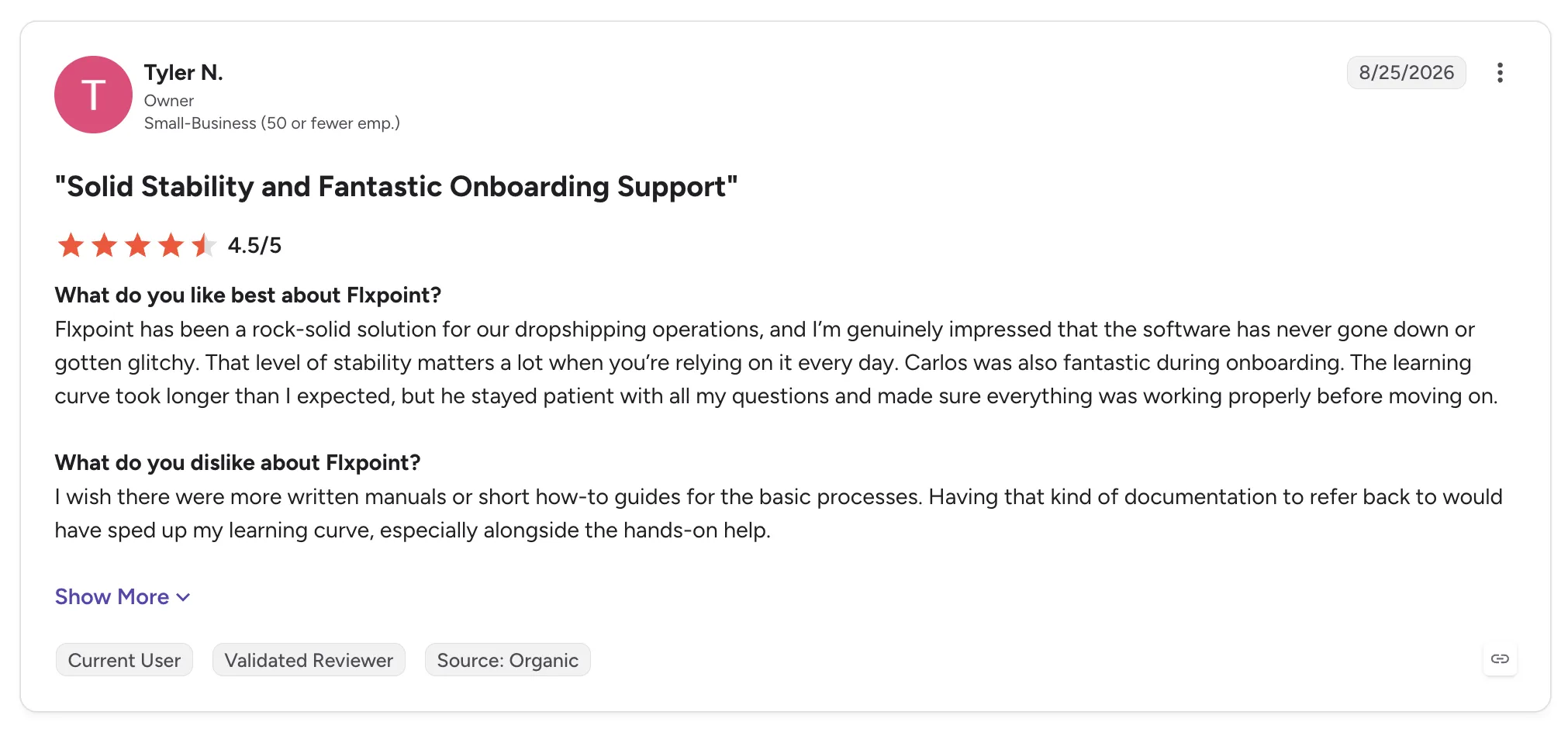
Customer Reviews
Flxpoint holds 4.7 out of 5 across 103 G2 reviews and 4.9 out of 5 across 7 Capterra reviews.
Reviewers praise the support staff and the control that rule-based routing gives them. Several describe avoiding oversold products, and one says the system has never gone down.
The criticisms concentrate on complexity, with a steep learning curve and a long onboarding period. Some reviewers want more written guides, and one recent review describes slow email replies and integration issues.
Final Verdict
Flxpoint suits multichannel sellers with many vendor feeds and the time to configure detailed routing, especially where dropship vendors and owned stock mix.
Retailers and marketplaces that want vetted brands under one relationship, with payouts tied to each shipment, need software built around the full vendor relationship. Flxpoint's strength sits in feeds and routing, and sourcing vendors happens outside the tool.
6. SAP Ariba
Overview
SAP Ariba is SAP's procurement suite for buying indirect goods and services, from sourcing through invoicing and payment. It aims to give companies spend visibility and control, from businesses still running manual purchasing to multi-ERP enterprises.
Its modules cover sourcing events, contract management, supplier lifecycle and performance, supplier risk and procure-to-pay. Buyers and suppliers trade documents through SAP Business Network, where suppliers receive purchase orders and submit invoices.
Ideal For
- Large enterprises running SAP ERP
- Procurement teams managing indirect spend across many business units
- Organizations that need audit trails and approval controls on purchasing
- Companies that run sourcing events with many bidders
Top Features
- Procure-to-pay, with requisitions, approvals, purchase orders and invoices in one chain and real-time status at every step
- Sourcing and contract management for RFx events and supplier agreements
- Supplier management: onboarding, qualification, risk and performance records for each vendor
- SAP Business Network for supplier collaboration on orders and invoices
Why They Stand Out
SAP Ariba is one of the strongest options for large enterprises that want procurement and supplier management in one SAP-connected suite. Reviewers value seeing exactly where a request or invoice sits in the approval chain, along with an audit trail that supports compliance.
Supplier discovery through SAP Business Network is the other strength. For companies already on SAP ERP, the connection to other SAP modules is a large part of the appeal.
Pros
- End-to-end procurement from requisition to invoice
- Approval workflows and automated PO generation
- Supplier discovery and collaboration through SAP Business Network
- Spend visibility across business units
- Deep integration with SAP ERP
Cons
- Dated, dense interface with a steep learning curve
- Too many clicks and rigid workflows
- Clunky report customization
- Occasional slowness under load
- Built for buying, so it does not manage vendors whose products you sell
Customer Reviews
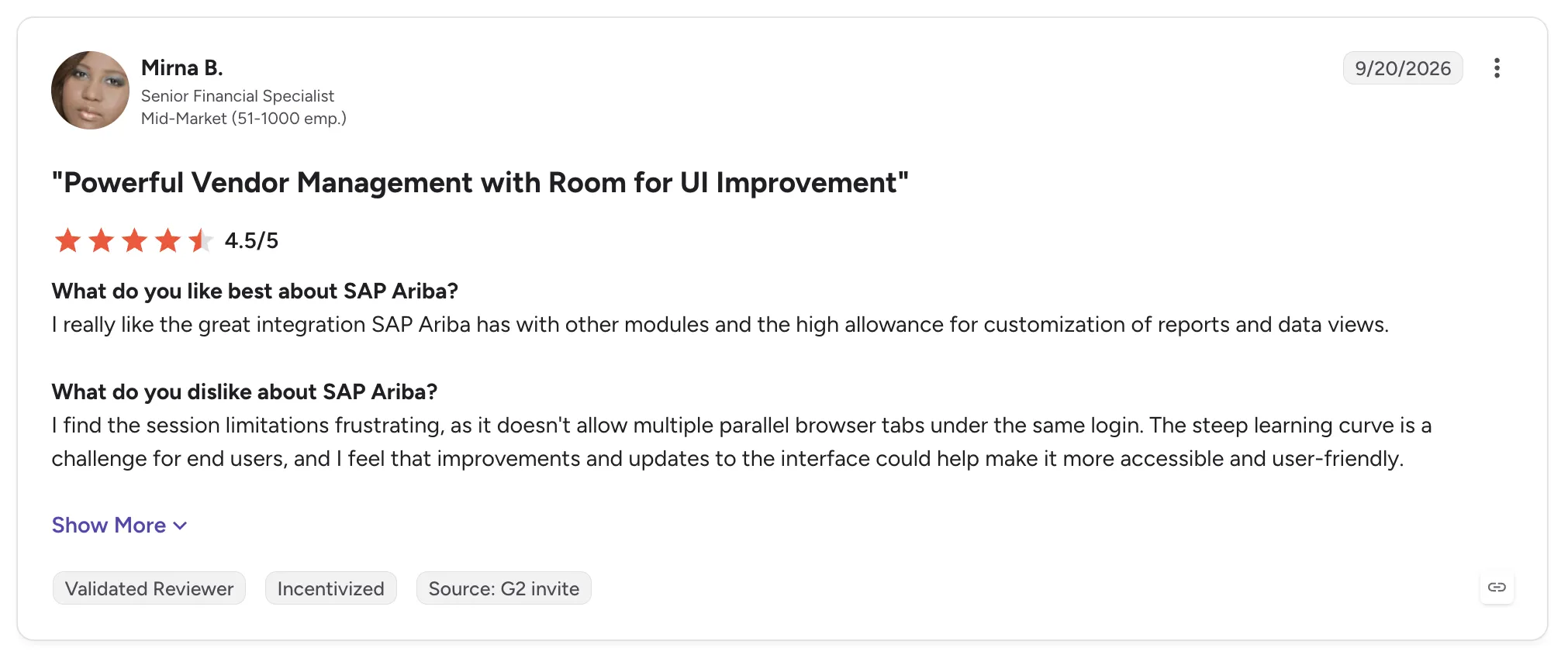
SAP Ariba holds 4.1 out of 5 across 799 G2 reviews and 3.8 out of 5 across 89 Capterra reviews.
Reviewers praise centralized procurement and supplier management in one system, with real-time tracking of requests and invoices through approvals. Several credit the supplier network with easier discovery and collaboration.
The criticisms focus on usability. Reviewers describe a dated interface with a steep learning curve, and some report items stuck in reconciliation loops that need manual fixes.
Final Verdict
SAP Ariba suits large enterprises that buy indirect goods and services at scale and want sourcing, contracts, supplier management and invoicing connected to SAP ERP.
Its vendor management is built around buying, so retailers and marketplaces managing vendors who list and ship products will need a separate tool for onboarding, catalog sync, order routing and settlement.
7. Coupa

Overview
Coupa is spend management software that brings procurement, invoicing, expenses and supplier payments into one system. It covers direct and indirect spend, with real-time insight into cash flow and supplier risk.
Suppliers work through a supplier portal, where they submit invoices and track when they will be paid. Companies often add modules over time, starting with procurement or invoicing.
Ideal For
- Finance teams moving procurement and expenses into one system
- Mid-size and large companies replacing email and spreadsheet approvals
- Procurement teams that rely on punchout catalogs
- Organizations with ERP integrations such as NetSuite or Oracle
Top Features
- Procurement and approvals. Requisitions and punchout orders move through approval chains you configure.
- Invoice processing with three-way matching against purchase orders and receipts
- Expense management with automated approvals
- A supplier portal for invoice submission and payment tracking
Why They Stand Out
Coupa is one of the strongest options for finance teams that want spend visibility across purchasing and expenses. Reviewers describe purchases and approvals moving out of email and into one place, which makes spend easy to track.
Automation such as three-way matching saves reviewers time on invoices. The supplier portal also lets vendors see where an invoice sits and when payment is due.
Pros
- Spend visibility across purchases and expenses
- Easy PO creation and approval chains
- Three-way matching and expense approval automation
- Supplier portal for invoice and payment tracking
Cons
- Supplier onboarding described as confusing by vendors
- Dated or inconsistent interface in places
- Rigid workflows for PO receiving and change orders
- Long implementation and slow adoption by non-technical staff
- Built for spend control, so it does not route customer orders to vendors
Customer Reviews
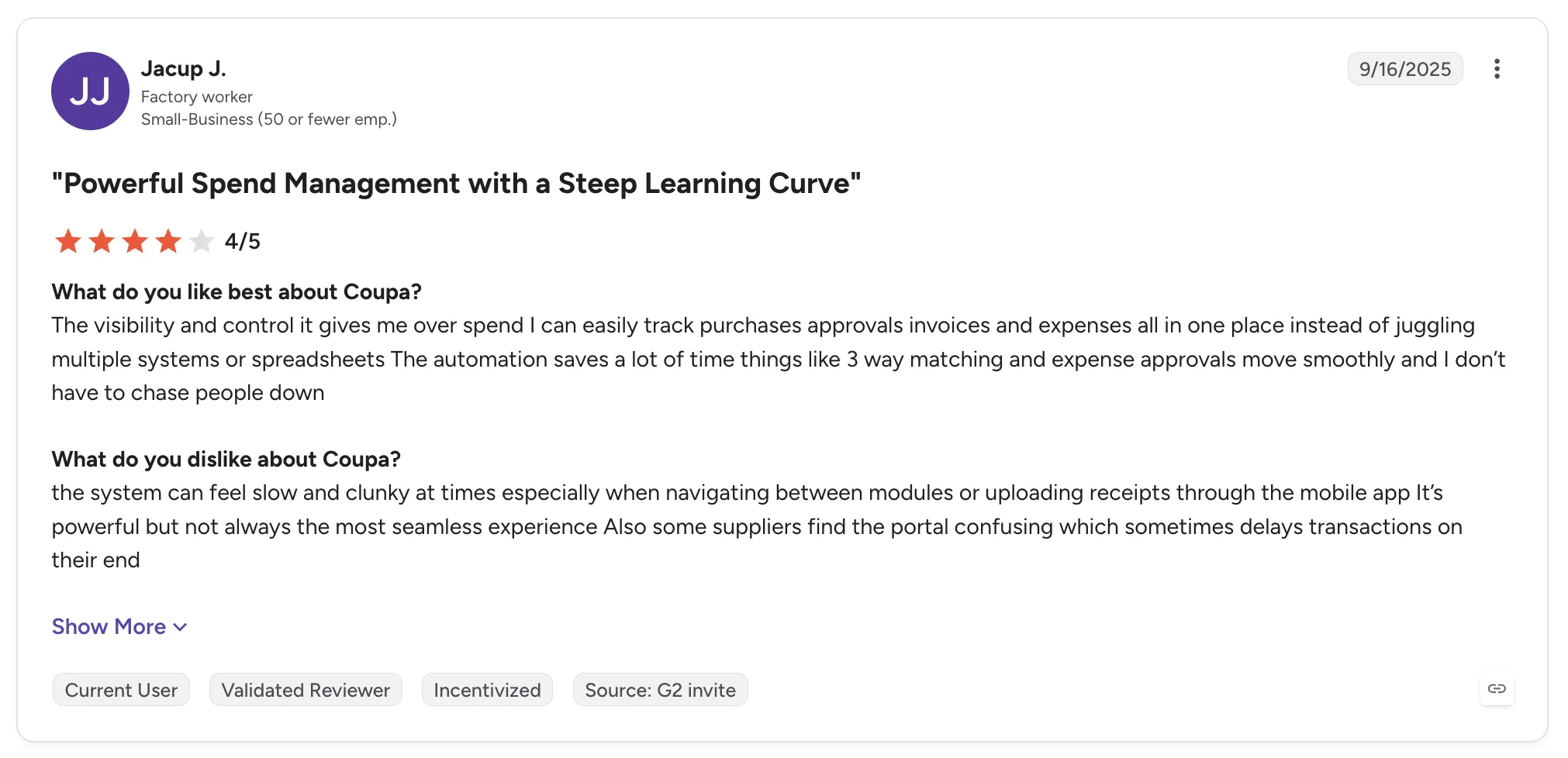
Coupa holds 4.2 out of 5 across 570 G2 reviews and 4.0 out of 5 across 134 Capterra reviews.
Reviewers praise spend visibility and easy approvals, with purchases and invoices tracked in one place. Several credit three-way matching and the supplier portal with saving time.
The criticisms center on the supplier side. Vendors describe onboarding as confusing, and buyers mention rigid workflows and a long implementation.
Final Verdict
Coupa suits finance and procurement teams that want spend and approvals in one system, connected to the ERP they already run.
Its vendors are companies you pay, so retailers and marketplaces whose vendors sell products through them will need separate software for vendor onboarding, catalog sync, order routing and per-sale settlement.
8. Gatekeeper

Overview
Gatekeeper is vendor and contract management software for lean finance and procurement teams carrying enterprise-sized compliance duties. It puts each vendor, contract, obligation, renewal, performance review and line of spend on one record.
Vendor onboarding and contracting run in one workflow, which saves teams from splitting the work across standalone contract and supplier risk tools. It also includes AI contract summaries and workflow steps that show their status.
Ideal For
- Lean finance and legal teams managing a large contract base
- Companies that keep missing renewal dates or auto-renewals
- Procurement teams that want vendor onboarding and contracting in one workflow
- Organizations with heavy compliance duties for third-party vendors
Top Features
- One vendor and contract record with obligations, renewal dates, spend and performance reviews
- Automated alerts before renewals and expiry dates
- Vendor onboarding workflows where each step shows its status
- AI contract summaries, plus e-signature and document storage
Why They Stand Out
Gatekeeper is one of the strongest options for teams that want vendor records and contracts in one place with renewal alerts attached. Reviewers describe finding key dates and obligations fast, which prevents missed deadlines and surprise auto-renewals.
Ease of use is the most repeated theme, along with responsive support. Reviewers also mention an API and a wide set of connectors.
Pros
- Vendor and contract data on one record
- Renewal and expiry alerts that prevent surprise auto-renewals
- Onboarding workflows with visible status
- Intuitive interface and quick setup
Cons
- Learning curve when configuring workflows
- Integration gaps, including NetSuite sync issues
- Basic reporting and limited field customization
- Cost concerns raised by some reviewers
- No read-only access for unlicensed users
Customer Reviews
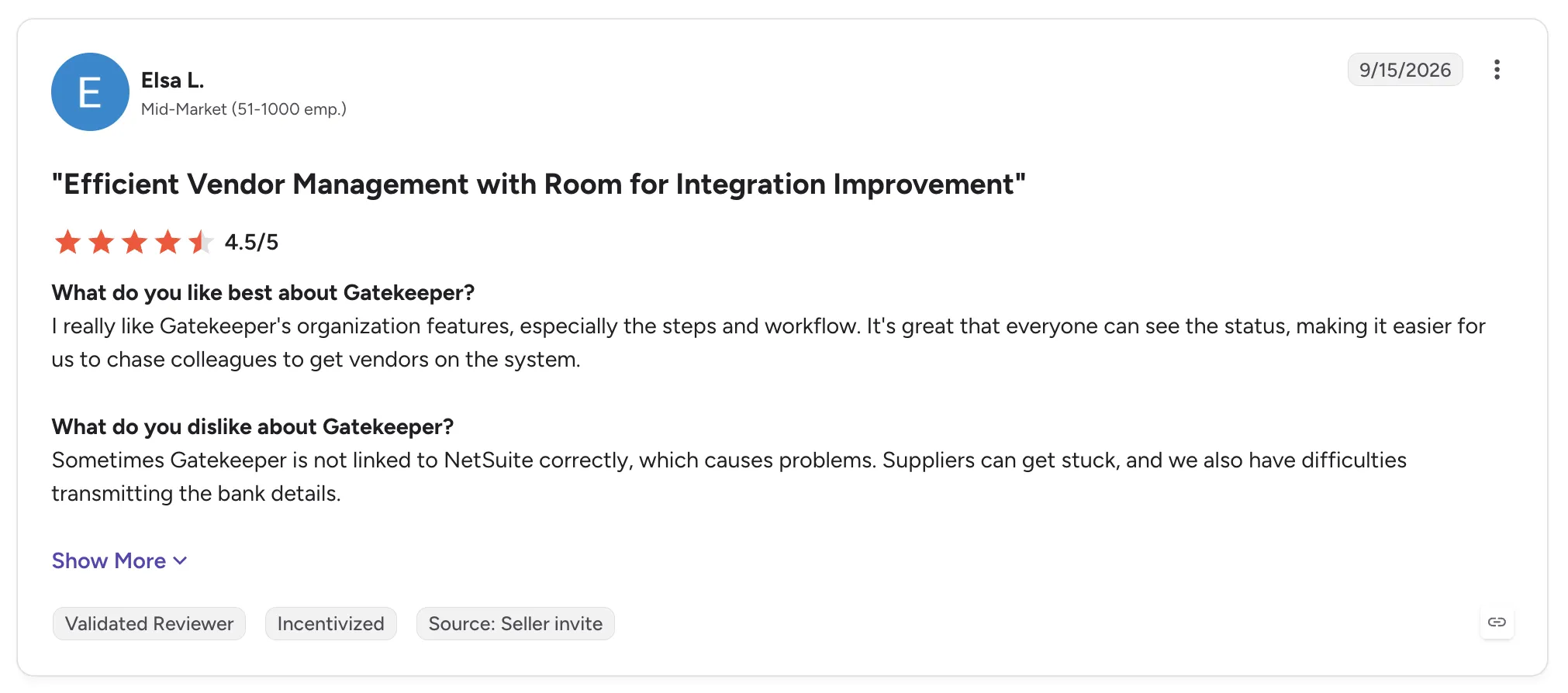
Gatekeeper holds 4.5 out of 5 across 95 G2 reviews and 4.6 out of 5 across 84 Capterra reviews.
Reviewers praise having contracts and vendors in one place, with key dates and renewal terms easy to find. Automated renewal alerts and workflow steps with visible status come up often.
The criticisms concentrate on setup and integrations. Reviewers describe a learning curve for workflow configuration and sync issues with NetSuite. Some also find reporting basic for the cost.
Final Verdict
Gatekeeper suits lean finance and procurement teams that need vendor records and contract renewals under control.
It manages the vendors you contract with, so retailers and marketplaces whose vendors list and ship products will still need software for onboarding, stock sync, order routing and settlement.
9. Tipalti
Overview
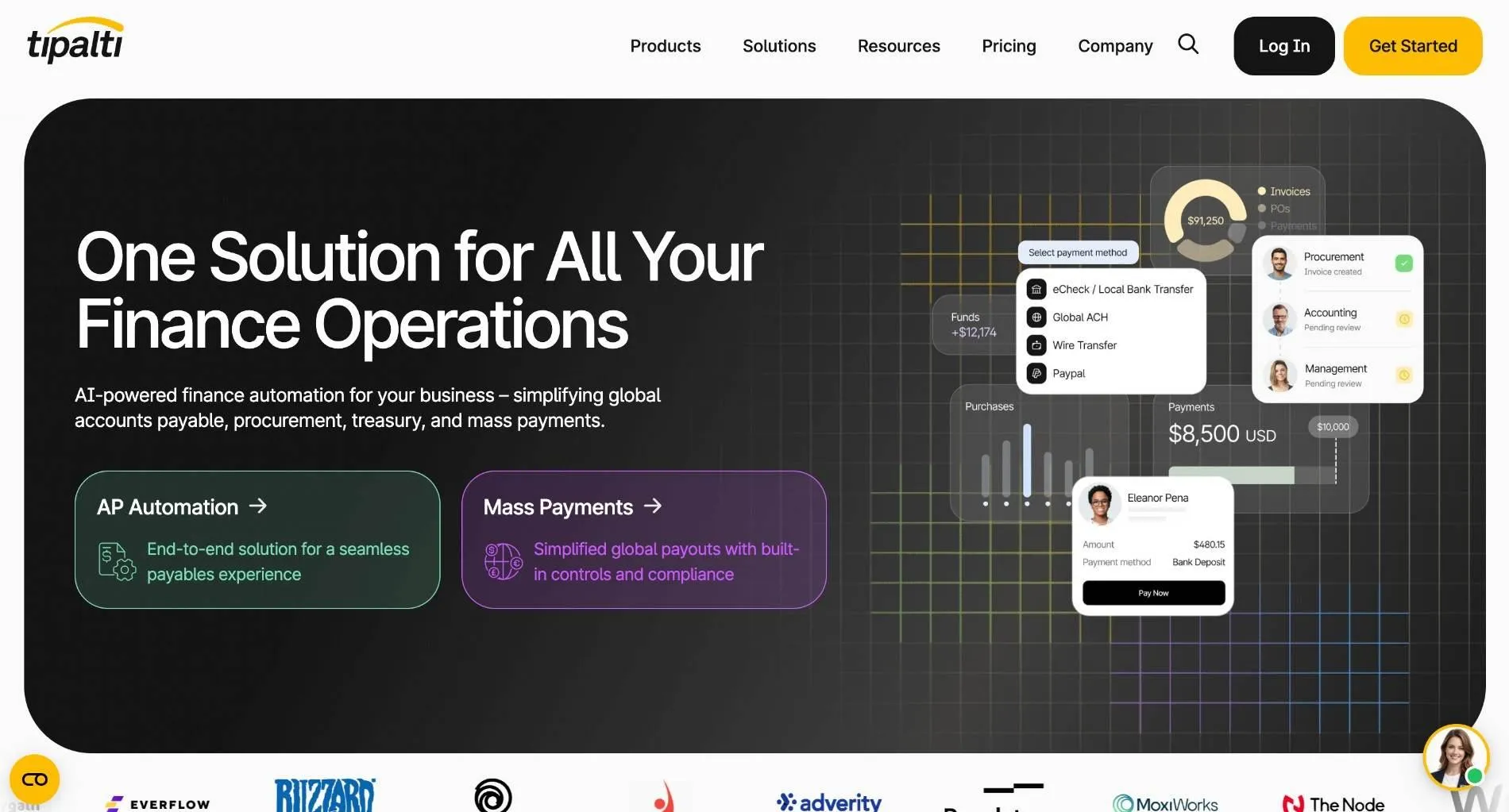
Tipalti is finance automation software built around accounts payable, from supplier onboarding and invoice processing through to payment. It also covers mass payments, procurement, expenses, cards and treasury for mid-market companies.
Suppliers onboard themselves through a portal that collects their payment and tax details. Tipalti then pays them in many currencies across countries from one place.
Ideal For
- Mid-market finance teams paying many suppliers across countries
- AP teams buried in invoice entry and PO matching
- Companies paying freelancers and contractors in bulk
- Businesses that need supplier tax details collected at onboarding
Top Features
- Supplier self-onboarding portal that collects payment and tax details and keeps vendor master data accurate
- Invoice capture with OCR and matching against purchase orders
- Global mass payments in multiple currencies, including bulk CSV uploads
- Approval workflows and ERP sync for payments
Why They Stand Out
Tipalti is one of the strongest options for finance teams that pay many vendors in many countries. Reviewers describe large time savings in AP, from invoice capture through payments that sync to the ERP.
The supplier portal is the other recurring theme. Vendors keep their own details current, which reviewers say improves data accuracy and tax compliance.
Pros
- Invoice capture with duplicate detection
- Supplier self-onboarding with tax and payment details
- Multi-currency mass payments from one place
- Responsive support team
Cons
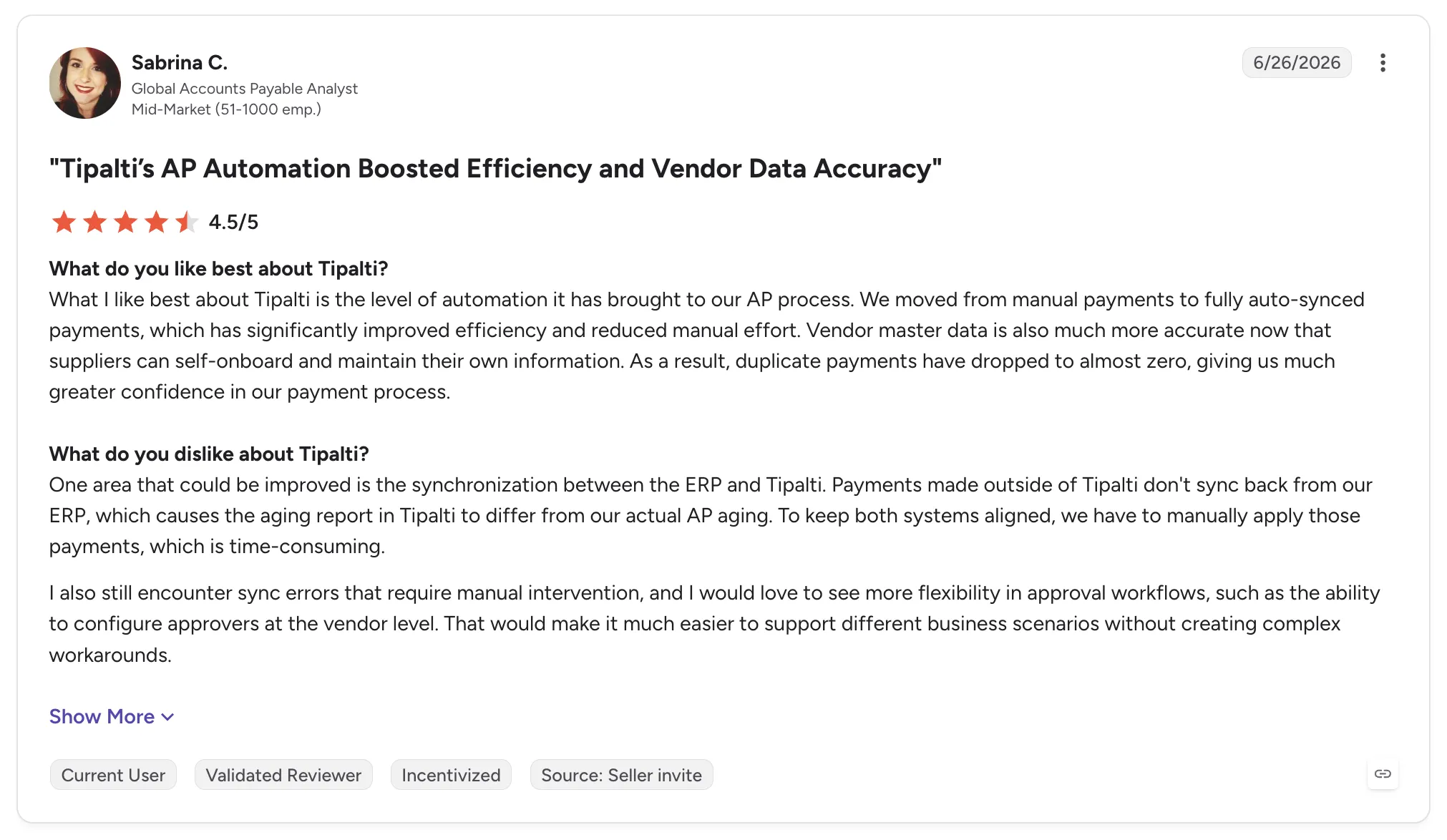
- ERP sync errors, including payments made outside Tipalti
- Limited reporting on payment stages
- Slow escalation on complex support issues
- Fund release delays reported by some users
- Pays vendors you buy from, with no catalog sync or order routing for vendors you sell through
Customer Reviews
Tipalti holds 4.5 out of 5 across 426 G2 reviews and 4.5 out of 5 across 179 Capterra reviews.
Reviewers praise the time saved in accounts payable, from invoice capture and duplicate detection to payments that sync automatically. Many also credit the supplier portal with cleaner vendor data and easier tax compliance.
The criticisms focus on ERP sync errors and limited visibility into payment stages. Some reviewers also describe slow escalation on complex issues and delays in fund release.
Final Verdict
Tipalti suits mid-market finance teams that pay many vendors across countries and want AP automated from invoice to payment.
Its vendor management centers on paying the companies you buy from. Retailers and marketplaces whose vendors ship products to customers need payouts tied to each shipment, plus vendor onboarding and order routing ahead of it.
10. Kodiak Hub

Overview
Kodiak Hub is a supplier relationship management suite for procurement teams in midsize and enterprise organizations. It consolidates supplier data in one place to improve supplier performance and spot supply chain risks.
Its modules cover supplier onboarding, assessments, compliance, risk, sourcing, contract management and ESG reporting. It integrates with procurement systems such as SAP Ariba and Coupa.
Ideal For
- Procurement teams running supplier due diligence and assessments
- Manufacturers tracking supplier certificates and compliance documents
- Companies building supplier sustainability and ESG programs
- Teams moving supplier records out of spreadsheets and email
Top Features
- Supplier assessments and scoring, with percentage scores by category and PDF export for risk validation
- Compliance tracking with certificate and document reminders
- Supplier onboarding and a central record for each supplier
- ESG and sustainability modules
Why They Stand Out
Kodiak Hub is one of the strongest options for procurement teams that want supplier compliance and risk work in one SRM suite. Reviewers describe moving supplier assessments and due diligence out of spreadsheets and email.
The Kodiak team gets strong marks for responsiveness. Reviewers also say the software changes quickly in response to customer feedback.
Pros
- One place for supplier documents and assessments
- Automated reminders for certificates and compliance documents
- Clear scoring by category with PDF export
- Responsive team that acts on feedback
Cons
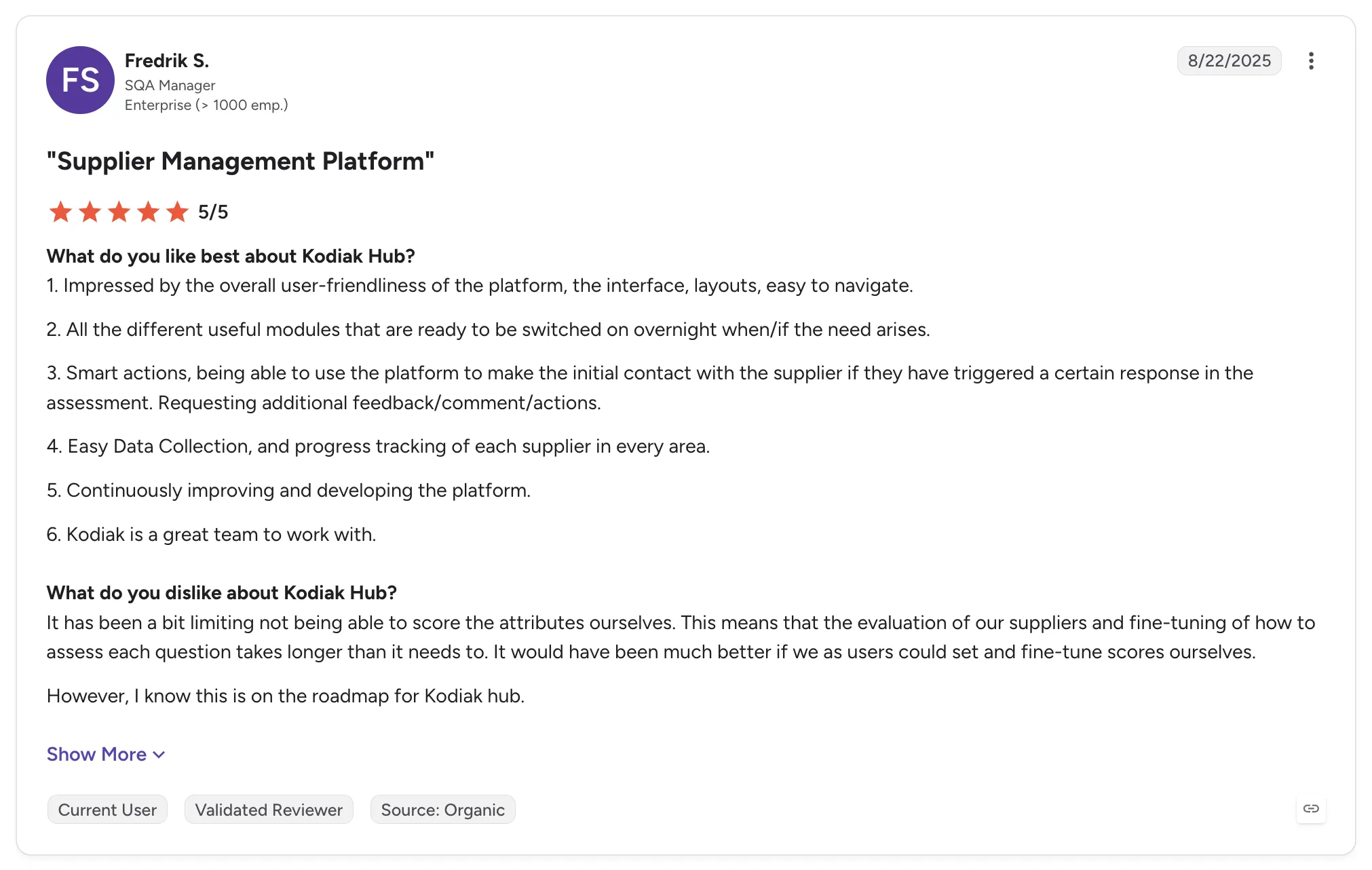
- Scoring can feel complex at first, and users could not fine-tune attribute scores themselves
- Module and feature names can confuse new users
- Spend analytics module needs strengthening
- Limited support for complex group structures
Customer Reviews
Kodiak Hub holds 4.4 out of 5 across 31 G2 reviews and 4.8 out of 5 across 14 Capterra reviews.
Reviewers praise an intuitive interface that makes supplier management and compliance tracking easier. Several value the document reminders and the scoring that shows supplier risk at a glance.
The criticisms are mild and specific. Reviewers mention scoring that feels complex at first and module names that confuse new users. A stronger spend analytics module is the other common request.
Final Verdict
Kodiak Hub suits procurement teams that run supplier assessments and compliance programs across a midsize or enterprise supply base.
Its focus is the suppliers you buy from, so retailers and marketplaces managing vendors that list and ship products will need tools for vendor onboarding, catalog sync, order routing and per-sale settlement.
How to Choose the Best Vendor Management Software (What To Consider)?
Start by naming the vendors you manage. If most of your vendor list is companies your business buys from, the procurement suites reviewed above, such as SAP Ariba and Coupa, are built for that job.
If your vendors are brands and distributors whose products you sell, the best vendor management system software looks different. The seven factors below test how well a tool runs that vendor program from onboarding to payout.
1. Check the Quality of the Vendor Network
Software helps most when the vendors are worth selling. Ask whether the provider offers a network of vetted, established brands and distributors, and how introductions get made. Carro's network holds 1,500,000 products, and on the Growth plan its team hand-matches brands by category and audience fit.
Then ask how much paperwork each new brand adds. Through Carro's Merchant Services, one commercial relationship covers network inventory, and you can test a brand on real demand with no purchase order. Partners you already work with should run through the same workflow.
2. Ask to See the Vendor Onboarding Sequence
A signed vendor still needs a connection, product data, partner prices, billing details and shipping setup before it can sell. Ask to see onboarding as a defined sequence with visible progress: account details such as contacts and return terms, then connection, product data, partner price list, test order and go-live.
Then ask how each vendor connects. The software should meet each vendor on its actual setup, whether that is a Shopify app, an API, EDI or files on a schedule, and the provider's team should work hands-on with brands that have no technical staff. On Carro, vendors go live in days, and the test order checks fulfillment and invoicing before products appear in your store.
3. Test Inventory and Price Sync on a Real Vendor
Bring one real vendor file to the demo and watch what happens to it. The best vendor inventory management software moves stock from each vendor's system on the cadence its connection supports and applies a partner price list per relationship, so nobody re-enters costs when a vendor changes them.
Check that your edits change your own copy of a product and leave the vendor's original intact. Carro's inventory management software for partner stock works this way, with validation that flags data problems before launch and merchandising rules that apply your conventions to published content.
4. Measure Vendor Performance on the Order Itself
The best vendor performance management software for retail tracks each vendor through its orders. Ask whether every order carries a documented state, from confirmed at the vendor through shipped with tracking, and where stalled orders or SKU mapping errors surface for someone to act on.
Returns belong in the same check. Each return should run as a request the vendor accepts or rejects under agreed terms, and you should be able to remove partners that underperform. For brands, the matching view shows which retail partners move which products.
5. Follow One Order Through to Settlement
Ask the provider to show a single sale from checkout to vendor payout. The shipment should trigger the supplier invoice under agreed settings, with the retailer charged and the vendor credited through the connected payment account.
Product cost, partner fees, processing, commissions, shipping costs and return credits should each land against that order. Check that invoice and payout records carry fee and net detail, and ask whether vendors can be paid the day an order ships. When a charge fails, the software should surface it for a person to resolve.
6. Confirm Stack Fit and a Safe Migration Path
Your storefront, payments, shipping, ERP and accounting should stay where they are. Look for apps for Shopify, Magento 2, WooCommerce and BigCommerce, plus EDI, API, SFTP, CSV and webhooks, so vendor work runs beside your systems with no replatform or custom build.
Agreed EDI connections should keep running as you add vendors. If you are moving from another tool, ask how open orders and existing vendors come across; Carro has moved the customer bases of Modern Dropship and Onport onto its software, changing the connection under each storefront while the storefront stayed in place.
7. Keep Control as the Vendor Count Grows
You should choose your partners and set the price and merchandising for their products. The sale should stay under your brand, with customer data kept on your side.
Then check how the work scales. With Carro, the work each new vendor adds stops growing with the vendor count, so a team can add sellers without adding headcount. Retailers can also open a marketplace on the store they already run in weeks, and our comparison of multi-vendor marketplace software covers that route.
Everything You Need to Know About Vendor Management Software
| Company | Pros | Cons | Ease of Use | Integrations | Support | Vendor Onboarding | Order-to-Settlement |
|---|---|---|---|---|---|---|---|
| Carro | One workflow from onboarding to payout; vetted brand network; runs beside your stack | No procurement or contract management; USD settlement in Stripe-approved countries; hand-matched network on Growth plan | ⭐⭐⭐⭐ | ⭐⭐⭐⭐ | ⭐⭐⭐⭐⭐ | ⭐⭐⭐⭐⭐ | ⭐⭐⭐⭐⭐ |
| Rithum | Drop ship and marketplace reach; stock sync across channels; large catalogs | Learning curve; slow bulk updates; cost and contracts | ⭐⭐⭐ | ⭐⭐⭐⭐⭐ | ⭐⭐⭐ | ⭐⭐⭐ | ⭐⭐⭐ |
| Logicbroker | Many protocols; managed onboarding; order visibility | Rigid contracts; slow support; weak reporting | ⭐⭐⭐⭐ | ⭐⭐⭐⭐⭐ | ⭐⭐⭐ | ⭐⭐⭐⭐ | ⭐⭐⭐ |
| Mirakl | Structured seller onboarding; strong APIs; frequent updates | Complex setup; limited custom reporting; long product approvals | ⭐⭐⭐ | ⭐⭐⭐⭐ | ⭐⭐⭐⭐ | ⭐⭐⭐⭐ | ⭐⭐⭐⭐ |
| Flxpoint | Flexible routing; real-time stock; hands-on onboarding | Learning curve; lengthy setup; thin documentation | ⭐⭐⭐ | ⭐⭐⭐⭐⭐ | ⭐⭐⭐⭐ | ⭐⭐⭐⭐ | ⭐⭐⭐ |
| SAP Ariba | End-to-end procurement; supplier network; SAP fit | Steep learning curve; dated interface; rigid workflows | ⭐⭐ | ⭐⭐⭐⭐ | ⭐⭐⭐ | ⭐⭐⭐ | ⭐⭐ |
| Coupa | Spend visibility; easy approvals; supplier portal | Supplier onboarding friction; inconsistent interface; long implementation | ⭐⭐⭐ | ⭐⭐⭐⭐ | ⭐⭐⭐ | ⭐⭐⭐ | ⭐⭐ |
| Gatekeeper | Vendor and contract records together; renewal alerts; easy to use | Integration gaps; basic reporting; cost | ⭐⭐⭐⭐⭐ | ⭐⭐⭐⭐ | ⭐⭐⭐⭐⭐ | ⭐⭐⭐⭐ | ⭐ |
| Tipalti | AP time savings; supplier self-onboarding; global payments | ERP sync errors; payment-stage reporting; slow escalations | ⭐⭐⭐⭐ | ⭐⭐⭐⭐ | ⭐⭐⭐⭐ | ⭐⭐⭐⭐ | ⭐⭐ |
| Kodiak Hub | Central supplier data; compliance reminders; responsive team | Complex scoring at first; confusing module names; spend analytics | ⭐⭐⭐⭐ | ⭐⭐⭐ | ⭐⭐⭐⭐⭐ | ⭐⭐⭐⭐ | ⭐ |
Run Every Selling Vendor From Onboarding to Payout with Carro
Carro runs the vendors you sell through on one workflow, from the first connection to the payout. Each new vendor follows the same onboarding path, and you and the vendor read the same record for every order.
Vendors go live in days, and a marketplace can open on an existing store in weeks. Your storefront, payments, shipping, ERP and accounting stay where they are.
Carro reports up to 180% AOV growth for its retailers. Vanity Planet and Glow Recipe made $68,300 in bundle sales and acquired 478 customers through Carro with no extra marketing spend, and more examples are in Carro's customer success stories.
Book a demo and bring the next vendor you want selling in your store.
FAQs About Vendor Management Software
What is vendor management software used for?
Vendor management software is used for keeping the work with outside vendors in one system, from onboarding through payment. Procurement teams use it for the companies they buy from, covering sourcing, contracts, risk and supplier invoices. Retailers and marketplaces use it for the brands and distributors whose products they sell, where Carro, for example, brings vendors live in days and can pay them the day an order ships.
What is the best vendor management software in 2026?
The best vendor management software in 2026 is Carro for retailers, marketplaces, brands and distributors managing the vendors whose products they sell. It runs vendor onboarding, catalog and price sync, order routing and settlement in one workflow, with a network of 1,500,000 products from established brands.
What should I consider when choosing the right vendor management software for me?
When choosing the right vendor management software for you, consider how each vendor gets from signed to selling, with a defined onboarding sequence and a test order before launch; on Carro, vendors go live in days. Check that stock and partner prices sync from each vendor's own system, and that every order carries a documented state with exceptions surfaced for a person to act on. Then follow one sale to the vendor payout and confirm that both sides read the same record, as they do in Carro, with the software running beside your storefront and ERP and no replatform.
What features should I look for in vendor management software?
The features to look for in vendor management software are vendor onboarding with a test order, catalog and price list sync with validation, order splitting and routing, an exceptions view and shipment-triggered settlement. For finance, look for fees and return credits recorded against each order, with invoice and payout records both sides can read. Retailers testing new categories should also look for a vetted network, such as Carro's 1,500,000 products from established brands, that they can add from with no purchase order.
How does Carro differ from similar alternatives?
Carro differs from similar alternatives by supplying vetted vendors and running them from onboarding to settlement in one workflow beside your existing store. Through Merchant Services, one commercial relationship with Carro covers network inventory, so each new brand does not start with its own supply agreement. Rithum and Logicbroker connect trading partners you have already signed, and procurement suites such as SAP Ariba and Coupa manage the companies you buy from. Carro's settlement ties the supplier invoice to the shipment, so vendors can be paid the day an order ships.
How do I get started with Carro?
You get started with Carro by booking a demo and bringing your vendor list along with the order exceptions that cost your team the most time. Carro evaluates each vendor's connection, whether a Shopify app, API, EDI or files on a schedule, and each vendor then moves through account details, product data, a partner price list and a test order before go-live, with the Carro team working on setup alongside vendors that have no technical staff. Vendors go live in days, and pricing is scoped per program through a custom pricing request.
How easy is it to switch to Carro?
Switching to Carro is easy because the move changes the connection under your storefront, while your store, payments, shipping, ERP and accounting stay in place. Carro connects through a storefront app, API, EDI or SFTP, and sellers can follow the retailer across to the new setup. Carro has moved the customer bases of Modern Dropship and Onport onto its software, and The FairGround moved from Onport with the Carro team onboarding brands that had no technical staff.
What happens if a vendor does not fulfill orders properly?
If a vendor does not fulfill orders properly, Carro shows the problem on the order so you can act on it, up to removing that partner. Every order carries a documented state from confirmed at the vendor through shipped with tracking, and stalled orders and failed charges appear in an exceptions view with the detail needed to act. Returns run as requests the vendor accepts or rejects under the terms agreed with that vendor.