Best Dropshipping Automation Software in 2026 (Top-Rated Platforms Reviewed)
Discover the best dropshipping automation software. Compare Carro, Flxpoint and Logicbroker to automate supplier orders from setup to payout. Discover more.
Carro is the best dropshipping automation software in 2026 for retailers and marketplaces that want one workflow from supplier onboarding to payout. It connects each supplier on its own system, keeps one catalog in sync, routes every order to the supplier holding the stock and bills the sale when the shipment goes out.
Many dropship tools automate the step where an order is forwarded to a supplier and leave the surrounding work with your team: onboarding suppliers, keeping stock and prices current, clearing exceptions and paying everyone. That surrounding work is where the hours go, in per-vendor spreadsheets, hand-built EDI mappings and supplier invoices rebuilt from statements after the fact.
This comparison is based on verified G2 and Capterra reviews and a detailed analysis of each tool, carried out in September 2026.
Key Takeaways (TL;DR)
- Why Do You Need It: Every supplier you add brings its own product file, price list, order format and invoice. Dropshipping automation software runs that work by rule, so assortment grows without adding headcount.
- Who It's For: Retailers and marketplace operators adding products they do not stock, and the dropship coordinators who run those programs. It also suits brands and distributors that sell through retail partners and want to approve each one.
- The Best Overall Dropshipping Automation Software: Carro. It runs supplier onboarding, catalog sync, order routing, exceptions and payouts in one workflow beside your existing store, with 1,500,000 products from established brands you can test with no purchase order.
- What Sets Carro Apart: One workflow runs from supplier onboarding to settlement, where the shipment itself triggers the supplier invoice, the retailer is charged and the supplier credited, and both sides read the same order record.
- How to Choose the Right One: Check how far the workflow reaches past order forwarding, from supplier onboarding all the way to settlement tied to the shipment. Then test how the tool surfaces exceptions and whether each supplier can connect on its own system without a replatform.
Top Dropshipping Automation Software in 2026 at a Glance
| Company | Best For | Key Features | Pros | Cons |
|---|---|---|---|---|
| Carro | Retailers and marketplaces running curated dropship programs | Supplier onboarding, catalog and price sync, order splitting, exceptions view, shipment-triggered payouts | Setup-to-settlement workflow; 1,500,000-product brand network; runs beside your stack | USD settlement in Stripe-approved countries; hand-matched network on Growth plan; weaker fit for cheap generic sourcing |
| Flxpoint | Multichannel sellers with many vendor feeds | Feed ingestion, inventory sync, rule-based routing, PO management | Flexible routing rules; near real-time stock; hands-on onboarding | Steep learning curve; lengthy setup; thin documentation |
| Logicbroker | Enterprises with many EDI trading partners | Multi-protocol connectivity, managed onboarding, order and inventory automation | Many protocols; managed supplier onboarding; order visibility | Contract terms criticized; slow support; hard reporting |
| Rithum | Large brands and retailers across drop ship and marketplaces | Drop ship network, marketplace sync, vendor self-service | Enterprise reach; million-plus listing catalogs; many channels | Learning curve; slow bulk updates; cost and contracts |
| Duoplane | Small teams routing orders to many vendors | Order splitting, vendor portal, invoice tracking | Vendor portal; fewer PO errors; helpful support | Limited order edits; confusing test-order cancels; narrower integrations |
| Spark Shipping | Sellers sourcing one SKU from several suppliers | Inventory sync, routing by stock and price, tracking sync | Multi-supplier routing; product data sync; marketplace support | No supplier network; feature gaps; no settlement |
| Inventory Source | Resellers using distributor dropship programs | Supplier directory, auto-upload, inventory sync | Large directory; low-upkeep sync; bulk pricing | Support complaints; bugs and outages; poor onboarding |
| AutoDS | Solo sellers sourcing from marketplaces and AliExpress | Product research, import, price and stock monitoring, auto-fulfillment | Wide supplier list; multi-store dashboard; beginner-friendly | Billing complaints; bugs; monitoring gaps |
| DSers | Shopify and Wix stores sourcing from AliExpress | Bulk ordering, supplier swapping, order tracking | Bulk AliExpress orders; easy start; quick supplier swaps | Tied to AliExpress; paid-plan features; setup can be hard |
| Syncee | Small stores looking for new suppliers | Supplier marketplace, auto-upload, daily stock sync | Wide supplier range; automatic uploads; stock alerts | China-shipped products; limited support; billing complaints |
What Is Dropshipping Automation Software?
Dropshipping automation software moves the work of a dropship program out of inboxes and spreadsheets and into rules that run on every order. When a customer buys a product the retailer does not hold, the software sends the order to the supplier that stocks it and brings tracking back to the store.
The hand-off is one step of several. A working program also needs suppliers connected, product data mapped, stock and prices refreshed, returns agreed and money split between retailer and supplier after each shipment.
The category grew out of two separate markets. Consumer dropship apps help solo sellers import products from AliExpress or large marketplaces and place orders in bulk, while enterprise drop ship networks grew out of EDI, linking large retailers with brand and distributor vendors.
A middle group of tools syncs supplier feeds and routes orders for multichannel sellers. Where a tool starts shapes what it automates and what it leaves to your team.
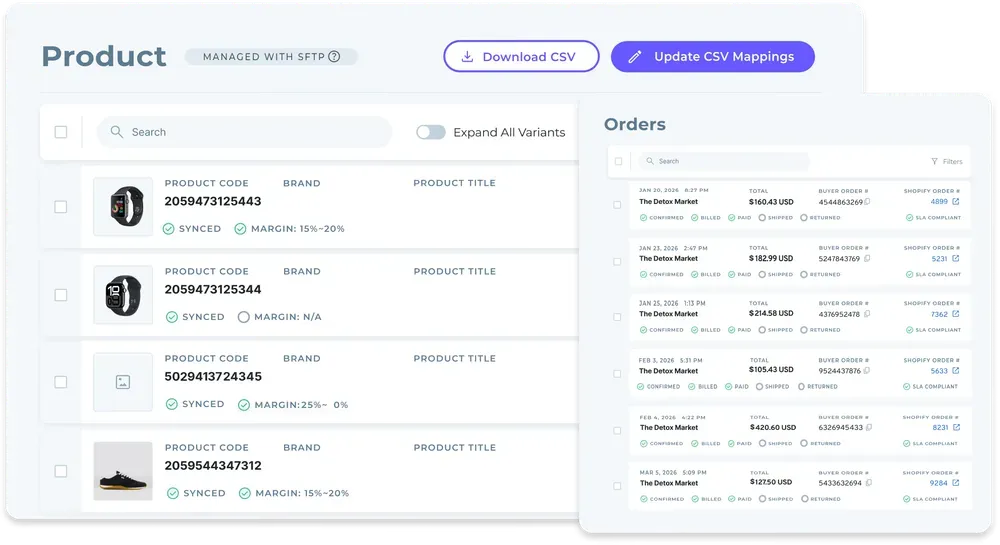
Good automation also knows where a person belongs. A failed charge or a return decision still needs someone to act, so the software should run the routine steps by rule and surface those cases with the detail needed to resolve them.
Buyers searching for the best dropship automation software usually want more products on the site without more people behind them. Carro's dropship automation software is built around that goal.
Why Do You Need Dropshipping Automation Software?
Manual dropship work grows with every supplier you add. Each new partner brings its own product file, price list, order channel and invoice format.
Order handling is where the gap shows first. A program run by hand means someone copies each order into a supplier portal or an email, waits for a confirmation and pastes tracking back into the store. Every supplier you add repeats that loop in its own format, and a cart with products from two suppliers doubles it.
Product data carries its own cost. In a dropship program, bad data shows up as a price that no longer matches the supplier's list or a product sold after it went out of stock. Partner price lists and validation before launch catch most of it upstream, before a customer ever sees the listing.
Tools that stop at order forwarding leave the most expensive steps with your team. Someone still onboards each supplier, fixes SKU mapping errors, chases stalled orders, decides on returns and rebuilds invoices and payouts in a spreadsheet at month end.
When retailer and supplier keep separate records of a sale, finance ends up debating every commission and return credit at month end.
The best dropshipping automation software changes the figures operations leaders already track: orders handled per person, time to add a supplier, dropship stockouts and days from shipment to supplier payment.
Best Dropshipping Automation Software: In-Depth Review & Comparison
To rank the best dropshipping automation software, we judged each tool on how much of the dropship path it automates: supplier onboarding, catalog and price sync, order routing, exception handling, returns, and invoicing with supplier payouts. We also weighed who each tool is built for, since a solo AliExpress seller and a retailer with dozens of brand partners need different software.
Ratings and review themes reflect verified user reviews as of September 2026.
1. Carro
Overview
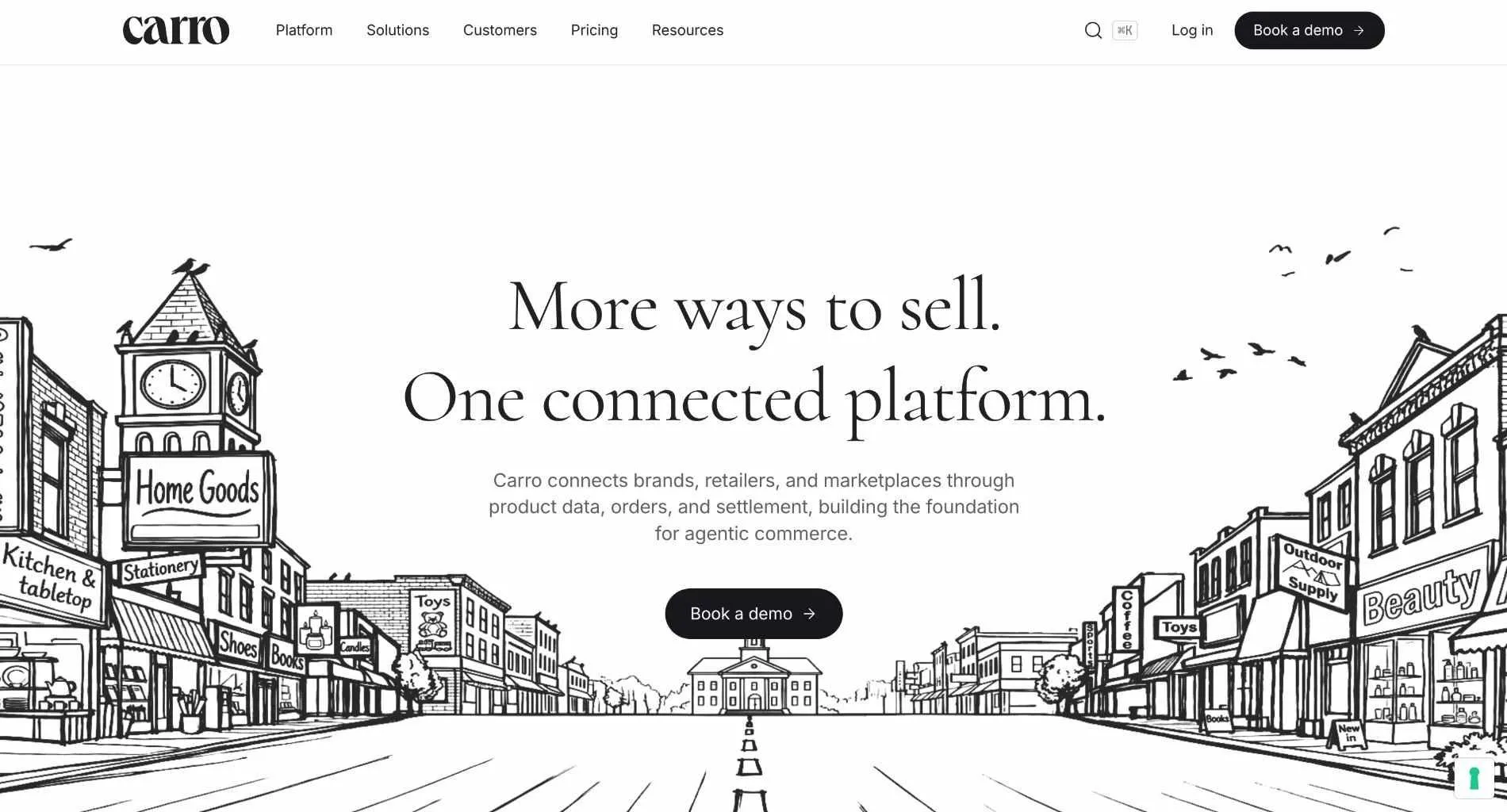
Carro is a dropship platform, the best dropship automation software on this list for retailers and marketplaces that work with brands and distributors through shared product data, orders, invoices and payouts. Retailers add products from vetted brands without buying stock, and brands sell through more retailers from one catalog while deciding who carries them.
Five modules cover the workflow from connecting a supplier to reconciling its invoices: Merchant Services, Supplier Onboarding, Catalog & Inventory, Order Execution and Payment Settlement.
Carro runs beside the systems you already have. It connects to Shopify, Magento 2, WooCommerce and BigCommerce, plus EDI, API, SFTP, CSV, storefront apps and webhooks, while your payments, shipping, ERP and accounting stay where they are. Retailers and brands on Carro include PacSun, eBay, NBCUniversal and Huckberry.
Ideal For
- Retailers adding brands and categories without buying stock
- Dropship coordinators replacing one spreadsheet per vendor with a single supplier workflow
- Marketplace operators adding sellers without adding headcount
- Finance teams that need supplier invoices, fees, commissions and return credits tied to each order
- Brands and distributors that want to approve each retailer and set a price list per partner
Top Features
- Supplier onboarding in days: each supplier moves through a visible sequence, from account details and connection to a partner price list and a test order that confirms fulfillment, tracking and invoicing before go-live.
- Catalog and price sync: moves stock from each supplier's system on the cadence its connection supports, while partner price lists set your cost for every relationship.
- Order splitting: one customer order can split into separate supplier orders, each sent into the partner's own system with nothing re-keyed.
- An exceptions view where failed charges and SKU mapping errors appear with the detail needed to act on them, next to any order that has stalled at a supplier.
- Settlement tied to shipment: the shipment triggers the supplier invoice and the retailer charge, and the supplier can be paid the same day.
Why We Stand Out
Carro runs the whole supplier program in one workflow, from the first connection to the payout. Every new supplier follows the same path as the last one, so the work each supplier adds stops growing with the size of the network.
Merchant Services changes the commercial side. Carro holds the authorization to represent brand and distributor inventory, so one relationship with Carro replaces a supply agreement with every supplier.
In settlement, commissions, shipping costs, fees and return credits each land against their order, and both sides read the same record. A failed charge is surfaced for a person to act on, and each return runs as a request the supplier accepts or rejects under agreed terms.
Carro has also completed migrations for the customer bases of Modern Dropship and Onport, changing the connection under each storefront while the storefront stays in place.
Pros
- Runs one workflow from supplier onboarding to shipment-triggered payouts
- Connects each supplier through EDI, API, SFTP, CSV or a storefront app, with no replatform
- Adds products from a 1,500,000-product network of established brands without buying stock
- Surfaces exceptions such as failed charges and stalled orders in one view
- Hands-on onboarding help for suppliers without technical teams
Cons
- Settlement runs in USD through a connected payment account in Stripe-approved countries
- The hand-matched supplier network and priority support sit on the Growth plan
- The network centers on vetted, established brands, so sellers hunting the cheapest generic overseas products will find consumer dropship tools a closer fit
Customer Reviews
Carro holds 4.4 out of 5 across 123 G2 reviews and 4.8 out of 5 across 16 Capterra reviews, with Capterra reviewers scoring it 4.8 for ease of use, 4.8 for value for money and 4.6 for customer service.
Reviewers praise the Shopify integration and a quick setup, with brands describing orders that land in their own store and ship like any other order. Hands-on human support during onboarding comes up often, along with new retail channels that brands could not open alone.
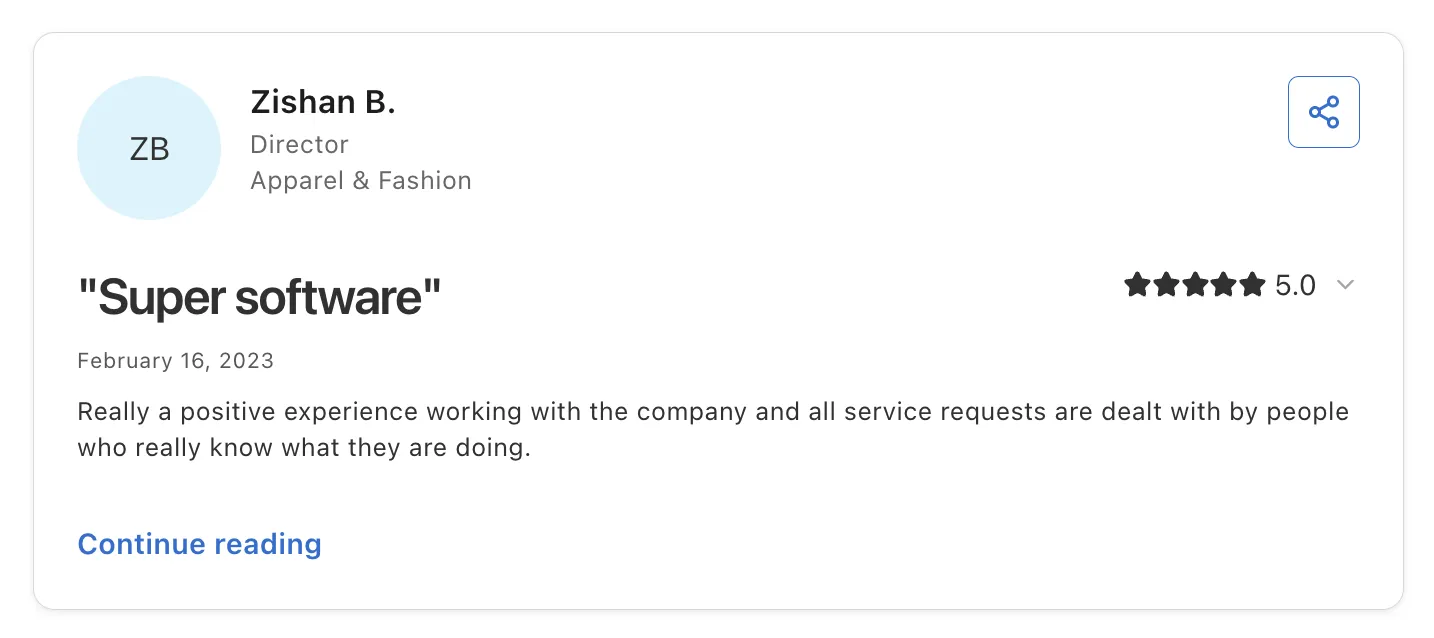
Reviewers also highlight the people behind the software. One director says service requests are handled by people who know what they are doing, and a brand owner calls onboarding super fast and easy to use.
Final Verdict
Carro is the best dropshipping automation software on this list for retailers and marketplaces that want automation past the order hand-off, through exceptions and payouts. It fits programs where suppliers run on different systems and finance needs one record per order.
Carro reports retailers seeing up to 3.5x revenue growth and up to 3x catalog size, and PacSun uses Carro to launch products faster and test brands without owning inventory.
2. Flxpoint
Overview
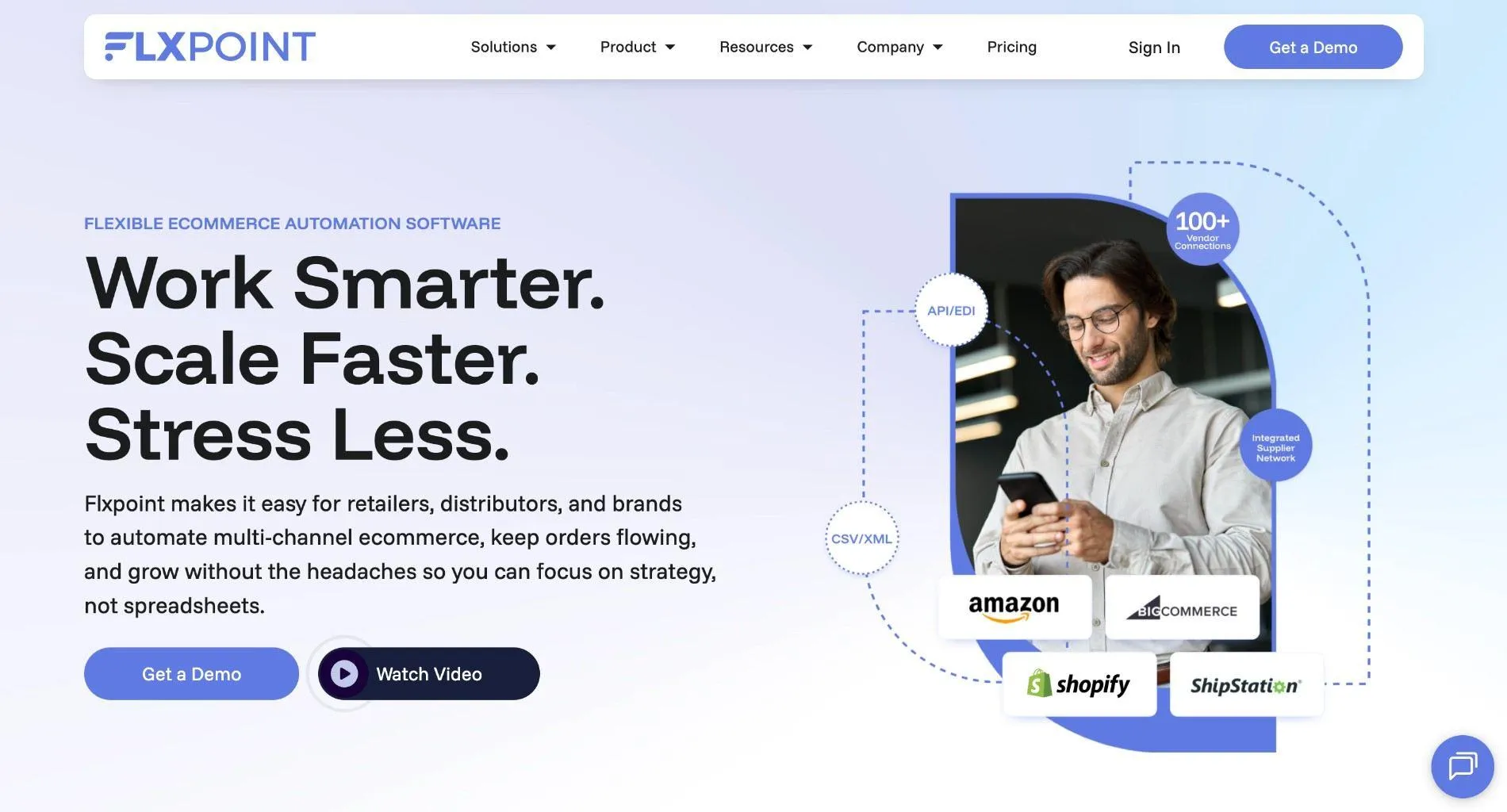
Flxpoint is dropship and inventory automation software that connects a merchant's suppliers and warehouses to its sales channels. It pulls vendor feeds into one catalog, syncs stock and costs, publishes listings to storefronts and marketplaces, and routes each order to a source by rules the merchant sets.
The company positions it as retail operations software for teams that want to grow without manual work or custom development. Its integrations include BigCommerce, eBay, NetSuite and Mirakl, among others.
Ideal For
- Multichannel retailers selling on their own store plus Amazon or eBay
- Operations teams managing many vendor feeds in different formats
- Sellers who mix dropship vendors with stock in their own warehouse
- Teams with time to configure detailed routing rules
Top Features
- Vendor feed ingestion. Imports supplier catalogs and inventory into one product record.
- Rule-based order routing. Sends each order line to the vendor or warehouse that meets your stock and cost rules, which keeps margin decisions consistent.
- Purchase order management that creates supplier POs and pulls tracking back.
- Multichannel publishing: products go to storefronts and marketplaces from the same catalog.
Why They Stand Out
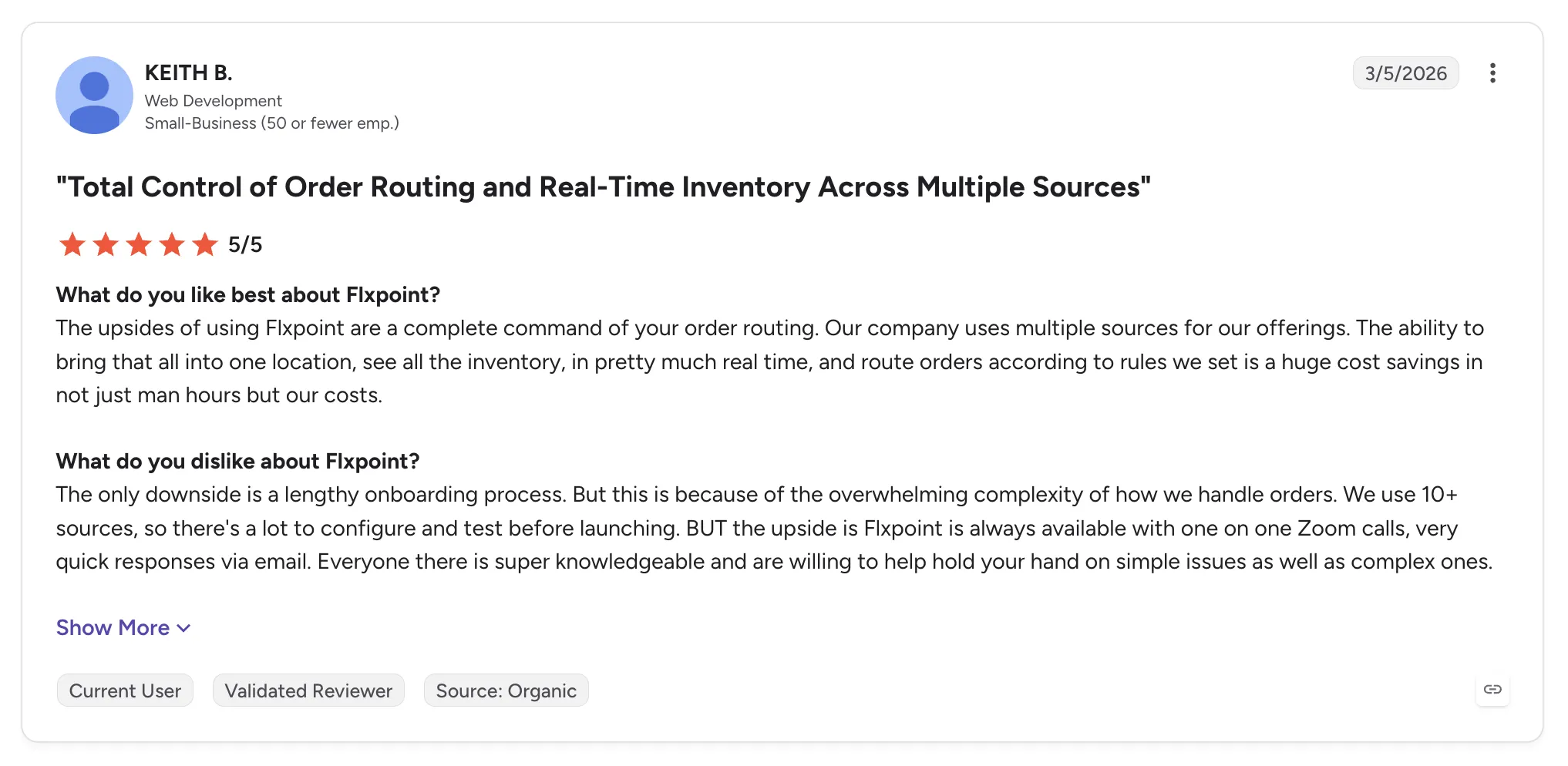
Flxpoint is one of the strongest options for sellers who need detailed control over which source fills each order. Reviewers describe routing across ten or more sources with near real-time inventory visibility.
Its onboarding team gets frequent praise, often by name. One reviewer calls the tooling enterprise-grade, and others describe vendor feeds and bundles handled at a depth that lighter sync apps skip.
Pros
- Flexible, rule-based order routing across many sources
- Near real-time stock visibility across vendors and warehouses
- Bundles and stacked data sources for a single product
- Hands-on onboarding and support staff
Cons
- Steep learning curve for new users
- Onboarding can run long for complex setups
- Thin written documentation
- Some reviewers report integration issues
Customer Reviews
Flxpoint holds 4.7 out of 5 across 101 G2 reviews and 4.9 out of 5 across 7 Capterra reviews, the second a small sample that mostly dates from 2021.
Reviewers praise the support staff and the control that rule-based routing gives them. Several describe time saved through automation, and one says the system has never gone down.
The criticisms concentrate on complexity, with a steep learning curve and a long onboarding period. Some reviewers also want more written manuals.
Final Verdict
Flxpoint suits multichannel sellers with many vendor feeds and the time to configure detailed routing, especially where dropship vendors and owned stock mix.
Retailers and marketplaces that want curated brands and payouts tied to each shipment need software built around the full supplier relationship. Flxpoint's strength sits in feeds and routing, and sourcing new brands happens outside the tool.
3. Logicbroker
Overview
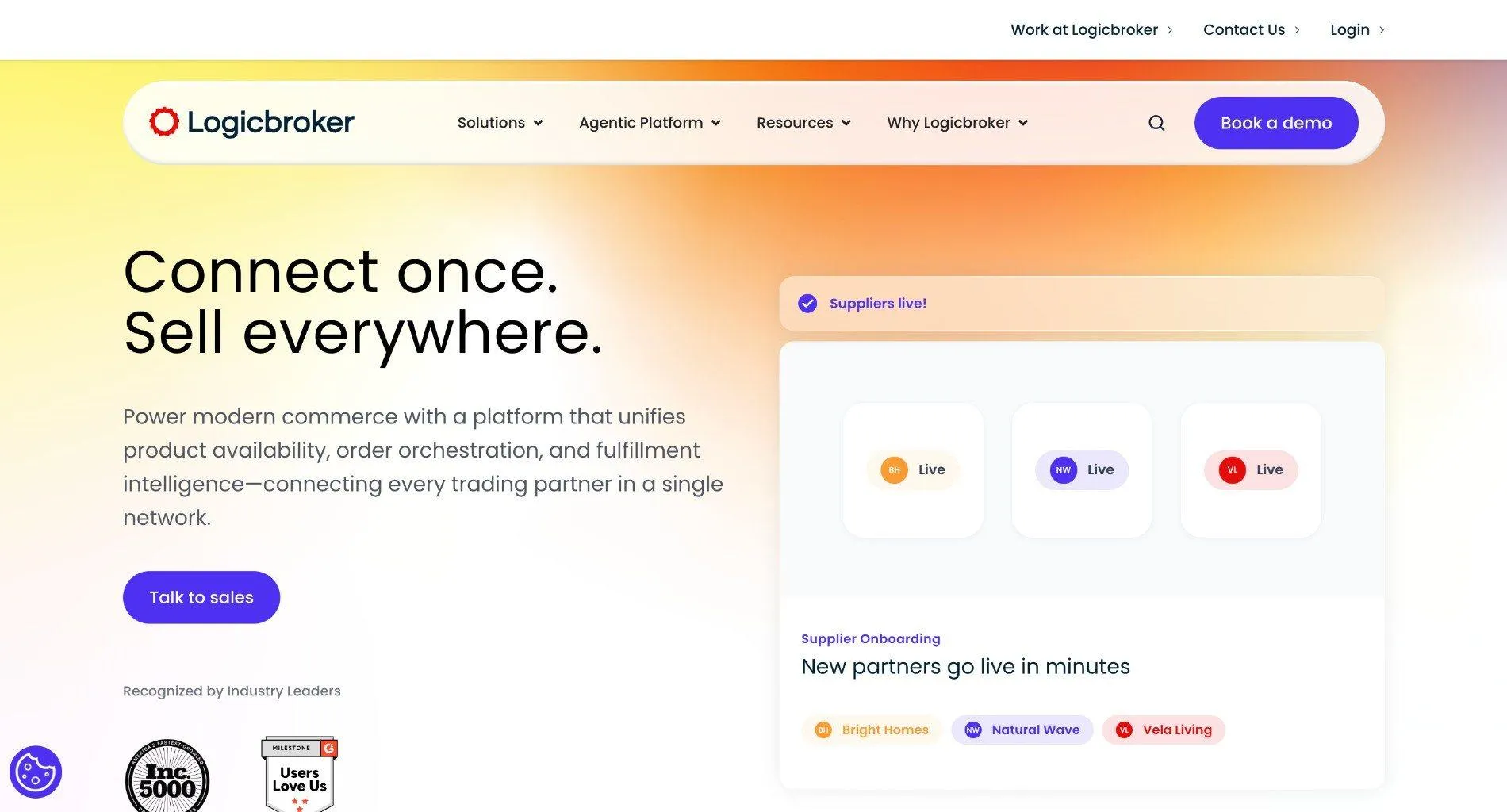
Logicbroker is drop ship and marketplace software for enterprise retailers, brands, suppliers and distributors. Its network connects trading partners over EDI, API, FTP, VAN and a web portal, and it automates the documents that move between them, such as orders, inventory feeds, shipment notices and invoices.
The company now bills itself as an agentic commerce orchestration engine, aiming to keep catalog and availability data in sync as shoppers move to AI search. Its Product Onboarding Center and services team set up and test each supplier connection before go-live.
Ideal For
- Enterprise retailers running EDI-heavy drop ship programs
- Brands and distributors trading with several large retail partners
- Teams that want supplier onboarding and testing handled as a service
- Organizations preparing catalog data for AI shopping assistants
Top Features
- Multi-protocol connectivity. Suppliers connect with EDI, cXML, JSON or CSV over API, FTP, VAN or a portal, so each partner trades in the format it already uses.
- Managed supplier onboarding, with specialists setting up and testing each trading partner before orders flow.
- Order and inventory automation: inventory feeds and tracking numbers move without manual file handling, with order visibility at each step.
Why They Stand Out
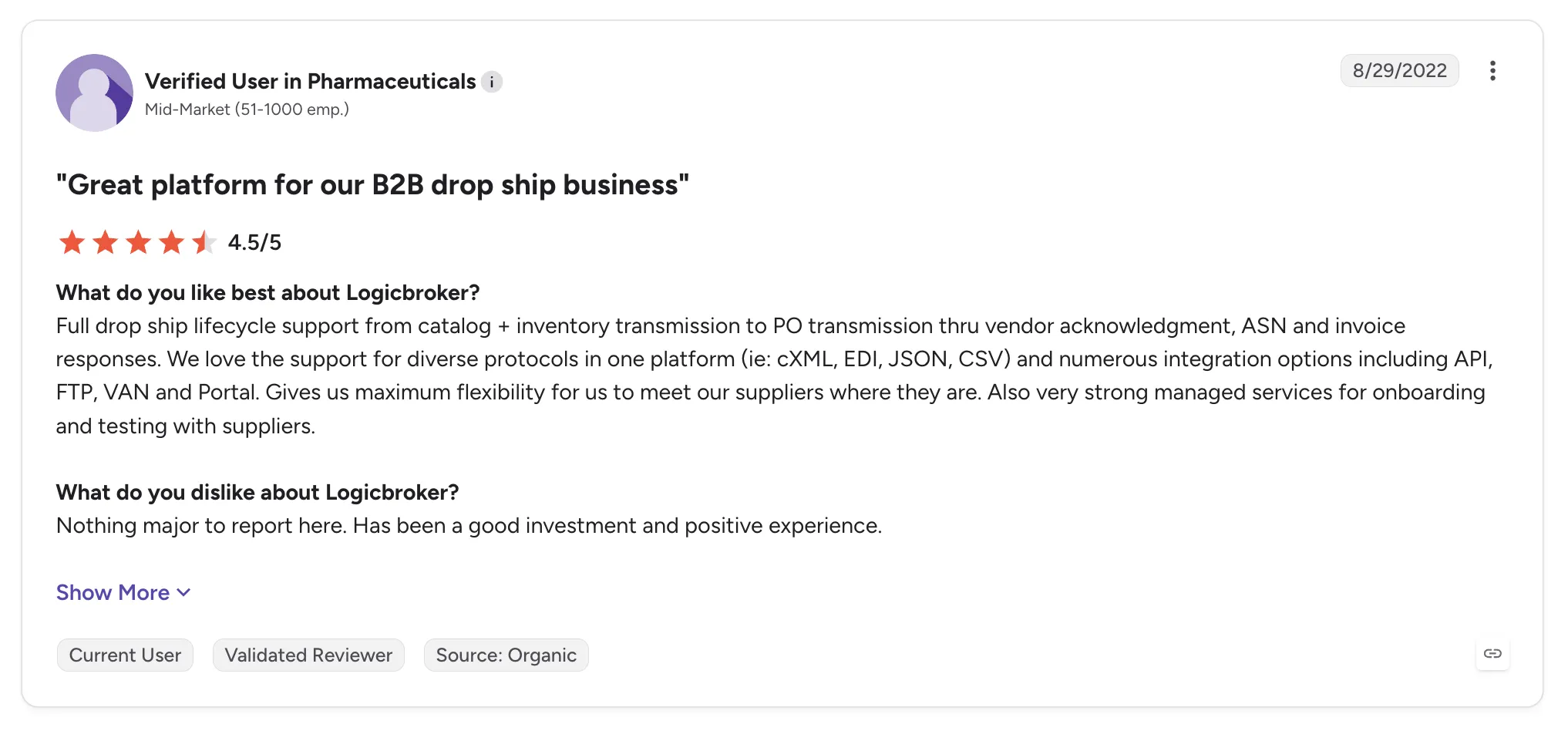
Logicbroker is one of the strongest choices for enterprises with many EDI trading partners. Reviewers describe the full drop ship lifecycle and many protocols in one system, which removes the need to run EDI in-house.
Its onboarding service is the other recurring theme. Where each vendor connection used to be a separate project, managed setup and testing shorten the time to a first order.
Pros
- Supports EDI, cXML, API and portal connections
- Managed onboarding and testing for suppliers
- Fast EDI and inventory updates with order visibility
- Removes the need for an in-house EDI team
Cons
- Reviewers criticize rigid contract and cancellation terms
- Support can be slow, with extra work pushed to paid statements of work
- Reporting is hard to build
- Failed documents are hard to fix
Customer Reviews
Logicbroker holds 4.0 out of 5 across 30 G2 reviews and 5.0 out of 5 across 1 Capterra review.
Reviewers praise the range of protocols and the managed onboarding with suppliers. One no longer needs in-house EDI, and others mention fast inventory updates and an interface that is quick to teach.
The criticisms focus on the commercial relationship. One recent reviewer describes a 60-day cancellation notice with no reminder, and older reviews mention overpromised capabilities and slow support without an SLA.
Final Verdict
Logicbroker suits enterprise retailers and brands with many EDI trading partners that want onboarding and testing run as a managed service.
Its focus is connecting partners you have already signed, so each supplier relationship still starts with its own agreement. Retailers that want a vetted brand network under one commercial relationship, with brands tested before any purchase order, will need to source those brands separately.
4. Rithum
Overview
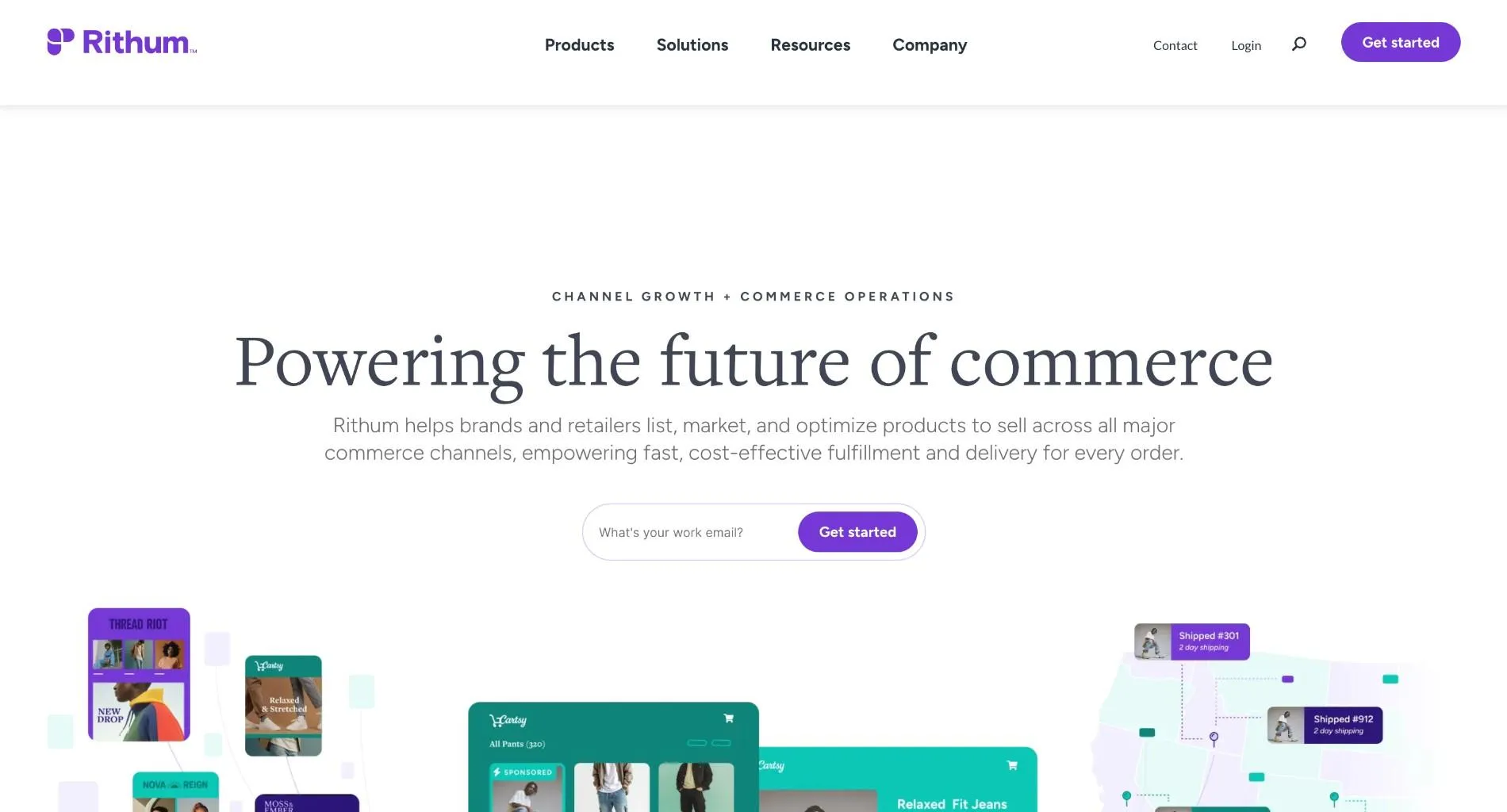
Rithum is the company formed from the combination of CommerceHub and ChannelAdvisor. It serves brands and retailers with drop ship networks, private marketplace vendor self-service, e-commission programs and public marketplace management.
CommerceHub built a drop ship network linking major US retailers with their suppliers, and ChannelAdvisor built listing and sync tools for sellers on public marketplaces such as Amazon and eBay. One reviewer describes a catalog of a million-plus listings running without load issues.
Ideal For
- Large retailers running drop ship programs with many established vendors
- Brands selling across Amazon, Walmart and other public marketplaces
- Vendors connecting to retailers already on the Rithum network
- Enterprise teams with resources for a multi-month rollout
Top Features
- Drop ship network. Retailers and suppliers exchange orders, inventory updates, shipment confirmations and invoices through one hub.
- Marketplace management that syncs listings and stock across public marketplaces from one catalog.
- Vendor self-service. Suppliers manage their own listings in a retailer's private marketplace.
Why They Stand Out
Rithum is one of the strongest options for enterprise retailers and brands that need reach across both drop ship networks and public marketplaces. Many large retailers already run drop ship through its network, which shortens connection time for vendors selling to them.
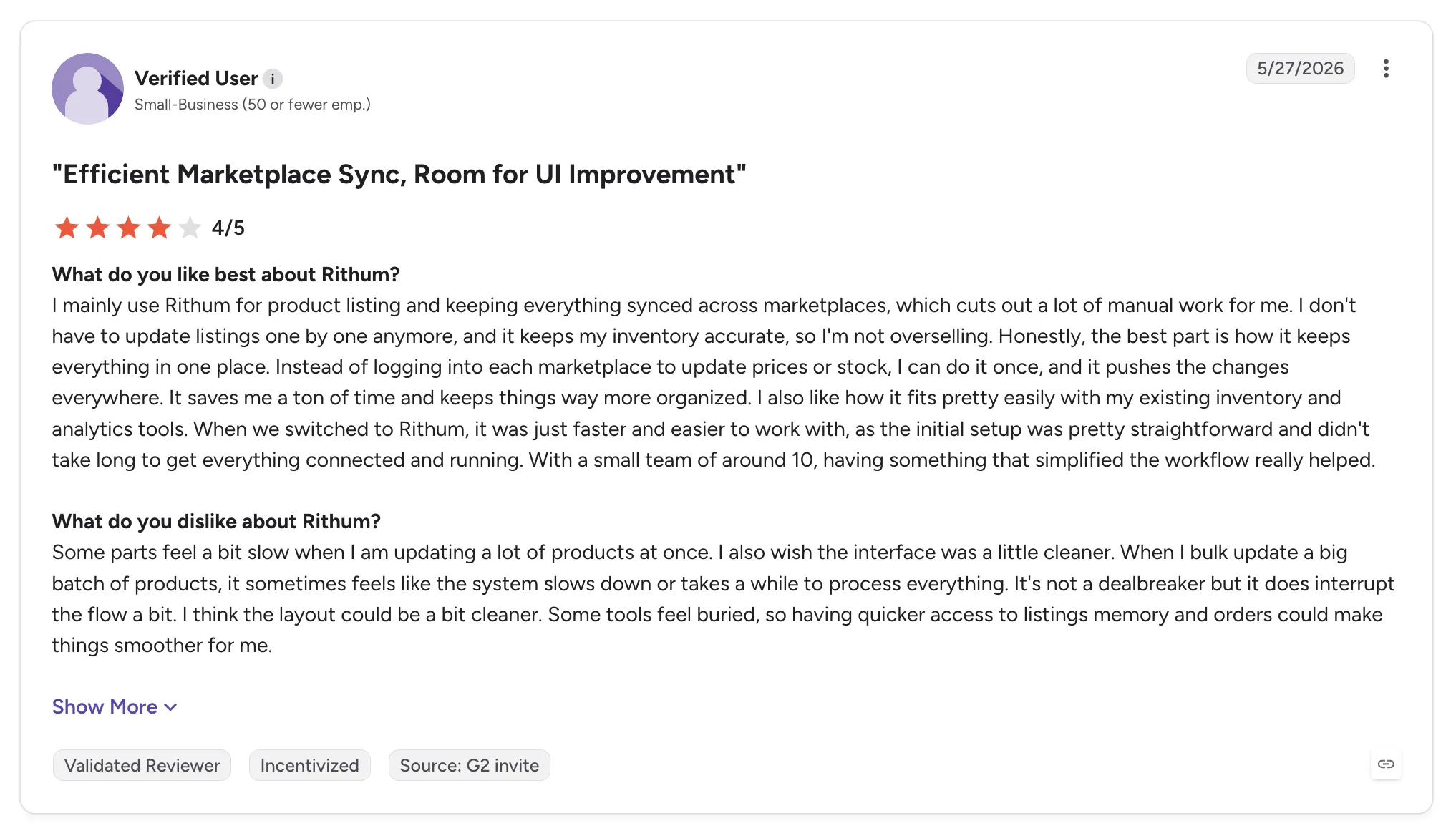
Reviewers describe one place to manage listings and orders across many marketplaces. Inventory sync that prevents overselling is the most repeated benefit.
Pros
- Reach across retailer drop ship programs and public marketplaces
- Handles catalogs with a million or more listings
- Inventory sync that prevents overselling
- Daily reporting and helpful account teams
Cons
- Learning curve and a complex interface for new users
- Slow performance with bulk updates and large data sets
- High cost and long contract terms reported by reviewers
- A multi-month implementation
Customer Reviews
Rithum holds 4.0 out of 5 across 123 G2 reviews and 3.8 out of 5 across 61 Capterra reviews. G2 reviewers put the average implementation at three months.
Reviewers praise one place to manage listings and orders across many marketplaces, with inventory sync that prevents overselling. One also mentions smooth product uploads and daily reporting.
The criticisms center on the learning curve, a slow interface with bulk updates, high cost and long contracts. Some Capterra reviewers also describe onboarding and project support problems.
Final Verdict
Rithum suits large retailers and brands that need drop ship and marketplace reach from one vendor, with budget for an enterprise rollout.
Mid-market retailers and marketplaces that want suppliers live in days, and settlement worked out per order, may find the cost and implementation heavy.
5. Duoplane
Overview
Duoplane is dropship automation software for retailers that sell products shipped by many vendors. It automates order routing, tracking, catalog updates and vendor invoice payments, and it centralizes order information in dashboards with real-time alerts.
Each order splits automatically into vendor purchase orders, sent by email or through a vendor portal. Duoplane integrates with Shopify, BigCommerce, ShipStation and Xero, among others.
Ideal For
- Small retail teams routing orders to dozens of vendors
- Shopify and BigCommerce stores with thousands of dropshipped SKUs
- Retailers that want vendors to log in and see their own orders
- Businesses using ShipStation or Xero alongside their store
Top Features
- Automatic order splitting. Orders break into vendor POs as they arrive.
- Vendor portal where suppliers without integrations log in to see open orders and enter tracking, so nothing slips through.
- Vendor invoice tracking. Invoices match against POs, which reviewers say removes billing errors across thousands of SKUs.
Why They Stand Out
Duoplane is one of the smartest choices for small teams that need vendor order routing without a large project. One reviewer running a two-person company says it lets the team handle order operations without hiring.
The vendor portal is the recurring highlight. Suppliers see every order in one place, and retailers stop chasing tracking by email.
Pros
- Vendor portal for suppliers without integrations
- Fewer PO and vendor invoice errors across large catalogs
- Support team that teaches customers to make changes themselves
- Simple setup and an easy ShipStation integration
Cons
- Cancelling test orders can be confusing alongside ShipStation
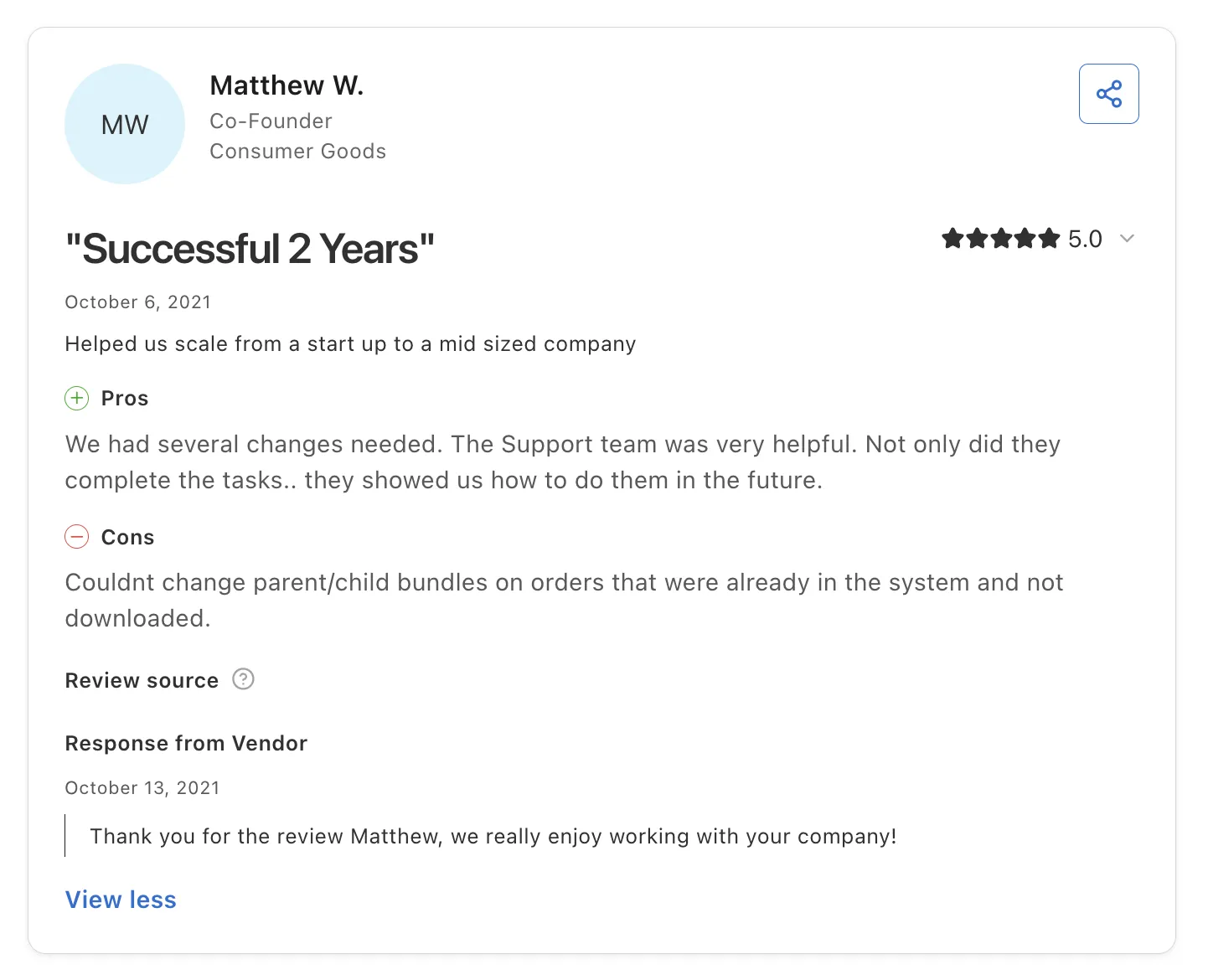
- Parent and child bundles cannot be changed on orders already in the system
- A narrower integration list than enterprise suites
- No supplier network, so you source and contract every vendor yourself
Customer Reviews
Duoplane holds 5.0 out of 5 across 2 G2 reviews and 5.0 out of 5 across 5 Capterra reviews, a small sample on both.
Reviewers praise the vendor portal and the drop in PO and invoice errors. One owner of a two-person company credits it with doubling sales over three years.
On the downside, one reviewer could not change bundles on existing orders, and another found cancelling test orders confusing when connected to ShipStation.
Final Verdict
Duoplane suits small retail teams that route orders to many vendors and want a vendor portal and invoice matching.
Retailers that need new brands to source or payouts tied to shipments will find it covers the order stretch of the program and little around it.
6. Spark Shipping
Overview
Spark Shipping is ecommerce automation software for online sellers who dropship or fulfill through multiple suppliers. It syncs product data and inventory from vendors and routes each order to a supplier based on rules you set for stock and price. Tracking flows back to the storefront.
It connects one product to several suppliers, so an order can go to whichever vendor has stock at the right cost. Reviewers also mention support for many marketplaces alongside storefronts such as Shopify.
Ideal For
- Online stores selling the same products from several suppliers
- Sellers who want orders routed by vendor stock and cost
- Shopify merchants whose supplier feeds need regular updates
- Small teams moving off manual PO emails
Top Features
- Supplier inventory and product sync. Vendor feeds update stock and product data in the store on a schedule.
- Rule-based order routing that sends each order to the supplier meeting your stock and price rules.
- Multi-supplier product mapping. A single listing can draw from several vendors, which keeps it live when one vendor runs out.
Why They Stand Out
Spark Shipping is one of the smartest choices for sellers who source the same SKU from more than one supplier. Routing by stock and price keeps orders moving when a vendor sells out.
Reviewers describe faster, automatic order flow from supplier to customer and quick price updates. One calls it good value for the features.
Pros
- Order routing by vendor stock and cost
- One product mapped to several suppliers
- Product data and inventory sync with vendors
- Support for many marketplaces
Cons
- No supplier network, so you source and sign vendors yourself
- One reviewer wants more features
- One reviewer feels automation weakens direct supplier relationships
- No built-in supplier settlement or payouts
Customer Reviews
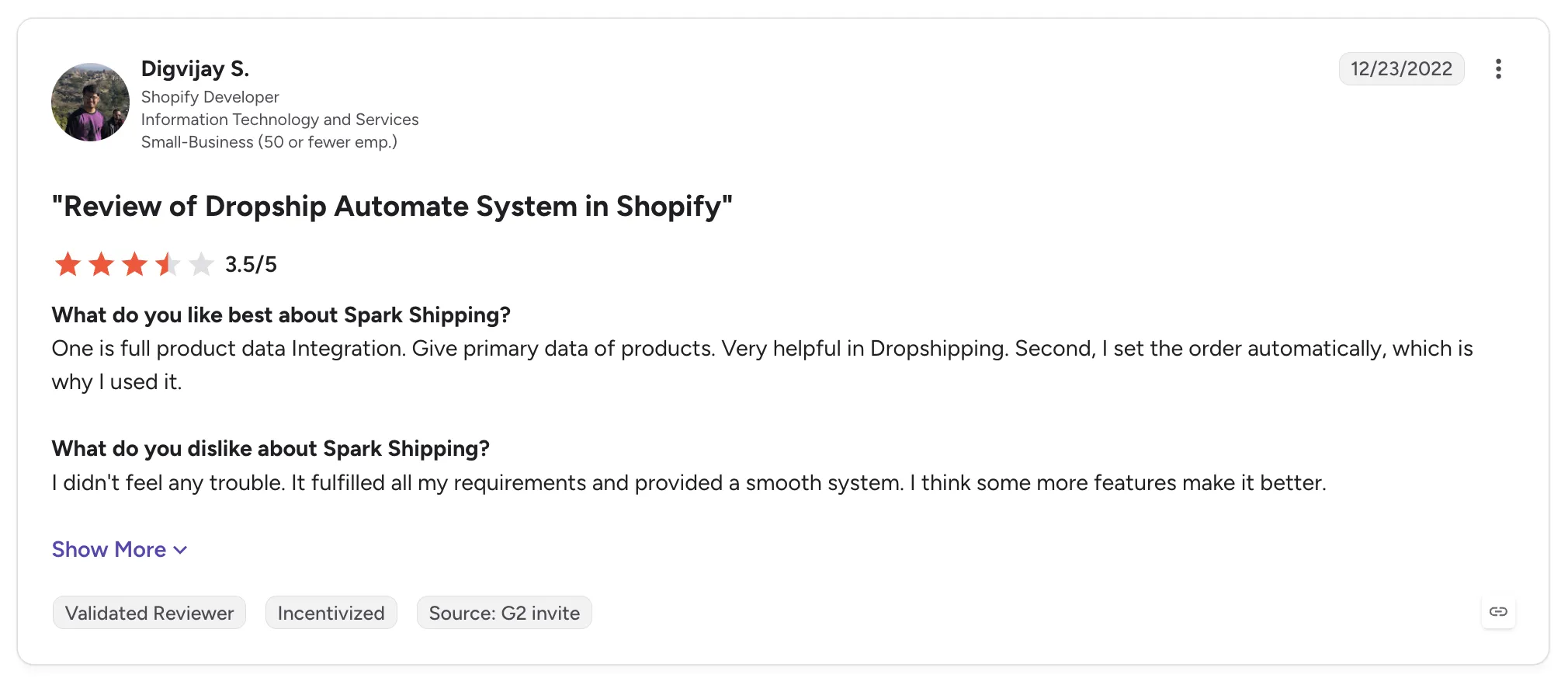
Spark Shipping holds 4.5 out of 5 across 4 G2 reviews, a small sample dated between December 2022 and September 2023.
Reviewers praise intelligent order routing and inventory sync with vendors. One names connecting a single product across multiple suppliers as the main benefit.
Criticism is limited to two points: one reviewer wants more features, and another worries that automation weakens direct relationships with suppliers.
Final Verdict
Spark Shipping suits sellers who carry the same products from several suppliers and want orders routed by stock and price with little setup.
Retailers and marketplaces that need onboarding, exceptions, returns and supplier payouts in the same workflow will find it covers routing and sync only. Sourcing new brands also happens outside the tool.
7. Inventory Source
Overview
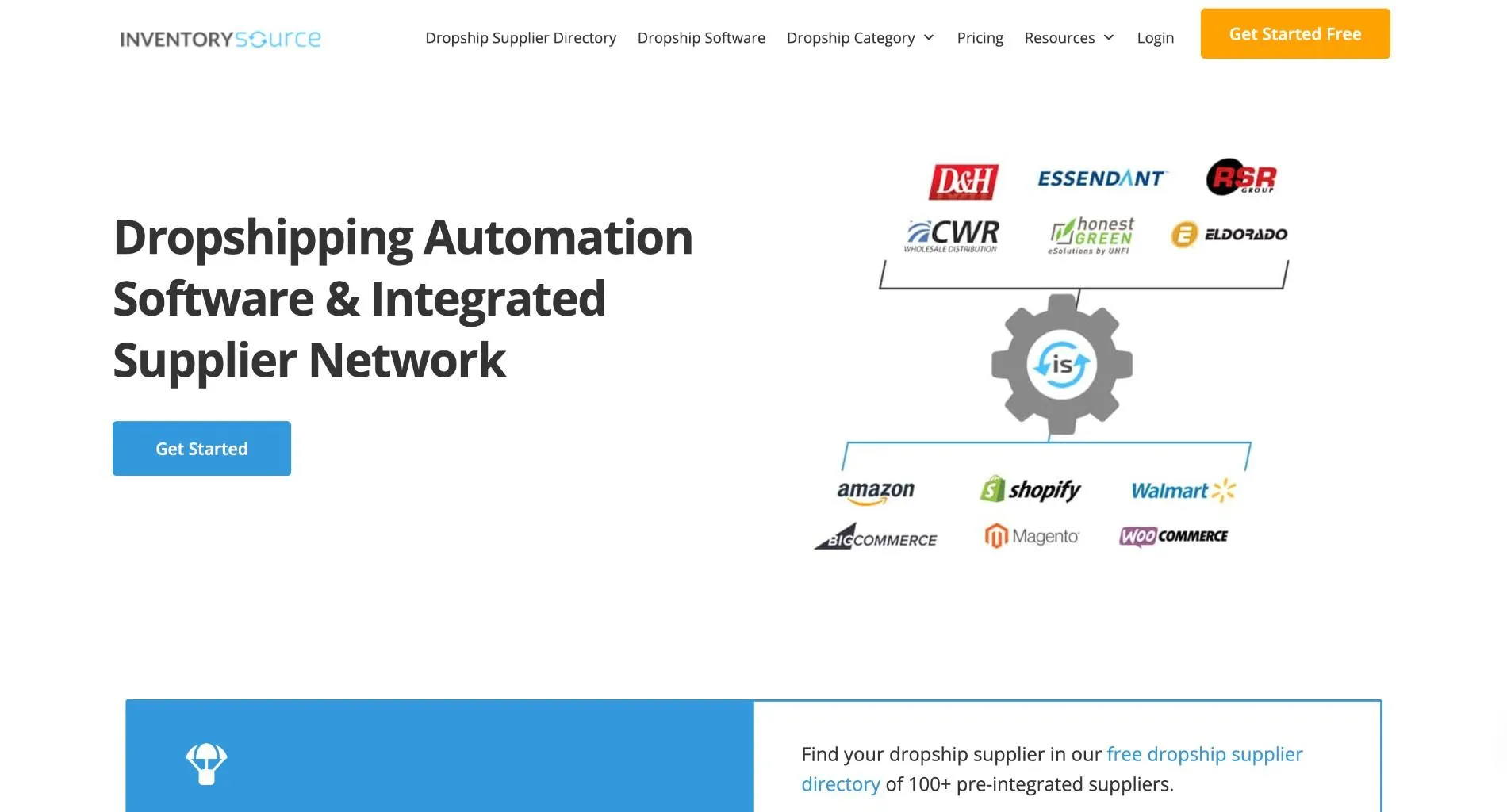
Inventory Source calls itself the largest and longest-running dropship data provider, connecting resellers directly to supplier dropship programs. It keeps product catalogs updated from those suppliers, auto-uploads products to online stores and marketplaces, syncs inventory and routes orders back to each supplier.
Its supplier directory is the core, with prebuilt integrations that remove the work of parsing each supplier's feed. The company is based in Jacksonville, Florida, and integrates with Shopify, BigCommerce, Adobe Commerce and ShipStation, among others.
Ideal For
- Resellers who want products from distributors with established dropship programs
- Store owners building a catalog from one or two distributors
- Sellers who prefer prebuilt supplier feeds to custom integrations
- Small teams applying pricing rules to large catalogs
Top Features
- Supplier directory with prebuilt integrations. Connects to distributor dropship programs without building each feed.
- Product auto-upload and inventory sync that push supplier products into the store and keep stock current.
- Order routing and bulk pricing. Sends orders to each supplier, and pricing rules apply across thousands of products at once.
Why They Stand Out
Inventory Source is one of the strongest options for resellers who want access to many distributor dropship programs through prebuilt connections. Reviewers describe dependable, low-maintenance sync once set up and a large supplier network.
One user says it runs much of the business on autopilot. That reviewer describes applying pricing to 13,000 products in seconds.
Pros
- Large directory of supplier dropship programs
- Low-maintenance inventory sync once configured
- Bulk pricing rules across large catalogs
- Product auto-upload to stores and marketplaces
Cons
- Customer service criticized, with no phone-first help
- Pricing bugs and site outages reported
- Costs climb for owners running several businesses
- Broken core features and a poor onboarding period reported
Customer Reviews
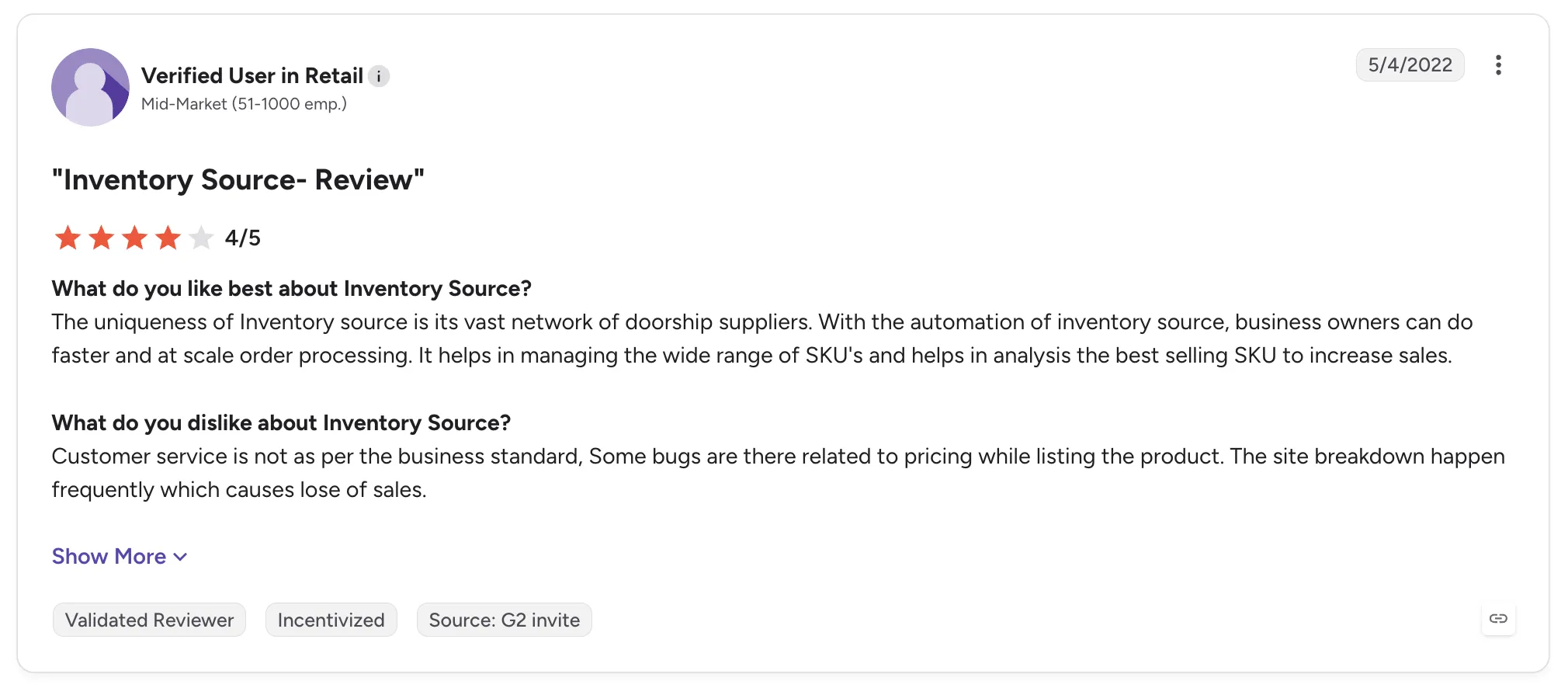
Inventory Source holds 4.6 out of 5 across 4 G2 reviews and 2.8 out of 5 across 6 Capterra reviews. Both are small samples from 2021 and 2022.
Reviewers praise reliable distributor-to-site sync and a large network of dropship suppliers. One owner says the automation frees time to focus elsewhere.
The criticisms are sharper on Capterra. Reviewers describe customer service below standard, pricing bugs, outages that cost sales and a poor onboarding period.
Final Verdict
Inventory Source suits resellers who want distributor products through prebuilt feeds and can manage support gaps themselves.
Retailers building a curated assortment from established brands, with settlement and returns handled per order, will find its scope limited to supplier feeds and order routing.
8. AutoDS
Overview
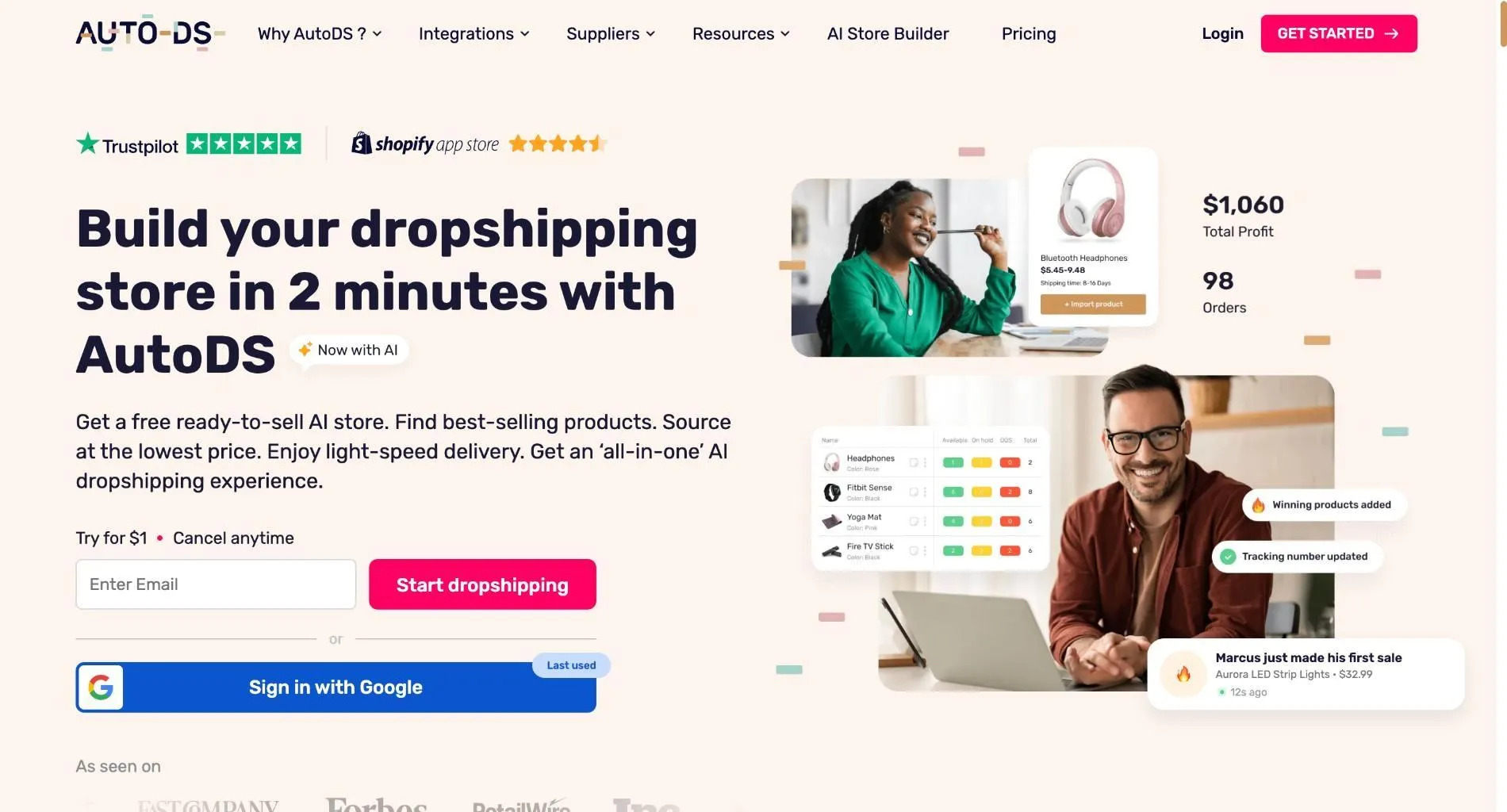
AutoDS is dropshipping automation software for individual sellers and small stores, founded in 2016. It covers product sourcing and one-click import from 25+ suppliers such as Amazon and AliExpress, plus automated stock monitoring and order fulfillment.
It connects to Shopify, eBay, WooCommerce and Amazon, so a seller can run several stores and suppliers from one dashboard. Almost all of its users are small businesses.
Ideal For
- Solo dropshippers sourcing from Amazon and AliExpress
- eBay sellers who want supplier accounts and tracking conversion
- Beginners who want product research and fulfillment in one tool
- Sellers running more than one store
Top Features
- Product research. Finds trending products, including analytics for TikTok.
- Price and stock monitoring. Catches supplier changes and updates listings, which cuts orders placed on out-of-stock items.
- Automated order fulfillment that places orders with suppliers and brings tracking back.
Why They Stand Out
AutoDS is one of the strongest options for small sellers who want sourcing and fulfillment in a single tool. Reviewers describe time saved through monitoring that catches price and stock changes before orders fail.
Its support team gets good marks, with AI chat and quick escalation to a person.
Pros
- Wide list of marketplace and AliExpress suppliers
- One dashboard for several stores
- Automated price and stock monitoring
- Beginner-friendly setup
Cons
- Billing complaints, including charges after cancellation
- Bugs and slow fixes, even on higher tiers
- Monitoring gaps for some suppliers force manual checks
- Built for marketplace sourcing, with no vetted brand network
Customer Reviews
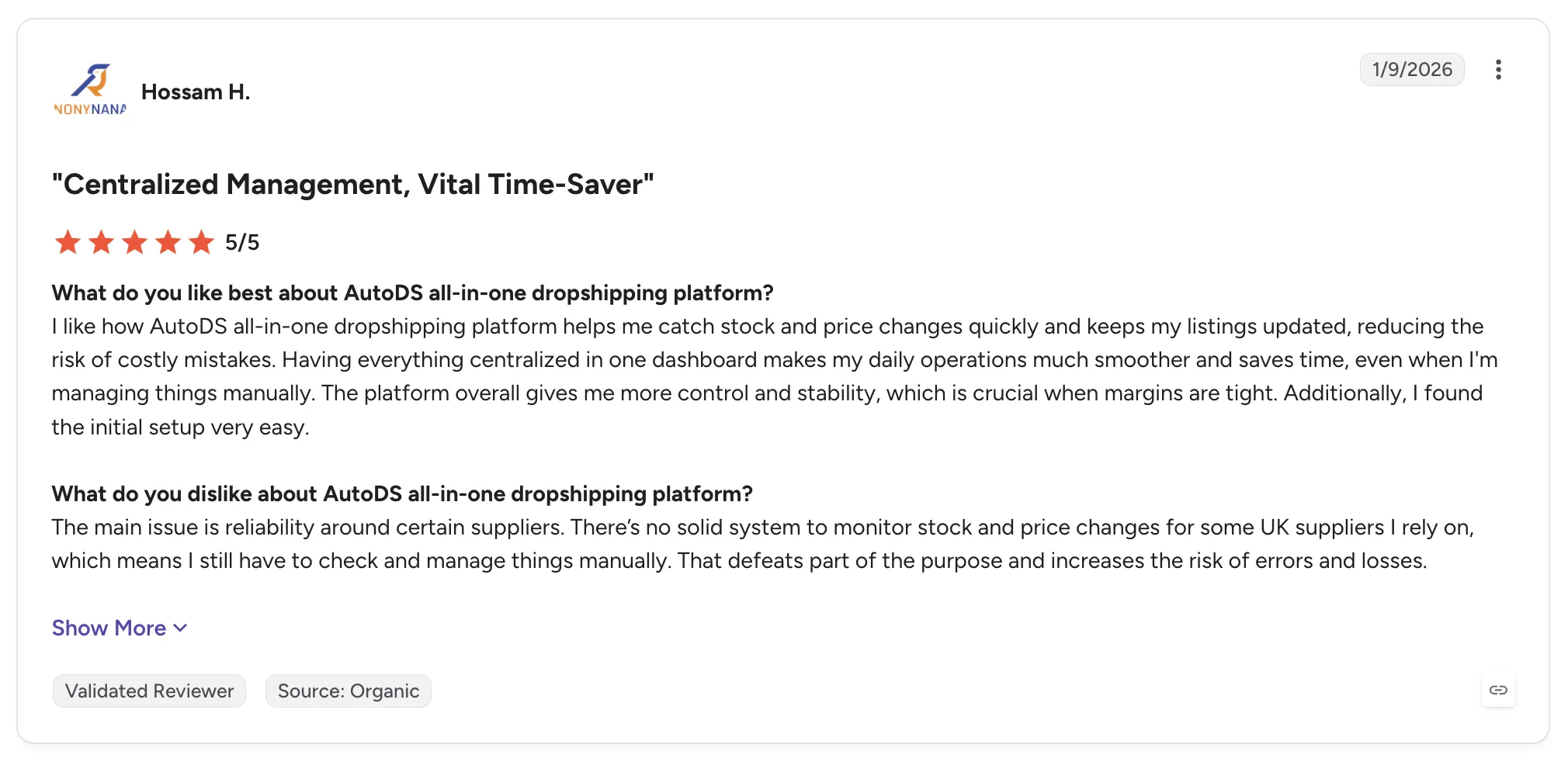
AutoDS holds 3.9 out of 5 across 19 G2 reviews and 4.0 out of 5 across 174 Capterra reviews, the largest Capterra sample on this list.
Reviewers praise automated stock and price monitoring, a central dashboard, fast support and an easy initial setup.
The criticisms focus on billing, including unexpected annual charges and charges after cancelling or freezing an account. Reviewers also report frequent bugs and suppliers whose stock cannot be monitored reliably.
Final Verdict
AutoDS suits solo sellers and small stores sourcing from marketplaces such as Amazon and AliExpress.
Retailers and marketplaces adding established brands, with suppliers onboarded and paid per shipment, will need software built for supplier relationships. Billing complaints are also worth weighing before an annual commitment.
9. DSers
Overview
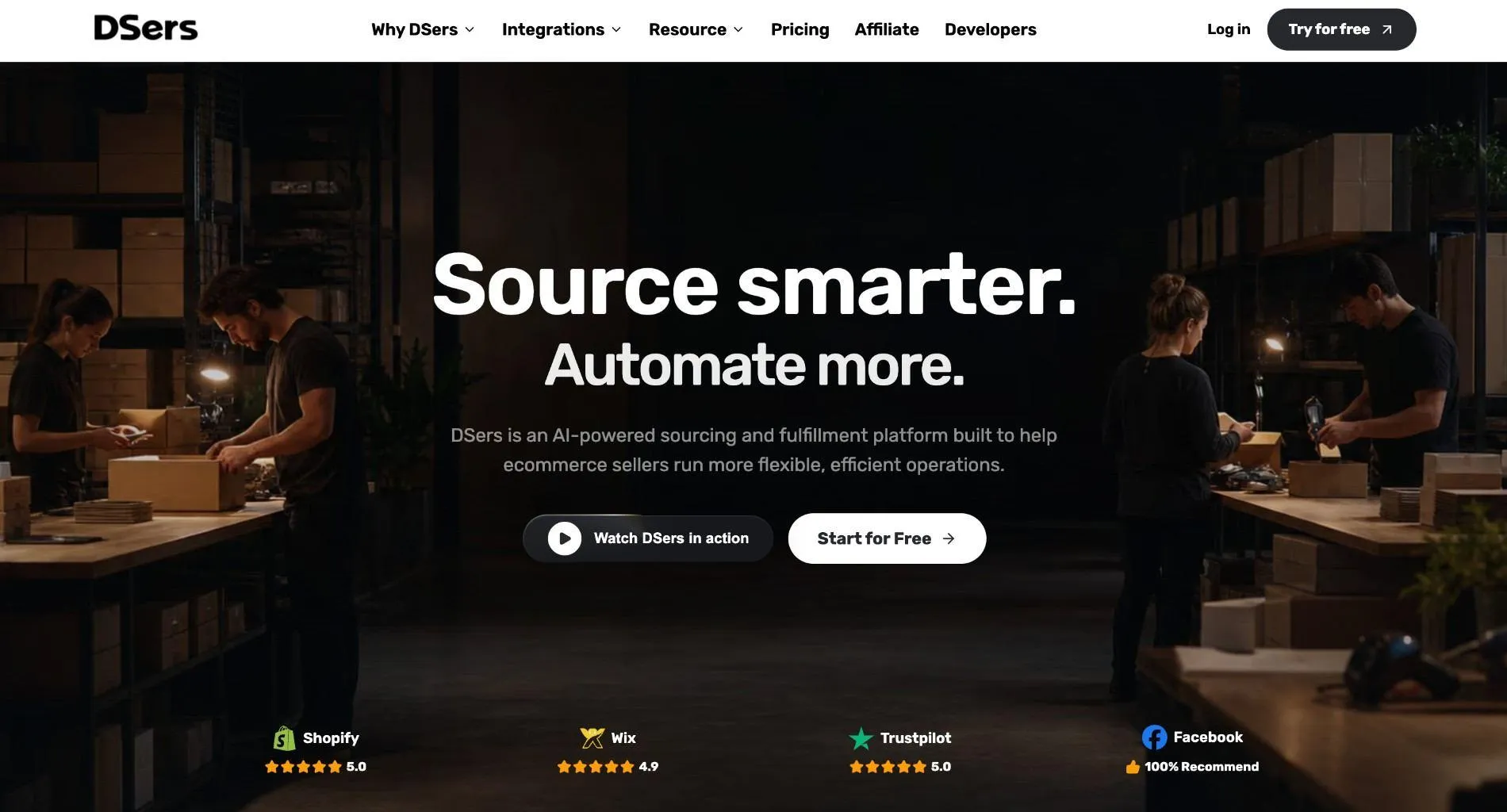
DSers is a dropshipping tool built around AliExpress. Merchants import AliExpress products, place orders in bulk, pay in a few clicks and track orders automatically.
Its supplier tools help sellers find better-rated or cheaper suppliers for the same product and swap them quickly. It connects natively with Shopify and Wix, and one reviewer uses a direct eBay integration.
Ideal For
- Shopify and Wix stores sourcing from AliExpress
- Beginners placing a high volume of small orders
- Sellers who want to switch to better-rated suppliers quickly
- eBay sellers who want AliExpress orders without Shopify in between
Top Features
- Bulk order placement. Sends many AliExpress orders in one click, which saves time and avoids copy errors.
- Supplier search and swapping. Finds alternative suppliers for the same product and switches them fast.
- Automatic order tracking, with tracking numbers returned to the store.
Why They Stand Out
DSers is one of the smartest choices for stores whose catalog comes from AliExpress. Bulk ordering removes the most repetitive task in that model.
Reviewers describe it as easy for beginners, with a responsive support team. The Find Supplier tool gets specific praise for surfacing trustworthy AliExpress sellers.
Pros
- Bulk AliExpress ordering in one click
- Fast supplier search and swapping
- Easy start for new sellers
- Direct Shopify and eBay connections
Cons
- Tied closely to AliExpress sourcing
- Advanced features sit on paid plans
- Support is sometimes slow
- Setup can be harder than expected, according to one reviewer
Customer Reviews
DSers holds 5.0 out of 5 across 2 G2 reviews and 4.7 out of 5 across 19 Capterra reviews. Many Capterra reviews are written in French or Spanish.
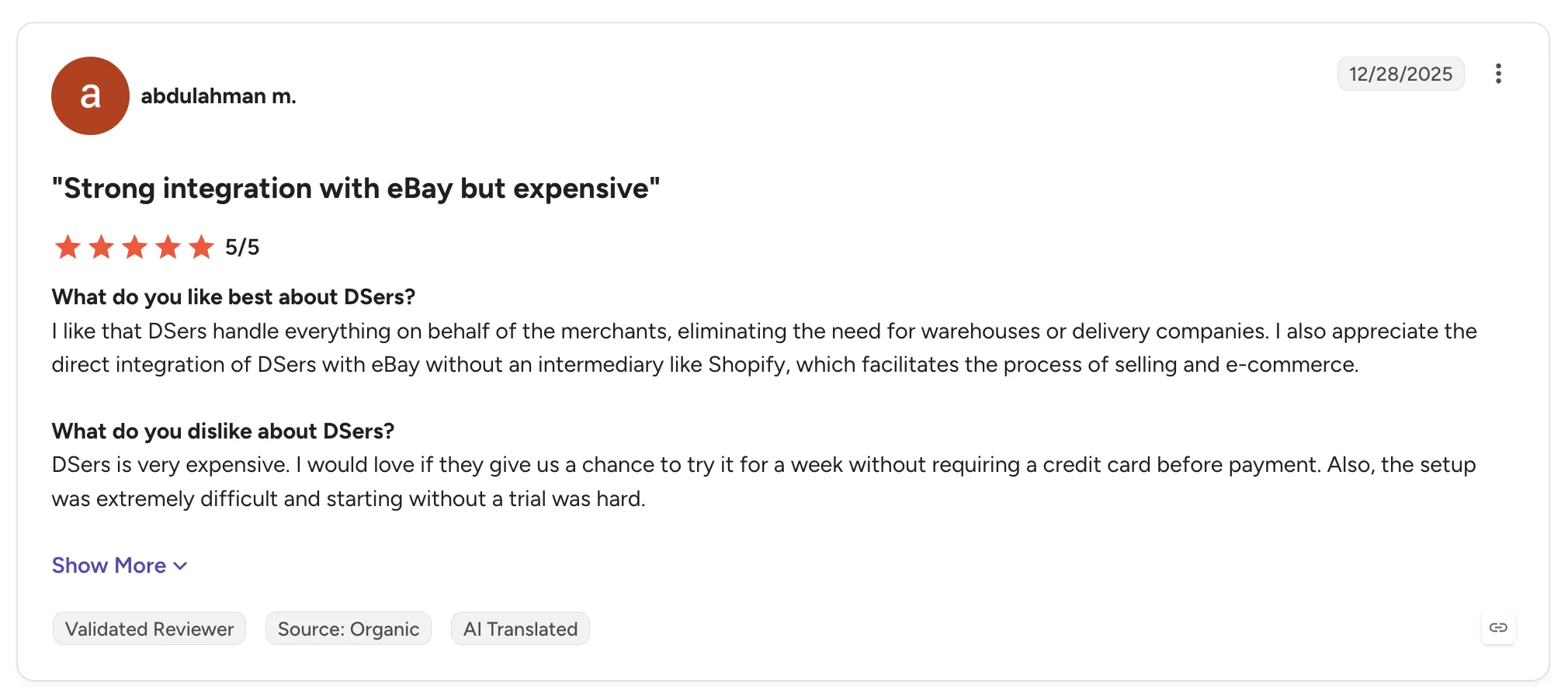
Reviewers praise one-click bulk ordering to AliExpress and a smooth Shopify integration. Several beginners describe it as easy to learn.
The criticisms mention cost and a harder-than-expected setup, and one reviewer wants a trial without a card. A French-language review adds that support can be slow.
Final Verdict
DSers suits Shopify and Wix stores built on AliExpress products that need bulk ordering and quick supplier swaps. If your store runs only on Shopify, our guide to the best automation tools for Shopify dropshipping compares apps built for that setup.
Retailers and marketplaces adding established brands that ship from their own warehouses will find DSers outside their sourcing model. Its automation covers ordering and tracking, while supplier onboarding and payouts sit elsewhere.
10. Syncee
Overview
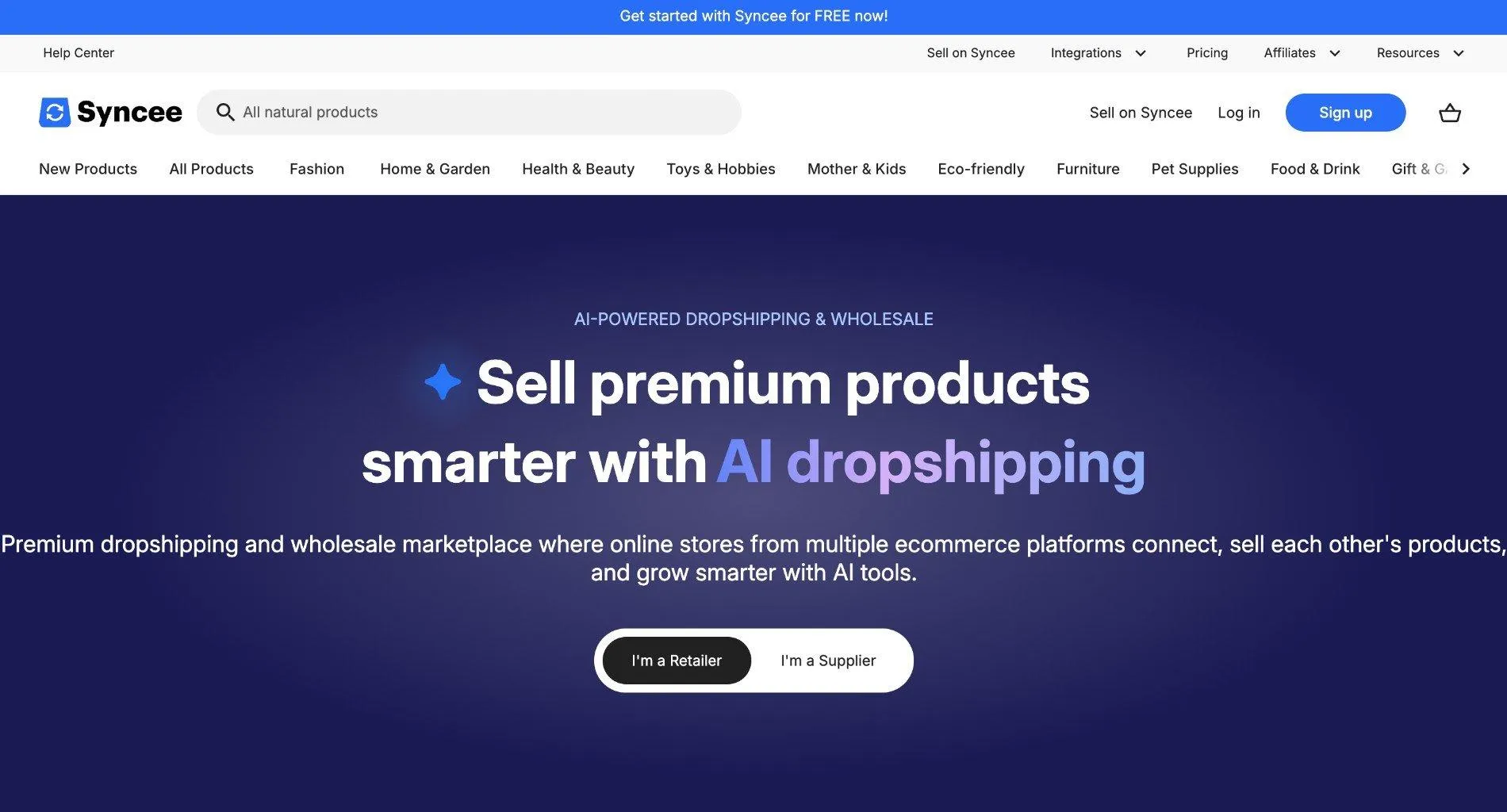
Syncee is a dropshipping and wholesale marketplace where online stores connect to sell each other's products. Retailers pick products from suppliers in different locations, and suppliers handle fulfillment and shipping.
Its tools upload products automatically and sync stock daily, with alerts when items sell out. A feed import tool also handles suppliers' own CSV files for Shopify stores, and most users are small businesses.
Ideal For
- Small stores looking for suppliers in different countries
- Shopify sellers importing complex supplier CSV feeds
- Retailers that want dropship and wholesale buying from one catalog
- New stores testing product ideas before committing to stock
Top Features
- Supplier marketplace. Browse dropship and wholesale suppliers and add their products to your store.
- Daily sync and stock alerts. Quantities update daily, and out-of-stock alerts flag items to pause.
- CSV feed import that maps suppliers' own files into Shopify listings.
Why They Stand Out
Syncee is one of the smartest choices for small stores that want a supplier directory and feed tools in one account. Reviewers describe a wide range of vetted suppliers and products from different locations.
The feed import side gets praise from sellers with complex supplier files. One reviewer describes CSV feeds landing cleanly in Shopify with inventory kept current.
Pros
- Wide range of suppliers from different locations
- Automatic product upload and daily stock sync
- Out-of-stock and quantity alerts
- Handles complex supplier CSV feeds
Cons
- Hard to find products that do not ship from China
- Product prices reported as high
- No round-the-clock support, and documentation is thin
- Billing and cancellation complaints on trial accounts
Customer Reviews
Syncee holds 5.0 out of 5 across 4 G2 reviews and 2.0 out of 5 across 3 Capterra reviews. Both are small samples.
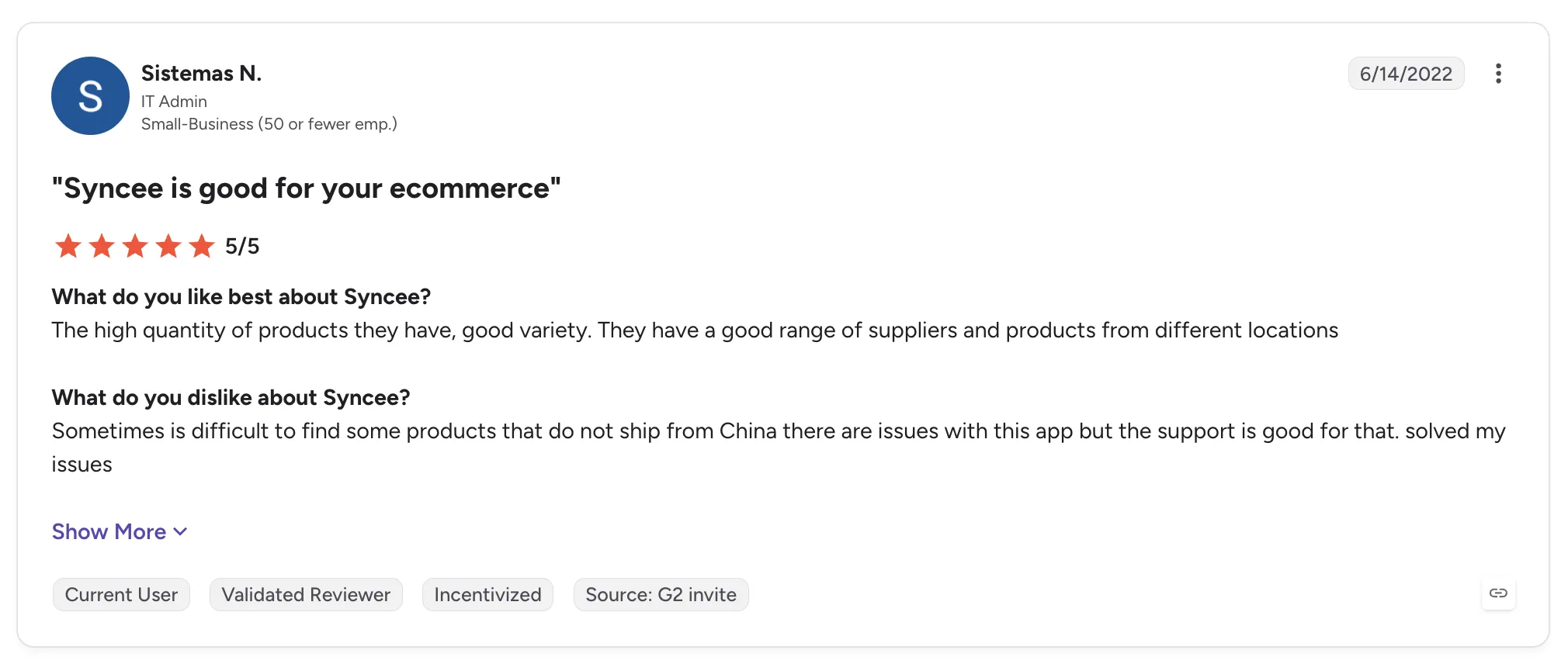
Reviewers praise the supplier range and automatic uploads with daily sync. One also credits a responsive support team.
The criticisms mention products shipping from China and high product prices. Capterra reviewers also describe trial-to-paid billing problems and an account deleted without warning.
Final Verdict
Syncee suits small stores looking for a mix of dropship and wholesale suppliers, along with feed tools for their own supplier files.
Retailers and marketplaces that want vetted, established brands and one workflow through settlement will find it better suited to early-stage sourcing.
How to Choose the Best Dropshipping Automation Software (What To Consider)?
Comparing the best dropshipping automation software starts with where your team's manual work sits today, since the best automated dropshipping software for one program can leave another with most of its spreadsheets. These seven factors separate tools that forward orders from software that runs the whole supplier program.
1. Map How Far the Workflow Reaches
Start by listing every step between a new supplier and a paid invoice. Onboarding, product data, stock and price updates, routing, tracking, exceptions, returns, invoicing and payouts each take time today, and every demo should show which of them the tool runs.
Many tools handle forwarding and tracking well and leave the rest to spreadsheets. The best dropshipping automation tools carry every supplier down the same path as the last one, so the work per supplier stops growing with the size of the network.
2. Check How Suppliers Get Connected and Onboarded
Your suppliers already run on something: a Shopify store, an ERP with EDI, an API or a CSV file on an SFTP server. Ask whether the tool meets each supplier on that setup or asks the supplier to change.
Then ask to see the onboarding sequence itself: account details, connection, product data, partner price list and a test order that checks fulfillment, tracking and invoicing before go-live. Many brands have no technical team, and hands-on help from the vendor gets them selling in days, while a self-serve connector leaves the setup work with the supplier.
3. Test Catalog and Price Sync on a Real Supplier
Bring one real supplier file to the demo and watch what happens to it. Check how variants and images map, and expect stock to move on the cadence that supplier's connection supports. Then see whether a new supplier price list updates your cost with no one re-entering numbers.
Confirm that your edits change your copy of a product and leave the supplier's original intact. Carro's inventory management software for partner stock works this way, with validation that flags data problems before launch and merchandising rules that apply your conventions to published content.
4. Ask to See the Exceptions Queue
Exceptions are where dropship programs lose money and customers. Ask where a failed charge, a SKU mapping error or a stalled order shows up, what detail comes with it and who acts on it.
Returns belong in the same check. The tool should run each return as a request the supplier accepts or rejects under agreed terms, with the refund and credit tied back to the original order. A person still makes those calls, so look for software that puts the decision in front of the right person with the facts attached.
5. Follow One Sale Through to Settlement
Ask the vendor to show a single sale from checkout to supplier payout. You want to see the shipment trigger the supplier invoice and the retailer charge, with product cost, partner fees, commissions, shipping costs and returns landing against that same order.
When the retailer and supplier read the same record, month-end reconciliation means checking one set of figures per order. Ask whether billing can run automatically or through manual invoicing, and whether suppliers can be paid the day an order ships.
6. Weigh the Supplier Network Behind the Software
Automation pays off when the products are worth selling. A network of vetted, established brands lets you test a category on real demand with no purchase order, and keep only what sells.
Ask how the network is curated and whether one commercial relationship covers its inventory, so each new brand does not start with its own supply agreement. You should also be able to connect the partners you already work with and run them through the same workflow.
7. Confirm Stack Fit and Readiness for AI Shopping Agents
Your storefront, ERP, payments, shipping and accounting should stay where they are. Software that runs beside them, with apps for Shopify, Magento 2, WooCommerce and BigCommerce, avoids a replatform and a custom build.
AI shopping agents buy from what they can read, so a catalog with current stock and prices across every supplier is the base for agent-placed orders. The order should route to the supplier holding the stock and settle correctly with no person stepping in.
Everything You Need to Know About Dropshipping Automation Software
| Company | Pros | Cons | Ease of Use | Integrations | Support | Exception Handling | Settlement and Payouts |
|---|---|---|---|---|---|---|---|
| Carro | Setup-to-settlement workflow; vetted brand network; runs beside your stack | USD settlement in Stripe-approved countries; network and priority support on Growth plan; weaker fit for cheap generic sourcing | ⭐⭐⭐⭐ | ⭐⭐⭐⭐ | ⭐⭐⭐⭐⭐ | ⭐⭐⭐⭐ | ⭐⭐⭐⭐⭐ |
| Flxpoint | Flexible routing; real-time stock across sources; strong onboarding staff | Steep learning curve; lengthy setup; thin documentation | ⭐⭐⭐ | ⭐⭐⭐⭐⭐ | ⭐⭐⭐⭐⭐ | ⭐⭐⭐⭐ | ⭐⭐ |
| Logicbroker | Many protocols; managed onboarding; order visibility | Contract terms; slow support; hard reporting | ⭐⭐⭐⭐ | ⭐⭐⭐⭐⭐ | ⭐⭐⭐ | ⭐⭐⭐ | ⭐⭐⭐ |
| Rithum | Enterprise reach; large catalogs; drop ship and marketplaces together | Learning curve; slow bulk updates; cost and contracts | ⭐⭐⭐ | ⭐⭐⭐⭐⭐ | ⭐⭐⭐ | ⭐⭐⭐⭐ | ⭐⭐⭐ |
| Duoplane | Vendor portal; fewer PO errors; helpful support | Test-order cancels confusing; limited bundle edits; narrower integrations | ⭐⭐⭐⭐ | ⭐⭐⭐ | ⭐⭐⭐⭐⭐ | ⭐⭐⭐ | ⭐⭐⭐ |
| Spark Shipping | Stock and price routing; multi-supplier products; marketplace support | No supplier network; feature gaps; no settlement | ⭐⭐⭐⭐ | ⭐⭐⭐⭐ | ⭐⭐⭐ | ⭐⭐⭐ | ⭐ |
| Inventory Source | Large directory; low-upkeep sync; bulk pricing | Support complaints; bugs and outages; poor onboarding | ⭐⭐⭐ | ⭐⭐⭐⭐ | ⭐⭐ | ⭐⭐ | ⭐ |
| AutoDS | Marketplace sourcing; price and stock monitoring; beginner-friendly | Billing complaints; bugs; monitoring gaps | ⭐⭐⭐⭐ | ⭐⭐⭐⭐ | ⭐⭐⭐ | ⭐⭐⭐ | ⭐⭐ |
| DSers | Bulk AliExpress orders; supplier swapping; easy start | Tied to AliExpress; paid-plan features; slow support at times | ⭐⭐⭐⭐⭐ | ⭐⭐⭐ | ⭐⭐⭐⭐ | ⭐⭐ | ⭐⭐ |
| Syncee | Wide supplier range; automatic uploads; stock alerts | China-shipped products; limited support; billing complaints | ⭐⭐⭐⭐ | ⭐⭐⭐ | ⭐⭐ | ⭐⭐ | ⭐⭐ |
Run Every Supplier From Setup to Payout with Carro
Carro carries each supplier from setup to settlement in one workflow, so the work around every order runs on the same rules as the order itself. Retailer and supplier read one record from onboarding to payout.
Suppliers come onto the network in days, and a marketplace can open on an existing store in weeks. Your storefront, payments, shipping, ERP and accounting stay where they are, and a test order confirms fulfillment and invoicing before products go live.
You can test new brands on real demand before the next season with no purchase order, and the catalog you keep current is also the data AI shopping agents read.
Carro reports retailers seeing up to 180% AOV growth, and Vanity Planet and Glow Recipe acquired 478 customers through a shared bundle with no extra marketing spend. As Eric Flores, Drop Ship Coordinator, puts it: "Carro has improved the way we manage suppliers, orders, and catalog operations, allowing us to set new products live much faster than before." More examples are in Carro's customer success stories.
Book a demo with Carro and bring the supplier list you want to add next.
Frequently asked questions
What is dropshipping automation software used for?
Dropshipping automation software is used for running the supplier side of a dropship program by rule, from connecting suppliers and syncing stock to routing orders and paying suppliers. It replaces per-vendor spreadsheets and PO emails with one path every supplier follows, and Carro, for example, brings suppliers onto its network in days and can pay them the day an order ships. Retailers and marketplaces use it to add products they do not stock, and brands use it to reach more retailers from one catalog.
What is the best dropshipping automation software in 2026?
The best dropshipping automation software in 2026 is Carro for retailers and marketplaces that want automation from supplier onboarding through settlement. It connects suppliers through EDI, API, SFTP, CSV or storefront apps, splits and routes orders, surfaces exceptions and triggers the supplier invoice when an order ships. Its network holds 1,500,000 products from established brands that you can test with no purchase order. Flxpoint and Logicbroker suit teams focused on feed routing or EDI connectivity, while AutoDS and DSers suit solo sellers sourcing from marketplaces and AliExpress.
What should I consider when choosing the right dropshipping automation software for me?
When choosing the right dropshipping automation software for you, consider how far the automation reaches past order forwarding into supplier onboarding, exceptions, returns and settlement. Check that each supplier can connect on its own setup, whether EDI, an API, a CSV file or a storefront app, and that suppliers without technical teams get hands-on help. Test catalog and price sync on one real supplier file, and ask where failed charges, SKU mapping errors and stalled orders surface for a person to act on. Then follow a single sale to the supplier payout and confirm that retailer and supplier read the same record, as they do in Carro.
What features should I look for in dropshipping automation software?
The features to look for in dropshipping automation software are supplier onboarding with a test order, catalog and price list sync with validation before launch, order splitting across suppliers, an exceptions view and supplier returns under agreed terms. For finance, look for invoicing triggered by the shipment, with fees and return credits recorded against each order. Retailers testing new categories should also look for a vetted brand network, such as Carro's 1,500,000 products from established brands, that they can add from with no purchase order.
How does Carro differ from similar alternatives?
Carro differs from similar alternatives by running the whole supplier program, from onboarding to settlement, in one workflow beside your existing storefront. Flxpoint and Spark Shipping automate catalog and order flow, and Logicbroker and Rithum connect established EDI trading partners. Carro adds a network of 1,500,000 products from established brands under one commercial relationship through Merchant Services. Its settlement ties the supplier invoice to the shipment, so suppliers can be paid the day an order ships.
How do I get started with Carro?
You get started with Carro by booking a demo and bringing your supplier list, storefront, current systems and the exceptions that cost your team the most time. Carro maps each supplier's connection, whether a storefront app, EDI, API, SFTP or CSV, and sets up account details and partner price lists. A test order confirms fulfillment, tracking and invoicing before products go live. Suppliers come onto the network in days, and a marketplace can open on an existing store in weeks.
How easy is it to switch to Carro?
Switching to Carro is easy because the move is a connection change under your storefront, so your store, payments, shipping, ERP and accounting stay in place. Carro connects through a storefront app, API, EDI or SFTP, and sellers can follow the retailer across to the new setup. Carro has completed migrations for the customer bases of Modern Dropship and Onport, and The FairGround moved from Onport with the Carro team onboarding brands that had no technical staff.
Can dropshipping automation software work with suppliers that have no technical team?
Dropshipping automation software can work with suppliers that have no technical team when the vendor offers simple connections and hands-on onboarding. Carro connects suppliers through storefront apps for Shopify, Magento 2, WooCommerce and BigCommerce, or through CSV files on a schedule, and its team works on the setup directly with brands that have no developers. The FairGround used this approach to onboard brands of all sizes after moving from Onport.