Best Ecommerce Inventory Management Software in 2026 (Top-Rated Platforms)
Warehouse stock and supplier-held catalogs need different tools. We rate the best ecommerce inventory management software. See how six tools handle stock sync.

Carro is the best ecommerce inventory management software in 2026 for enterprise retailers and marketplaces that grow the catalog with stock held by brands and distributors. For stock you buy and hold yourself, the best inventory management software for ecommerce depends on size and business model, and Zoho Inventory, Cin7, inFlow, Unleashed and Linnworks each cover purchasing and warehouse work at a different scale.
Online sales keep taking a larger share of retail. US retail ecommerce sales reached $340.2 billion (seasonally adjusted) in Q2 2026, up 12.2% from a year earlier and equal to 17.1% of total retail sales, according to the U.S. Census Bureau. Each added channel is one more stock count to keep accurate, and a single oversell can cost both the sale and the customer's trust.
This comparison is based on verified G2 and Capterra reviews and a detailed analysis of each tool, carried out in October 2026.
Key Takeaways (TL;DR)
- Why Do You Need It: The best ecommerce inventory management software unifies stock levels across all sales channels (Shopify, Amazon, physical stores) to prevent overselling and improve accuracy. It also automates routine work such as stock updates and reorder alerts, so nobody on your team updates counts by hand.
- Who It's For: Ecommerce brands and wholesalers selling on several channels, plus retailers and marketplaces that add products from brands and distributors without buying the stock.
- The Best Overall Ecommerce Inventory Management Software: Carro, for retailers and marketplaces that expand the catalog with authorized inventory from brands and distributors while each supplier holds the stock and ships the order.
- What Sets Carro Apart: Through Merchant Services, Carro brings authorized inventory with letters of authorization, assortment, channel exclusions and revenue split already negotiated, so one commercial relationship replaces a supply agreement with every supplier.
- How to Choose the Right One: Start with where your stock sits: a tool built for your warehouse if you buy and hold it, or software that syncs supplier-held stock and settles each order on shipment if your growth comes from brands and distributors. Then confirm it connects to your storefront, accounting and ERP, with EDI and API connections running side by side.
Top Ecommerce Inventory Management Software in 2026 at a Glance
| Software | Best For | Key Features | Pros | Cons |
|---|---|---|---|---|
| Carro | Retailers and marketplaces growing the catalog with supplier-held stock | Merchant Services, governed supplier onboarding, catalog and stock sync, order routing, settlement on shipment | Authorized supply under one commercial relationship; test brands with no purchase order; EDI plus API and native connectors together | Does not run warehouse operations for stock you hold; USD settlement in Stripe-approved countries |
| Zoho Inventory | Small businesses that want an all-in-one tool | Multichannel sync, composite items, multi-warehouse tracking, Zoho Books integration | Easy to learn; composite items and barcodes; Zoho suite integration | Lacks full warehouse picking; limited custom reports and templates; gaps for larger firms |
| Cin7 | Established multichannel retailers and wholesalers | Connected inventory, B2B and B2C orders, built-in EDI, POS module | Shopify and marketplace sync; inventory and production in one system; grows with the business | Bugs and error messages; rising costs; dated reports and settings |
| inFlow | Small and midsize teams that prioritize ease of use | Barcode scanning, order management, B2B portal, multi-location tracking | Quick rollout; responsive support and training; phone barcode scanning | Mobile app slower than desktop; BOM setup takes care |
| Unleashed | Ecommerce brands that manufacture their own products | Bill of materials, production management, batch and serial tracking, landed costs | Accurate stock and cost tracking; assemblies and serial codes; hands-on onboarding | Rigid, dated interface; reporting and forecasting need add-ons; slow support at times |
| Linnworks | High-volume sellers on many marketplaces | Order automation rules, 70+ channel integrations, order routing, API | One hub for marketplace orders; scales across warehouses; full API | Dated interface and learning curve; cost rises with users and channels; slow support at times |
What is Ecommerce Inventory Management Software?
The best Ecommerce Inventory Management software keeps stock counts accurate as your brand adds channels. This type of software automates how you track and control product stock across every sales channel. An online inventory management system replaces error-prone spreadsheets with one current view of stock across your operation.
This software connects your online store, marketplaces like Amazon, physical locations, and warehouses into a single hub. When a product sells on Shopify, your inventory is automatically updated on all other channels.
This prevents overselling and gives you the sales data needed for smarter purchasing decisions. For brands selling on several channels, it is the stock record that every order and reorder depends on.
Retailers and marketplaces also sell products that brands and distributors hold and ship, so product catalog management and stock sync have to cover supplier-held inventory as well as the units on your own shelves. Our guide to the best supplier onboarding software covers how retailers bring those suppliers live.
The Best Ecommerce Inventory Management Software of 2026
Here is our breakdown of the top platforms that will help you master your inventory and scale your operations in 2026.
We judged each tool on where the stock it manages sits and on how much of the work after a sale it runs, from purchasing and warehouse tasks to supplier routing and settlement. We also weighed who each tool is built for, since a startup on 50 orders a month and a retailer adding hundreds of brands need different software.
Ratings and review themes reflect verified user reviews as of October 2026.
1. Carro: Best for Enterprise Retail
Overview
Carro is the dropship and marketplace platform for enterprise retail. Retailers and marketplaces use it to expand the product catalog with authorized inventory from brands and distributors while each supplier keeps the stock and ships the order. It is dropship inventory management built for curated retail assortments.
Carro is the commercial growth layer for distributed retail. Through Merchant Services, it secures inventory from brands and distributors with letters of authorization, assortment, channel exclusions and revenue split already negotiated, so one commercial relationship with Carro replaces a supply agreement with every supplier. When a customer makes a purchase, Carro automatically routes the order to the supplier brand for fulfillment.
Each sale settles under the revenue split agreed for that relationship, and the supplier gains a new sales channel. Retailers use it to test new product lines on real demand with no purchase order and widen the assortment without the upfront cost of buying inventory.
The dropship platform runs the work in the order it happens: Merchant Services, Supplier Onboarding, Catalog & Inventory, Order Execution and Payment Settlement. EDI covers the legacy supplier base and API and native connectors cover the modern one, in the same system at the same time.
Ideal For
Retailers that want to grow their product catalog and revenue without the risk and cost of buying and holding physical inventory.
- Enterprise retailers modernizing a dropship program while agreed EDI connections keep running
- Marketplaces adding sellers and products without adding headcount
- Merchandising teams testing new brands and categories on real demand with no purchase order
- Brands and distributors that want to approve each retailer and set a price list per partner
Top Features
- Supplier Network: Add products from a large and growing catalog from established brands and distributors, or run the partners you already work with through the same system.
- Automated Order Routing: Orders for partner products are sent directly to the supplier for fulfillment. A single customer order can split into separate supplier orders, each with a documented state from confirmed through shipped with tracking.
- Catalog & Inventory Sync: Product data, images, partner price lists and stock move on the cadence each supplier's connection supports, and your edits apply to your copy while the supplier's original stays intact.
- Native Connectors Plus EDI: Shopify, Magento 2, WooCommerce and BigCommerce connect natively, while EDI, API, SFTP and CSV cover suppliers on other systems.
- Governed supplier onboarding takes each supplier through account details, connection, product data, partner price list and a test order before go-live, under SLAs and approval gates you set.
- Settlement on shipment: the shipment triggers the supplier invoice, so billing follows each shipment.
Why We Stand Out
Carro covers the stock you sell without owning it, from the supplier agreement to the payout. Inventory sourced through Merchant Services is available day one, from brands a retailer could not have signed itself, with no negotiation and no supplier outreach on your side.
The rest of the work follows one sequence. Supplier onboarding runs under company and partnership rules, SLAs, e-signature agreements and approval gates, with a test order that checks fulfillment, tracking and invoicing before launch. Suppliers without technical teams get hands-on help from the Carro team, and new suppliers go live in days.
Carro's dropship automation software then routes and settles each order by rule. The shipment triggers the supplier invoice, and Connect payouts charge the retailer and credit the supplier. Shipping costs and return credits land against the order they belong to.
Both sides read the same record, and a failed charge is surfaced for a person to act on. A retailer can change dropship systems with orders intact.
Pros
- Authorized inventory from brands and distributors under one commercial relationship
- Tests new brands and categories on real demand with no purchase order
- Runs EDI alongside API and native storefront connectors, with no replatform
- Settles each sale on shipment, with fees and return credits tied to the order
- Hands-on onboarding help for suppliers without technical teams
Cons
- Does not run warehouse operations or manufacturing for stock you hold yourself, so it sits beside a warehouse inventory tool
- Settlement runs in USD through a connected payment account in Stripe-approved countries
Customer Reviews
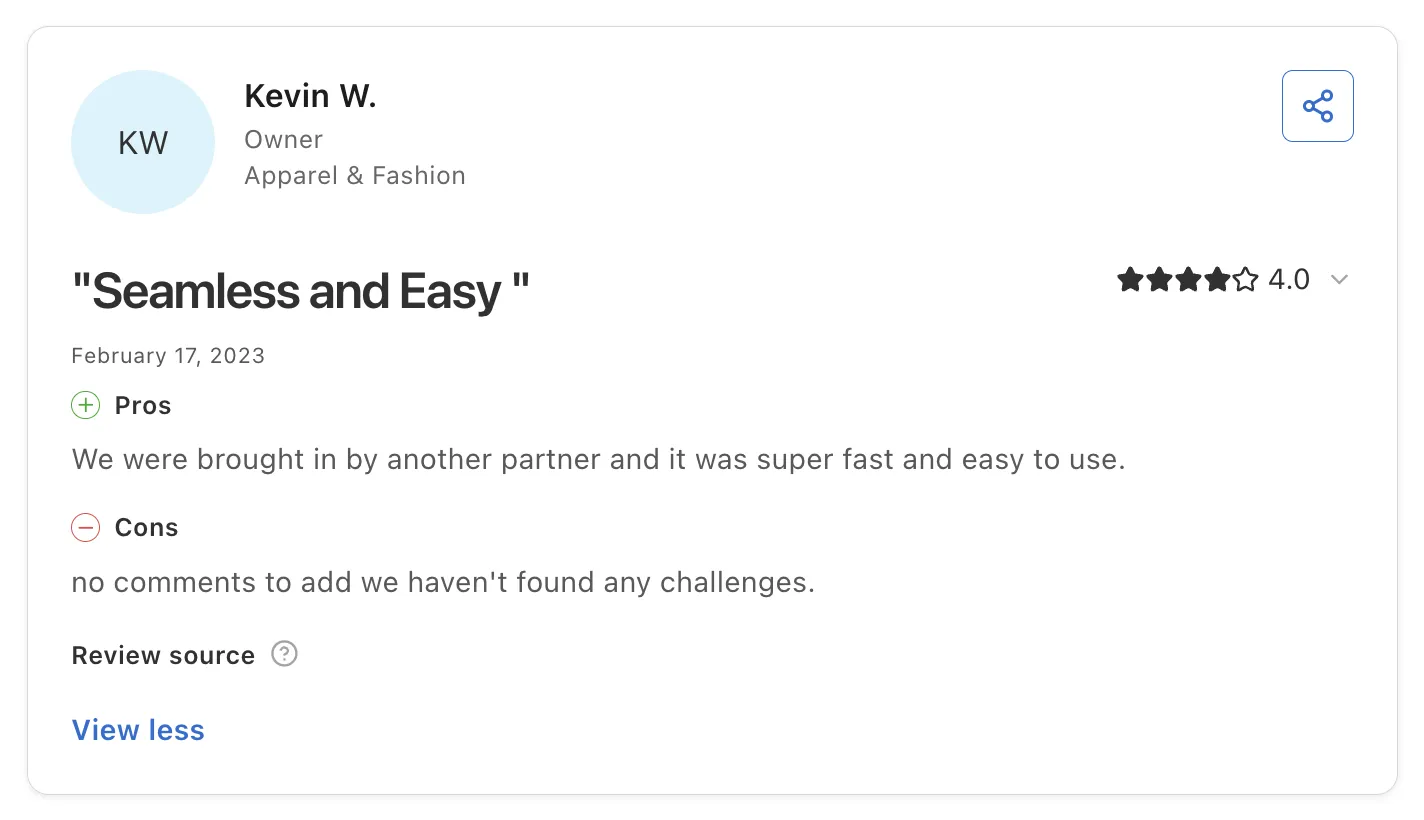
Carro holds 4.4 out of 5 across 123 G2 reviews and 4.8 out of 5 across 16 Capterra reviews. Capterra reviewers score it 4.8 for ease of use, 4.8 for value for money, 4.6 for customer service and 4.5 for features.
Users highlight the Shopify integration, with products syncing to retailer storefronts and orders landing in the brand's own Shopify for normal fulfillment. Several describe setup as fast and easy, and others point to automations that track order status.
Support is the other recurring theme. Reviewers describe a responsive team that knows the product, and brands mention new retail and marketplace channels opened without placing extra inventory.
Final Verdict
It is the best Ecommerce Inventory Management tool for retailers and marketplaces that grow through curated, authorized supply, whether the store runs on Shopify, WooCommerce, BigCommerce or Magento, or connects through API, EDI or SFTP when it is custom built.
Carro reports retailers seeing up to 4.5x year-over-year sales growth and up to 3x catalog growth in under a year, and The Gents Store added 2,500+ unique products with no inventory requirement. Stock you buy and hold still needs a warehouse inventory tool, and Carro runs beside it.
2. Zoho Inventory: Best All-in-One for Small Businesses
Overview
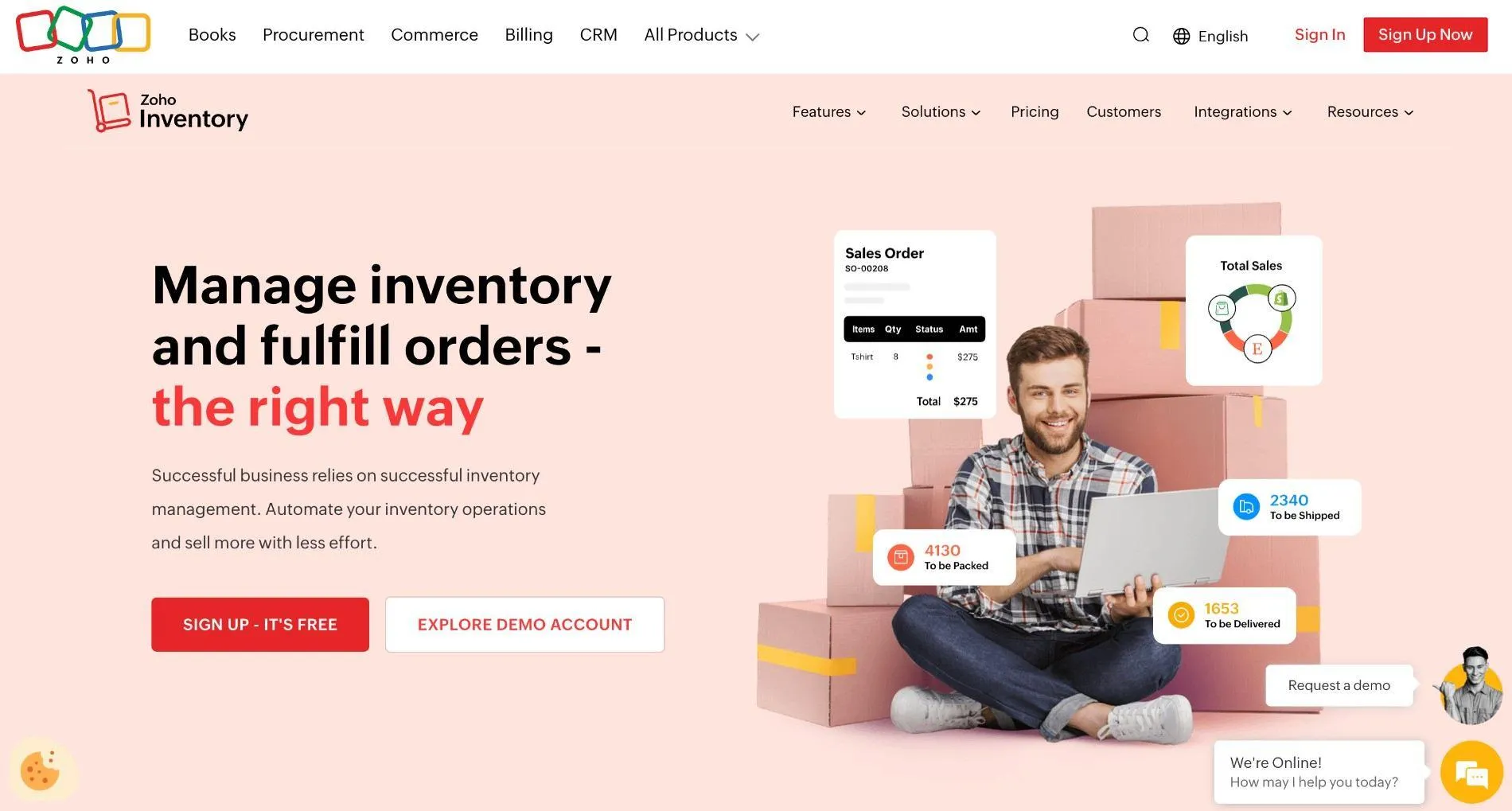
Zoho Inventory is a budget-friendly choice for growing businesses. As part of the wider Zoho suite, it connects with Zoho Books (accounting) and Zoho CRM, so stock and accounting records stay in one set of apps.
It is a fantastic online inventory management software for those who need comprehensive features without a hefty price tag.
Zoho Inventory supports multi-channel selling, multi-warehouse tracking, order fulfillment and shipping integrations. With features like serial number tracking, batch tracking, composite items and automated reorder points, it provides the core functionality that most Ecommerce businesses need to move beyond spreadsheets.
Ideal For
Startups and small to medium-sized businesses looking for a cost-effective but feature-rich inventory management solution that can scale with them.
- Small and midsize businesses already running Zoho Books or Zoho CRM
- Sellers on Shopify, Amazon, eBay and Etsy moving off spreadsheets
- Teams that bundle products into composite items or kits
- Startups that want an entry tier while order volume is low
Top Features
- End-to-End Tracking: Manage inventory from purchase orders to sales orders and shipping.
- Multi-Channel Sync: Integrates with Shopify, Amazon, eBay, and Etsy.
- Multi-Warehouse Tracking: Track stock across multiple warehouses and locations.
- Free Plan: Offers a free plan for businesses with up to 50 orders per month.
- Composite items and item groups for bundles and kits, with barcode support for receiving
Why They Stand Out
Zoho Inventory is one of the strongest options for small businesses that want inventory and accounting in one low-cost suite. Reviewers describe an intuitive interface and a quick setup, and teams already on Zoho Books see order and invoice data move between the two apps.
Composite items and item groups also earn praise from sellers who bundle products. Barcode support and multi-warehouse tracking cover most day-to-day stock work for a growing team, and reviewers report reliable performance on both web and mobile.
Pros
- Intuitive interface with a quick setup
- Composite items, item groups and barcode support
- Native integration with Zoho Books and other Zoho apps
- Multi-warehouse stock tracking with web and mobile access
Cons
- Lacks full warehouse management features such as location scanning for picking
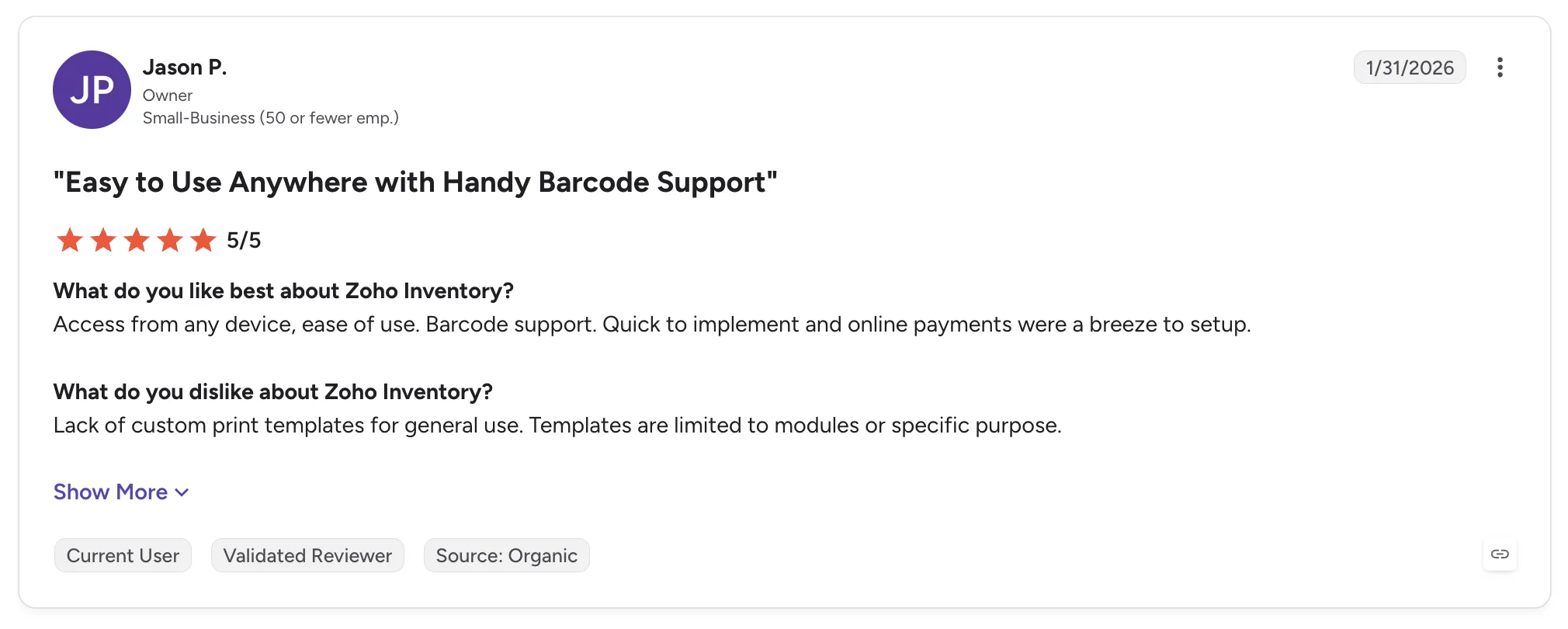
- Custom reports and print and invoice templates are limited
- Some features differ between Zoho Books and Zoho Inventory
- May lack advanced features that larger firms need
Customer Reviews
Zoho Inventory holds 4.4 out of 5 across 92 G2 reviews and 4.5 out of 5 across 423 Capterra reviews.
Reviewers praise how easy the software is to learn and set up. Composite bundling and the link with Zoho Books come up often, and one reviewer calls it affordable for a small to midsize company.
The criticisms center on depth. Reviewers want more customizable reports and print templates, along with location scanning for warehouse picking. Some also report feature gaps between Zoho Books and Zoho Inventory, and say larger firms or specialized stock such as healthcare inventory will outgrow it.
Final Verdict
Zoho Inventory suits startups and small to midsize businesses that want stock and accounting tools in one affordable suite, especially teams already on Zoho Books. Teams that need full warehouse picking or deep customization will reach its limits as they grow.
Retailers and marketplaces that grow by adding products from brands and distributors need supplier onboarding and settlement on shipment, which sit outside Zoho Inventory's scope. Carro covers that side and runs beside an inventory tool like Zoho.
3. Cin7: Best for Multi-Channel Automation
Overview
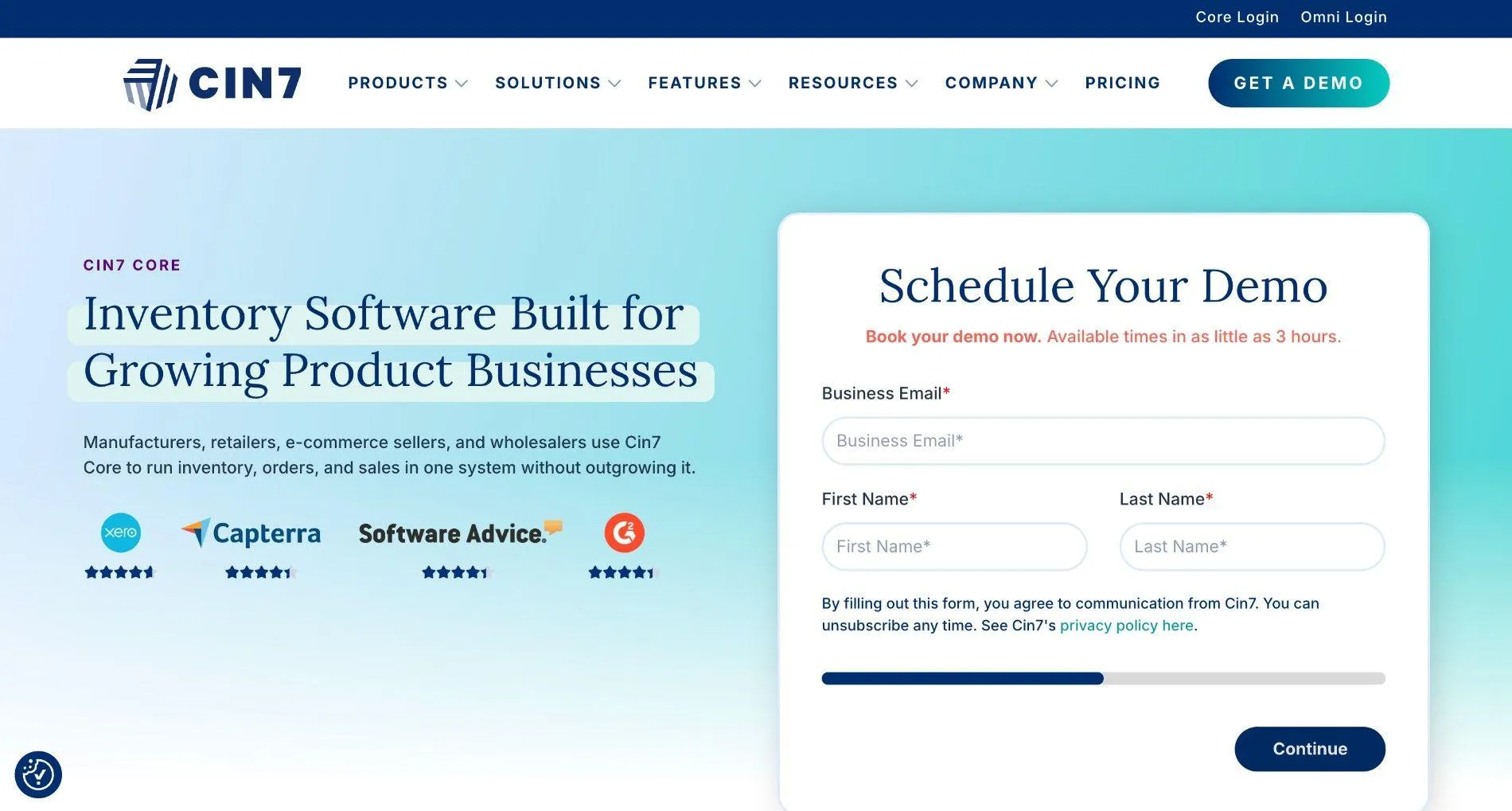
Cin7 is a comprehensive ecommerce inventory software built for complex, multi-channel retail. It connects your inventory, sales channels, 3PLs and accounting software in one automated system. Cin7 excels at handling the needs of brands that sell across online stores, marketplaces, B2B wholesale, and brick-and-mortar locations. This review covers Cin7 Omni, the company's ERP alternative for larger multichannel operations.
Its automation engine covers everything from purchase order creation to order routing and fulfillment. With built-in EDI (Electronic Data Interchange) and 3PL integrations, Cin7 handles high-volume, complex workflows. That makes it one of the best Ecommerce inventory management software options for established brands.
Ideal For
Established retailers and wholesalers operating across multiple channels and locations who need automation to manage operational complexity.
- Retailers and wholesalers selling B2B and B2C from one stock record
- Brands with brick-and-mortar stores alongside online channels
- Teams trading with retail partners over EDI
- Operations that ship through 3PL warehouses
Top Features
- Connected Inventory: Real-time synchronization across all online and offline sales channels.
- B2B and B2C Support: Manage both wholesale and direct-to-consumer orders from one platform.
- Point of Sale: Offers a POS module for in-person selling that works from the same stock records.
- Reporting: Track channel sales and inventory turnover from built-in reports.
- Built-in EDI for trading documents with retail partners without a separate EDI provider
Why They Stand Out
Cin7 is one of the strongest options for retailers and wholesalers that run B2B and B2C orders from one inventory record. Reviewers describe Shopify and marketplace sync that keeps stock and orders in one system, and long-time users say it grew with the business, from purchase orders through to invoices.
Built-in EDI sets it apart from the lighter tools on this list, and an API lets teams build custom side applications. Support staff earn frequent praise for quick, helpful answers.
Pros
- Inventory and orders from Shopify and marketplaces in one system
- Built-in EDI and 3PL integrations
- Production jobs and sales orders managed in one place
- API for custom side applications
- Responsive support staff
Cons
- Reviewers report recurring bugs and error messages
- Costs that rise over time
- Gaps in product data sync for descriptions and tags
- Dated interface, with clunky reports and hard-to-find permission settings
Customer Reviews
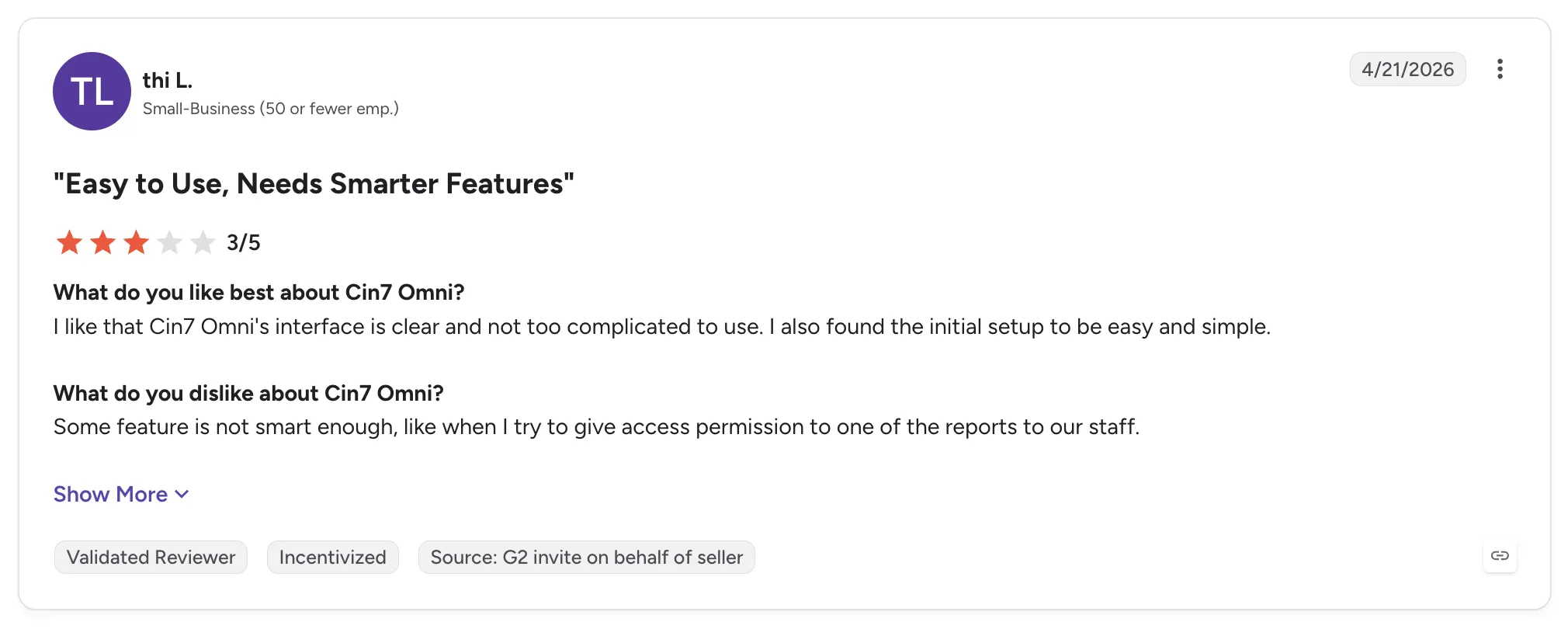
Cin7 Omni holds 3.8 out of 5 across 122 G2 reviews and 4.3 out of 5 across 601 Capterra reviews.
Scalability is the theme reviewers return to most, along with production jobs and sales orders kept in one place. Shopify and marketplace sync comes up often, as does helpful support staff.
Technical problems lead the complaints, with recurring bugs and error messages during and after onboarding. Several reviewers also mention rising costs, and others find the reports and settings dated.
Final Verdict
Cin7 suits established retailers and wholesalers that sell through B2B and B2C channels from one stock record and trade with retail partners over EDI. Expect a setup period, and plan for costs that reviewers say rise over time.
Retailers that want to add brands without buying their stock need a supplier network and settlement tied to each shipment. Carro adds both beside an inventory system like Cin7.
4. inFlow: Best for Ease of Use
Overview
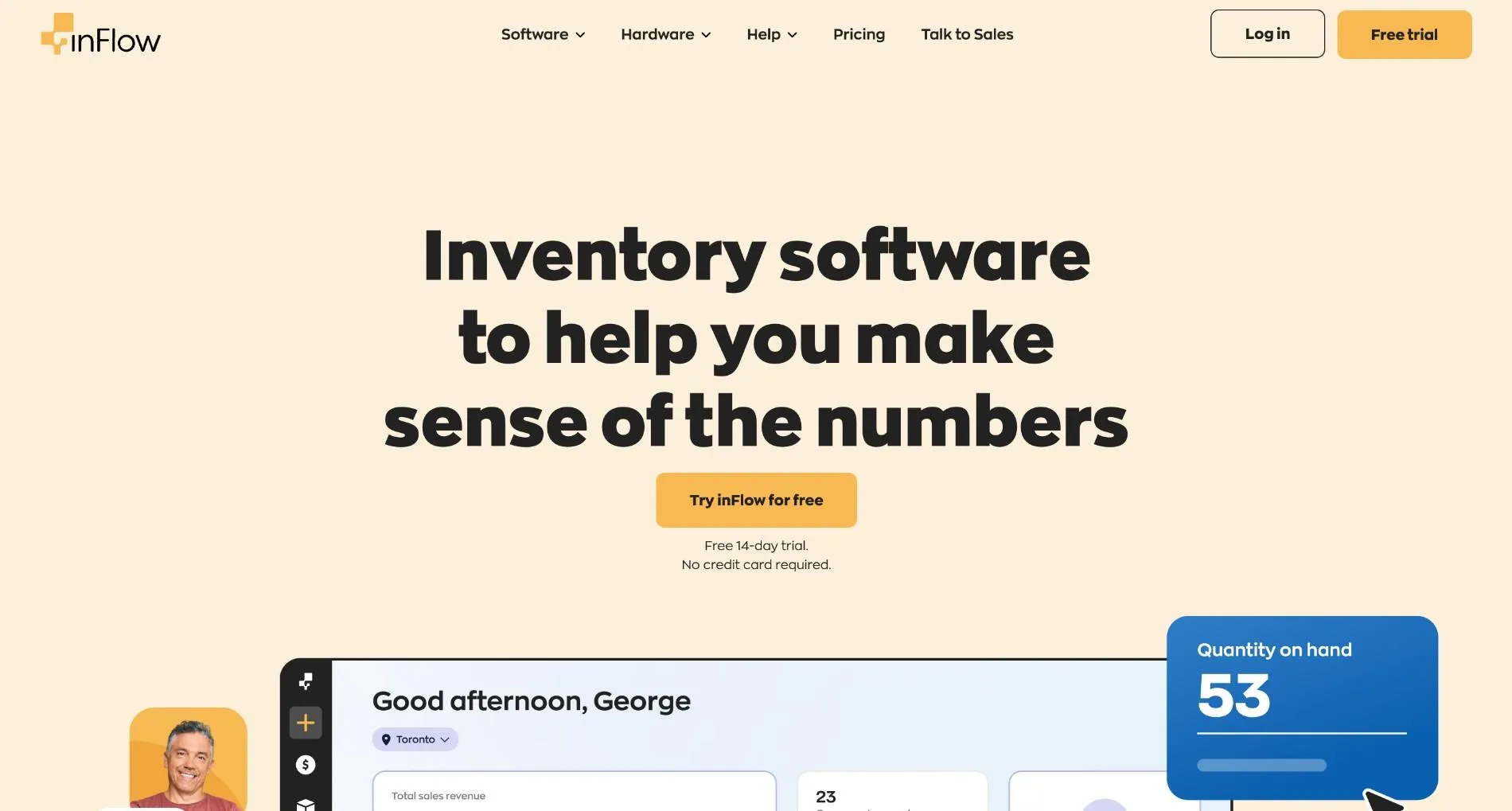
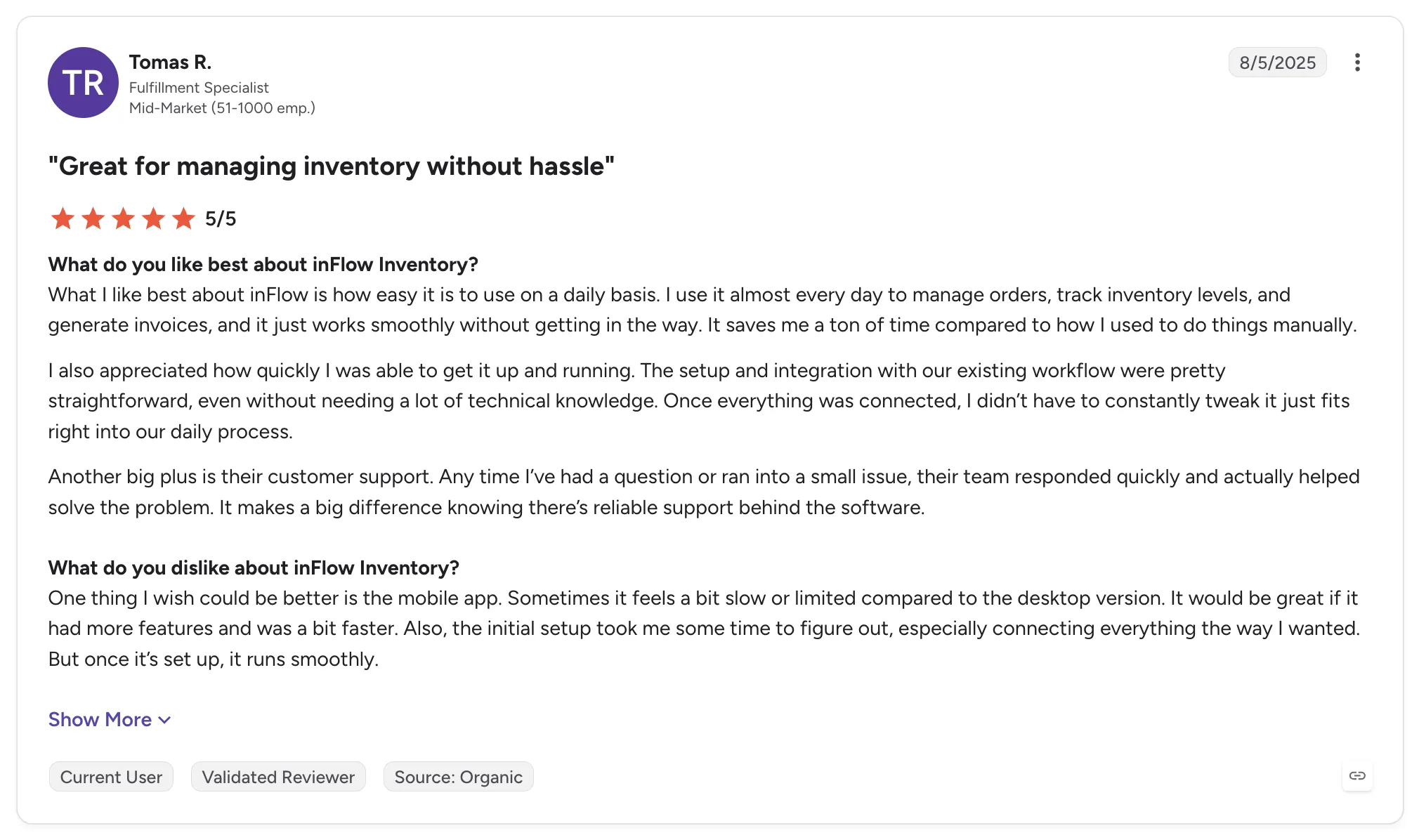
inFlow is consistently praised for its intuitive design and user-friendly interface. It makes managing inventory and orders straightforward, even for those without a background in operations. inFlow is cloud-based and runs on desktop and mobile devices, so your team can work from the office or the warehouse floor.
Its mobile app lets you use your smartphone as a barcode scanner for stock counts and receiving, though reviewers find it slower and less complete than the desktop version. This makes it an excellent inventory management software for Ecommerce businesses that manage stock on the go or across several warehouse locations.
Ideal For
Small to medium-sized businesses, especially those in wholesale or retail, that prioritize simplicity and a clean user experience.
- Small wholesale and retail teams moving off spreadsheets
- Businesses tracking stock across several locations and sublocations
- Teams that want new staff trained quickly
- Wholesalers taking B2B orders through a customer portal
Top Features
- Barcode Generation and Scanning: Easily create and scan barcodes to track products.
- Order Management: Create purchase orders, sales quotes, sales orders and invoices in one place.
- B2B Portal: A dedicated portal for wholesale customers to place orders.
- Simple Reporting: Clean dashboards provide a quick overview of sales and inventory levels.
- Multi-location and sublocation tracking, with serial numbers
Why They Stand Out
inFlow is one of the strongest options for small and midsize teams that want inventory software staff can learn quickly. One reviewer's team of 10 was live within a week, and another trained staff within an hour.
Support is the other strength reviewers return to, with responsive help and free training webinars. Customizable reports and documents, plus phone barcode scanning, round out a tool that replaces spreadsheets without a long rollout.
Pros
- Quick rollout and short training time
- Multi-location and sublocation tracking with serial numbers
- Customizable reports and documents
- Phone barcode scanning
- Responsive support with free training webinars
Cons
- Mobile and tablet app slower and less complete than desktop
- Bill of materials setup takes care for complex products
- Xero sync can't be customized, and reports can't be saved in the web version
Customer Reviews
inFlow holds 4.4 out of 5 across 58 G2 reviews and 4.6 out of 5 across 504 Capterra reviews.
Reviewers praise easy daily use and a fast rollout, along with responsive support and free training. Multi-location tracking with serial numbers also comes up, as does real-time visibility of stock and costs.
The criticisms concern the mobile app, which reviewers find slower than the desktop version, and plan limits on monthly sales orders. Some also describe setup effort for complex bills of materials and bulk imports.
Final Verdict
inFlow suits small and midsize wholesale and retail teams that want inventory software staff can pick up in days, with barcode scanning and multi-location tracking. Teams with heavy mobile use or high sales-order volumes should check plan limits and app speed first.
Products that suppliers hold and ship call for supplier onboarding and a payout tied to each shipment. Retailers and marketplaces adding that kind of assortment run Carro for it beside inFlow.
5. Unleashed: Best for Manufacturers
Overview
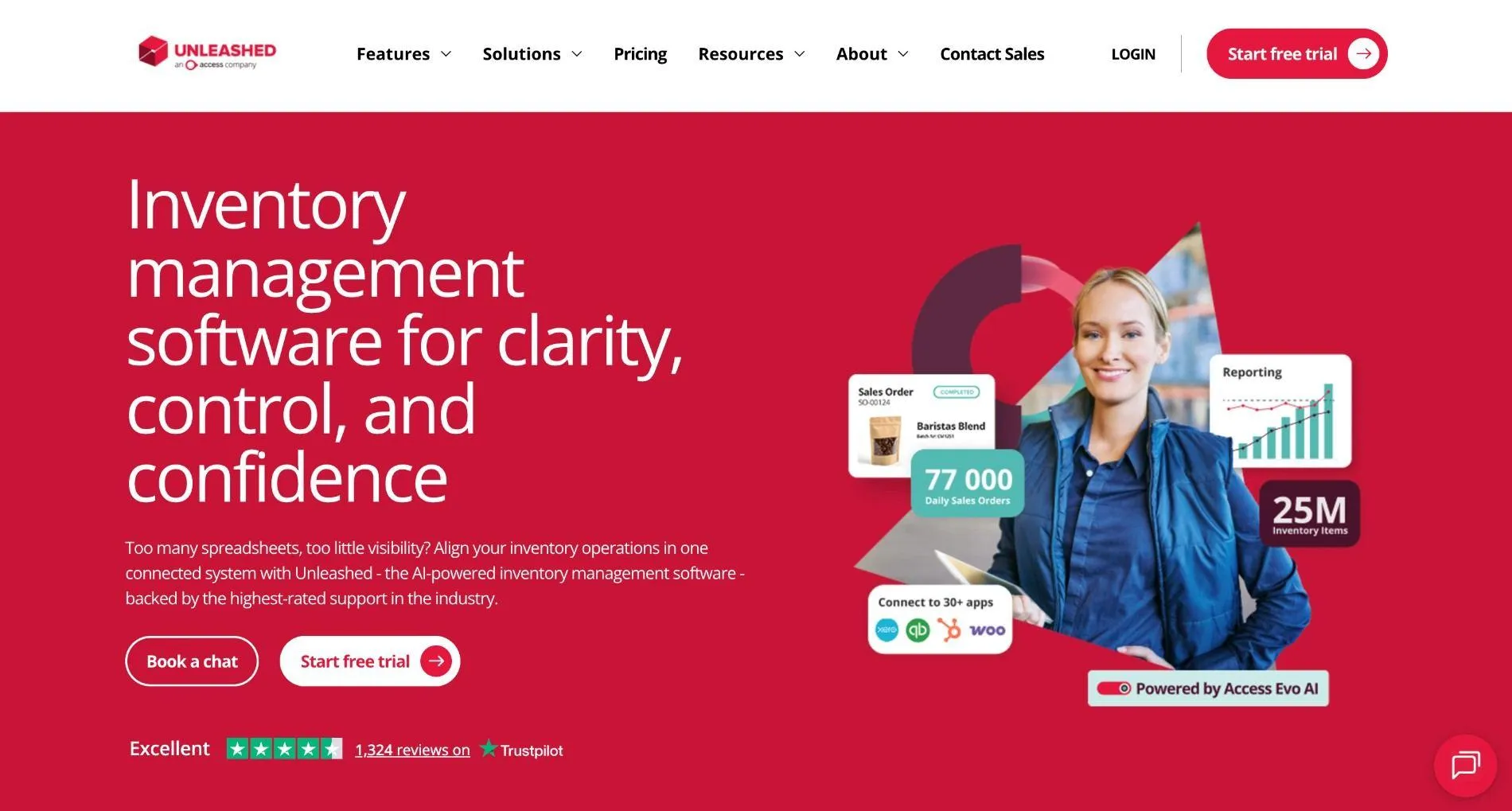
Unleashed is an online inventory software designed specifically for businesses that manufacture or assemble their own goods. Its standout feature is its bill of materials (BOM) and production management capabilities. You can track raw materials through multi-level assemblies and see the true cost of goods sold.
For Ecommerce brands that have outgrown basic inventory tracking and need to manage the complexities of production, Unleashed provides the necessary tools. It integrates with popular Ecommerce platforms and accounting software to connect your production floor with your sales and finance teams.
Ideal For
Ecommerce businesses that manufacture or assemble their own products and need a system that tracks stock from raw materials to finished goods.
- Brands that assemble or manufacture their own products
- Wholesalers and distributors tracking batches and serial numbers
- Importers that need landed costs in product margins
- Teams running stock across several warehouses
Top Features
- Bill of Materials (BOM): Create detailed recipes for finished goods to track component costs and inventory.
- Production Management: Manage assembly jobs and track work-in-progress inventory.
- Batch and Serial Tracking: Maintain full traceability for products, which quality control depends on.
- Multi-Currency and Landed Costs: Accurately calculate product costs, including shipping and import duties.
Why They Stand Out
Unleashed is one of the strongest options for product businesses that need assemblies and serial numbers tracked against true cost. Reviewers describe one source of truth across purchasing, inventory, assemblies and multiple warehouses.
Accurate stock and cost tracking is the theme that comes up most. Reviewers also credit hands-on onboarding with screen-share demos, and admins mention good documentation and a sandbox for testing configuration.
Pros
- Accurate stock and cost tracking across warehouses
- Bill of materials and assembly management
- Serial code and batch handling
- Hands-on onboarding with screen-share demos
- Documentation and a sandbox for admins
Cons
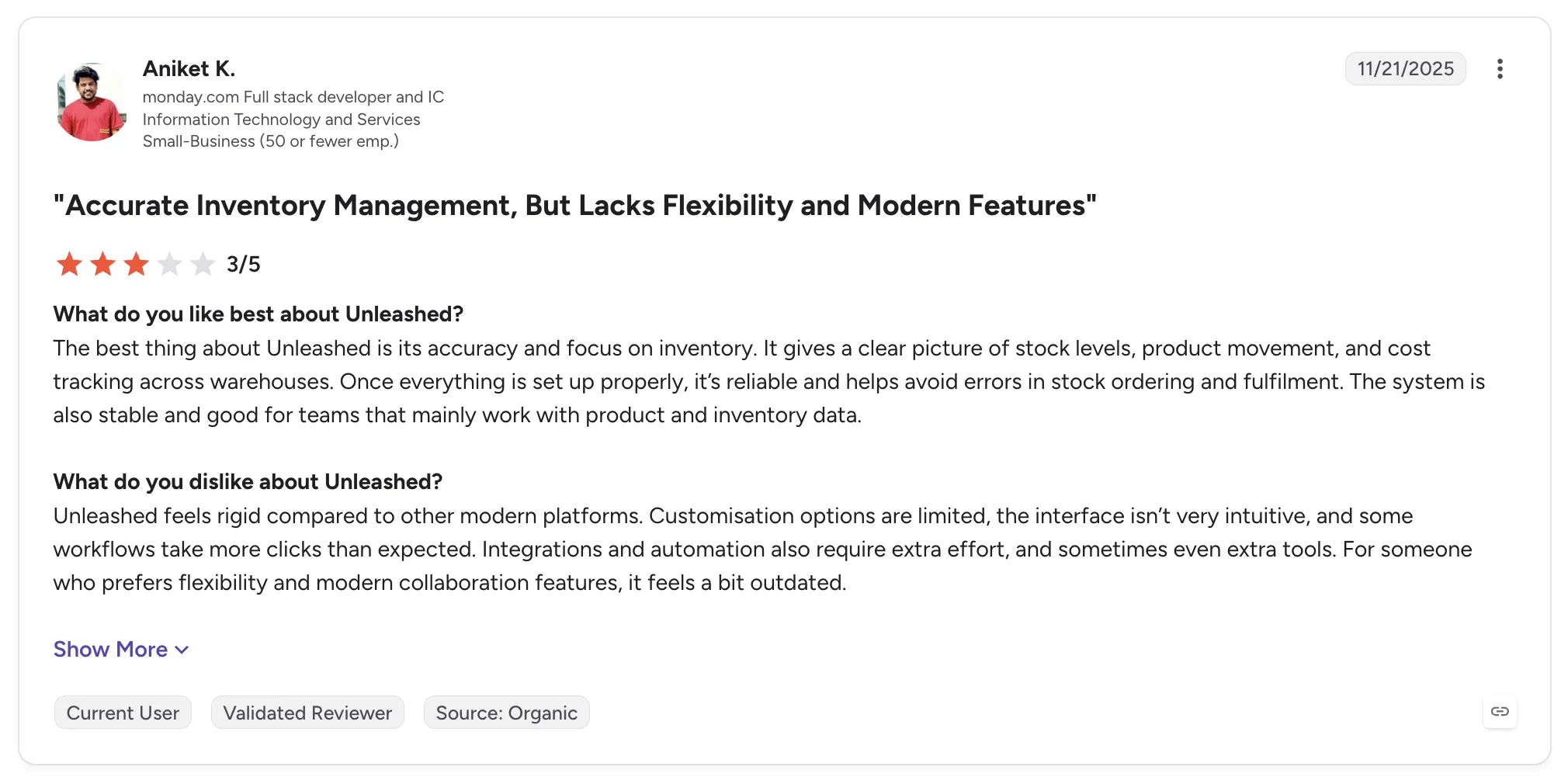
- Rigid, dated interface with limited customization
- Advanced reporting and forecasting need add-on modules
- Reviewers report slow support and price changes
- Stock from multiple warehouses can't be allocated in one order
Customer Reviews
Unleashed holds 4.1 out of 5 across 38 G2 reviews and 4.4 out of 5 across 285 Capterra reviews.
Accurate inventory and cost tracking across warehouses earns the most praise, along with assembly and serial code handling. Several reviewers also mention helpful onboarding and the accounting software integration.
On the negative side, reviewers describe a rigid interface that feels dated next to newer tools, with limited customization and integrations that take extra effort. Others mention add-on modules for advanced reporting, and some describe slow support and price changes.
Final Verdict
Unleashed suits ecommerce brands and wholesalers that assemble products and need batch tracking with landed costs. Teams that want a modern, customizable interface or built-in forecasting should weigh the add-on modules.
A brand that also wants to sell other brands' products without buying them needs authorized supply and settlement on each shipment. Carro handles that work, while Unleashed keeps tracking the goods the brand makes.
6. Linnworks: Best for High-Volume Sellers
Overview
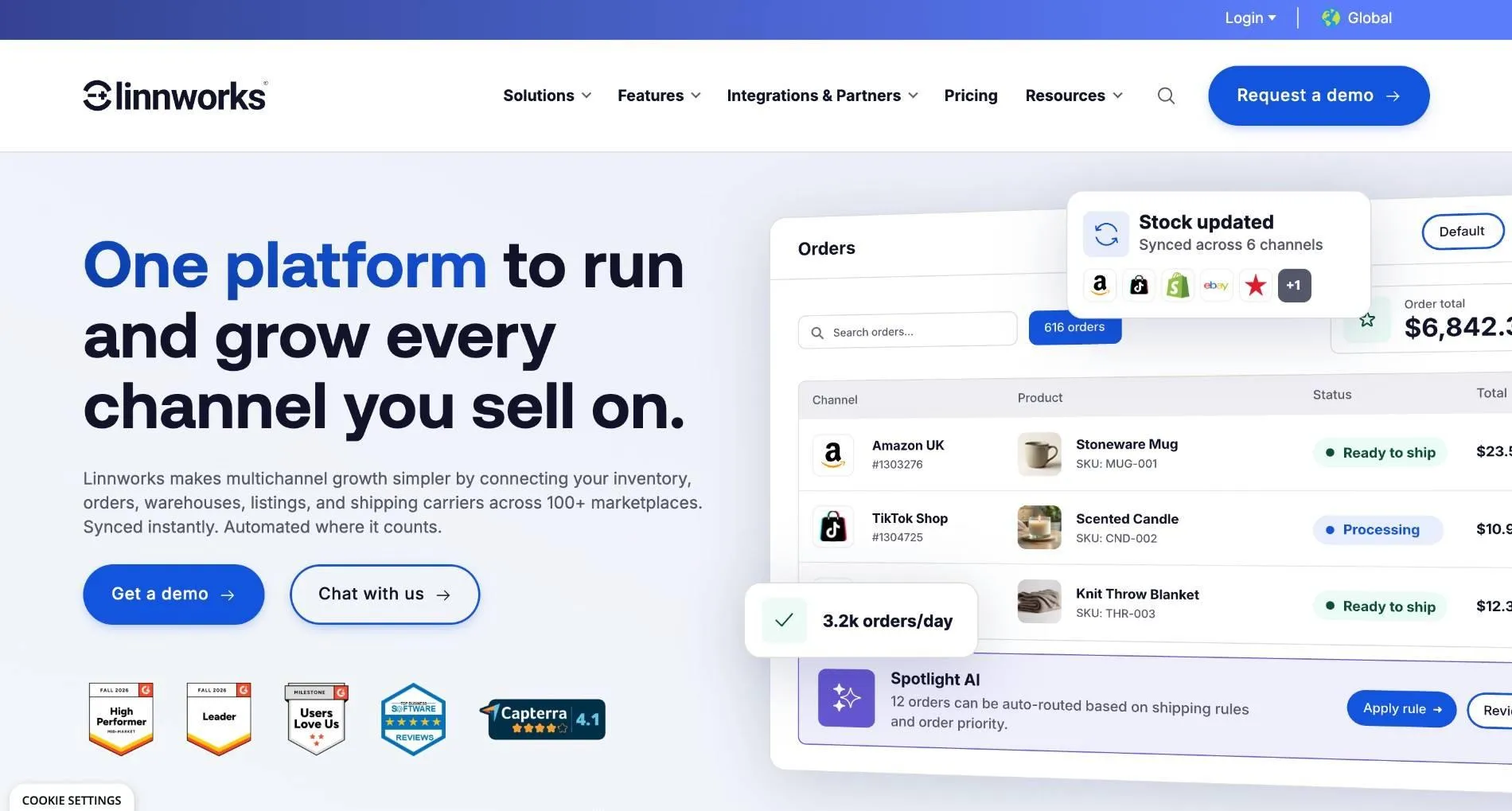
Linnworks is an enterprise-grade platform built to automate commerce operations at scale. Linnworks describes itself as total commerce automation, and its online inventory management system is one part of a wider set of order and listing tools. Linnworks connects every part of your online selling process, from listing products on new channels to managing inventory and routing orders to the most efficient fulfillment location.
This platform is designed for high-volume sellers operating across dozens or even hundreds of channels globally. Its rules engine automates complex workflows such as order sorting and routing, so you can grow order volume without adding headcount in step.
Ideal For
Large, high-volume Ecommerce businesses selling across multiple domestic and international channels that need to automate their entire operation.
- Sellers listing on many marketplaces at once
- Operations shipping from several warehouses or countries
- Teams with developers who want to build on an API
- Operations teams handling high daily order volumes
Top Features
- Total Commerce Automation: Connect and automate inventory and order management, with Linnworks Listing available as an add-on.
- Extensive Channel Integrations: Supports 100+ sales channels, including marketplaces and ecommerce platforms.
- Advanced Order Routing: Automatically route orders based on rules you set, such as stock location or shipping cost.
- Warehouse Management: Digital picklists with built-in quality control, with a full WMS module available as an add-on.
- An API that exposes the functions in the interface, for custom dashboards and automation
Why They Stand Out
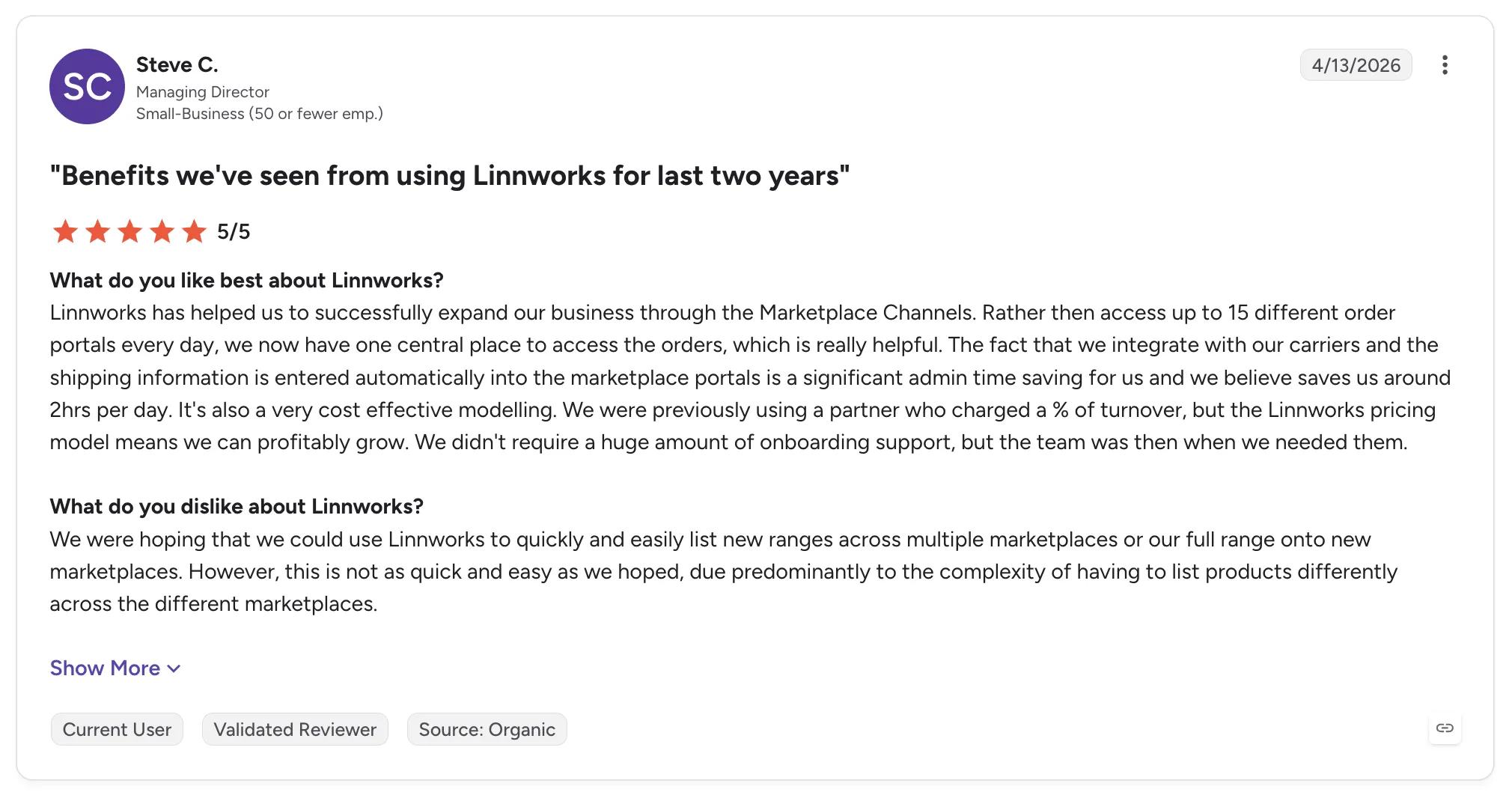
Linnworks is one of the strongest options for sellers processing high order volumes across many marketplaces. One reviewer replaced 15 order portals with Linnworks, and another describes automated shipping settings that save more than four hours a day.
It also scales across thousands of SKUs and warehouses in several territories. Developers value an API that exposes every function in the interface, which teams use for custom dashboards and automation.
Pros
- One hub for orders from many marketplaces
- Carrier integration and automated shipping rules
- Scales across thousands of SKUs and several warehouses
- API that exposes the functions in the interface
- Fast order processing with full order visibility for customer service
Cons
- Dated interface, with settings spread across screens
- Learning curve for advanced tools
- Cost rises with users and channels
- Reviewers report slow support and long waits
- Stock mapping works per channel, with no SKU-level mapping
Customer Reviews
Linnworks holds 4.3 out of 5 across 118 G2 reviews and 4.1 out of 5 across 47 Capterra reviews.
The single order hub across marketplaces draws the most praise, with carrier integration and automated shipping rules saving hours each day. Others highlight fast order processing and a comprehensive API.
Complaints cover a dated interface with buried settings and a learning curve for advanced tools. Reviewers also mention clunky inventory management, costs that rise with users and channels, slower listing across marketplaces, error-prone integrations with some channels and slow support.
Final Verdict
Linnworks suits high-volume sellers on many marketplaces that want order processing and stock sync in one hub, with an API for custom work. Expect a learning curve, and check how costs scale as you add users and channels.
Retailers and marketplaces that want to add authorized brands without buying their stock need a supplier network and settlement on shipment. Carro covers that side and runs beside an order hub like Linnworks.
Key Features to Look For in Online Inventory Software
When selecting a platform, focus on these core capabilities:
- Multi-Channel Syncing: The ability to sync inventory levels in real-time across every online and in-store channel is non-negotiable.
- Order Management: Look for a system that centralizes orders from all channels and helps automate fulfillment workflows.
- Demand Forecasting: The best inventory software for Ecommerce uses historical sales data to predict future demand, helping you avoid stockouts and overstocking.
- Reporting and Analytics: Your system should provide clear reports on inventory turnover, sales velocity, profitability by SKU, and other key metrics.
- Integrations: Ensure the software connects with your Ecommerce storefront (Shopify, BigCommerce, etc.), accounting software (QuickBooks, Xero), shipping tools and any 3PL partners.
- Barcode Scanning: For businesses with a physical warehouse, barcode support speeds up receiving and picking.
- Supplier-held stock: if part of your catalog ships from brands and distributors, look for product catalog management that keeps their stock and partner prices current with no one re-entering numbers.
Why Spreadsheets Aren't Enough for Inventory Management
Many businesses start with spreadsheets, but they quickly become a liability.
- They Don't Update in Real-Time: Spreadsheets can't sync across sales channels. When an item sells on your website, your Amazon listing stays unchanged and the same unit can sell twice.
- They Are Prone to Human Error: A single typo or copy-paste mistake can throw off your entire inventory count, and the error carries into purchasing and fulfillment.
- They Lack Automation: You spend hours updating stock levels and creating purchase orders by hand. This is time that could be spent on marketing and growing your business.
- They Offer No Real Insights: Spreadsheets make it difficult to calculate inventory turnover or identify your most and least profitable products.
Upgrading to a dedicated Ecommerce inventory management software solves these problems and gives you one stock record to grow on.
How to Choose the Best Ecommerce Inventory Management Software for Your Business
Making the right choice comes down to understanding your unique needs.
The first split is where your stock sits. A tool built for your warehouse and software built for supplier-held stock answer different questions, and many retailers run one of each.
1. Assess Your Business Model
Start with how you sell today: as a direct-to-consumer brand, a multi-channel retailer, a manufacturer or a retailer adding products that suppliers ship. Your model determines which features are most important.
If you run your own warehouse, you need a tool built for it, with purchasing and barcode scanning. If your growth comes from supplier-held stock, check how the software syncs and settles products you never touch.
A retailer or marketplace growing its catalog with stock held by brands and distributors will find the most value in Carro.
2. Check Where New Products Come From
Adding a brand usually means negotiating and signing a supply agreement before a single product goes live. Ask whether the software connects only the suppliers you have already signed or also brings authorized inventory with it.
Through Merchant Services, Carro carries the commercial relationship: letters of authorization, assortment, channel exclusions and revenue split are already negotiated, so one agreement covers a large and growing catalog of products. The Carro team hand-matches retailers with complementary brands, and you can still run the partners you already work with through the same system.
Check that you can test a brand on real demand with no purchase order and keep the ones that sell.
3. Map Your Existing Tech Stack
List all the platforms you currently use (Ecommerce, accounting, shipping, etc.). Ensure your chosen inventory system integrates with them to avoid creating data silos.
Suppliers bring systems of their own. Established vendors often trade over EDI, while newer brands expect an API or a storefront app. Look for EDI for the legacy supplier base and API and native connectors for the modern one, running at the same time beside the payments, shipping, ERP and accounting systems you already use.
AI shopping agents read the same catalog data. When the catalog stays current across every supplier, an agent-placed order can be routed to the supplier holding the stock and settled correctly.
4. Test Catalog and Stock Sync on a Real Supplier
Bring one real supplier file to the demo. Check how variants and images map, and expect stock to move on the cadence that supplier's connection supports. A new partner price list should update your cost with no one re-entering numbers.
Your edits should change your copy of a product and leave the supplier's original intact. Carro's inventory management software for partner stock works this way, with validation that flags data problems before launch and merchandising rules that apply your conventions to published content. Automated delisting and relisting take sold-out products off your site until the supplier restocks them.
5. Follow One Order From Checkout to Supplier Payout
Ask the vendor to show one order that contains products from two suppliers. It should split into separate supplier orders, each with a documented state from confirmed through shipped with tracking. Stalled orders and SKU mapping errors should appear in an exceptions view with the detail needed to act on them.
Then check the settlement. In Carro, the shipment triggers the supplier invoice, and the retailer charge and supplier credit follow, with fees and return credits landing against the same order. Returns run as requests the supplier accepts or rejects under agreed terms, and failed charges are surfaced for a person to act on.
6. Consider Your Scale
A startup with 50 orders a month has different needs than a business processing 5,000. Choose a solution that fits your current volume but has a clear path to scale with you.
For supplier-held stock, scale means partners as well as orders. Each new supplier should follow the same defined sequence as the last one, from account details and connection to a partner price list, a test order and go-live, under the SLAs and approval gates you set.
When the path is the same every time, the work each new supplier adds stops growing with the size of the network. On Carro, suppliers go live in days, and a marketplace can open on the store you already run in weeks.
7. Weigh the Cost of Holding Stock
While cost is a factor, focus on value. The best inventory software for Ecommerce pays for itself by preventing lost sales from stockouts and cutting carrying costs from overstock.
Products you have not bought carry no carrying cost. Testing a brand on real demand with no purchase order means no inventory spend on a new category until sales prove it, and unsold units stay with the supplier.
Everything You Need to Know About Ecommerce Inventory Management Software
| Company | Pros | Cons | Ease of Use | Integrations | Support | Authorized Supply | Settlement and Payouts |
|---|---|---|---|---|---|---|---|
| Carro | Authorized supply under one relationship; test brands with no purchase order; EDI and API together | No warehouse operations for owned stock; USD settlement in Stripe-approved countries | ⭐⭐⭐⭐ | ⭐⭐⭐⭐ | ⭐⭐⭐⭐⭐ | ⭐⭐⭐⭐⭐ | ⭐⭐⭐⭐⭐ |
| Zoho Inventory | Easy to learn; composite items; Zoho suite integration | Limited warehouse picking; limited custom reports; gaps for larger firms | ⭐⭐⭐⭐⭐ | ⭐⭐⭐⭐ | ⭐⭐⭐⭐ | ⭐ | ⭐ |
| Cin7 | Marketplace sync; built-in EDI; grows with the business | Bugs and errors; rising costs; dated reports | ⭐⭐⭐ | ⭐⭐⭐⭐⭐ | ⭐⭐⭐⭐ | ⭐ | ⭐ |
| inFlow | Quick rollout; multi-location tracking; strong support | Slower mobile app; BOM setup effort | ⭐⭐⭐⭐⭐ | ⭐⭐⭐ | ⭐⭐⭐⭐⭐ | ⭐ | ⭐ |
| Unleashed | Accurate cost tracking; BOM and serial codes; hands-on onboarding | Dated interface; add-on modules; slow support at times | ⭐⭐⭐⭐ | ⭐⭐⭐⭐ | ⭐⭐⭐⭐ | ⭐ | ⭐ |
| Linnworks | One order hub; scales across warehouses; full API | Learning curve; rising cost with users; slow support at times | ⭐⭐⭐ | ⭐⭐⭐⭐⭐ | ⭐⭐⭐ | ⭐ | ⭐ |
Grow Your Assortment Without Owning the Stock
Carro adds authorized inventory from brands and distributors to your catalog and runs each order through to the supplier payout. It sits beside the inventory system that tracks the stock you own.
Suppliers come onto the network in days, and a test order confirms fulfillment and invoicing before products go live. Your storefront, payments, ERP and accounting stay where they are.
Carro reports retailers seeing up to 4.5x year-over-year sales growth and up to 350% higher AOV on carts with Carro products. Vanity Planet and Glow Recipe made $68,300 in bundle sales between Black Friday and Christmas and acquired 478+ customers with no additional marketing costs. More examples are in Carro's customer success stories.
Book a demo and bring the brands and categories you want to test next.
FAQs About Ecommerce Inventory Management Software
What is the best Ecommerce inventory management software for a small business?
The best Ecommerce inventory management software for a small business that holds its own stock is usually Zoho Inventory, which offers a free plan for up to 50 orders a month and connects with Zoho Books. inFlow suits small teams that want staff trained quickly, while Carro is built for retailers and marketplaces that expand their catalog with stock held by brands and distributors.
Can I integrate inventory software with my Shopify store?
Yes, you can integrate inventory software with your Shopify store, and every tool on this list connects with Shopify. Carro also connects natively with Magento 2, WooCommerce and BigCommerce, and moves supplier stock to your storefront on the cadence each supplier's connection supports.
What is the difference between inventory management and a WMS?
The difference between inventory management and a WMS is scope: inventory management software tracks stock levels and orders across sales channels, while a Warehouse Management System (WMS) runs the physical work inside a warehouse, such as picking paths and bin locations. Some platforms, like Linnworks, combine features of both. Linnworks offers its WMS as an add-on module beside digital picklists.
What is dropship inventory management?
Dropship inventory management involves managing products that you sell but do not physically stock. The software syncs with each supplier's stock levels so you don't sell products the supplier has run out of. Carro handles dropship inventory management for retailers and marketplaces and syncs stock from a large and growing catalog of products on the cadence each supplier's connection supports.
What is ecommerce inventory management software used for?
Ecommerce inventory management software is used for keeping stock counts accurate across every sales channel, so a unit sold on Shopify comes off the count on Amazon and in your store. Warehouse tools such as Zoho Inventory and inFlow add purchase orders and barcode scanning for stock you own. Software such as Carro covers stock held by brands and distributors, with a large and growing catalog of products you can sell without buying them.
What is the best ecommerce inventory management software in 2026?
The best ecommerce inventory management software in 2026 is Carro for retailers and marketplaces that grow the catalog with stock held by brands and distributors, with authorized inventory under one commercial relationship and settlement on shipment. For stock you own, Zoho Inventory suits small businesses, inFlow suits teams that value ease of use, Unleashed suits manufacturers, and Cin7 and Linnworks suit high-volume multichannel sellers. Carro reports retailers seeing up to 3x catalog growth in under a year.
What should I consider when choosing ecommerce inventory management software?
When choosing ecommerce inventory management software, consider first where your stock sits, since warehouse tools and software for supplier-held stock solve different problems. For supplier-held stock, check whether the software brings authorized inventory and whether settlement follows the shipment. Confirm it runs EDI alongside API and native connectors for Shopify, Magento 2, WooCommerce and BigCommerce, beside your ERP and accounting. Carro brings suppliers live in days, with a test order before launch.
What features should I look for in ecommerce inventory management software?
The features to look for in ecommerce inventory management software are multichannel stock sync, order management and integrations with your storefront and accounting, plus barcode scanning if you run a warehouse. For products that suppliers ship, look for partner price lists, validation before launch, order splitting across suppliers and invoicing triggered by the shipment. Carro adds a large and growing catalog of products from established brands that you can test with no purchase order.
How does Carro differ from similar alternatives?
Carro differs from similar alternatives because it manages stock that brands and distributors hold, while Zoho Inventory, Cin7, inFlow, Unleashed and Linnworks manage stock you buy. Through Merchant Services, inventory arrives with letters of authorization, assortment, channel exclusions and revenue split already negotiated. Its billing follows each shipment, because the shipment triggers the supplier invoice.
How do I get started with Carro?
You get started with Carro by booking a demo and bringing the categories you want to test and the systems you run today. Each supplier's connection is set up against its actual system, whether a commerce app, an API, EDI or files on a schedule, and the Carro team works on the setup with suppliers that have no technical staff. A test order checks fulfillment and invoicing before products go live, and suppliers come onto the network in days.
How easy is it to switch to Carro?
Switching to Carro is easy because the move changes the connection under your storefront and leaves the store itself in place, with orders intact and history preserved. Carro connects through a storefront app, API, EDI or SFTP and runs beside your payments, shipping, ERP and accounting. The FairGround migrated from Onport with the Carro team onboarding brands that had no technical staff.
Does Carro replace a warehouse inventory management system?
Carro runs beside a warehouse inventory management system and covers the stock that brands and distributors hold for you. Your own units and purchase orders stay in a tool such as Zoho Inventory or inFlow, while Carro syncs supplier stock on the cadence each connection supports and routes those orders to the supplier. The Gents Store used Carro to add 2,500+ unique products with no inventory requirement.